DesignUpdated 2 min read
Website search: help people recover and find a useful result
A customer remembers seeing an item but not its exact name. They search using an everyday term and receive no result because the catalogue contains only the official model name. The product exists; the connection between the customer’s words and the catalogue is missing.
Search quality means more than a quick response. People need to understand the scope, interpret the results and recover from an unsuccessful attempt. That matters in a large catalogue where exploring every menu branch is impractical.
Make search recognisable
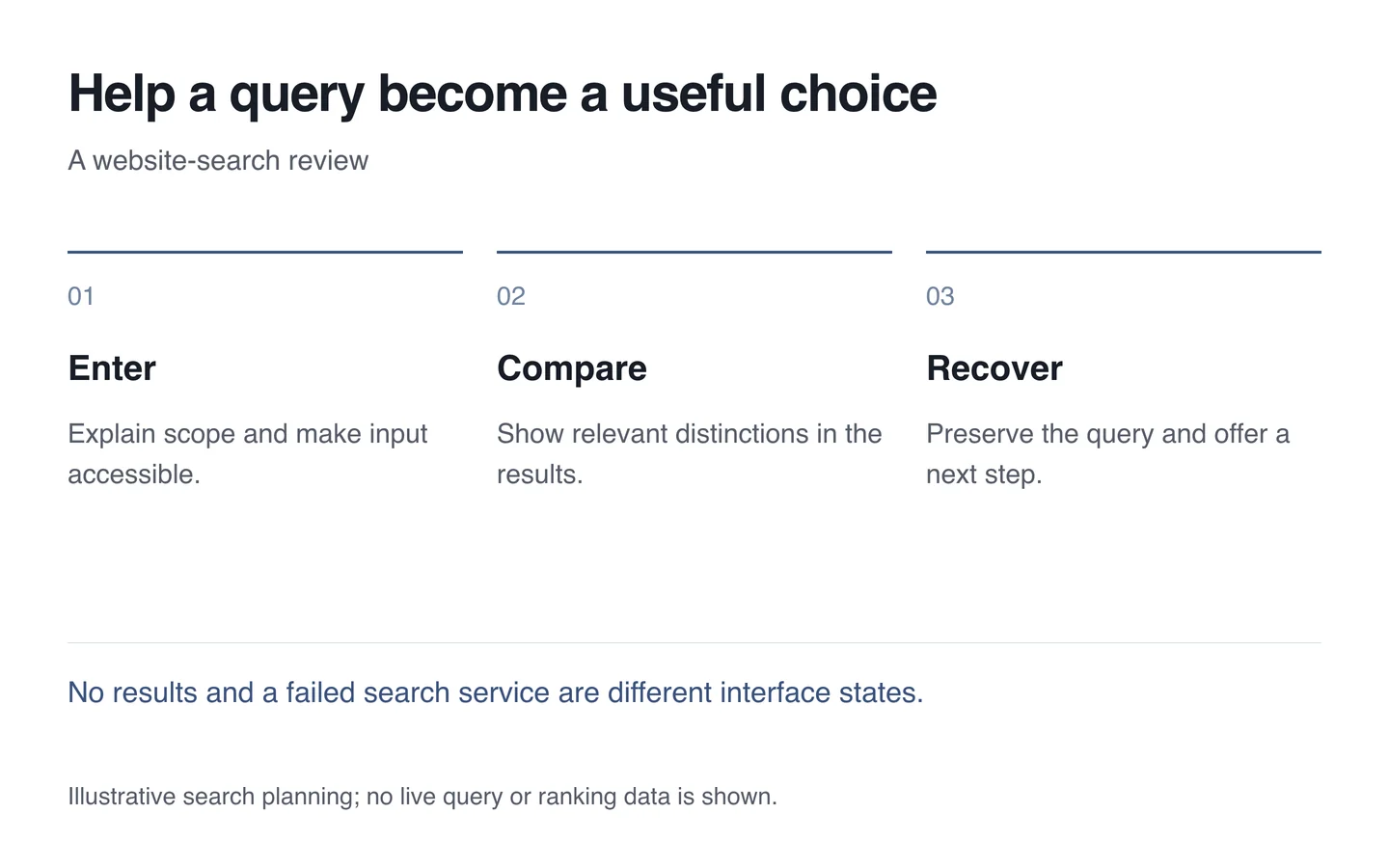
Explain the field and its scope. Search limited to products should not imply that it includes services. The W3C guidance on control labels emphasises identifying purpose. A tiny magnifying-glass icon is not a sufficient explanation in every context.
Check focus and the phone keyboard when search opens. Distinguish clearing, submitting and closing. If results update during typing, review keyboard selection and how assistive technology learns about changes.

Show distinctions that support a choice
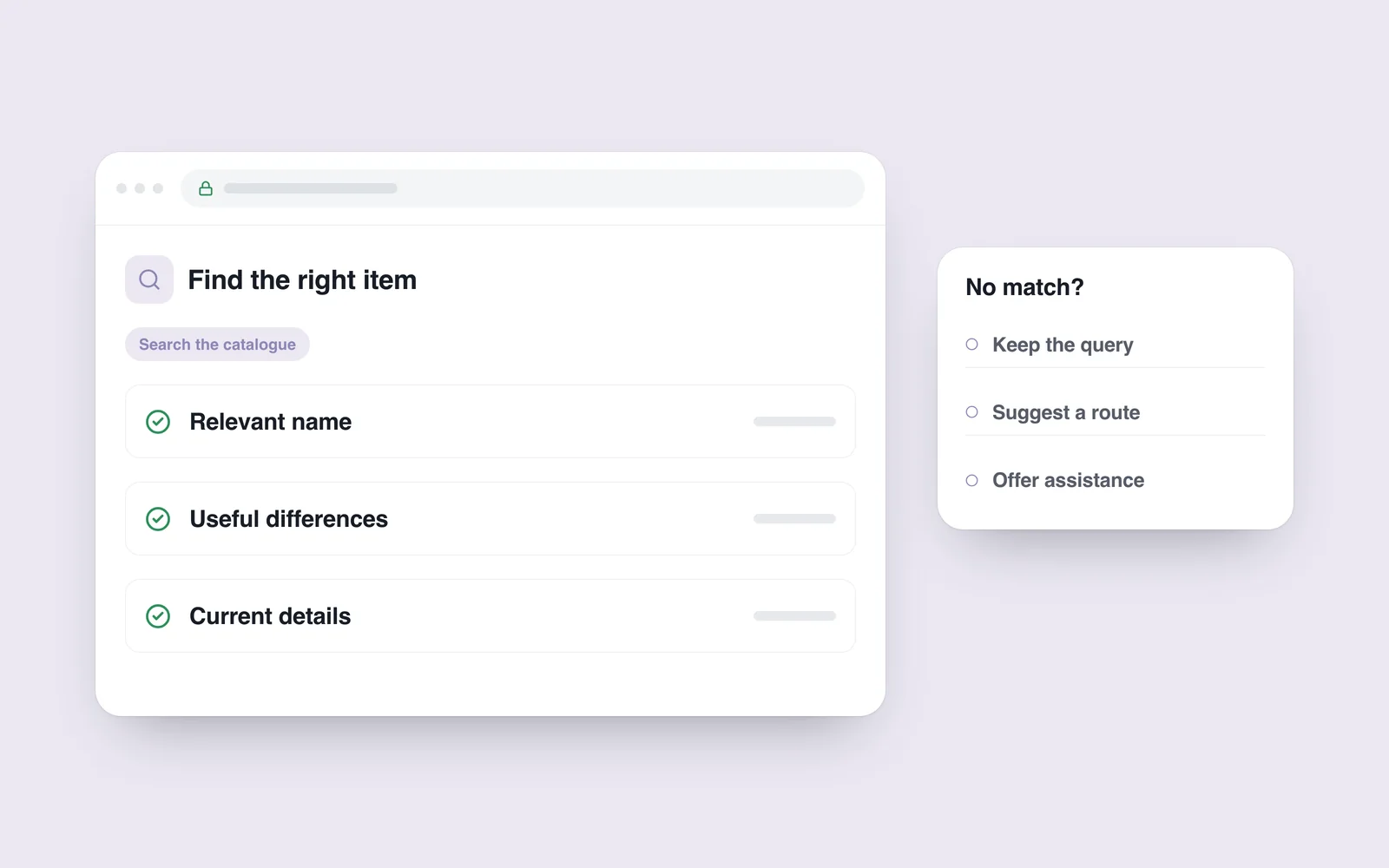
A list of similar titles offers little help. Include a suitable image, name and relevant distinguishing detail. Display prices and availability only when they stay current and agree with the destination page.
Consider common words, abbreviations and language variants using actual customer needs. Automatic correction of every typo is unnecessary. If a different interpretation is suggested, explain it and allow the original query to be restored.
Design the no-results state
Retain the query and explain that nothing matched. Offer a category, shorter query or support route. Presenting an unrelated popular item as a match creates confusion. Distinguish no results from a service failure too.
- Search by exact name, model code and everyday wording.
- Try a typo and a query with no match.
- Open a result and check the search state after returning.
- Test keyboard use, a phone and long Georgian text.
- Confirm catalogue updates appear in search.
Assess the search interface through real customer tasks. A useful result is a suitable item found, with a clear way forward when an exact match is unavailable.