DesignUpdated 2 min read
Website animation that respects reduced motion
A heading rises, the background shifts and cards slide into view together. Each effect may look restrained alone while the combination interrupts reading. Motion belongs to design, but should not become an obstacle to obtaining information.
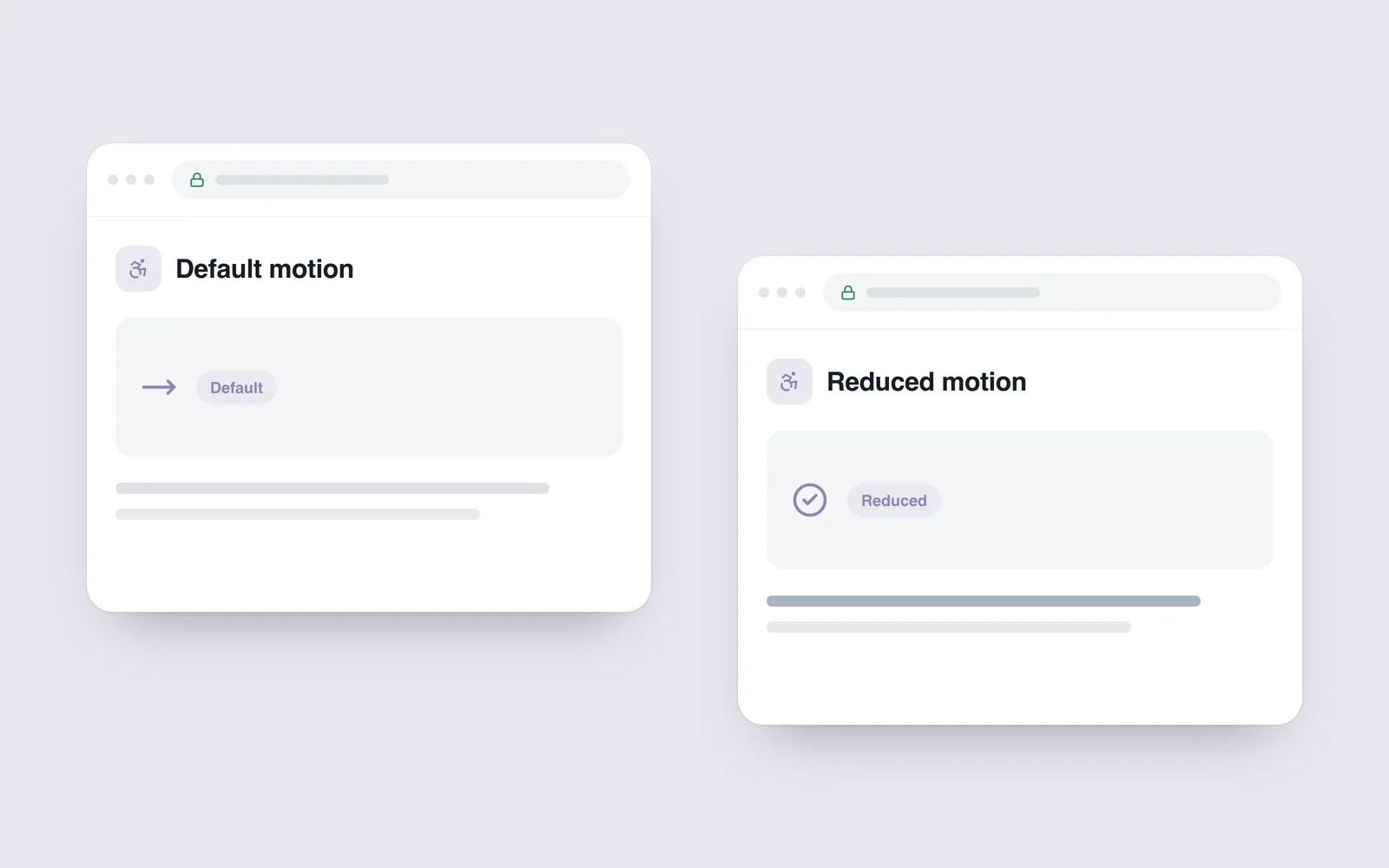
Some people select reduced motion in their device settings. Respecting that preference does not require a static experience for everyone. Preserve useful feedback while reducing movement that is unnecessary to the task.
Identify what the motion does
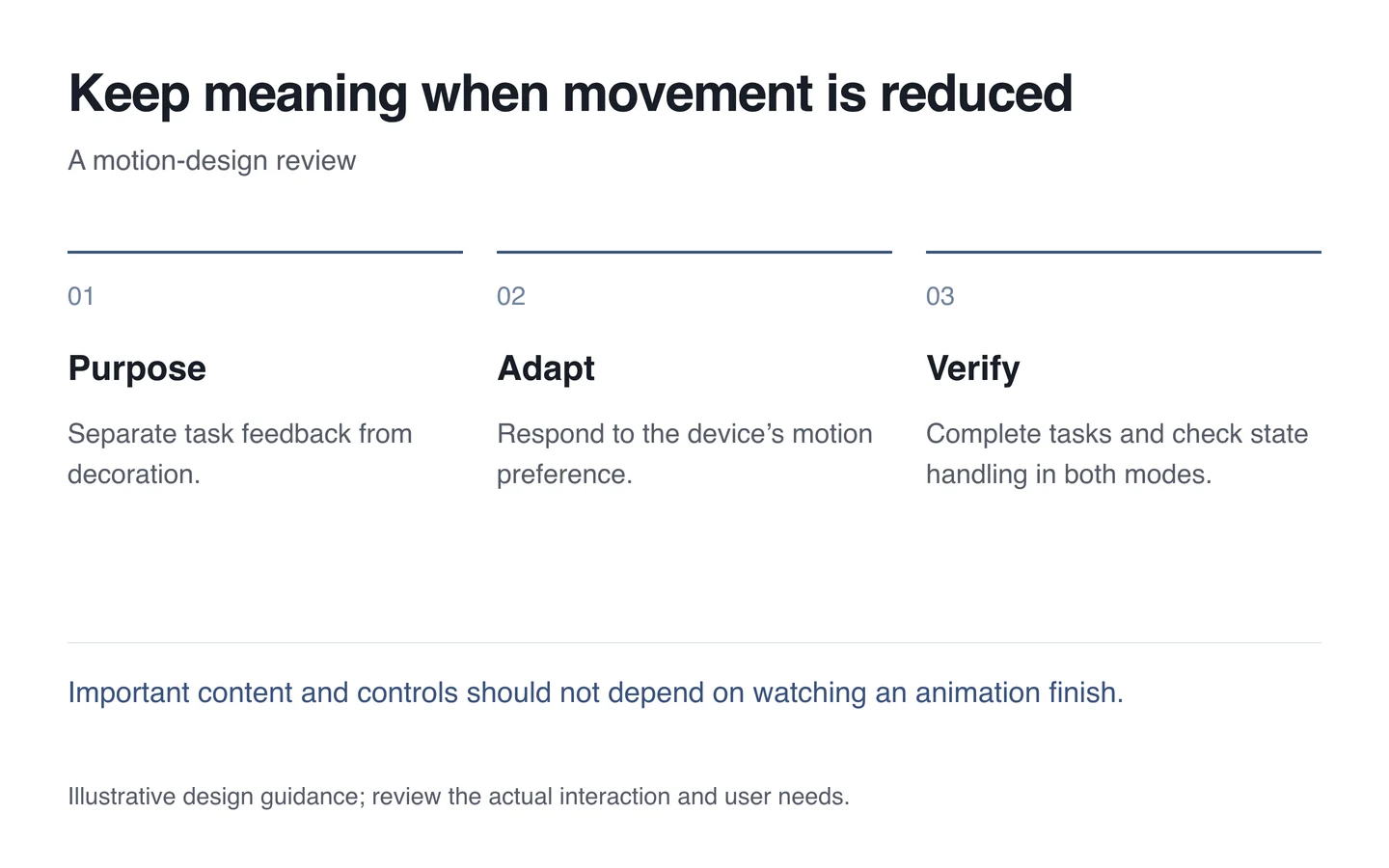
Button feedback, menu opening and a changed status can explain interface state. A continuously moving decoration has another purpose. Avoid treating them all as a single on/off group.
Important information should not wait for an animation to finish. Expose the heading, price and next action promptly. If understanding a function requires watching movement, add another clear signal such as text.

Respond to the device preference
A 2017 WebKit explanation describes using prefers-reduced-motion through CSS and JavaScript to offer an alternative experience.
Replace a large zoom with a restrained change, for example, or stop ongoing decorative movement. Keep the outcome understandable in both modes. Reducing every duration almost to zero can also damage state handling when code depends on an animation-completion event.
Test the alternative as a complete experience
Check menus, dialogs, sliders and navigation. Keep keyboard focus and status information clear in both modes. Interacting with moving content should not lose the reading position. Automatic and user-initiated movement may need different treatment.
- List functional and decorative animations separately.
- Enable the device’s reduced-motion preference.
- Complete the main tasks in both modes.
- Check states and code that waits for completion events.
- Read a long page on a phone too.
Motion in interface design should help people. Respecting their preference is part of its quality and need not remove the intended visual character.