DesignUpdated 2 min read
Mobile checkout: remove uncertainty from each step
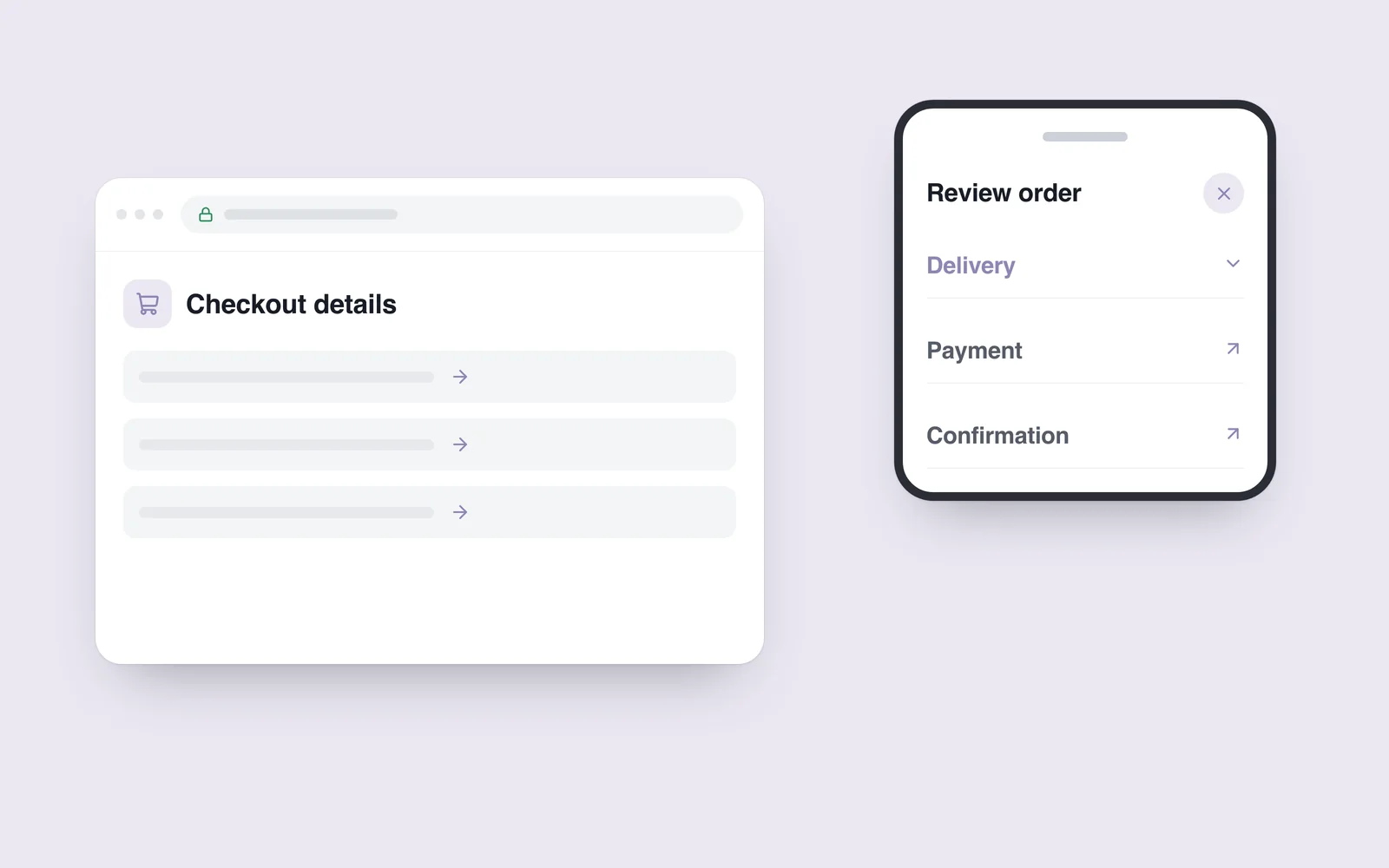
A customer chooses a product, but the keyboard covers the next button while they enter an address. An error then clears the form. Abandoning that checkout may have little to do with interest in the product.
Review mobile checkout under ordinary conditions: one-handed typing, a changing connection and interruptions. The interface needs to keep the route from selection to confirmation understandable through those conditions.
Ask for information when it becomes relevant
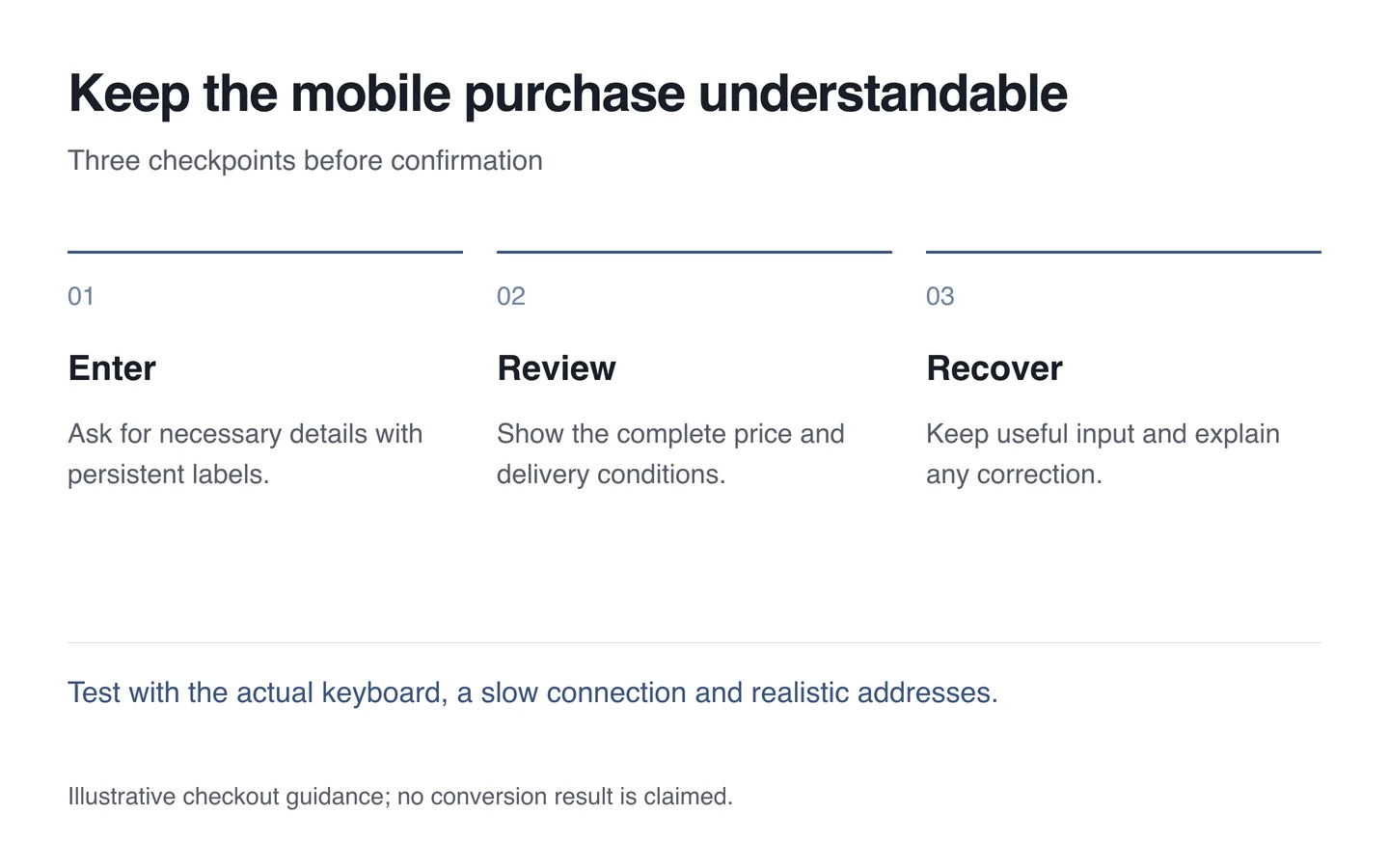
Give every field a purpose. Collection and courier delivery may need different details. An address required for one can become an unnecessary obstacle for the other. Distinguish required and optional information clearly.
The W3C forms tutorial emphasises necessary information and labelled controls. Keep the label visible after typing; a placeholder alone cannot provide a persistent field name.

Explain the conditions before confirmation
Show the total, delivery choice and additional charges before the final action. When an address changes the price, expose the new result before the customer commits. A small unnoticed annotation is not enough.
Match the button to its consequence. “Continue”, “Pay” and “Place order” create different expectations. Explain a handover to a payment page, and check that neither the keyboard nor a fixed bottom panel obscures the control.
Preserve work when something goes wrong
Use suitable input modes for telephone and email fields, while validating on the server too. Test actual Georgian names and addresses. An artificially short example will not expose problems with long entries.
- Explain the required correction beside the relevant field.
- Preserve other valid information where possible.
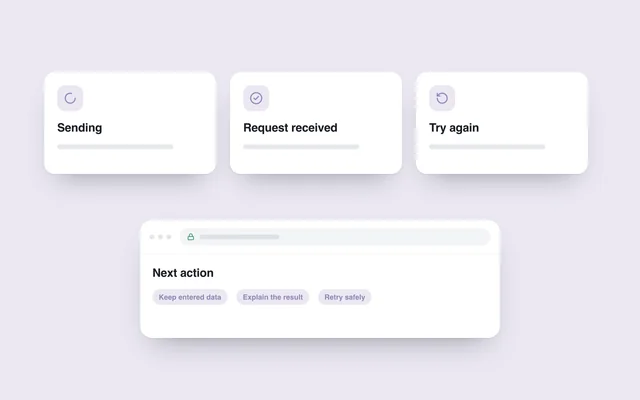
- Show that processing has started on a slow connection.
- Prevent repeated taps from creating duplicate orders.
- Confirm the outcome according to the actual request state.
During a UX review, complete the journey on a real phone, including errors and returning to earlier steps. An attractive confirmation screen cannot repair a form the customer was unable to complete.