DesignUpdated 2 min read
Website colour: contrast, readability and clear signals
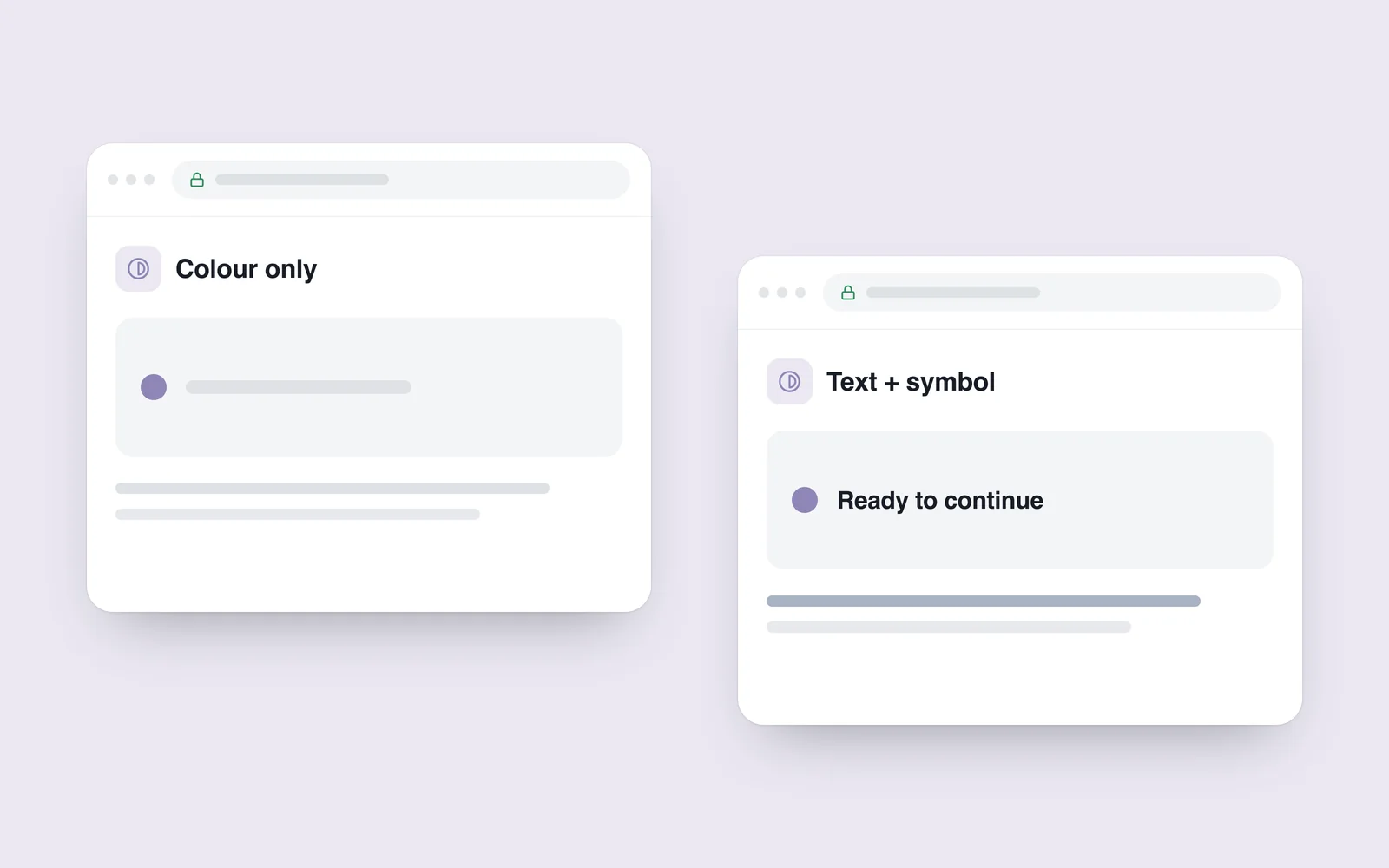
A grey label looks elegant on a designer’s monitor and nearly disappears on a phone in sunlight. Elsewhere, a red border is the only indication of an error. In both cases the information exists, but its meaning depends too heavily on appearance.
Colour gives an interface character. Readability and meaning still need to survive changes in viewing conditions or a person’s ability to distinguish colours.
Check text against its actual background
The WCAG 2.1 contrast criterion specifies at least 4.5:1 for ordinary text and 3:1 for large text, subject to its definitions and exceptions. Increasing a label’s size is not an automatic solution to every weak colour choice.
Measure the final text/background pair. A heading over a photograph can have different contrast in different crops. Transparency, selection and disabled states can also alter the result.

Communicate meaning beyond colour
Give an invalid field a useful written explanation. Support a selected option with a recognisable marker or label. Name chart categories so their differences do not rely solely on red and green.
Links within prose should be identifiable. Keyboard focus must also remain visible. Designing these states requires more than a mouse-hover effect.
A consistent palette helps: tested foreground/background combinations reduce accidental failures. Still inspect each component in context. A brand colour may not work for every text size and surface.
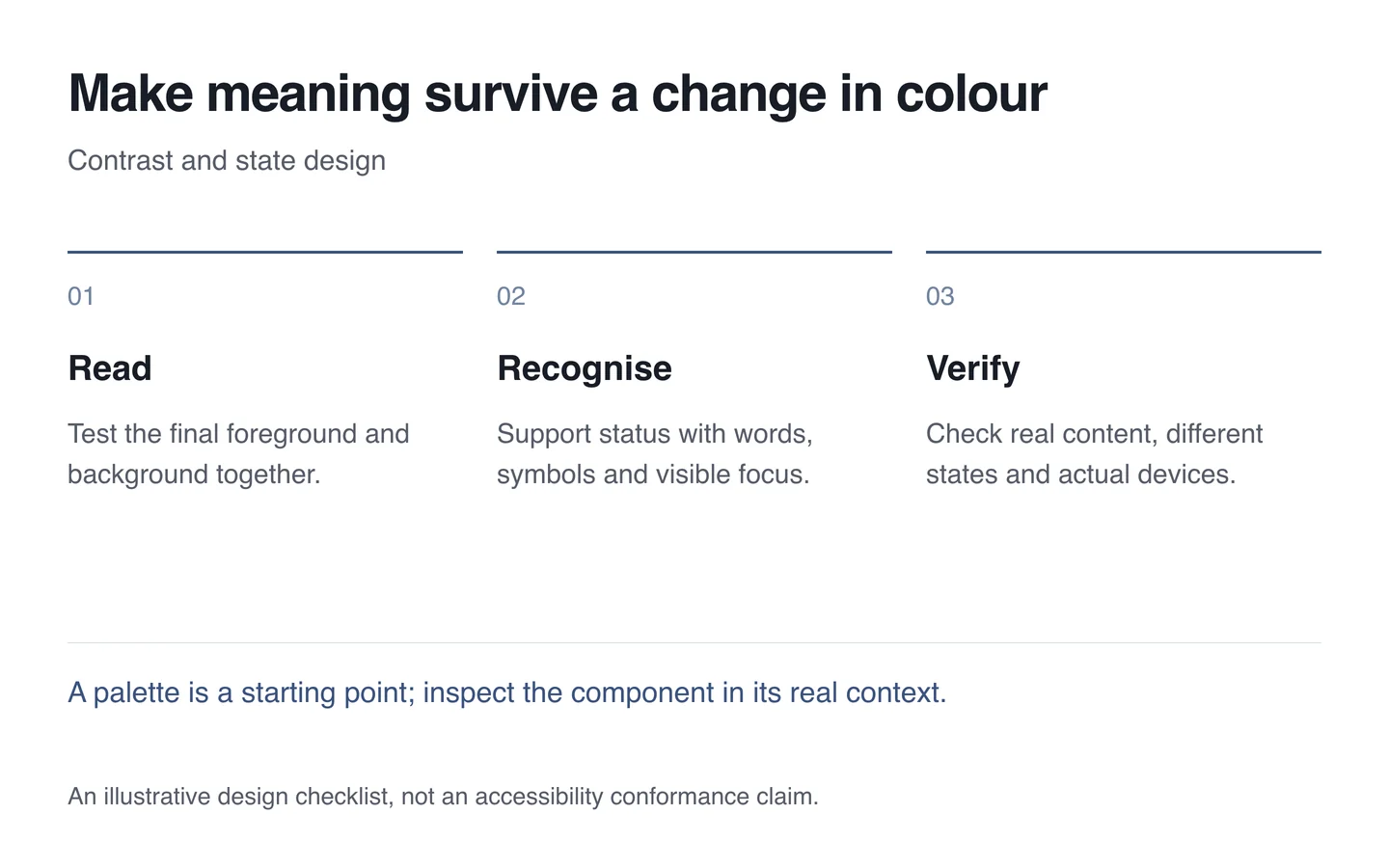
Start with a small inspection set
- Select body copy, a small annotation and a button label.
- Measure contrast on their final backgrounds in relevant states.
- Explain a form error without depending on colour.
- Check recognition of links and keyboard focus.
- Try a phone, enlarged text and actual Georgian content.
Passing one test does not establish accessibility across the website. Make contrast a recurring part of interface design while preserving the intended visual character.