DesignUpdated 2 min read
Mobile navigation: make the next page easy to find
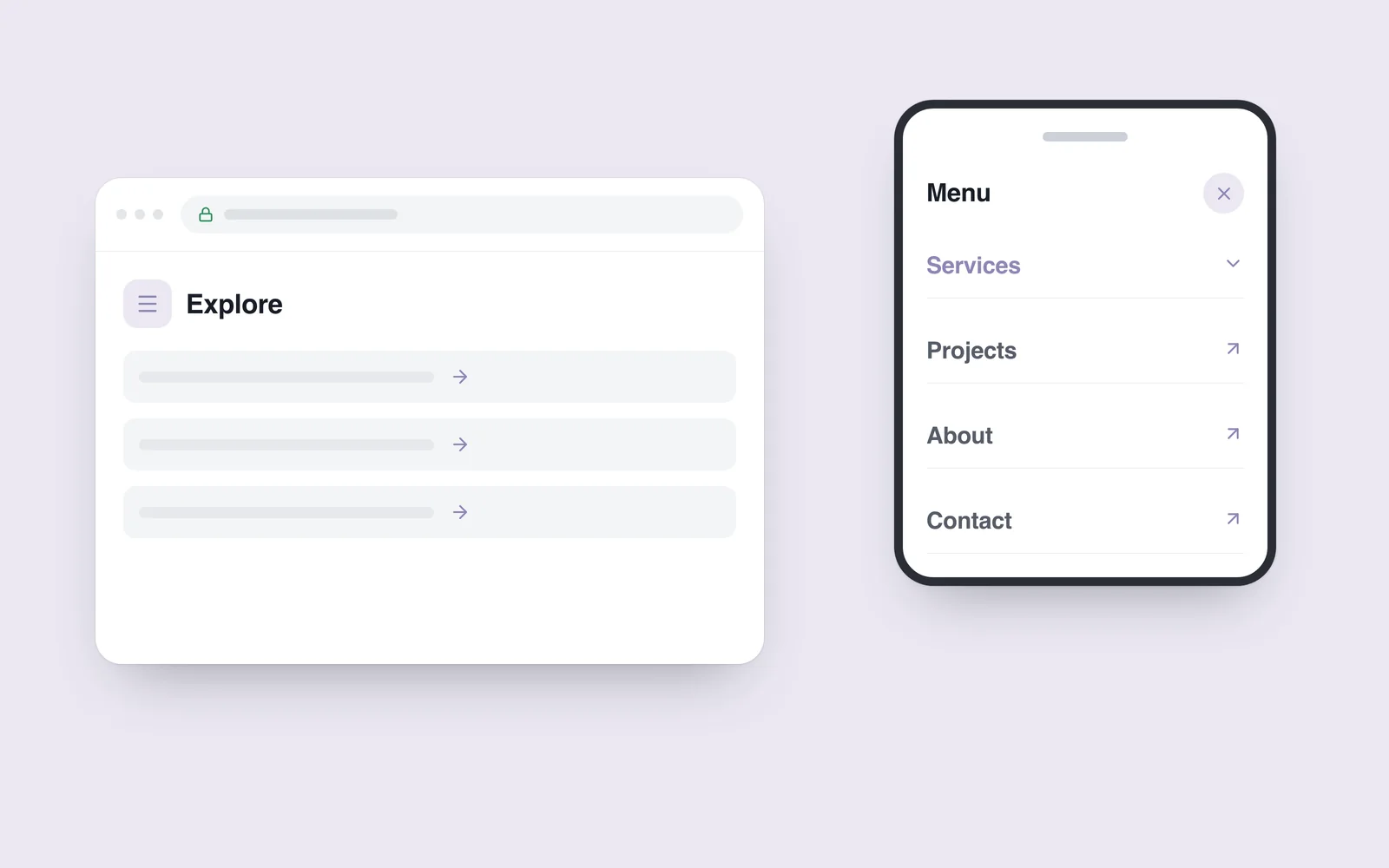
Someone opens a website on a phone to find a service. The menu offers “Possibilities”, “Our world” and “More”. The presentation may look distinctive, but finding a practical answer now requires exploring every section. Unclear structure becomes particularly costly on a small screen.
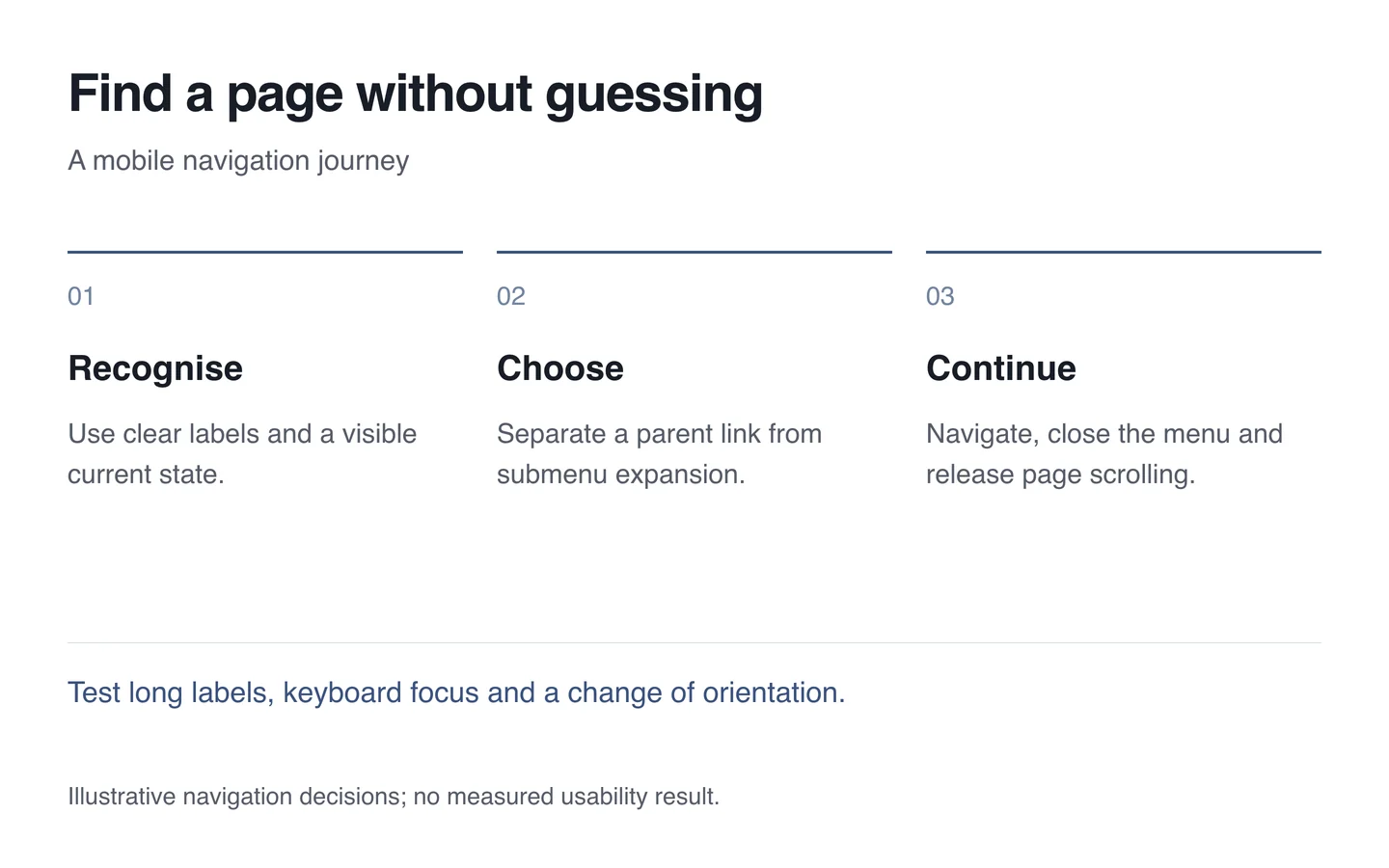
Mobile navigation should help people reach the page they need. Start by organising the sections, then decide how the menu opens, closes and handles a selection.
Use names that match the visitor’s task
Do not simply reproduce the organisation’s internal departments. Visitors looking for services, completed work or contact details should recognise those choices. A short label helps only when its meaning is clear.
A straightforward single-level list is often sufficient. When submenus are justified, distinguish visiting the parent page from expanding its children. An adjacent arrow can be its own button, while selecting the title has a predictable destination.

Design closing as carefully as opening
The menu trigger needs a clear name and an indication of its expanded state. Closing should remain easy when the list is taller than the screen. Selecting a child link must not accidentally trigger a different action on its parent.
The W3C menus tutorial explains the importance of understandable structure, recognisable states and keyboard operation. Ordinary website links do not automatically require the behaviour of a complex application menu.
If opening the menu locks page scrolling, closing it must release that lock. Rotation needs the same care: switching to a desktop layout must not leave an invisible menu holding the page in place.
Test one actual navigation task
- Find a particular service from the homepage.
- Select a submenu link and confirm that the correct page loads.
- Repeat the journey using only a keyboard and observe focus.
- Rotate a phone while the menu is open, then try scrolling.
- Check long Georgian labels and any language controls offered in the menu.
The result should be demonstrable: the choice is understandable, the destination is correct and the visitor can continue using the page. In UI/UX design, agree those behaviours alongside the appearance.