DesignUpdated 2 min read
Loading, sent or failed? Design useful website feedback
A customer presses a button and nothing changes. After a few seconds they press again. There may now be two requests, or none, while the person still cannot tell what happened. Useful feedback reduces that uncertainty from the beginning.
The message should match the actual process. Starting an action, the server receiving it and completion of the business task can be separate stages.
Give waiting an understandable state
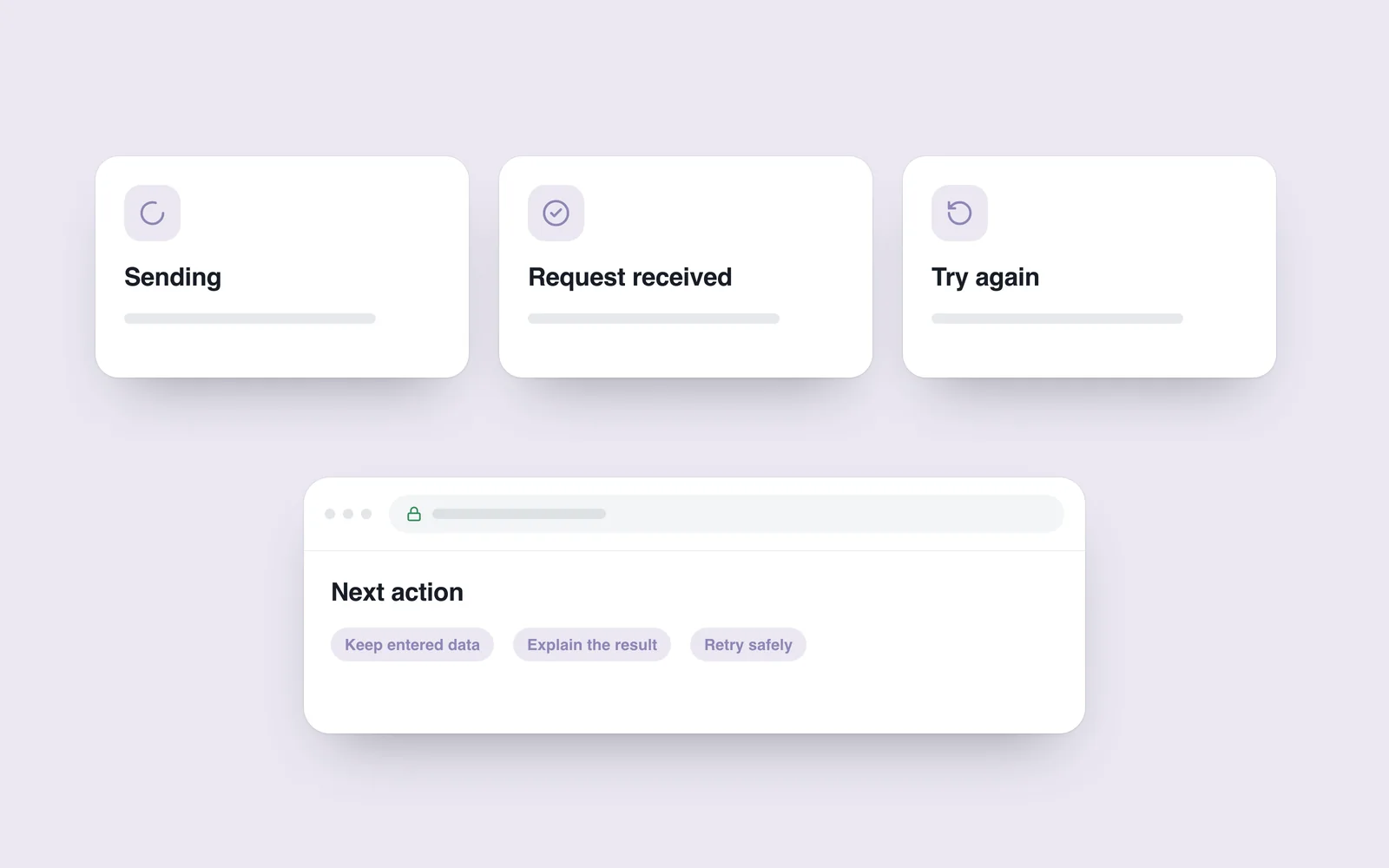
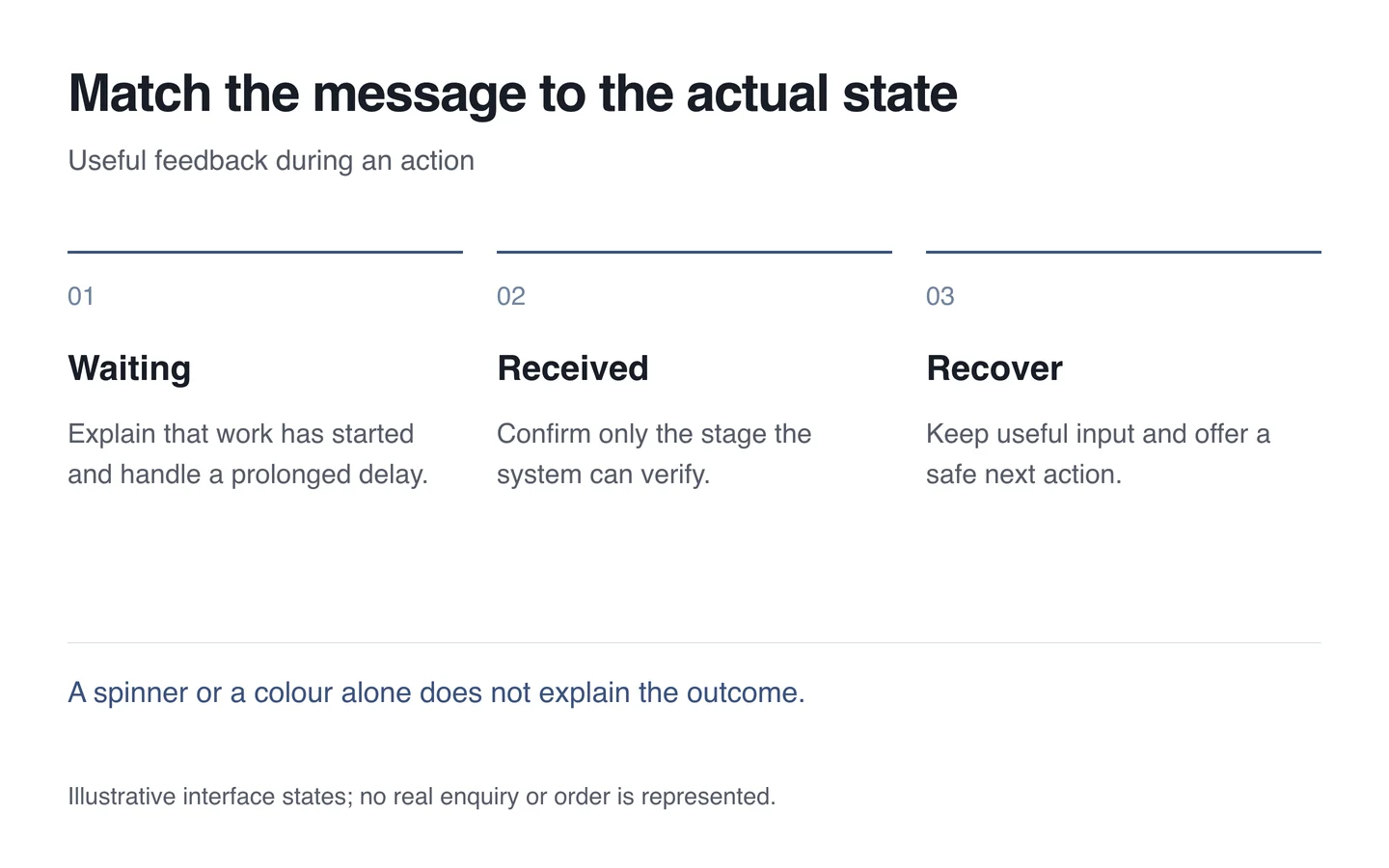
Show relevant text and, where useful, a restrained progress indicator when submission begins. If a button is temporarily disabled, explain the reason. Avoid leaving people with an endless spinner: a prolonged delay needs an explanation and a recovery route.
Show a precise percentage only when it can be measured. A number that rises merely because time passes cannot establish completion. Modest feedback is sufficient; motion across the whole screen should not overshadow the task.

Confirm success at the right stage
“Request received” and “Order completed” make different promises. Agree the wording with the technical and operational process. If a member of staff will respond later, explain that next step in the acknowledgement.
The WCAG 2.1 status messages criterion concerns making certain updates available to assistive technology without forcibly moving focus. It does not require continuously announcing decorative changes.
Help people continue after an error
Preserve entered information where appropriate. Explain what is wrong with an invalid field and how to correct it. Do not blame the user’s input when the service itself is unavailable.
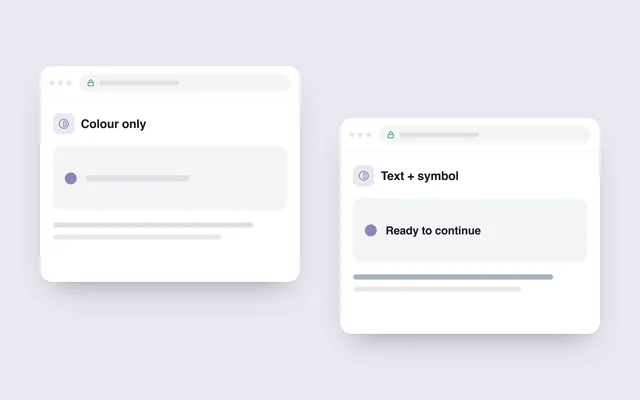
Retries must be safe. If the first request’s outcome is unknown, provide a way to check it before creating another order. Text, colour and symbols should support each other rather than placing all meaning in one coloured dot.
- Test quick success and a slow response.
- Repeat an action and inspect the actual outcome.
- Try a field error and a server failure separately.
- Check keyboard use, a screen reader and the mobile view.
In UX design, the wording of these states is part of the interface. Each should explain what is happening, what is known and what the visitor can do next.