DesignUpdated 2 min read
Delivery information: put the conditions where customers need them
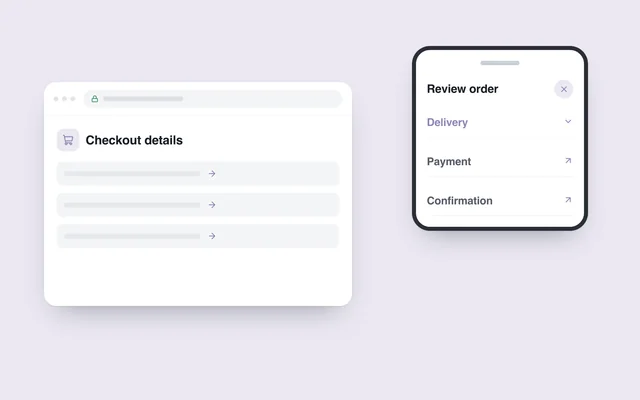
The product price looks acceptable, but the shopper discovers the delivery charge only at the last step. Elsewhere, a promise of “fast delivery” gives no timing for their city. Both are interface problems: useful information is absent at the decision point.
A detailed policy page may contain everything. That does not mean the buyer will find it in time. Give product and checkout screens concise answers, with access to the full conditions.
Answer three different questions
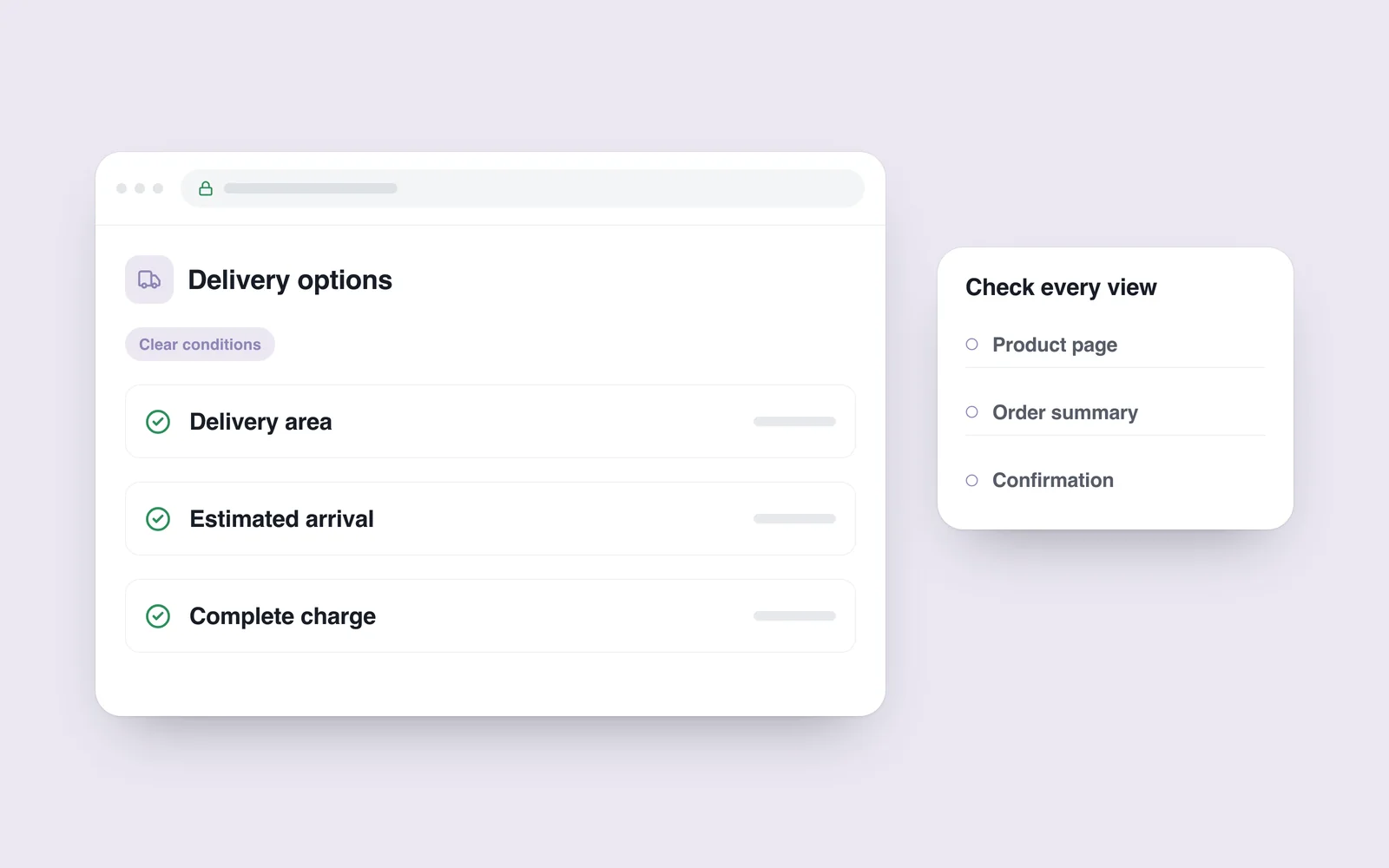
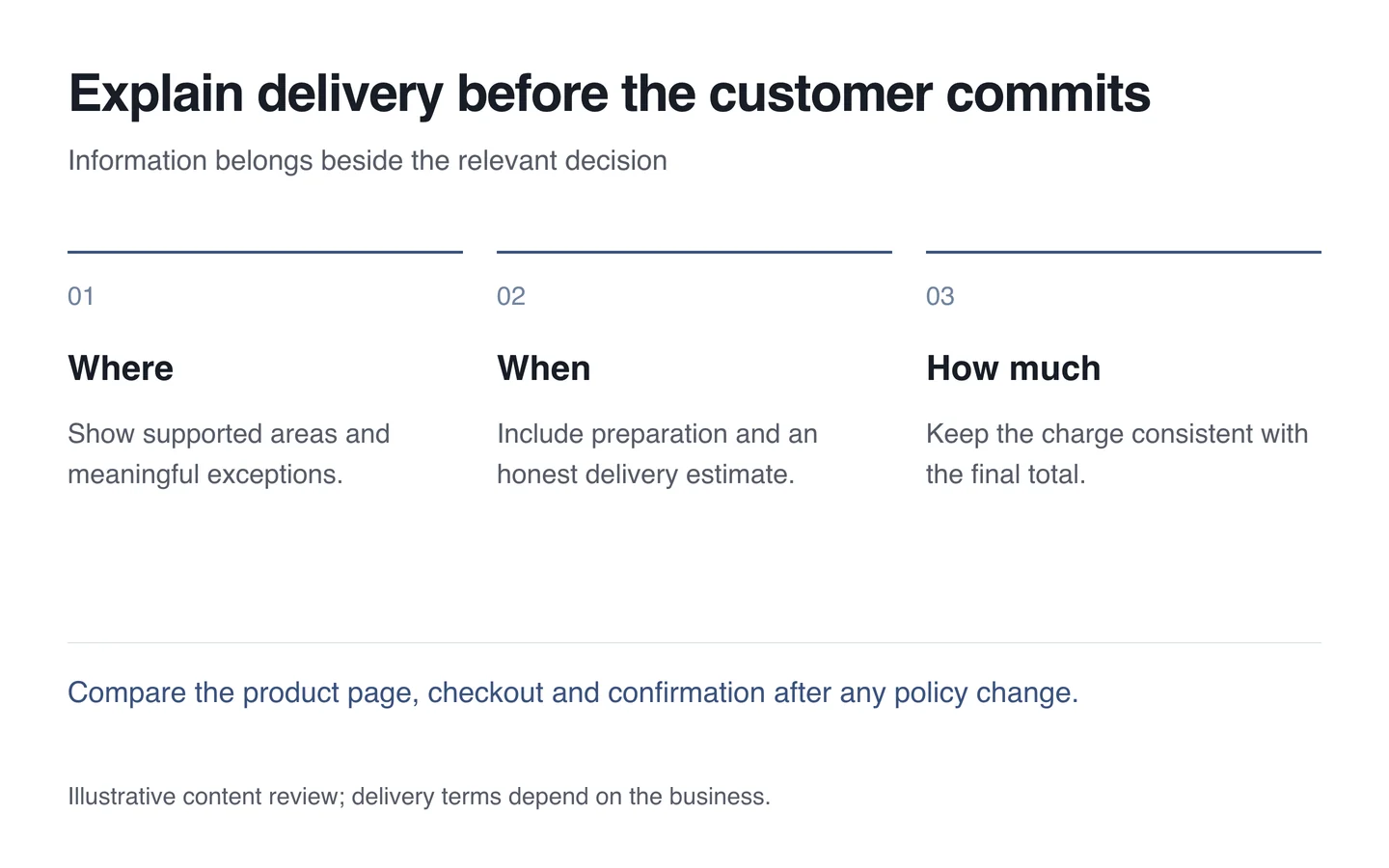
Do you deliver here? What does it cost? When might it arrive? Answer each separately. If free delivery depends on an area or minimum order value, place the condition beside the claim rather than behind an unexplained asterisk.
Include preparation time. A preorder should not inherit the promise for an item already in stock. When exact timing cannot be confirmed, provide an estimated window and explain who will confirm it.

Make choices clear and testable
Name collection and courier options plainly. After selection, show the relevant charge and required details. A change of city should update the conditions without leaving a conflicting total.
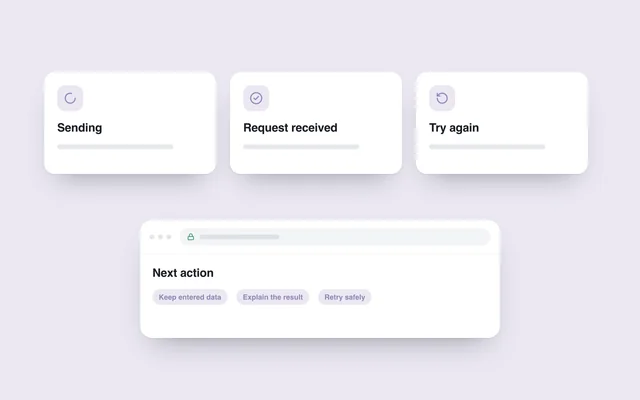
The W3C feedback guidance calls for understandable outcomes and correction instructions. If an address is outside the service area, explain the restriction instead of showing only “Error”. Offer a valid alternative when one exists.
Assign ownership of the information
A banner, product page and confirmation email should not promise three different schedules. Review every relevant location when conditions change. Use a common data source for repeated details where practical.
- Choose an address from each supported delivery zone.
- Check charges for small and large orders.
- Test an excluded area and a preorder separately.
- Compare the basket, final total and confirmation email.
- Check that explanations remain readable near the action on a phone.
During interface planning, delivery information deserves more than a footer link. People should understand the main condition before spending time entering an address and arranging payment.