TipsUpdated 2 min read
Report a website bug so the team can reproduce it
“It does not work on mobile” reports a problem without enough information to fix it. Which page and action were involved? Did a menu fail to open, a link fail to navigate or a form fail to submit? Concrete observations help the team reach the same state.
Writing a useful report does not require technical vocabulary. Describe what you observed in sequence. Separate the event from a guess about its cause.
Record the steps
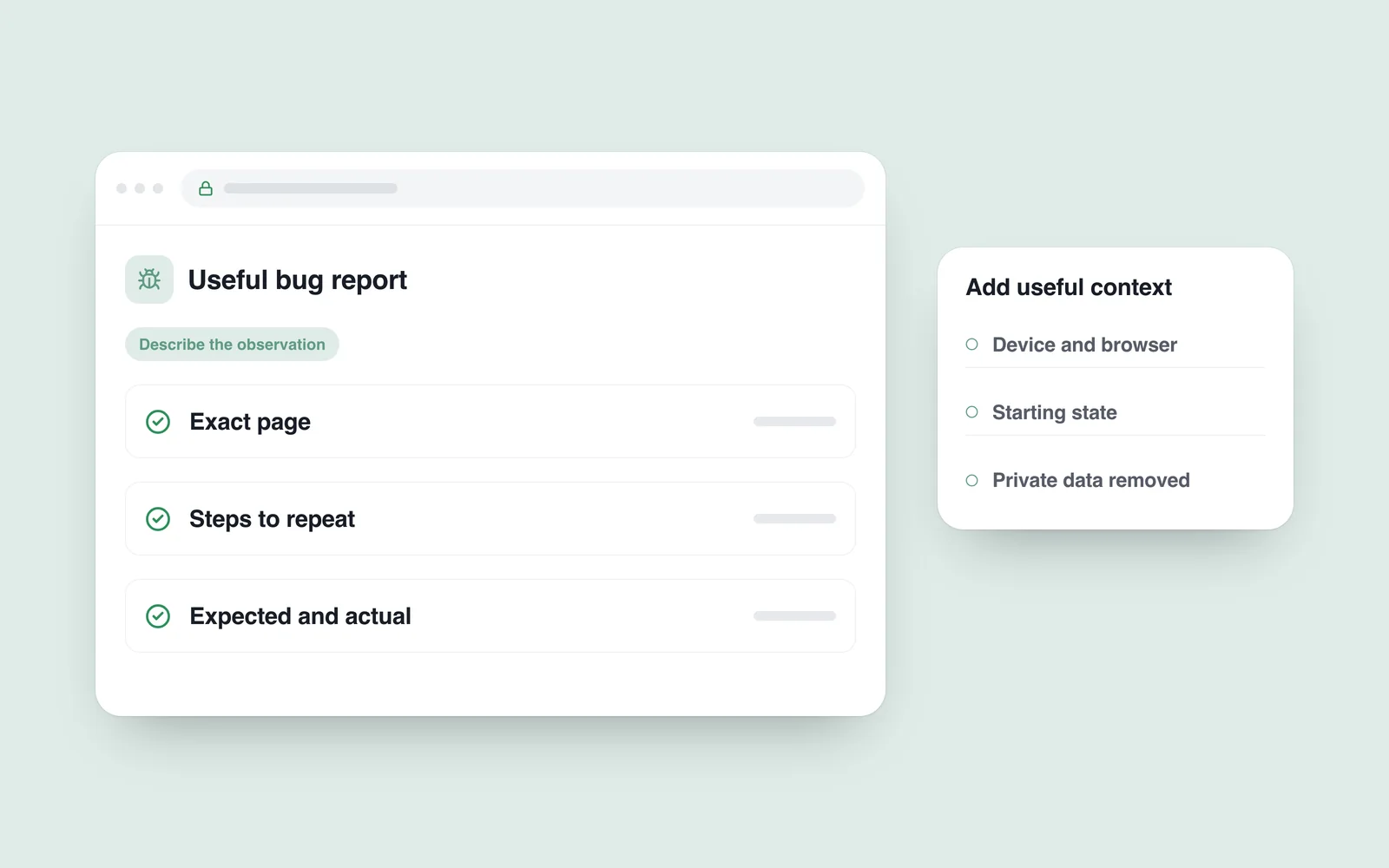
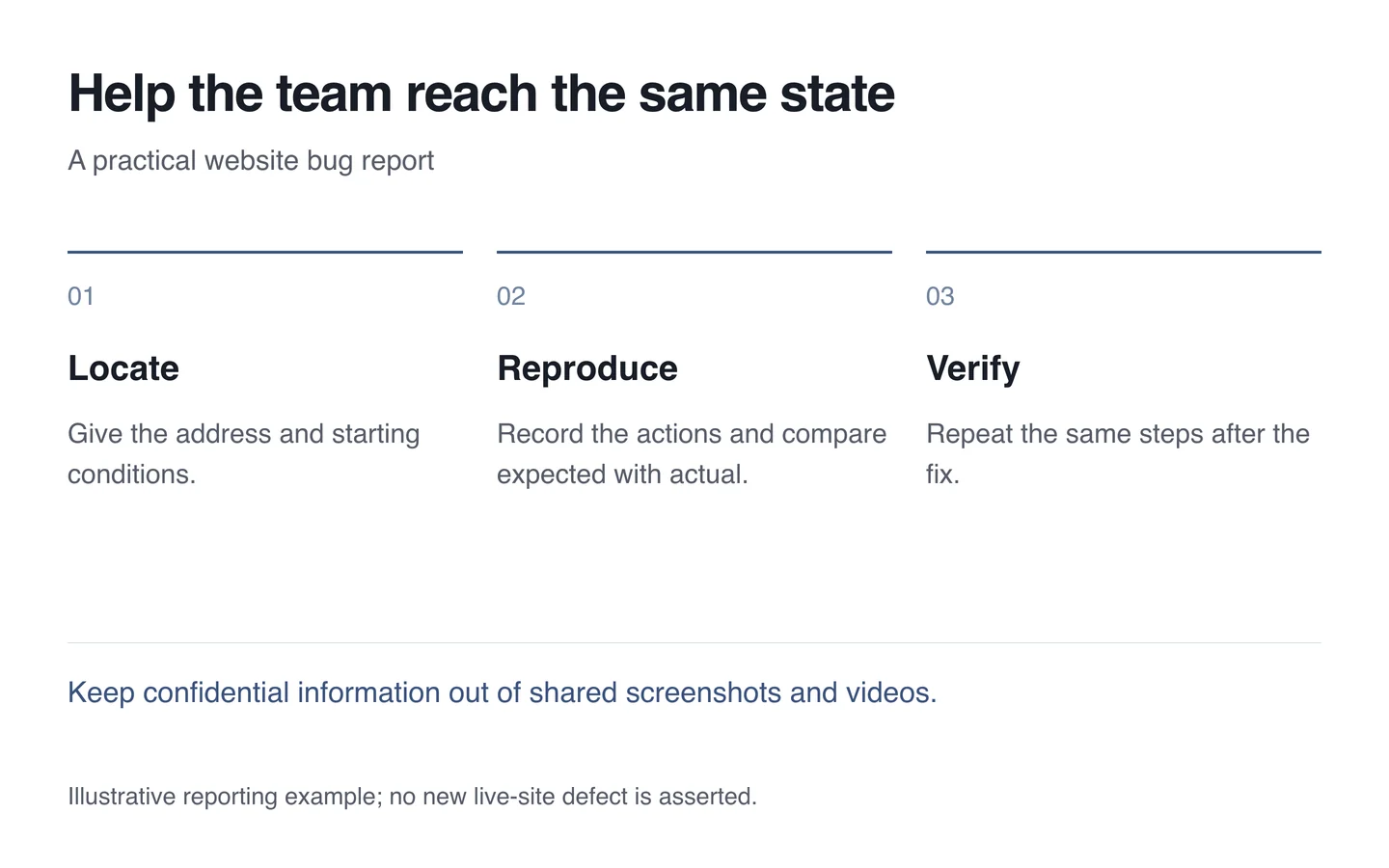
Include the exact address and starting state. Were you signed in? Did the basket contain an item? Was this a first visit or a return? The same control may behave differently across those states.
The Mozilla bug-writing guide separates reproduction steps, expected results and actual results. That structure also helps website teams. Avoid grouping several unrelated problems under one vague title.

A short example removes ambiguity
- Open the service page on a phone while signed out.
- Open the menu and then the services group.
- Select a particular service.
- Expect its page to open and the menu to close.
- Instead, the address stays unchanged and the menu remains open.
Add the device, browser and approximate time. Say when the problem is intermittent. An occasional failure can still be investigated when its observed conditions are recorded.
Prepare evidence carefully
Mark the relevant area in a screenshot and retain the preceding step in a video. The final frame alone may hide how the user arrived there. Conceal passwords, payment information, private messages and customer data before sharing.
Do not create real orders repeatedly without coordination when investigating forms or payments. Use agreed test information. Share only the necessary amount of device configuration too.
After the fix, repeat the same steps and inspect a related action. During technical support, a clear report provides both an investigation starting point and a way to verify the outcome.