TipsUpdated 2 min read
Set up Search Console: domain verification and access
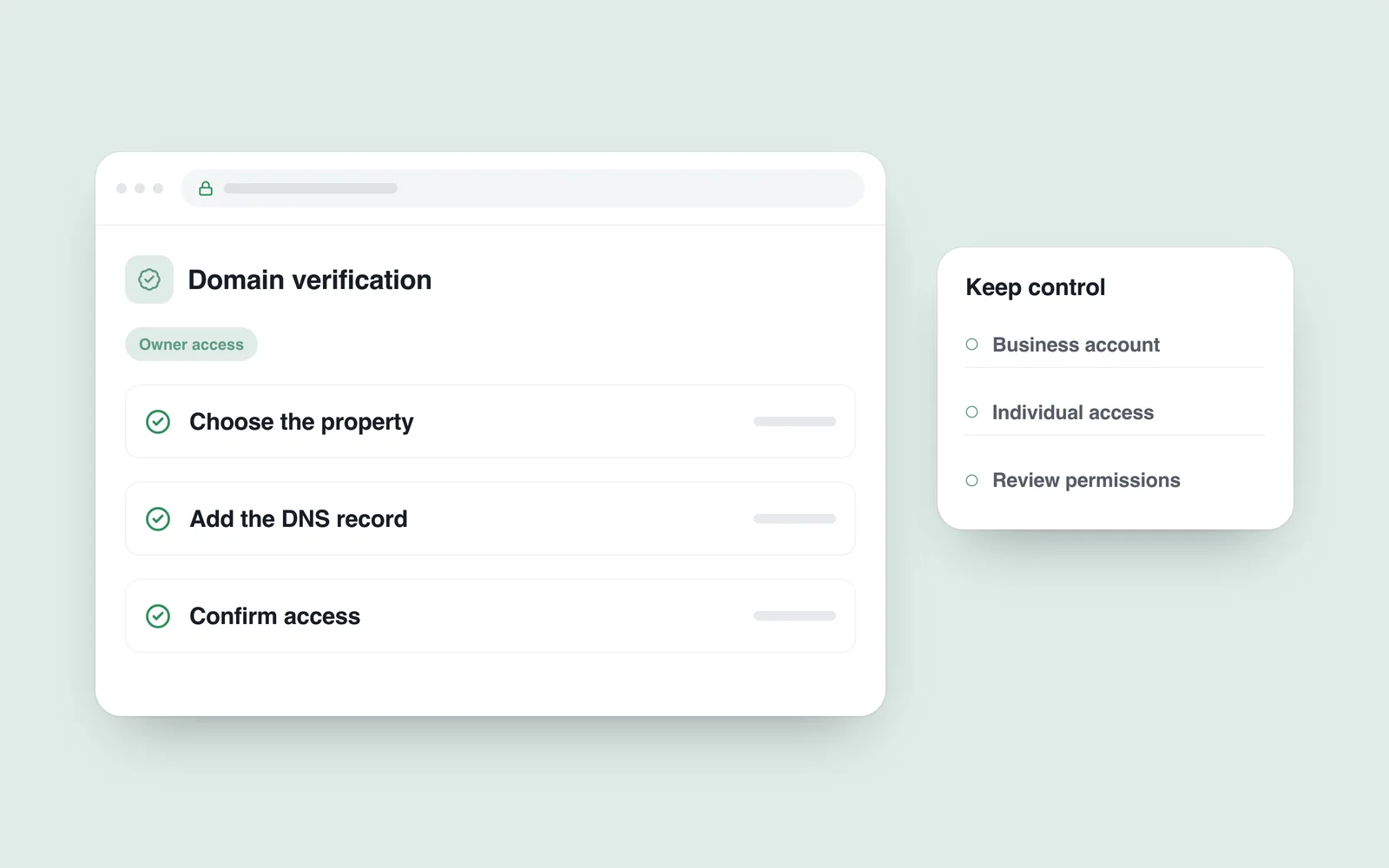
A website works, but its owner cannot find Google Search impressions and clicks. The previous developer had access while the business account did not. That basic ownership issue matters independently of commissioning a new design.
Search Console provides information about search appearance and tools for investigating possible problems. Connecting it does not automatically improve rankings or guarantee indexing of every page. Begin with the right property and a responsible account.
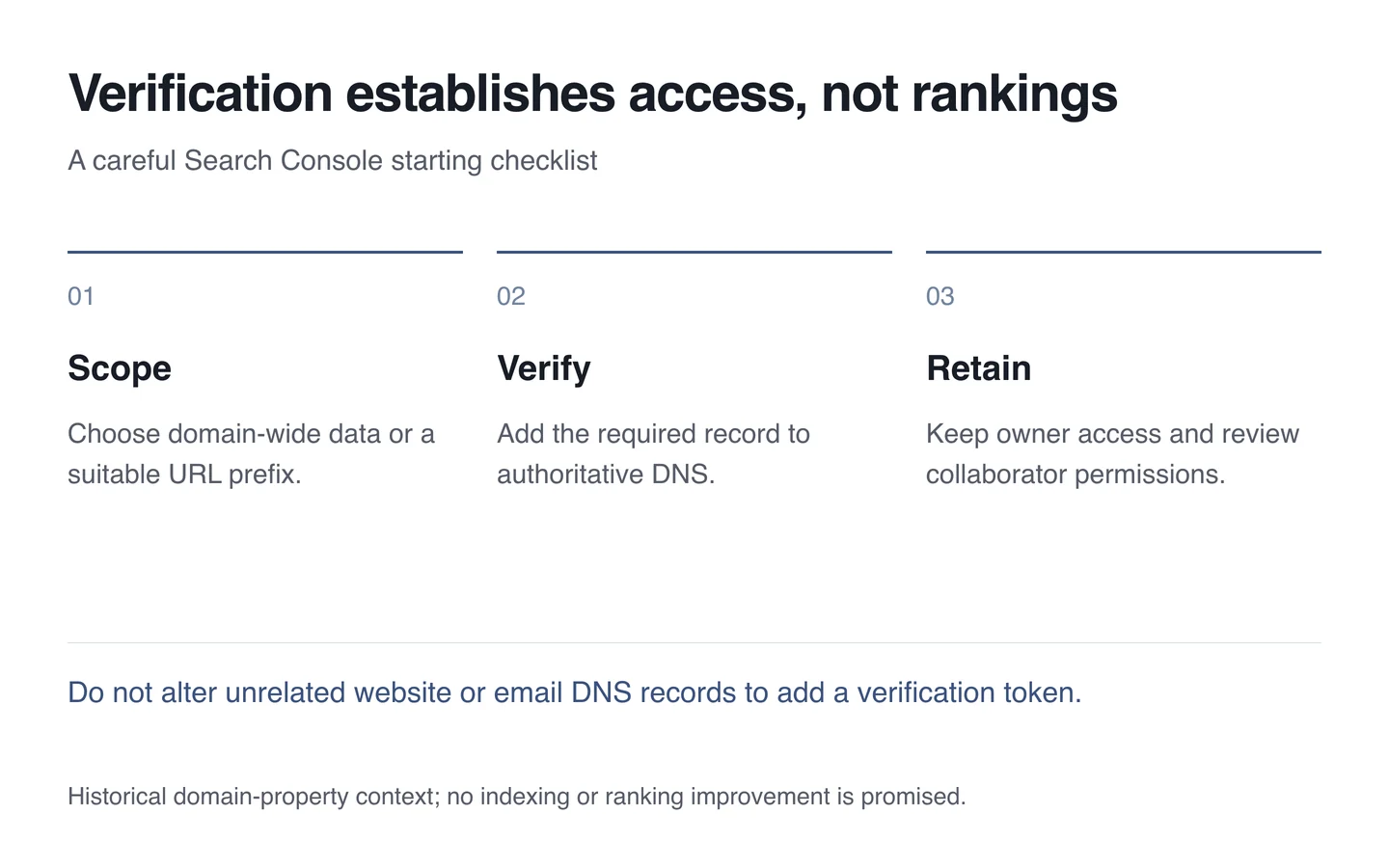
Choose the scope of the property
Google introduced domain properties in 2019 to bring protocols and subdomains together. They use DNS verification, unlike a property limited to a specific URL prefix.
Decide whether the whole domain or a narrower scope is needed. Enter the domain name without a protocol or page path for a domain property. Follow the separate instructions when choosing another property type.

Make the required DNS change carefully
Identify where authoritative DNS is managed. The registrar, hosting provider and DNS provider are not always the same company. Add the supplied verification record in the correct place without changing website or email records.
DNS changes may take time to appear everywhere. If verification fails, check the value and management location first. Deleting unrelated records or switching nameservers should not be a routine part of this step.
Keep access with the business
The business should control its principal owner account. Give employees and agencies appropriate access through individual accounts instead of sharing one password. Review permissions after a collaboration ends without accidentally removing the active owner.
- Record the verified domain and responsible account.
- Review who can manage the property or view its data.
- Check the sitemap and several actual page states.
- Allow time for data and inspect the selected reporting period.
- Manage changes alongside normal account protection.
Reliable access provides the foundation for SEO assessment. Verification is a starting step; page quality and search status still require investigation afterwards.