TipsUpdated 2 min read
Business email on your domain: identity, access and ownership
The website form sends to one address, an employee replies from a personal account and older orders remain in someone else’s inbox. That arrangement can work until a person becomes unavailable. Email on the business domain is an opportunity to organise the process, but a professional-looking address alone does not do the work.
Connect each address to a responsibility
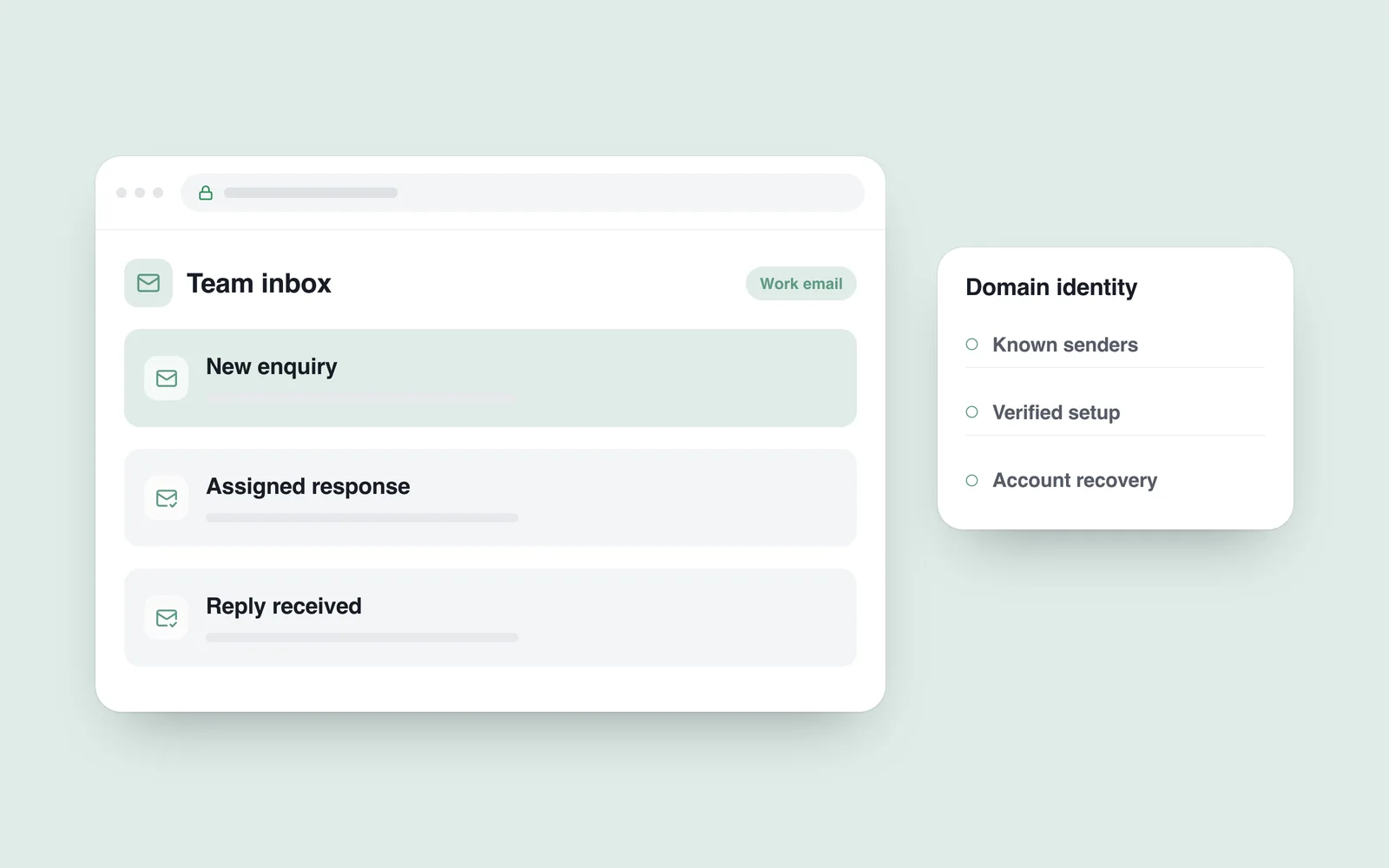
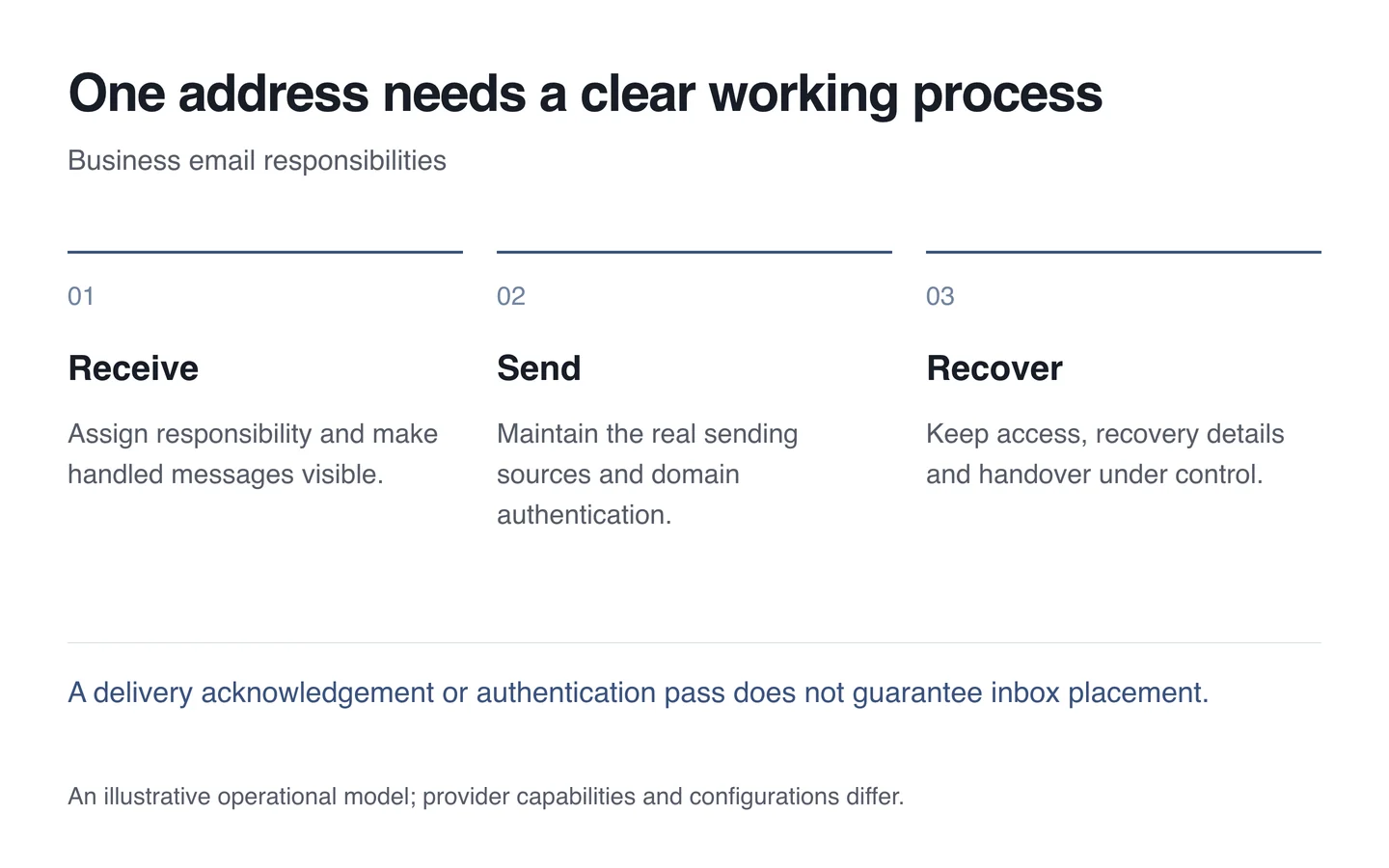
Individual work accounts and shared functional addresses serve different purposes. Several people may need the sales or support inbox, without sharing a single password. Use the provider’s supported delegation or shared-mailbox features.
Agree who answers an incoming message and where colleagues can see that it has been handled. Automatic forwarding is not a complete substitute for records, shared work and access management.

Identify who sends using the domain
A website form or connected service may send mail as well as staff mailboxes. Make a list of these sources. Forgotten servers and unused accounts make the configuration harder to maintain.
The SPF specification concerns which servers are authorised to send using a domain. DKIM uses message signatures. Neither promises inbox placement; configuration needs to match the actual sending sources.
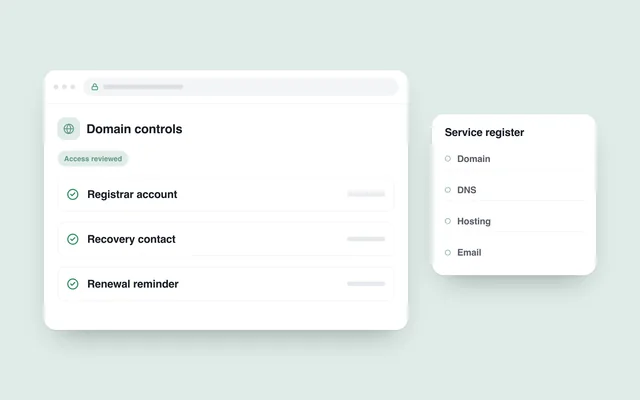
Change DNS according to the service’s instructions and preserve the working settings first. Moving the website does not automatically require moving email. Record the separation between hosting and mail management from the outset.
Test the conversation in both directions
- Send from a work address to an external account and reply.
- Submit a test website enquiry and verify receipt.
- Confirm that a reply goes to the intended person.
- Check recovery details and additional account protection.
- When someone leaves, retain necessary business records and revoke their access.
Use an agreed process for attachments and confidential information. Alongside website support, assign email responsibility so a failure can be traced across the complete delivery path.