TechnologyUpdated 2 min read
When the connection drops: a useful offline page
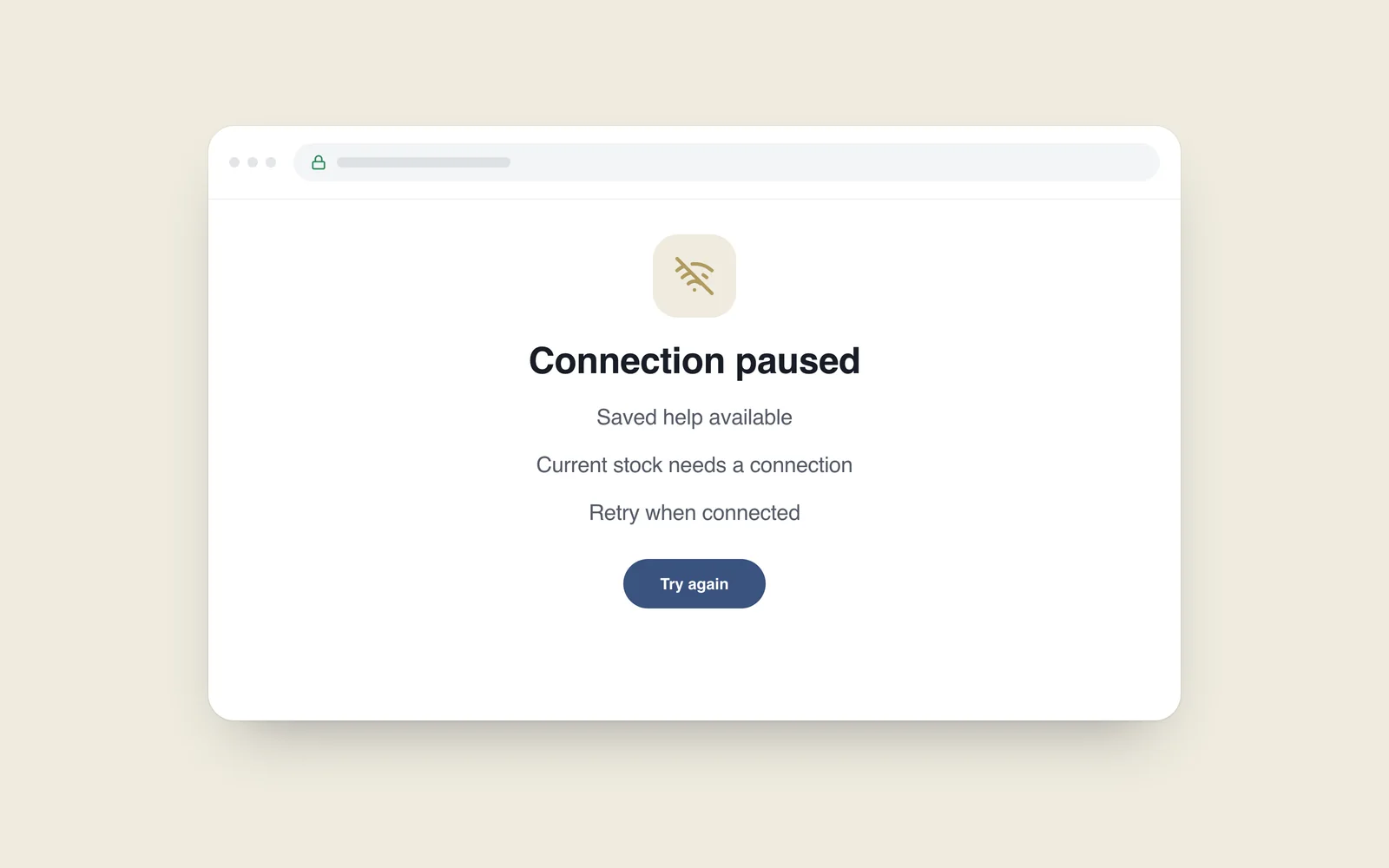
A customer browses a catalogue while travelling and loses their connection before the next page opens. Instead of a generic browser error, the website can explain what happened and offer a useful next step. That does not require making the entire store work offline.
One option is a previously stored fallback page served through a Service Worker. A Mozilla example from 2015 describes returning cached HTML when a network request fails. In a 2018 project, verify the capability in the browsers and devices you intend to support.
Define what is actually available
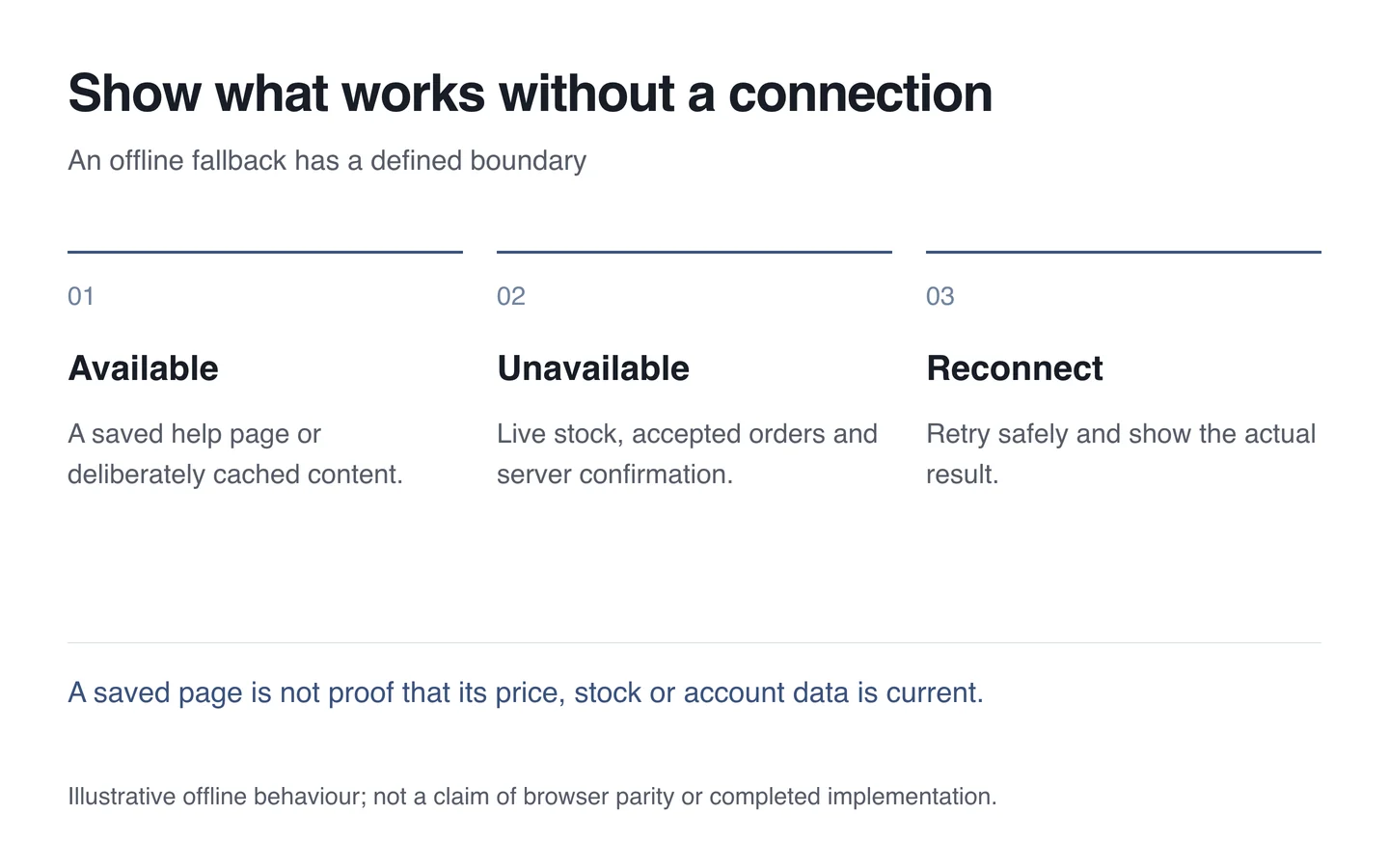
The offline message should describe the situation accurately. If only a help page is stored, do not promise access to the complete catalogue. A retry control should make a real request, and the return path should not lead into an empty loop.
Previously viewed content may be stale. Prices, stock, opening hours and personal information need particular care. Having a saved copy does not establish the current state of the record on the server.

An accepted order requires a server
Do not show success when the server has not received an order or form. Saving a draft may be possible, but its purpose, storage location and later submission rules need deliberate design. Consider the risk of leaving personal information on a shared device.
Background submission does not automatically make the process reliable. Retrying must not create the same order twice. For an initial project, an honest explanation and a clear retry route can be easier to manage than a complex offline queue.
Plan updates and removal
Stored resources need versions and an eviction process. Otherwise an old interface can persist after a new release. Personal pages and sensitive responses should not enter a shared cache.
- After an initial visit, disconnect and try opening another page.
- Submit a form offline and inspect the accuracy of its feedback.
- Reconnect and repeat the action without creating duplicates.
- Test a new release and removal of the old cached resources.
During website development, agree offline behaviour as a feature with explicit boundaries. The useful outcome is that visitors understand the situation and can continue when their connection returns.