TechnologyUpdated 2 min read
HTTPS and Chrome: what a secure connection protects
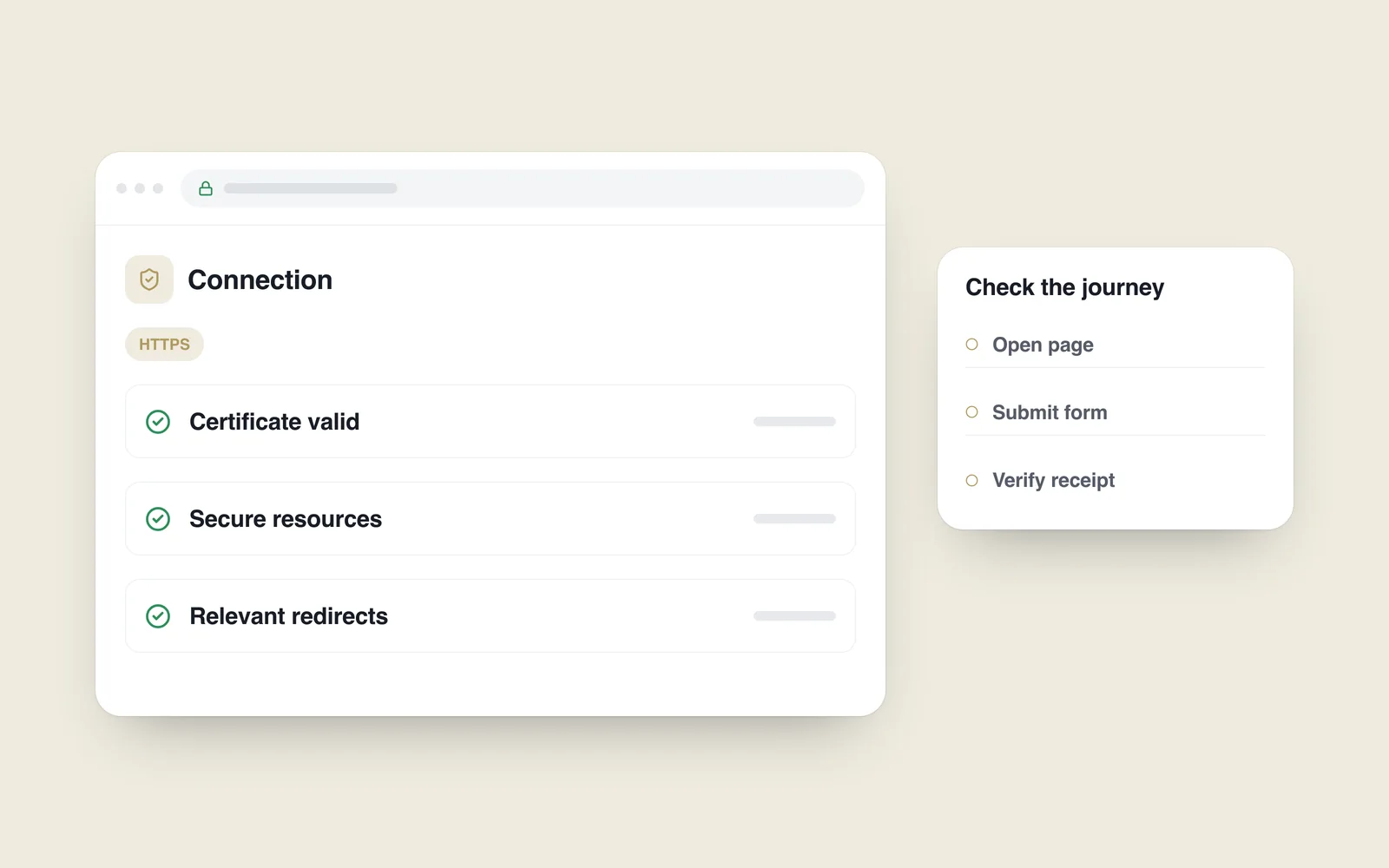
In July 2018, Chrome 68 began marking HTTP pages as not secure. A page could still open normally while the browser warned about the connection. For a business, this is more than a cosmetic label: information sent over an unencrypted connection lacks the protection HTTPS provides.
The Chromium announcement described the change in advance. Moving to HTTPS is a foundation for protecting the connection, rather than a guarantee that the entire website is secure.
Understand what the connection protects
HTTPS helps prevent information being read or altered in transit. Certificate checks help the browser verify the domain it is contacting. This matters particularly for forms, sign-in and other data transfers.
A certificate does not establish that a business offer is honest, the application code is correct or administrator access is well controlled. Encryption needs to sit alongside maintenance, appropriate permissions and other security measures.

Plan more than installing a certificate
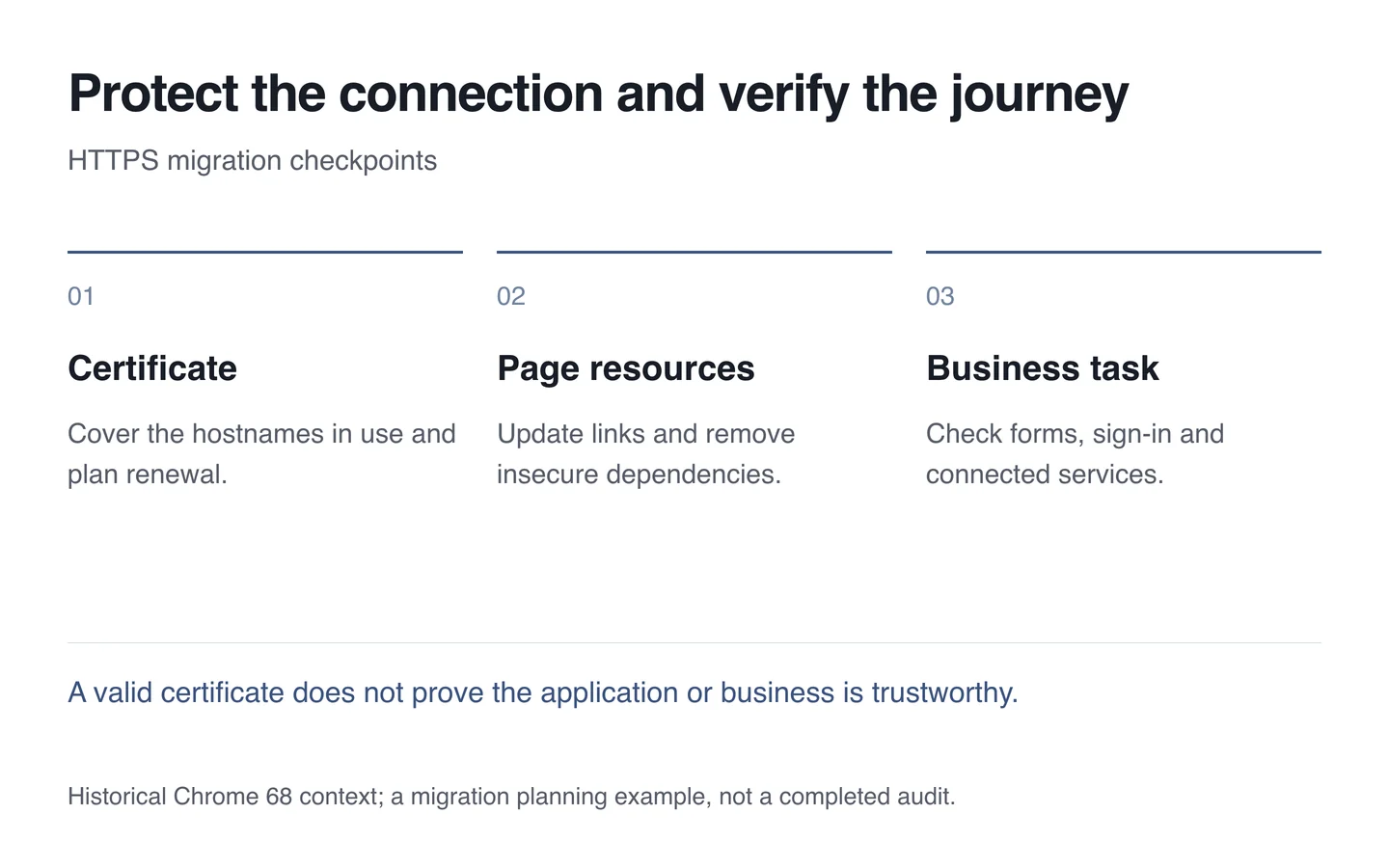
Check the hostnames visitors actually use: the main domain, www when relevant and any active subdomains. Assign responsibility for certificate expiry and renewal instead of treating installation as the end of the job.
Redirect an old HTTP address to its corresponding HTTPS page. Internal links, images, styles and scripts should use secure destinations. Otherwise mixed content can remain and the browser may block particular resources.
Keep preferred URLs, the sitemap and canonical references consistent. The migration is not a reason to remove working pages or send every request to the homepage.
Test forms and the renewal process
- Open important pages using the supported address variants.
- Inspect the certificate and browser warnings.
- Submit a form with test information and verify its receipt.
- Check administration, integrations and required external resources.
- Record who monitors renewal and responds to a failure.
A successful move protects the connection while preserving the tasks the site serves. Include continued verification in the technical support plan.