TipsUpdated 2 min read
Website notification email is missing: trace the delivery
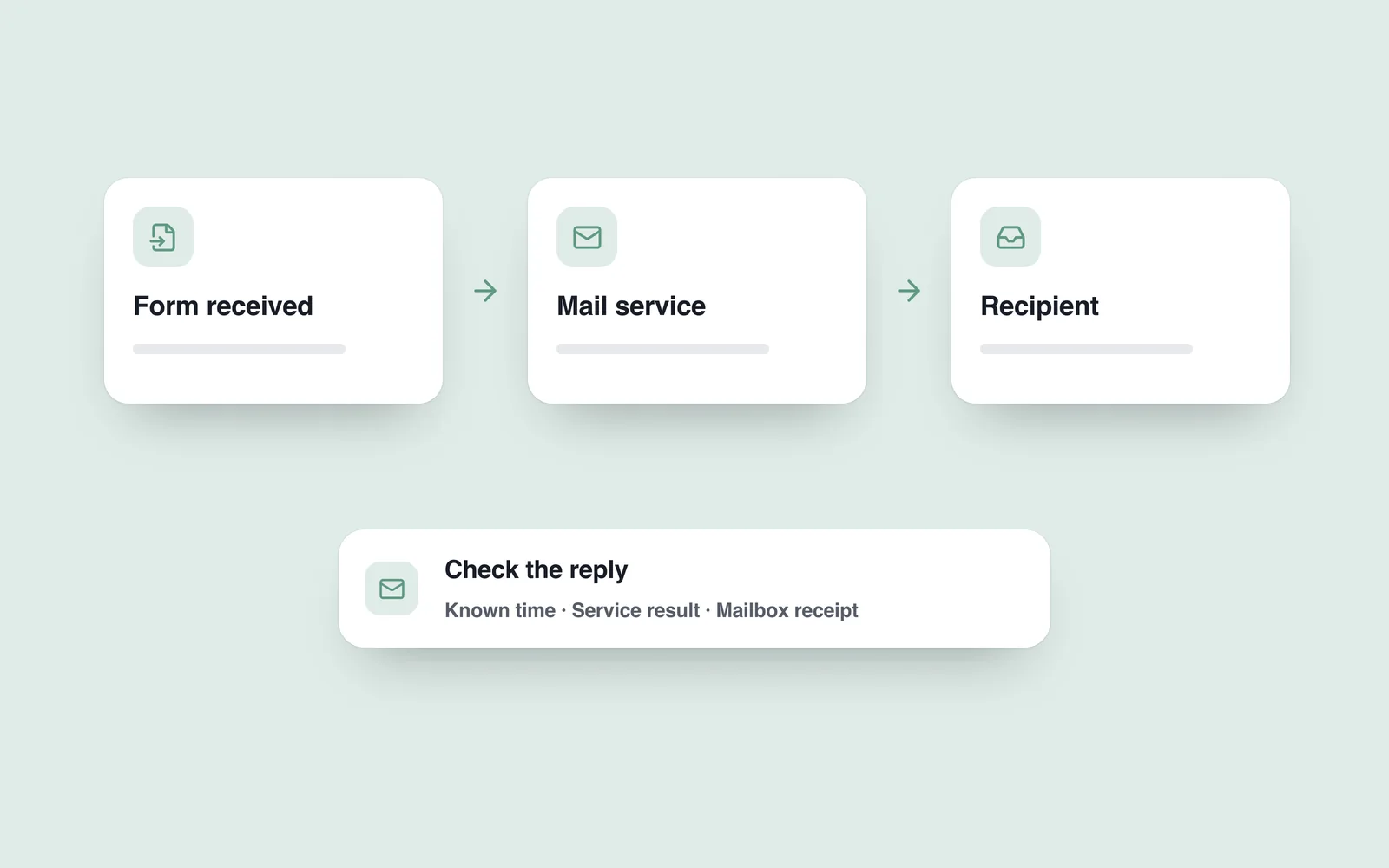
The form says “Sent”, but the recipient has no message. Several failures can produce that symptom: the request never reached the server, the mail service rejected it or the destination filed it elsewhere. The interface label alone proves none of those steps.
Use test information and follow one specific attempt. Record the time, page address and recipient. Do not circulate actual customers’ personal information in shared chats or public screenshots.
Verify receipt of the form first
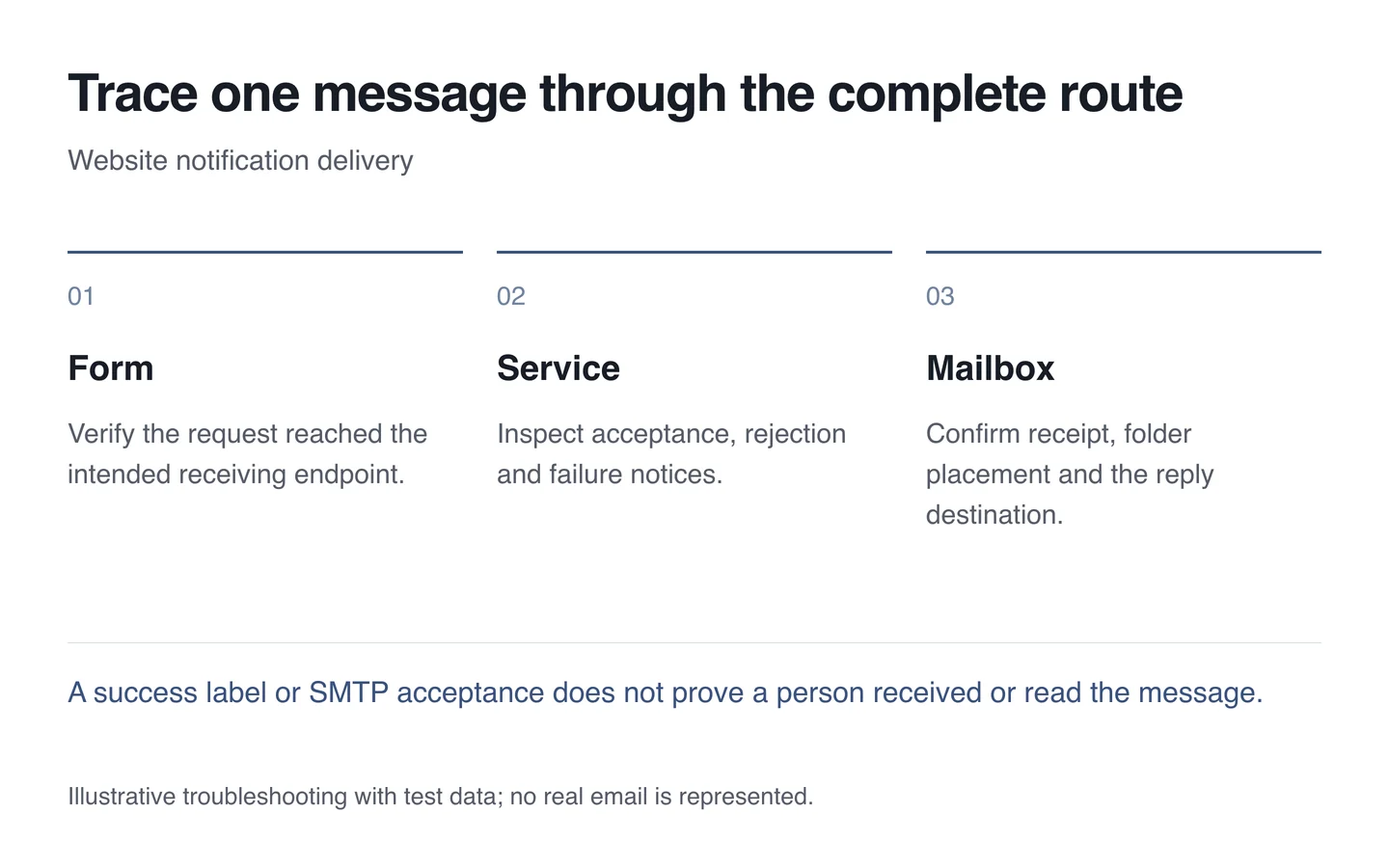
The technician needs to establish whether the form submits to the correct destination and what response it receives. A success message should not appear before the system confirms the relevant stage.
If the form cannot accept the request safely or send a notification, provide another contact route. Submitted personal information must not end up in the browser address: it can then remain in shared links and logs.

Inspect the mail service response
The SMTP specification describes message transfer between servers. Acceptance by a service does not establish that a person will read the message or that it will appear in the primary inbox.
Check authentication, the destination address, sending limits and the returned error. Identify where delivery failure notices go. Passwords, confidential message contents and secret keys should not appear in diagnostic information shared with others.
Follow delivery and the reply route
Inspect spam and other folders, along with mailbox rules. Try a known test message to another recipient, while recognising that one successful delivery does not prove operation with every provider.
Replies matter too: responding to a form notification should reach the intended person. Align the sender and reply addresses with both the technical configuration and staff workflow.
- Record the time and recipient for one test request.
- Verify form receipt and the mail service response.
- Identify any rejection or delivery failure.
- Confirm receipt and a reply in the actual mailbox.
During website support, repeat these checks after the fix. The outcome should be verified correspondence and honest feedback to visitors when the process cannot complete.