TipsUpdated 2 min read
Share project files with clear access and a current version
The newest logo is in email, prices are in a chat and the approved copy is on someone’s computer. A developer uses the file they received, only to learn that another version was approved. The missing ingredient is an agreed working rule.
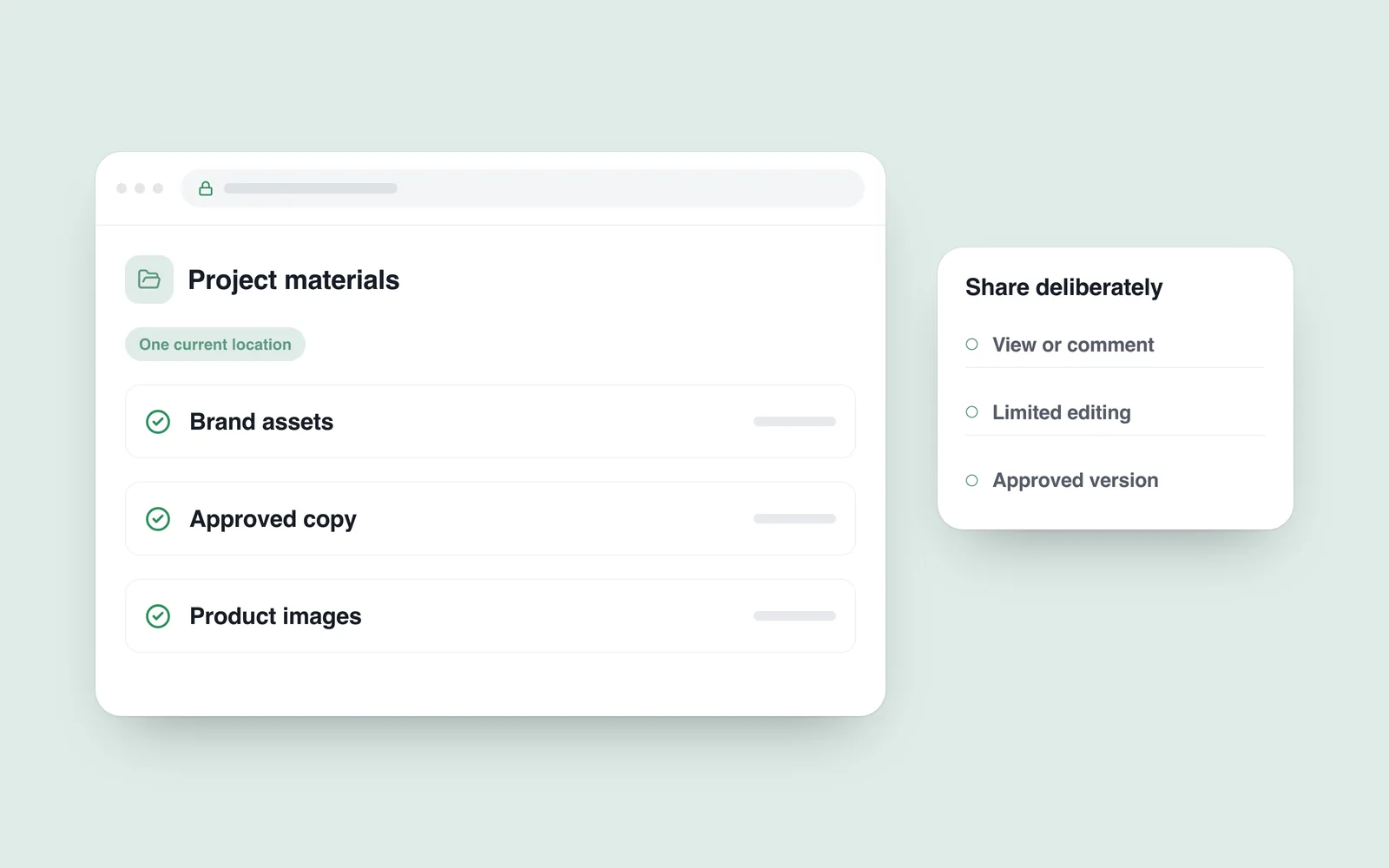
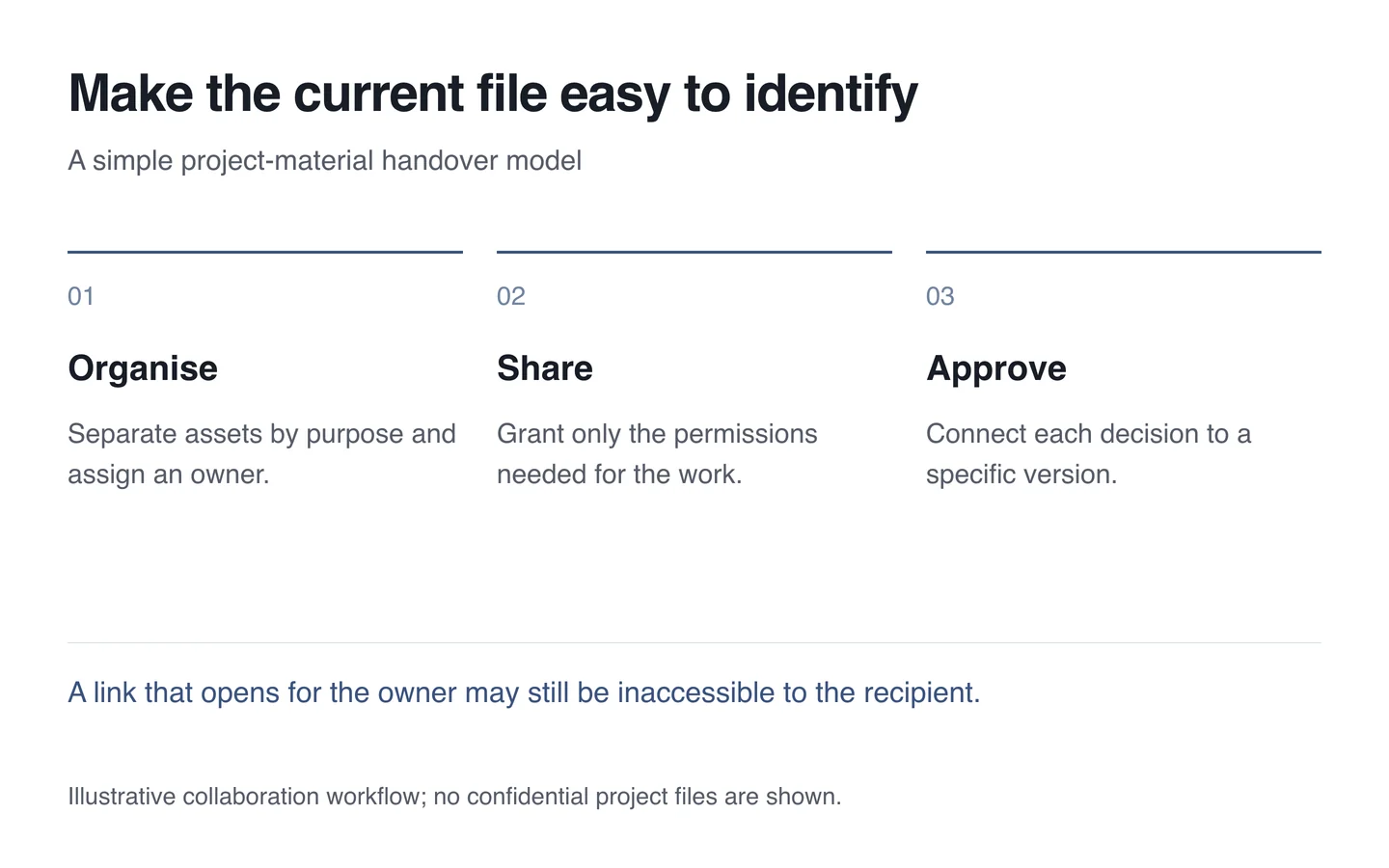
Choose one primary location for project materials. Everyone should know where current copy, images and decisions live. Discussion can remain in correspondence, while the final material has an unambiguous location.
Organise around the work
Separate brand assets, page copy, product information and photographs. Explain who adds material and how approval is marked. Creating many empty folders does not establish a usable process.
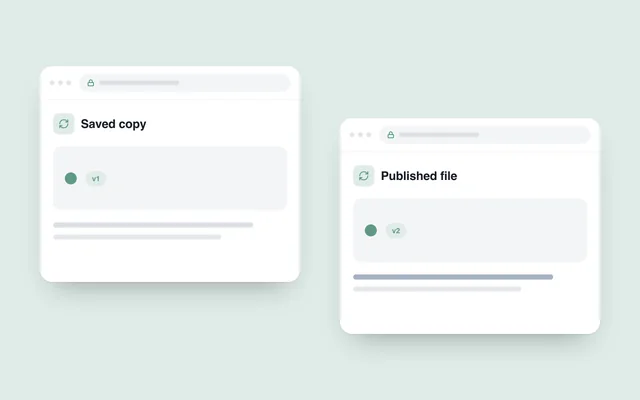
Names should identify the content. “Final”, “new final” and “definitely final” do not scale as a versioning system. Use an agreed date or version and keep superseded materials away from the current set.

Match permissions to the task
The Google Drive sharing guidance distinguishes viewing, commenting and editing. Check equivalent permissions in the chosen system. Someone invited only to review need not have permission to modify everything.
Keep confidential material out of public shared links. Test through the recipient’s account to confirm that the necessary file opens and only the intended actions are allowed. Success in the owner’s account proves nothing about recipient access.
Make handover a definite decision
Copy intended for the website should have an approved state. Identify the page or product for each photograph and confirm usage rights. Do not mix different clients’ material into one unorganised folder. Use a separate protected channel for passwords and secret keys.
- Assign a primary location and its responsible owner.
- Separate the current version from older copies.
- Review viewing, commenting and editing access.
- Connect approval to a specific file and version.
- Review external access again at project completion.
This organisation helps a website development team avoid the wrong source file and makes change discussions more concrete.