Technology5 min read
Passkeys for business websites: sign-in without passwords
A returning customer wants to check an order. The website asks for a password they last used months ago. A reset email, a new password and another sign-in attempt stand between them and a simple task.
Passkeys let people sign in by approving a request with their device’s screen lock, rather than typing a password. Adoption is already substantial: on 7 May 2026, the FIDO Alliance estimated that around five billion passkeys were in use worldwide. That is a global estimate, not evidence of adoption among Georgian customers. A business still needs to decide whether the technology solves a problem on its own website.
What actually changes when someone signs in?
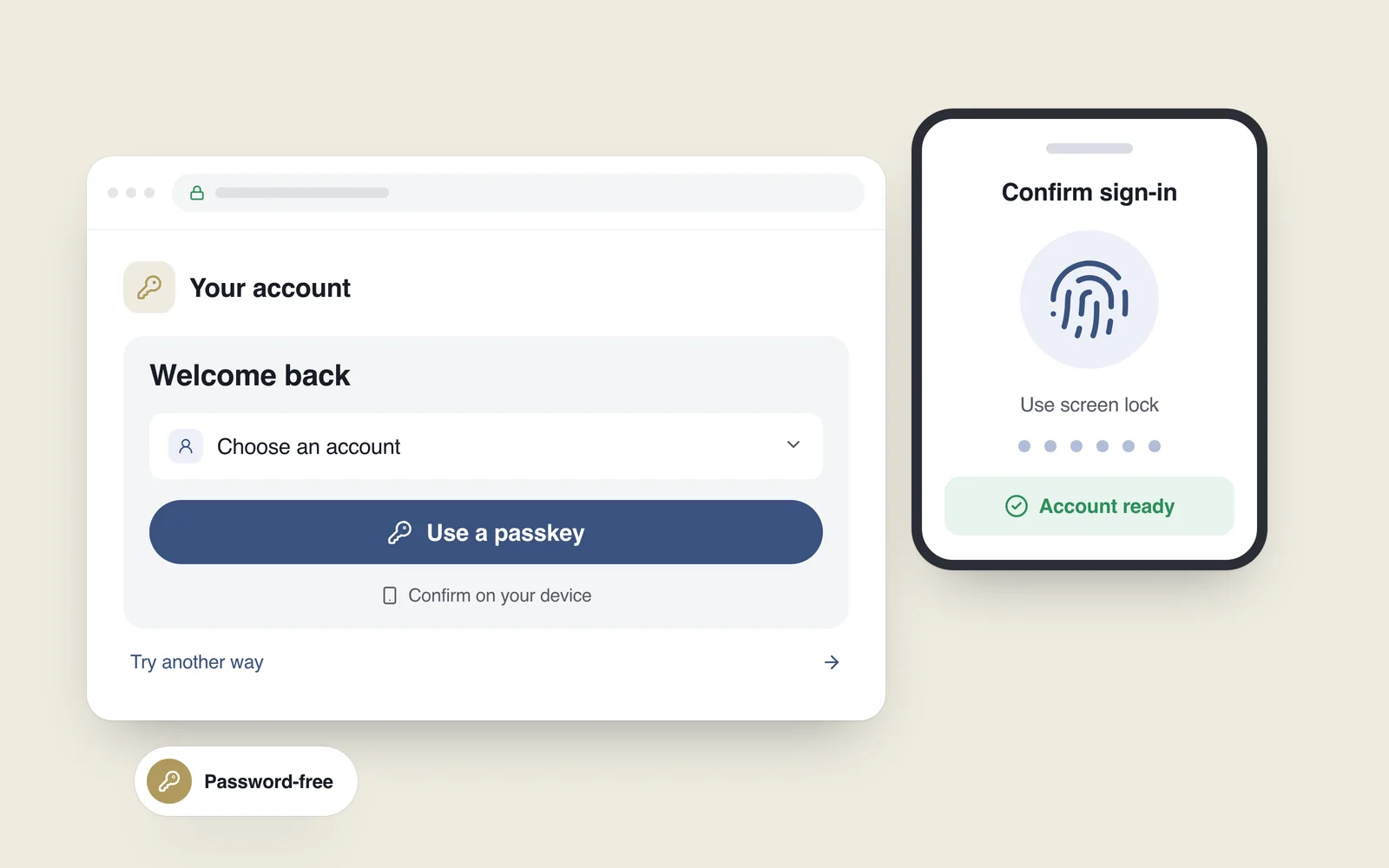
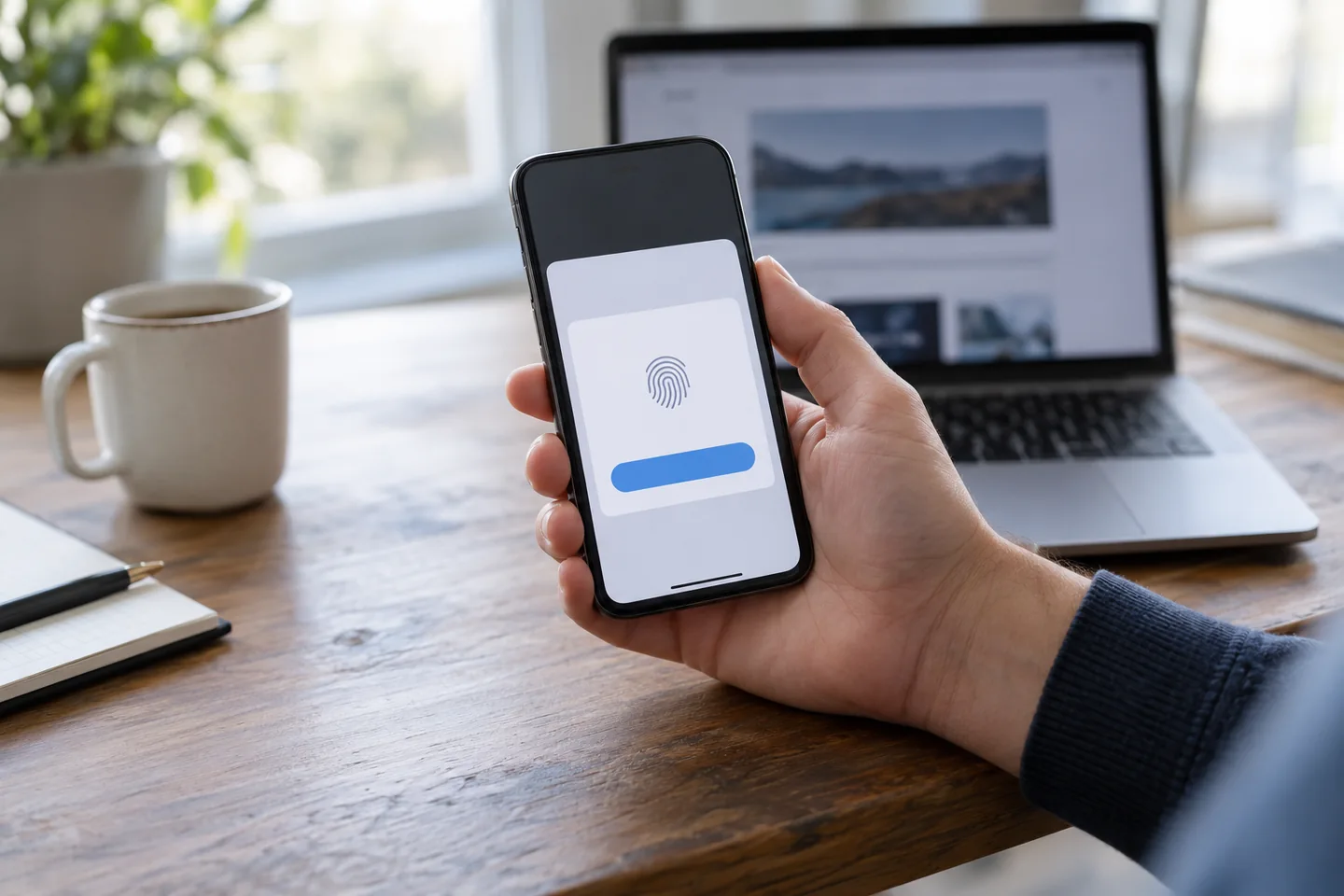
A passkey is a digital credential associated with an account and a particular website or application. There is no new string to memorise. The person may approve its use with a fingerprint, face recognition or their device PIN. Biometrics are an option, not a requirement.
Take an online store with existing customer accounts. After a customer has added a passkey to their account, a return visit might follow this path:
- They open the sign-in page and choose the passkey option or select an account offered by their browser.
- The device asks them to approve the request with its screen-lock method.
- The website verifies the response and opens the correct customer account.
The initial enrolment matters. Unlocking a phone does not automatically create an account on an arbitrary website; the credential must first be registered to that account.
Does the website receive a fingerprint?
No. Google’s passkey documentation explains that biometric material stays on the user’s device. The website verifies an authentication response; it does not receive a fingerprint template or a face photograph.
Underneath the interface, WebAuthn uses public-key cryptography. The website stores a public key, while the corresponding private key signs an authentication challenge. Storage is not always limited to one handset: a supported credential manager can make a synced passkey available on compatible devices.
The credential is bound to the service’s identity, which makes it resistant to phishing on an imitation website. That protection has a clear boundary. It does not repair a weak account-recovery process or protect every session after sign-in.
Where a business website can benefit
The strongest candidates have a reason for people to return to an account:
- Online stores: repeat purchases, saved delivery details and order history.
- Customer portals: bookings, service management or access to documents.
- Internal tools: staff dashboards, with explicit rules for granting and removing access.
A brochure website without customer accounts has a different priority list. Adding authentication for its own sake creates work for visitors. Even in a store, introducing passkeys need not mean removing guest checkout: improve the account journey without making registration a condition of every purchase.
Introduce the option without making sign-in confusing
For an initial release, offer passkeys alongside the established sign-in route. Explain the action in familiar language: “Sign in without a password, using your device’s screen lock.” Keep the passkey option easy to find and provide a clear way to use another method.
Passkeys can also appear in a browser’s account autofill suggestions alongside saved passwords. That requires an appropriate form and WebAuthn integration, rather than a cosmetic button. The pattern is documented in web.dev’s guide to passkey autofill.
Account settings should show what was added, identify credentials clearly and allow their removal. Treat a dismissed system prompt as a normal outcome: the person should return to a usable form and be able to choose another method.
Plan for the missing-phone scenario first
A lost phone does not always mean a lost credential. Access to synced passkeys depends on the credential provider, the user’s other compatible devices and the provider’s recovery process. A device-bound credential is a different case. Do not promise that every key will automatically follow a person to a replacement device.
Google’s user-journey guidance recommends establishing a recovery method when creating an account. Before release, write down what your service will do when someone:
- Can use the same synced credential on another device.
- Has a second registered passkey or a compatible physical security key.
- Has lost access to every available credential and needs account recovery.
If recovery is needed, support must verify the person before restoring access, with notifications and attempt limits in place. Revoking a synced credential on the website prevents sign-in with every copy of that credential, so confirm another sign-in route before removing it. Restricting the lost device’s access to the credential provider and ending active website sessions are separate tasks. Revoking a passkey does not itself end existing sessions unless your service explicitly implements that behaviour.

A secure implementation extends beyond the button
The development team should use a maintained library or suitable authentication service and verify responses on the server. Google’s server-side guide describes checks for the challenge, origin, relying-party ID, signature and required verification flags. Cancelled attempts or replayed responses must not be treated as successful sign-ins.
Session protection, permissions, recovery and administrator access still need their own review. Passkeys do not replace software updates or fix unrelated vulnerabilities. Our online-store security guide covers the wider maintenance picture.
Make the rollout measurable
Start with a limited pilot instead of switching every customer at once. Test successful sign-in, cancellation, another device and account recovery. Include phones, tablets and desktops in the browsers your audience actually uses; a successful test on a developer’s laptop is only one data point.
- How many people start and complete passkey enrolment?
- What proportion of sign-in attempts succeed, and how long do they take?
- How often do people choose another method or need support?
- Do new and returning customers encounter different obstacles?
Compare those measures with your own baseline. Another company’s improvement is not a forecast for your store. Keep passwords, credential material and other account secrets out of analytics events.
When planning a website or customer portal, define authentication and recovery early. The rollout should make signing in straightforward and explain the available recovery options when a device is lost or replaced.