TipsUpdated 3 min read
Online Store Security: 10 Practical Tips to Prevent Cyberattacks
Published by Samsiani
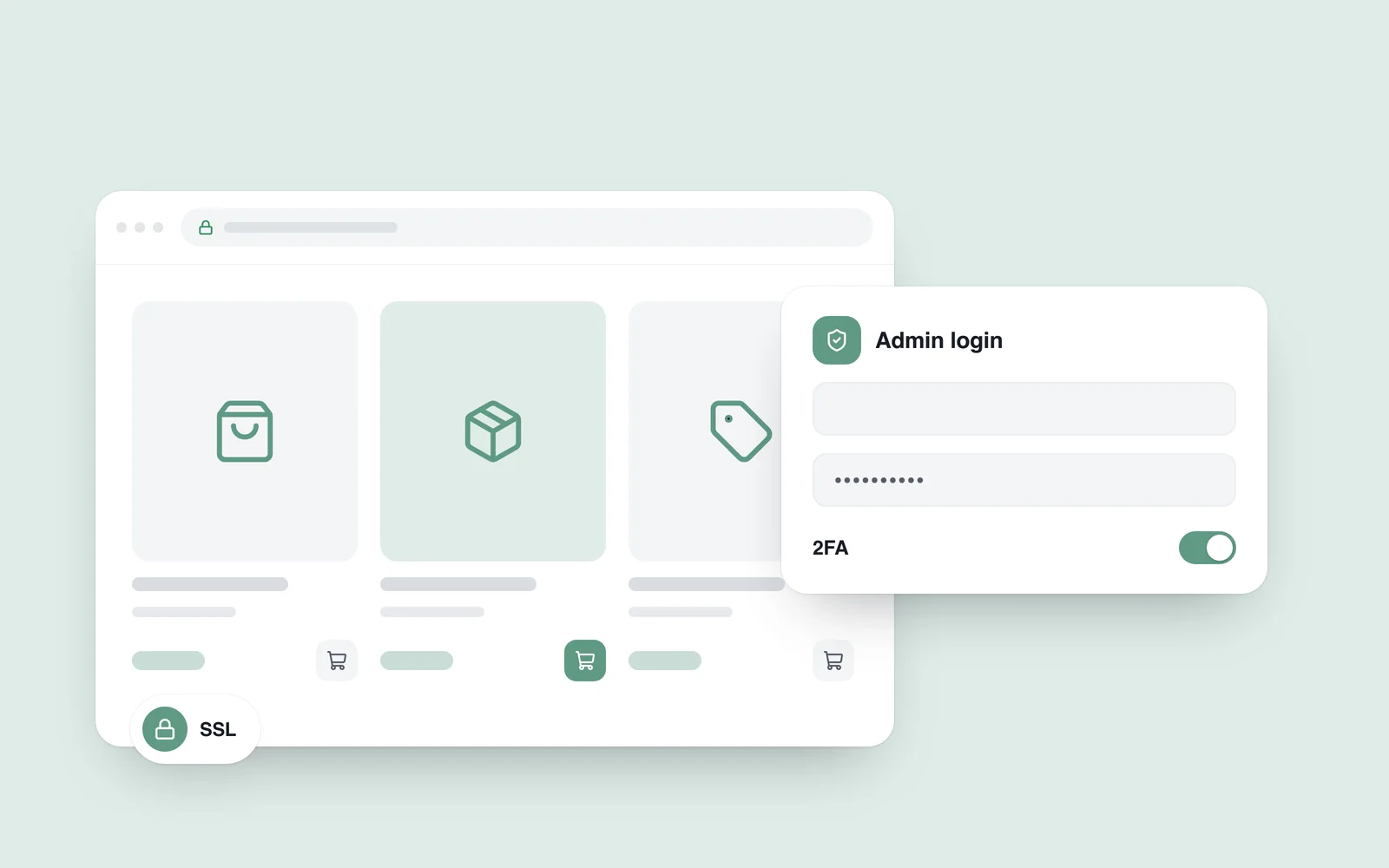
An online store's success depends on more than growing sales and effective marketing. Security is a fundamental part of earning customer trust and keeping your business resilient. The growing risk of cyberattacks makes robust protection essential for every online store. Here are 10 practical tips to help you secure yours.
1. Use an SSL certificate
An SSL certificate is a first step towards securing your website. It encrypts information that customers submit, such as payment card details, helping protect it from interception by third parties.
Why is SSL essential?
- Customers feel safer and are more likely to trust your website.
- Google gives HTTPS websites a ranking advantage, making secure connections a useful part of your SEO strategy.
- Browsers mark websites without HTTPS as ‘Not secure’.
2. Apply updates and security patches regularly
Keeping your system and plugins up to date is essential: outdated code is a common target for attackers.
Remember:
- Update your CMS: If you use WordPress or another platform, keep it on the latest version.
- Plugins and themes: Never use themes or plugins downloaded from unofficial sources.
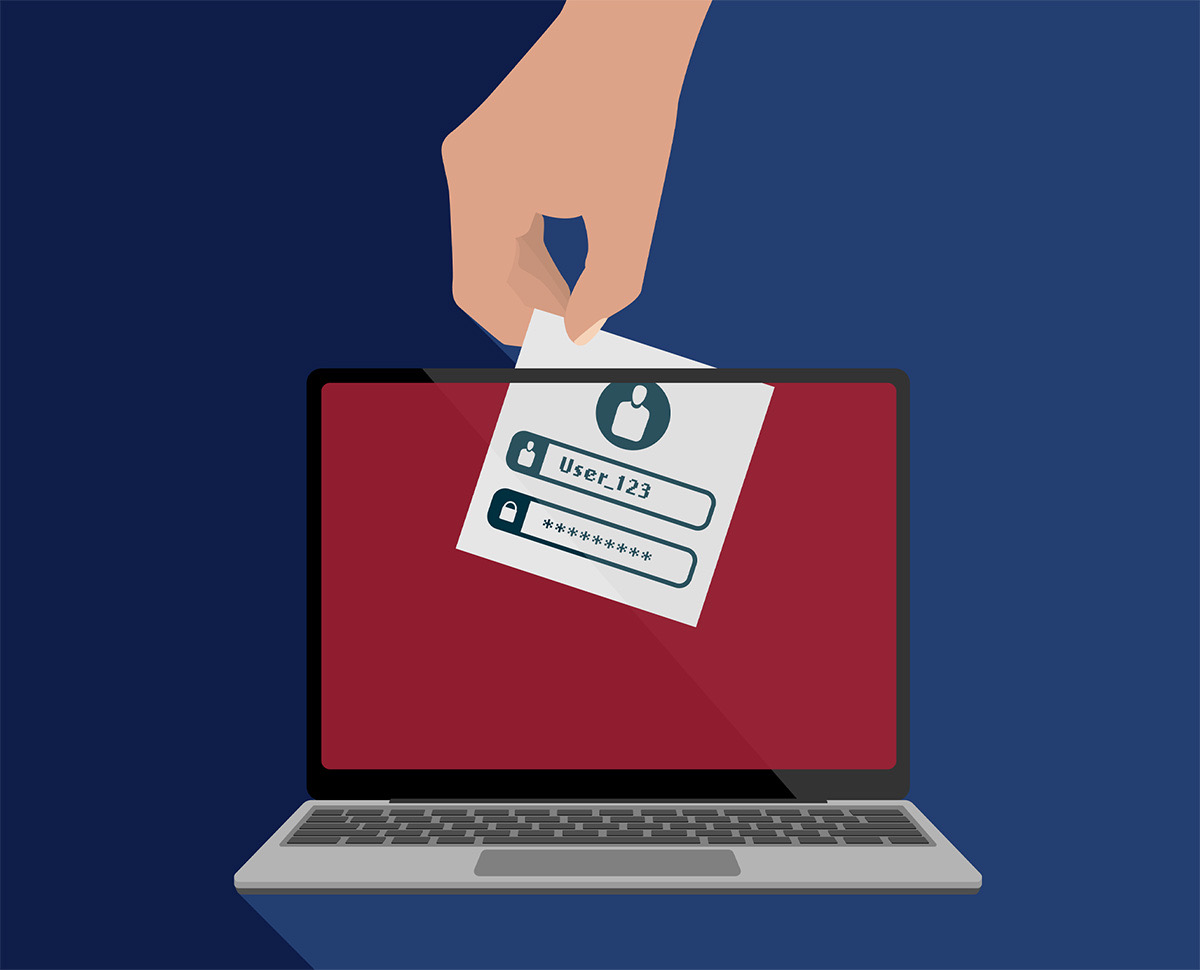
3. Use strong passwords and two-factor authentication (2FA)
Passwords are a first line of defence for your website. Weak passwords give attackers an easy way in.
How do you create a strong password?
- Use at least 12 characters.
- Include upper- and lower-case letters, numbers and special characters.
- Store passwords securely. Never put them in publicly accessible files.
Two-factor authentication (2FA) adds another layer of protection, making it much harder for attackers to gain access to your website.
4. Back up your website regularly
No one is completely immune to cyberattacks. Backups help you restore data quickly and avoid serious financial losses.
The key elements of a backup system:
- Automation: Backups should run automatically without requiring manual intervention.
- Secure storage: Keep backups in secure cloud storage.
- Testing: Periodically check that you can restore data from your backups.
5. Restrict access to the admin panel
Admin panels are a common target for attackers. To restrict access:
- Change the default panel URL, such as ‘admin’ or ‘login’.
- Use IP address filtering to allow access only from approved devices or networks.
- Enable a temporary lockout after repeated failed login attempts.
6. Protect your website with a web application firewall (WAF)
A firewall monitors traffic and helps protect your website from malicious activity.
How does a WAF work?
- It filters suspicious and malicious requests, including attempts at SQL injection and cross-site scripting.
- It provides real-time monitoring and helps prevent attacks.
7. Use CAPTCHA on forms
CAPTCHA helps protect website forms from automated bots. This is particularly important during registration and checkout.
8. Protect customer data
The main rules:
- Do not store customers' financial information on your server unless it is necessary.
- Use secure payment services, such as PayPal, Stripe or services offered by reputable banks.
- Comply with GDPR and other applicable regulatory requirements.
9. Monitor and scan your website regularly
Website monitoring helps you identify security vulnerabilities promptly.
- Use tools such as Sucuri or Wordfence.
- Enable alerts so that you are notified promptly about malicious activity.
10. Train staff and keep customers informed
Your online store's security depends on people as well as technology. Teach employees how to recognise and avoid phishing attacks, and tell customers about good security practices.
Securing an online store is a complex task that requires careful management of both technology and people. Putting these tips into practice helps protect your business from cyberattacks and strengthens customer trust. Remember that security is an ongoing process: it needs continual attention and improvement.
If you need help organising updates, backups and security checks, explore our website maintenance service.