SEOUpdated 3 min read
Image Optimisation for SEO
Published by Samsiani
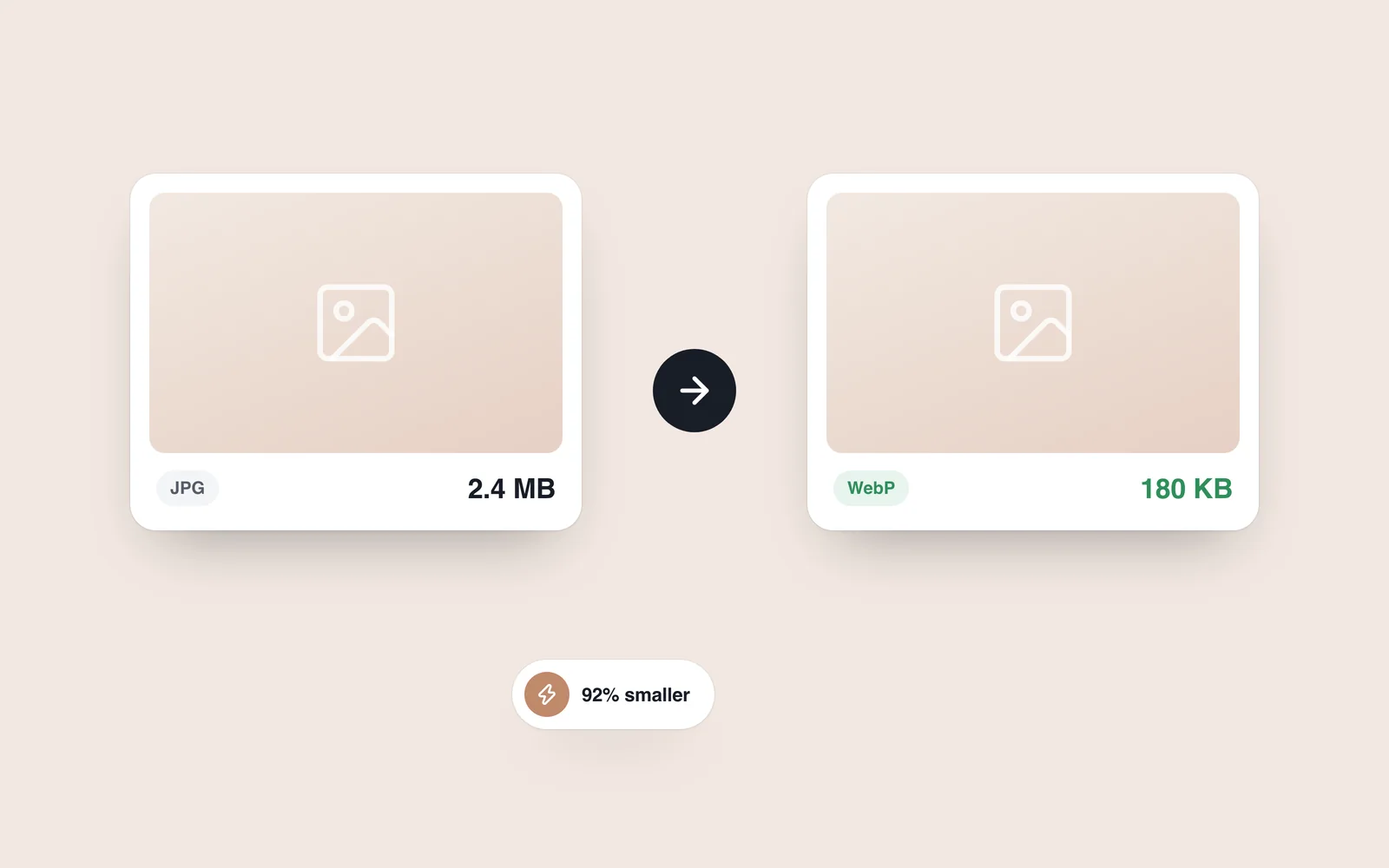
Image optimisation helps images appear in Google Images and can attract additional traffic to a website.
You may have heard that image-search traffic is low quality, not useful and unlikely to convert.
I partly share that view because, in my own experience, some image-search traffic proved poorly matched to the website.
Those visitors were not interested in buying products or clicking advertisements; many did not even stay on the website.
But image search brings both general and targeted traffic. Visitors whose interests match your offering should be more relevant.
Image optimisation: an important SEO consideration
Optimising images need not take a great deal of time, so it deserves a place in your workflow.
First, keep files reasonably small — a few hundred kilobytes where appropriate — so that they do not slow down the website or undermine other optimisation work.
Then consider the following steps.
An image should fit the article's subject and help readers understand it. Use your own photographs or material you have permission to use.
Downloading an image from Google merely because it ranks highly is not an appropriate approach. Check its source, licence and attribution requirements before publishing. Google's guide explains how to find images for reuse and check their terms.
Here is how to approach image optimisation.
Optimising images to attract search traffic
Several steps deserve attention if you want images to perform better in search.
Consider each to improve your chances of visibility.
First factor: the filename
Suppose an image illustrates link building. A descriptive filename such as link-building.jpg is more useful than 214817821.jpg. Use hyphens to separate words.
For a thumbnail, you could use link-building-tb.jpg.
The aim is to help Google understand the content as clearly as possible.
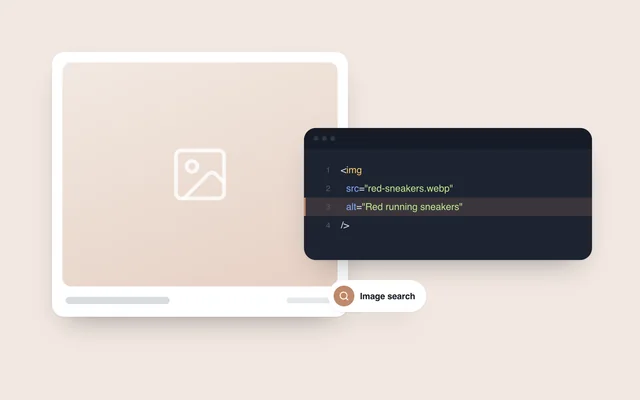
Second factor: the alt attribute
Alt text matters, but it is often used poorly.
Start by understanding its main purpose.
If an image fails to load, the browser may show its alt text instead, helping the visitor understand what the image was meant to convey.
The original guide suggested keeping descriptions within about 125 characters. More importantly, describe the image concisely rather than trying to fill a character allowance.
Third factor: the image description
Image descriptions receive less attention because their direct effect on SEO is debated. Where a description field is available, adding a few useful words can still explain the image's context.
For example, if an image shows a backlink labelled ‘off-page SEO factor’, its description could say: ‘Link building, an important part of off-page SEO.’
What marketers say about image visibility
Some marketers believe that an image appearing only on a Pinterest board has less opportunity to rank than one included on a page with substantial relevant content.
See also: