Technology5 min read
HTML-in-Canvas: what Chrome 157 changes for interactive websites
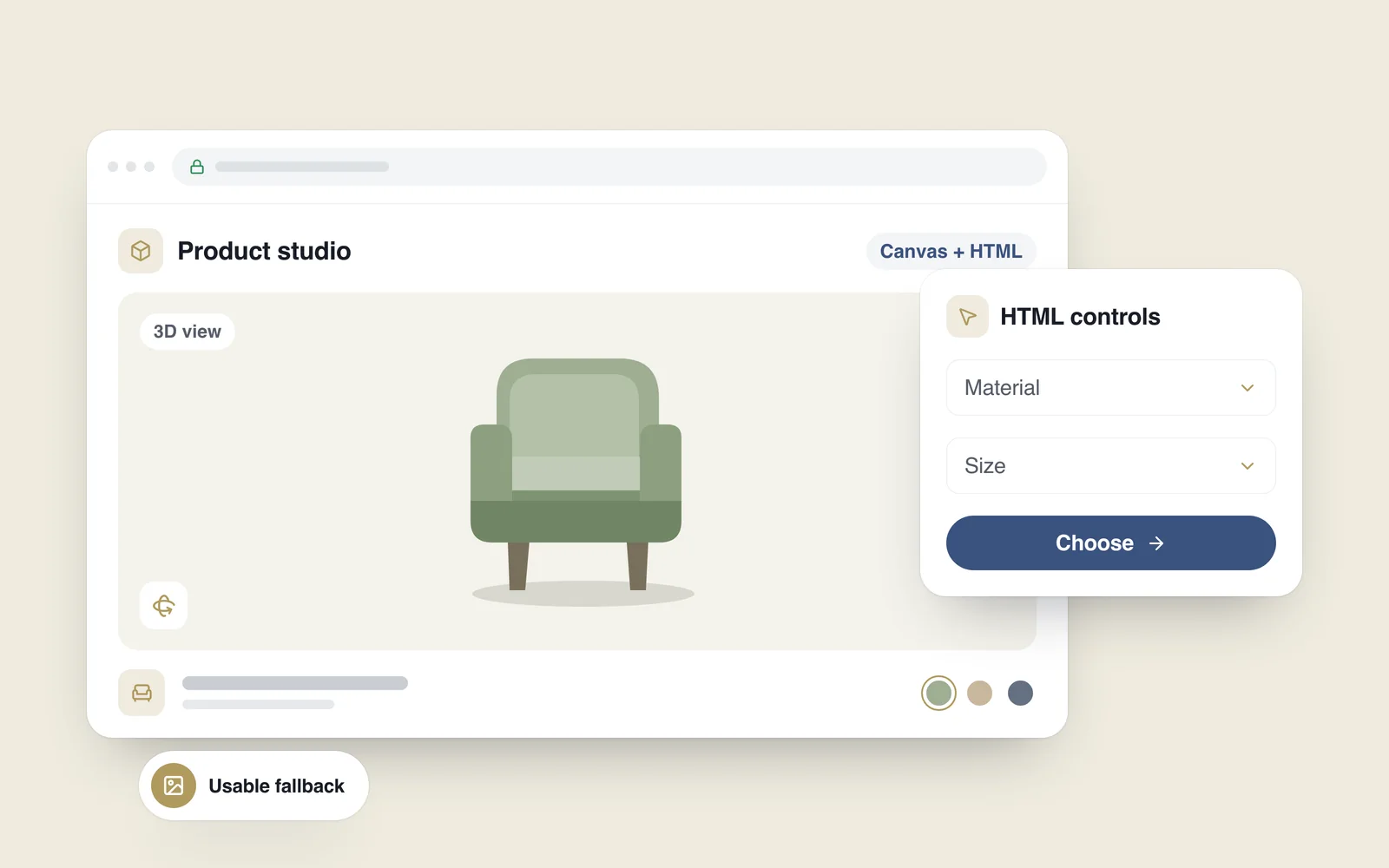
A customer wants to inspect a lounge chair, change its fabric and check its dimensions. A 3D view can make that easier. The controls still need to explain what is selected, what changed and how to order it. A polished model cannot compensate for an interface that is difficult to operate.
On 26 October 2026, the Chrome team announced HTML-in-Canvas for the stable release of Chrome 157. The API makes it easier to use HTML elements within graphical scenes. That makes it relevant to configurators, visual editors and other browser tools that combine familiar controls with complex graphics.
What HTML-in-Canvas actually does
The Canvas API draws graphics in the browser. HTML describes content and controls: headings, paragraphs, fields and buttons. A label painted onto a conventional canvas is a set of pixels; painting it does not turn it into a semantic text element or a working HTML button.
The new API connects those two approaches while retaining the structure of the HTML being used. A control placed alongside a 3D object can remain a real button with an appropriate name and state. That is a useful capability for graphical tools, rather than a reason to move an entire website into canvas.
The implementation problem it helps address
In a graphical application, the controls and the image must agree about position. People rotate a view, zoom in or resize the window. The visible button and its active hit area need to remain aligned throughout those changes. Any mismatch becomes particularly frustrating on a small touchscreen.
The technical explainer distinguishes drawing an element from synchronising its geometry. Some of that work is automatic in 2D; updating geometry remains part of the implementation for 3D scenes. An API can simplify the mechanics while the developer still has to test focus, zoom and touch behaviour.

Projects where it may be worth exploring
Start by identifying what a customer cannot establish from ordinary photographs. If the answer is unclear, a 3D interface may add work without resolving a useful problem. In this illustrative chair example, inspecting the object and choosing its material have a clear purpose.
- Product configurators. A customer selects a material, colour or size and sees the result. First establish which combinations actually exist and how each selection will be represented in the order.
- Visual editors. Arranging text and objects in one workspace can help people create invitations, layouts or other materials. Saving work and resuming it later can matter just as much as manipulating the canvas.
- Technical catalogues and space planners. Rotating an object, selecting a component or viewing dimensions may help someone decide. Distinguish verified measurements from a visual representation that should not be treated as an exact fit.
These are possible uses, not evidence that adopting a new API increases sales. Evaluate the task instead: can people choose a suitable product, do they need fewer clarifications, and can they complete the same process on a phone?
When a conventional interface is enough
A product with a few clear photographs, a useful description and two options may not need a complex scene. Models also create an ongoing maintenance responsibility. When a product changes, its model, available options and published information need to remain consistent.
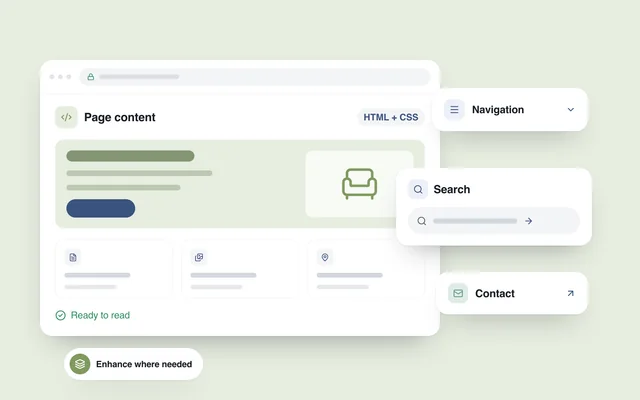
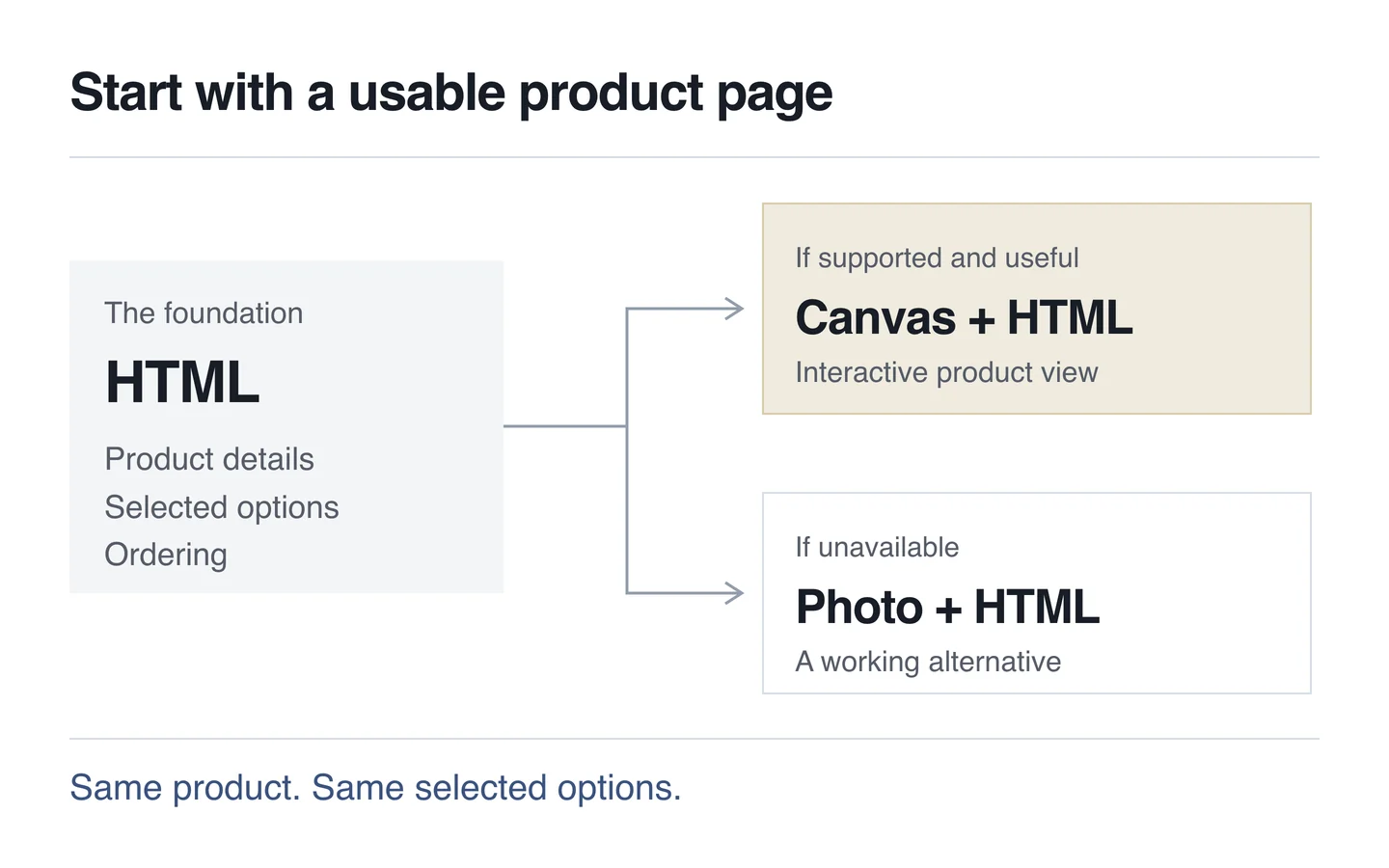
Ordering should remain possible when the graphical view fails to load. People still need to confirm the selected option, see the price and continue. An HTML-first foundation is a useful way to plan that reliable base experience.
Browser support needs its own plan
A Chrome release does not establish support on every device. Customers may use older versions or an embedded browser inside another application. Detect the capability being used rather than making assumptions from the browser's name. Our guide to Baseline explains how to approach support decisions.
Design the alternative from the start. MDN's canvas reference also describes the role of alternative content. An unsupported new API and a page with no functioning JavaScript are different failure modes. Decide what useful product information and actions remain available in each.
Test accessibility and mobile performance separately
Using HTML provides a foundation; it does not certify the finished interface as accessible. The principle in W3C's keyboard guidance is that relevant actions must also be operable through a keyboard. Try changing a colour, identifying the current selection and continuing to the order without a mouse. Keep focus visible and provide a way out of the scene.
On a phone, check whether manipulating the object interferes with page scrolling, whether the controls are comfortable to use and whether rotation preserves the selection. Smooth movement on one recent handset does not demonstrate a good experience on the rest of the devices you support.
GPU rendering does not automatically make the whole page faster. Plan when models, textures and extra code load. The main photograph and description should not wait for the scene; the LCP optimisation guide explains the importance of rendering primary content promptly. Measure both initial loading and responsiveness after the change.
A sensible first implementation
Pilot one representative product before rebuilding the catalogue. Write down what the visitor must accomplish, then perform the same task through the graphical and conventional versions.
- Select a product or workflow that ordinary photographs struggle to explain.
- Prepare accurate data, a suitable model and the list of available configurations.
- Build a usable product page without the interactive scene.
- Detect support and add the enhancement in the appropriate environment.
- Test touch, keyboard use, zoom, saving and recovery from errors.
- Evaluate the result before extending the approach to other products.
HTML-in-Canvas is worth watching where graphics and controls need a close connection. When planning a website, define the visitor's task, the underlying data and a reliable basic workflow first. That gives the new capability a specific job within the project.