TechnologyUpdated 2 min read
Baseline: decide when a browser feature is ready to use
A new interface feature works perfectly in a demonstration. Someone opens the site on an older phone and cannot find an important action. “It works in my browser” is not a sufficient support policy.
Baseline offers a shared reference for discussing browser support. Its labels make availability easier to assess, but they do not replace knowledge of the audience or the particular task.
Understand the two stages
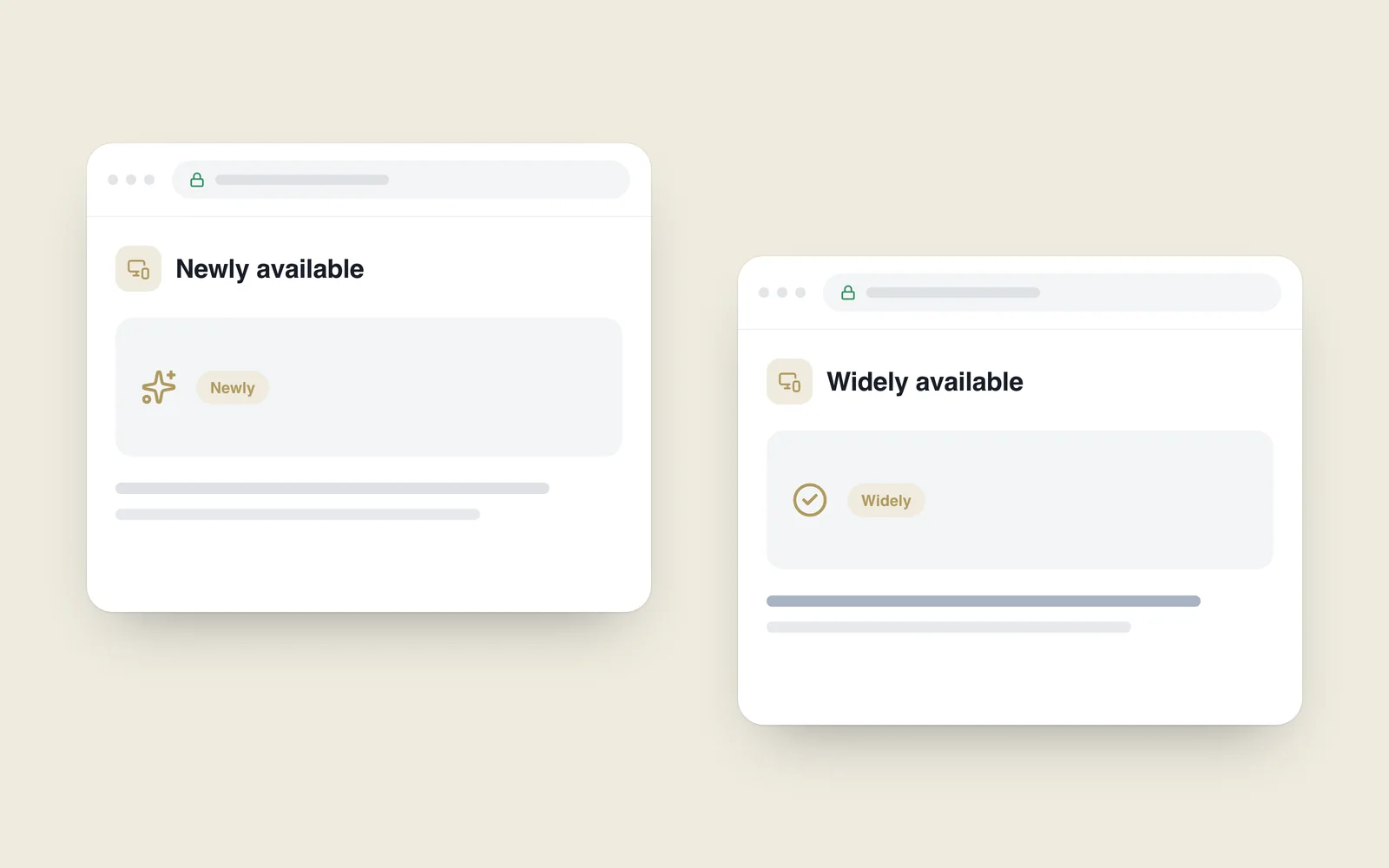
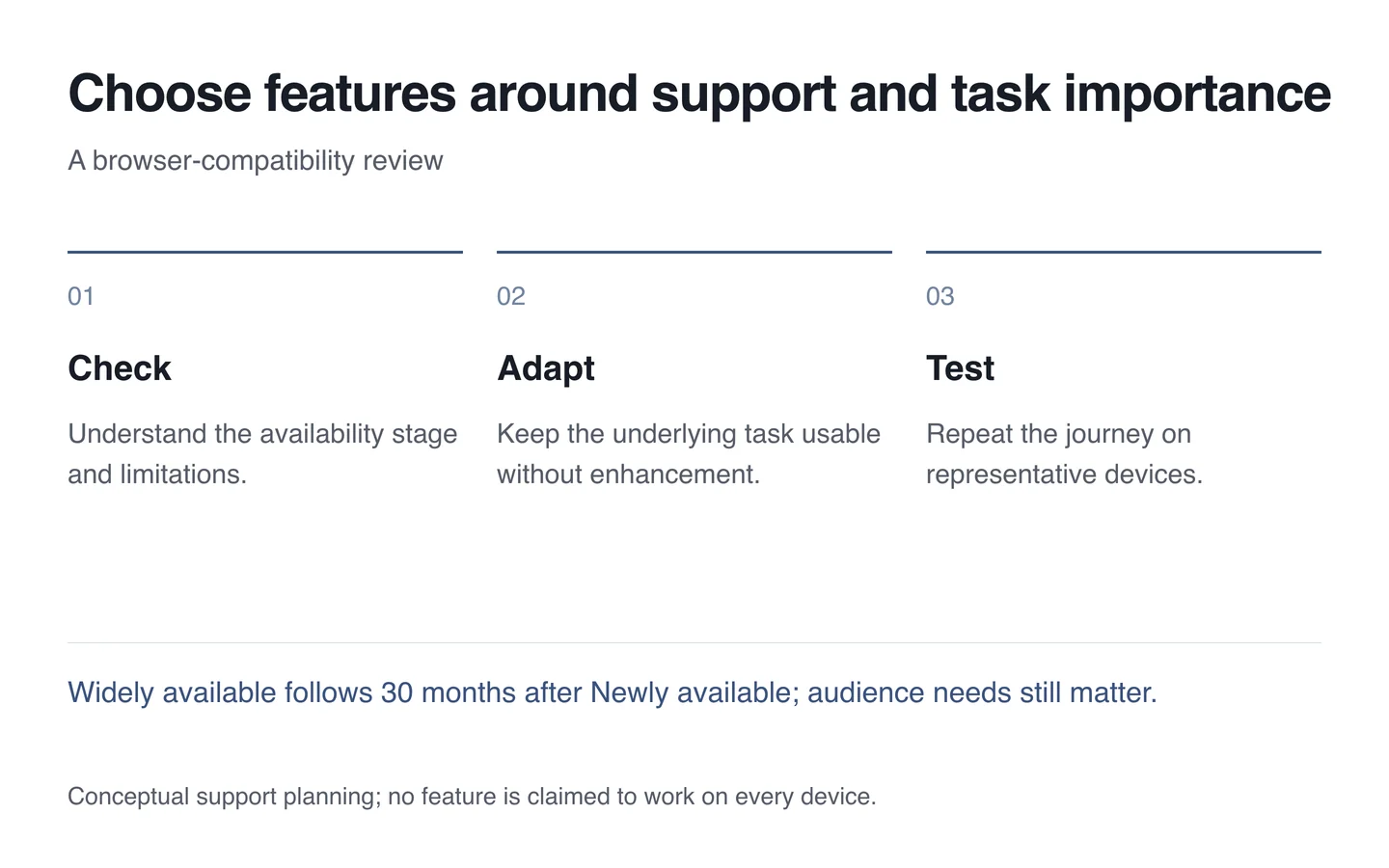
The Baseline definition update distinguishes Newly available across the core browser set from Widely available, reached 30 months later. That distinction helps avoid treating a newly interoperable feature as universally supported.
The label cannot guarantee every older device. The core set includes major desktop and mobile browsers, while your audience may use older versions or embedded browsers. Check the particular feature and known limitations.

Assess the feature’s role
A decorative effect and a control required to finish payment create different risks. Without the effect, information may simply look different. Without the control, the task can fail. Importance should influence the support decision.
Keep a working foundation and add enhancement where supported. Choose suitable CSS or JavaScript feature checks. Establishing capability is generally more useful than guessing from the browser’s name.
Test a defined task
Select devices using audience knowledge. Repeat an important journey on newer and older phones. Review focus, input, back navigation and retained data as well as layout. A visual difference does not automatically mean a broken function.
- Check the feature’s actual Baseline status.
- Identify decoration versus essential behaviour.
- Review audience devices and browsers.
- Provide a usable fallback.
- Repeat the task in representative environments.
During website development, Baseline starts an informed decision rather than granting universal permission. Modern capabilities should improve the task while differences in support leave the website usable.