Technology3 min read
PWA or mobile app: choose around the recurring task
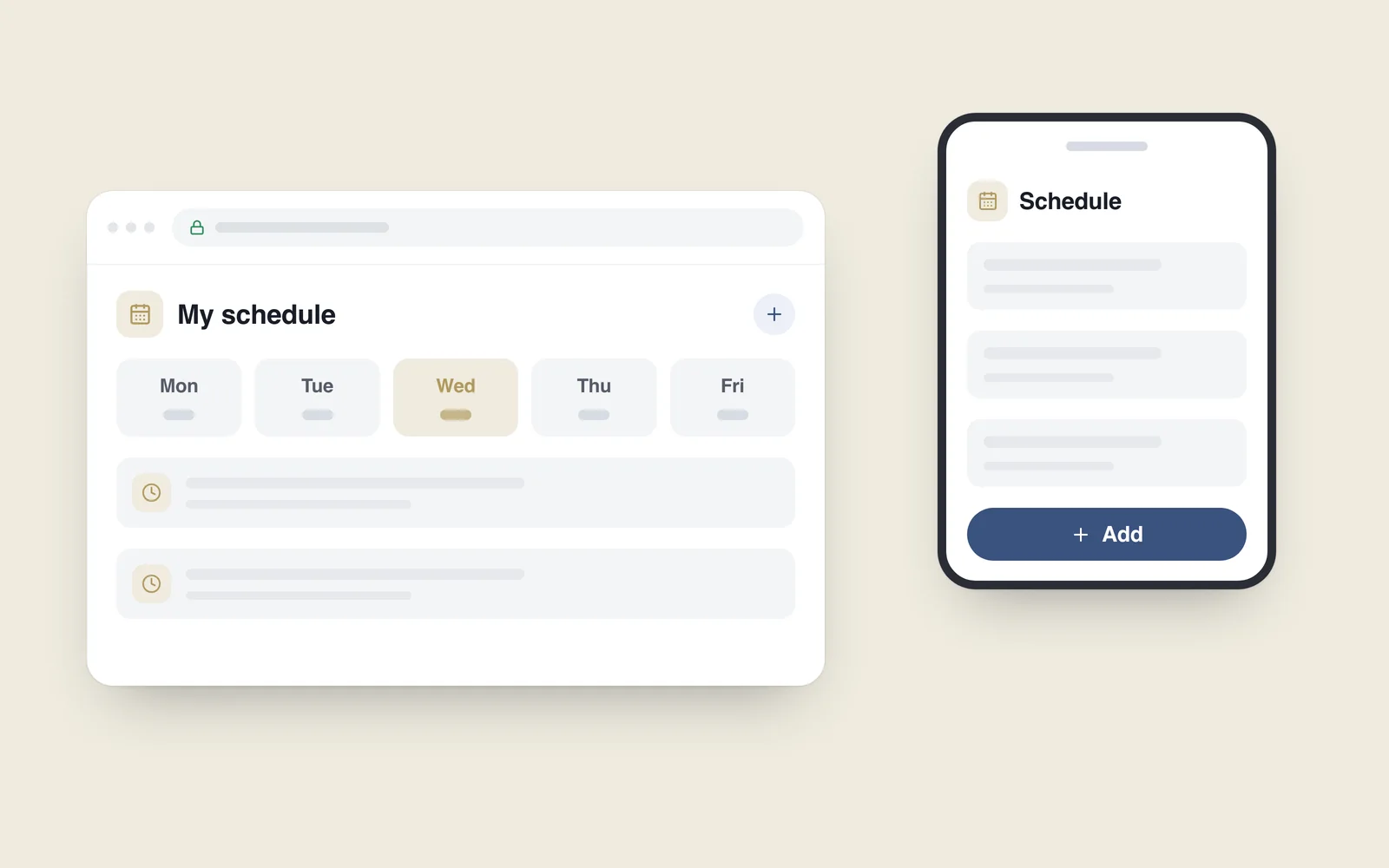
A customer opens your service every day to check a timetable, an order or account information. Re-entering an address is inconvenient, but a separate mobile app is not yet an agreed investment. A progressive web app may be worth investigating.
A PWA is a service built with web technologies that can offer app-like capabilities in a supporting environment. It does not automatically turn every website into a fully equivalent mobile app. Capabilities depend on the browser, operating system and implementation.
What it can add to the website
The web.dev introduction describes a web-based experience that can use installation and additional capabilities where supported. People should still be able to open the service through a link; an installation offer should not block ordinary use.
Useful additions may include a home-screen entry, a separate app window, selected information available without a connection and relevant notifications. Plan and test each capability. Do not assume identical behaviour across browsers.

Look for a task people return to
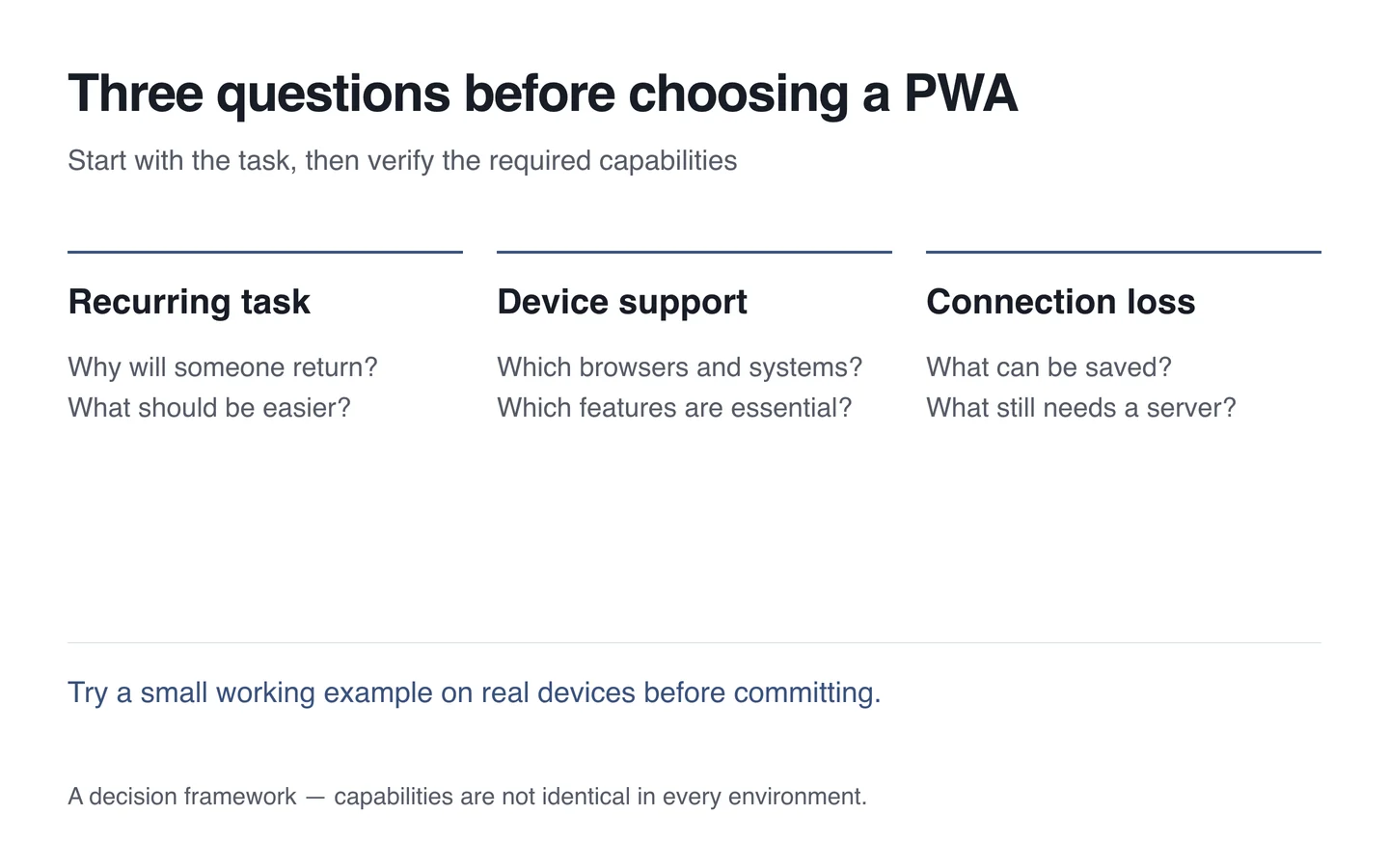
A PWA is particularly worth considering when people repeat a specific task and much of the service already works on the web. Examples include an account area with order status, a small staff tool or a regularly used catalogue.
A home-screen icon may add little to a site someone visits once a year. Establish the reason for returning first. Product complexity, customer devices and the team's ability to support the service belong in the decision.
List the essential device capabilities, such as camera access, location, notifications or background operation. Test those requirements on the intended browsers and systems rather than accepting “a PWA can do that” as sufficient evidence.
Choose what remains useful without a connection
A saved timetable or instruction page can be helpful when connectivity disappears. A new order, payment or current stock figure usually needs a server connection and confirmation.
Explain when information is cached and when an action could not complete. Do not present an old price or status as current. If work is queued for later, plan duplicate prevention and an understandable final outcome.
Ask for notifications with a clear purpose
WebKit described Web Push support in 2023 for Home Screen web apps on iOS and iPadOS 16.4, with permission requests tied to direct user interaction. The release notes also document that capability.
This does not mean any open page can notify every device. Check installation, permission and delivery on the actual device. Explain the purpose, such as an important order update, and leave people a choice.
Know when another approach fits better
A separate application may suit deep device integration, complex background work or a specific operating-system experience. An ordinary responsive website may be sufficient where the main task is to find information quickly.
A PWA does not automatically mean cheaper or simpler maintenance. Cache updates, data protection, authentication and cross-environment testing still require work. Make the decision from the full set of needs.
Run a small trial before committing
- Choose one recurring customer task.
- Verify essential capabilities on representative customer devices.
- Test ordinary access, installation, updates and connection loss.
- Check sign-in, sign-out and cached personal information separately.
- Then compare the PWA, responsive-site and separate-app options.
Start mobile service planning with the user's task. The technology should serve that task rather than merely adding another icon to the home screen.