Development5 min read
Faster websites in 2026: an HTML-first development guide
You open a product page on your phone. The photograph and price appear, but tapping the menu does nothing. A moment later the page becomes responsive. The connection may be part of the problem; the browser may also still be processing the JavaScript that makes the interface work.
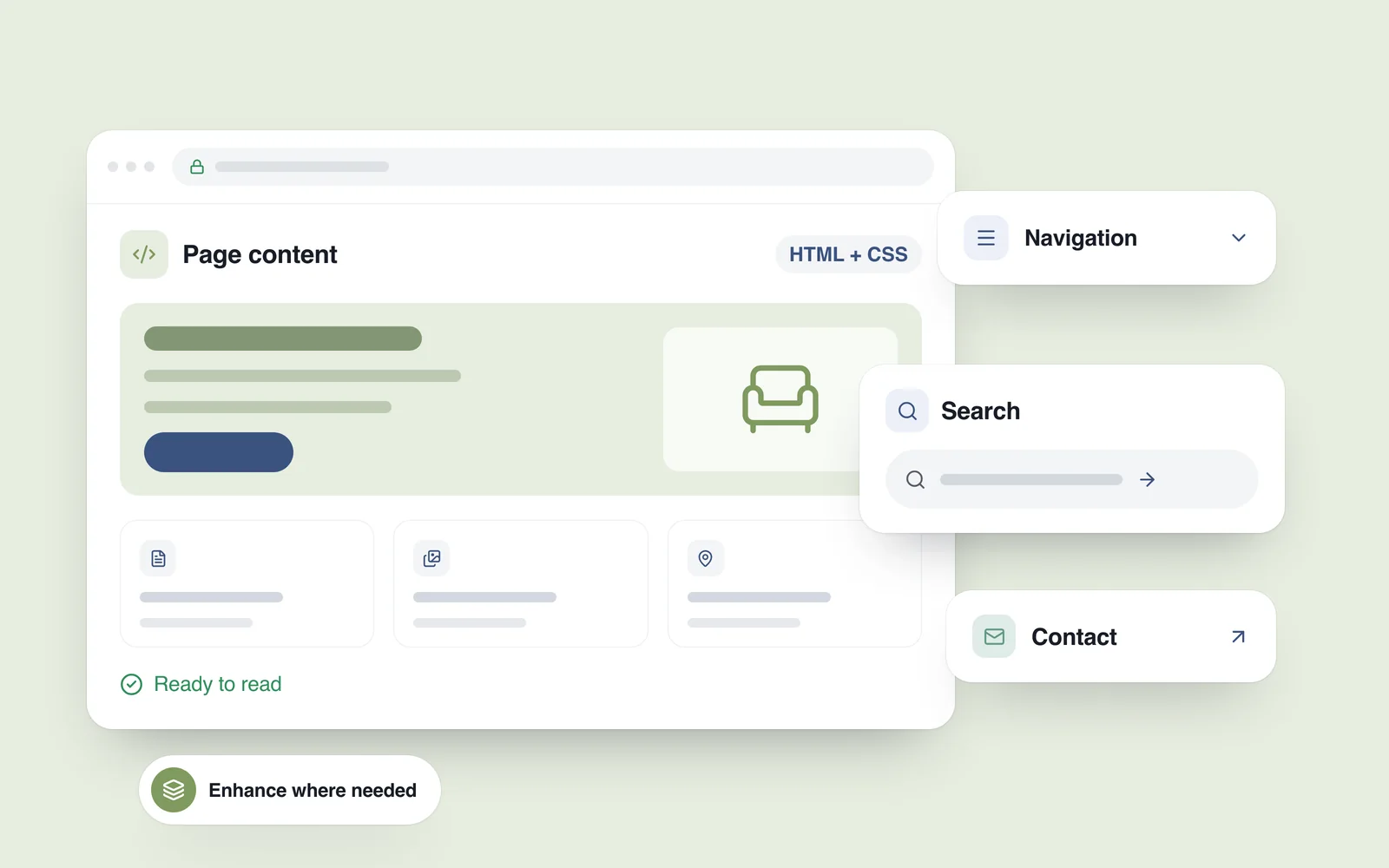
That waiting period is a development decision worth addressing early. An HTML-first website delivers its essential content as ready-to-display HTML, then adds code for the interactions that need it. A polished design, useful animation and responsive search can all remain. The aim is to stop unrelated features from holding up the basic experience.
What HTML-first actually means
HTML-first is an architectural approach, not a new language or a particular website builder. Start with content and dependable basic actions, then enhance them. The HTML might be generated during a build or produced by a server when someone requests a page.
- HTML provides the page structure: headings, products, links and form fields.
- CSS controls presentation, layout and many visual effects.
- JavaScript adds behaviour such as live search, interactive maps and updates that do not require another page load.
This approach leaves plenty of room for expressive design. CSS can handle many animations, while more involved interactions retain their own scripts. The useful question is which parts need code immediately, and which should remain usable before that code arrives.
A download is only the start of the work
After a script arrives, the browser must process and execute it. A less powerful phone may struggle to do that while also responding to taps or typing. As web.dev explains, long tasks on the main thread can delay other work. A smaller download therefore helps, but file size alone does not establish how responsive an interface will be.
Measure what happens after the page appears, too. Interaction to Next Paint, or INP, assesses how quickly an interaction receives a visible response. Getting content onto the screen and making the page respond reliably deserve separate attention.

Give each part of the page the right amount of code
Consider a furniture workshop website. Visitors want to see previous work, understand ordering and send an enquiry. Those tasks do not all need the same kind of implementation.
- Service descriptions, prices and contact information: make them available in the initial HTML.
- A category link: let it navigate through an ordinary link to a meaningful destination.
- Frequently asked questions: the browser's native details disclosure element may provide everything the design needs.
- Search and filtering: scripts can update results conveniently, while a shareable URL records the chosen conditions.
- Galleries, baskets and accounts: plan the interactive code around the actual requirements of each feature.
Forms deserve particular care. A correctly configured HTML form can submit without JavaScript when its action, method and receiving server are in place. An enhanced interface can then improve feedback and error handling. The server remains responsible for validating and processing the request. Send personal details over HTTPS using POST, and keep them out of the page URL.
How Astro, Next.js and WordPress fit
There are several practical ways to apply this approach in 2026. Astro's islands architecture builds much of a page as HTML and loads interactive components separately. An article's text, for example, need not wait for a complicated gallery further down the page.
Next.js separates Server and Client Components, allowing teams to distinguish server-prepared content from behaviour that belongs in the browser. Using Server Components does not make the entire application free of client-side JavaScript.
WordPress can follow the same principle: its server processes templates and returns HTML. The theme, plugins and external services also affect the eventual workload. A platform name is no guarantee of a lightweight implementation.
Where substantial interactivity earns its place
A product configurator, map, live operations dashboard or collaborative editor may require significant browser-side logic. Removing code indiscriminately would damage the product. Decide instead which work must happen immediately, which features can load later and which operations belong on the server.
Caching needs its own boundaries. A public description and a particular customer's basket, orders or profile cannot all be cached in the same way. Faster delivery must never come at the cost of exposing another person's data or presenting an outdated price.

Check the experience, not just the headline score
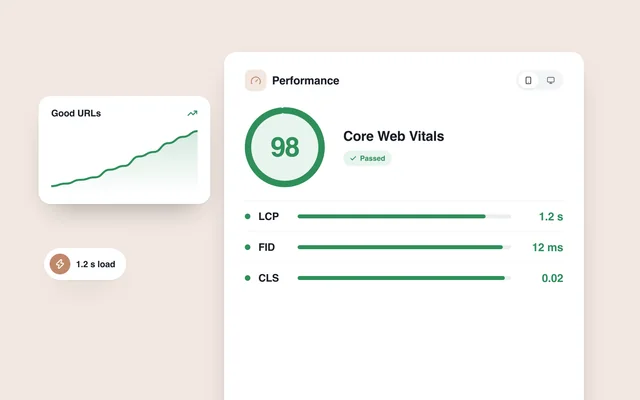
Start with three measures: Largest Contentful Paint for loading, INP for responsiveness and Cumulative Layout Shift for visual stability. Google's current good thresholds are LCP of 2.5 seconds or less, INP of 200 milliseconds or less and CLS of 0.1 or less. Field assessments use the 75th percentile, with mobile and desktop considered separately.
A Lighthouse score can vary between runs. One score of 100 does not describe every visitor's experience. Combine laboratory checks with ordinary phones, slower connections and, once enough traffic exists, real usage data.
- Test the homepage, a service page and a product page independently. A quick homepage can conceal a slow purchase journey.
- Try navigation and contact actions as the page starts loading.
- Disable JavaScript to see which essential information and basic actions remain available. Treat this as a diagnostic exercise; every complex feature need not work in that mode.
- Compare the original and revised versions under the same device and test settings.
- Repeat the search, form and purchase journeys after optimisation. A faster page must still perform its intended job.
Put the requirements into the development brief
Replace a vague request for a fast website with clear acceptance criteria. Agree which content and actions should be available first, which page types will be tested, how forms will be processed and which third-party scripts are justified. Ask the team to distinguish essential features from additional effects and plan when each needs to load.
For a new build or a redesign, plan the website's architecture alongside its features. The same standards apply to an AI-generated starting point; our guide to checking an AI-built website before launch covers that handover in more detail. The practical objective is a page that delivers information promptly, lets people complete their task and gives a clear response when something goes wrong.