Technology6 min read
JPEG XL in 2026: a practical guide to website images
A shopper opens a product page to inspect a woven fabric, a ceramic glaze or the grain of a wooden table. A sharp photograph helps them judge the item. A large photograph that takes too long to appear gets in the way. Good image delivery preserves useful detail while getting the right file onto the screen quickly.
Chrome announced JPEG XL support in October 2026. For a business website, this is a good time to test the format on a few photographs and review how images reach customers’ screens.
Why JPEG XL is back in the conversation
In its 6 October announcement, the Chrome team said JPEG XL decoding support ships from Chrome 155. Safari already had support: WebKit introduced it with Safari 17. Chrome’s support makes the format a practical option for a wider audience.
Your audience will still include older browser versions and embedded browsers inside other apps. Your image-processing service also needs to understand the files it receives and serves. Treat JPEG XL as an additional delivery option and retain a dependable alternative for visitors who cannot use it.
What the format actually offers
JPEG XL files normally use the .jxl extension. The JPEG standards group describes a format supporting both lossy and lossless compression, wide colour gamuts and HDR. That gives an image pipeline different ways to balance file size against fidelity to the source.
It can also transcode an existing JPEG losslessly and reconstruct the exact original JPEG later. That is useful for preserving an archive, but it does not recover detail that the original JPEG already discarded. A blurry source photograph remains a blurry source photograph.
Progressive decoding is another capability: a supporting implementation can reveal an initial image before all its detail has arrived. Do not assume that every browser exposes every feature in the same way. Test progressive display in the browsers and devices your customers use.

Choosing between JPEG XL, AVIF and WebP
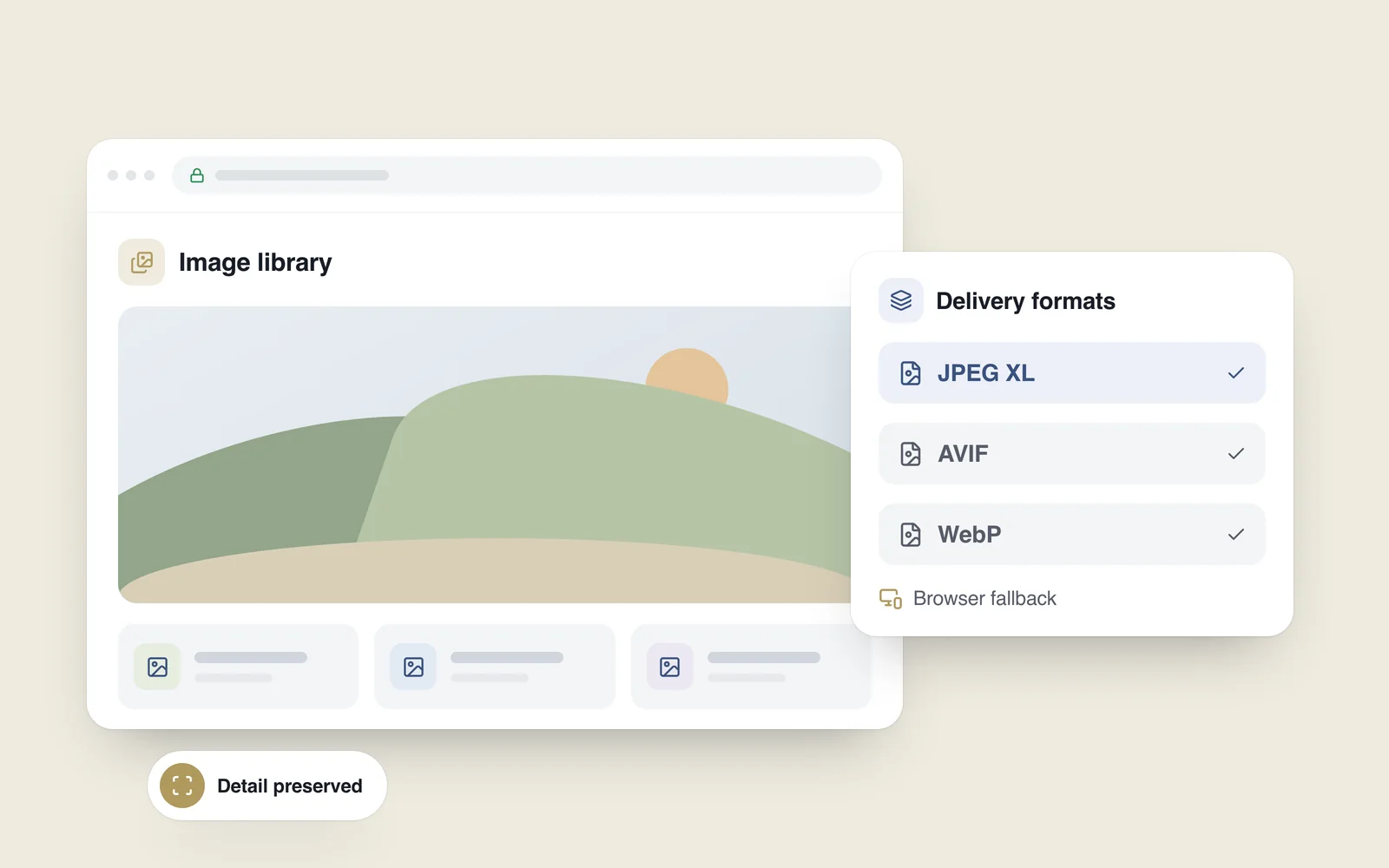
No single format wins for every image. The MDN image-format guide frames the choice around quality, compression and browser support. For a business website, a useful starting point is:
- JPEG XL: test it on detailed photographs, large galleries and images where preserving high visual fidelity matters.
- AVIF: compare the same photographs at the same display size. It may deliver your preferred quality in fewer bytes; the result depends on the image and encoding settings.
- WebP: keep it as a practical option when your existing pipeline already delivers good results. A newly supported format does not make a working setup obsolete.
- SVG, JPEG and PNG: use vector SVG assets for suitable logos and icons, and retain JPEG or PNG fallbacks where the content and compatibility requirements call for them.
An encoder’s quality number is not a common scale across formats. Compare the actual output, paying attention to object edges, small lettering, gradients and any transparent areas. The smallest file is only a good result if it still communicates what the visitor needs to see.
Fix dimensions and loading before chasing a codec
A photo several thousand pixels wide can still be wasteful inside a small phone card, whatever its format. Responsive image delivery offers several source sizes. srcset and sizes give the browser information to select a suitable file for the device and the image’s place in the layout.
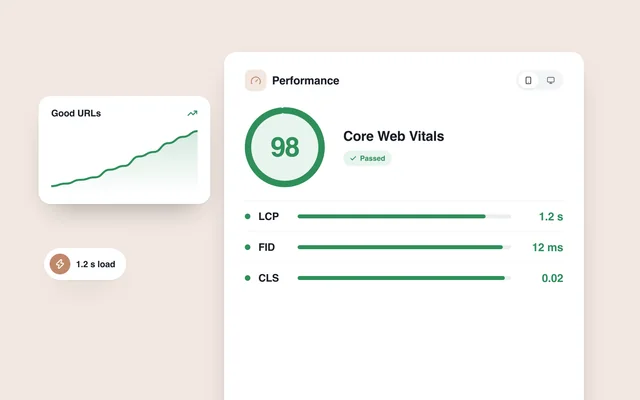
Discovery and loading order matter too. The web.dev guide to improving LCP warns against lazy-loading the image that forms the page’s largest visible content element. Deferring images further down a page can be sensible; applying that same delay to the main photograph can postpone the content a visitor came to see.
Specify image width and height so the layout can reserve space before the file arrives. Also check whether JavaScript delays discovery of the image URL and whether small screens receive files with unnecessarily large pixel dimensions.
Keep a fallback for browsers and search
A picture element can offer JPEG XL alongside another format. Browsers that support it can select the new source; others receive the fallback. Declare the JPEG XL source type as image/jxl so browsers can recognise the format and skip it when unsupported. Merely replacing every .jpg address with a .jxl address does not provide that protection.
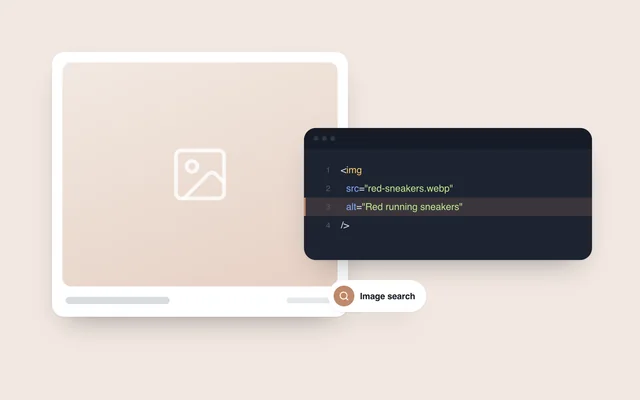
Search discovery needs a separate check. As of 24 October 2026, Google’s published list of supported image formats includes JPEG, PNG, WebP and AVIF, but does not list JPEG XL. Keep an accessible, Google-supported image in the src attribute of the img element. JPEG XL can be offered as an additional source.
The format alone does not guarantee better search visibility. Relevant images, useful descriptions and a well-built page still matter. Our article on writing image alt text covers the descriptive side in more detail.
A small test that produces a useful answer
Before converting the whole library, choose a small sample with different jobs: a main banner, a detailed product photograph and a catalogue thumbnail. Compare them under consistent conditions:
- Quality: inspect detail and colour at the same display size, including on a phone.
- Transfer size: record the format and bytes actually downloaded. Looking only at the file stored on the server does not tell you what the visitor received.
- Speed: repeat measurements on the same page with comparable network conditions and cache states. Check when the main image appears, rather than relying on a single overall score.
- Compatibility: test browsers that support JPEG XL and versions that need the fallback, along with cropping, zoom and social-sharing previews.
- Publishing: upload a new photograph through the CMS and confirm that the necessary sizes and fallback are created automatically.
Report reductions in transfer size or loading time only after testing your own material. Retain original source files so future exports do not have to start from an already compressed delivery copy.
When adding JPEG XL is worth the work
A photographer’s portfolio, a property gallery or a product page built around close inspection is a reasonable place to experiment. A corporate page with a handful of small pictures may get more value from fixing dimensions, loading order and existing errors first.
Ask your developer for a clear comparison: what happened to visible quality, how many bytes were transferred, which visitors receive the new format and how everyone else gets a working image. Expand the rollout when that evidence is useful and the normal CMS publishing process still works.
When planning a new site or a redesign, include image processing in the project brief. Our website development work at Samsiani includes image processing alongside design, mobile layouts and day-to-day publishing.