Development5 min read
Building a website with AI: a practical launch checklist
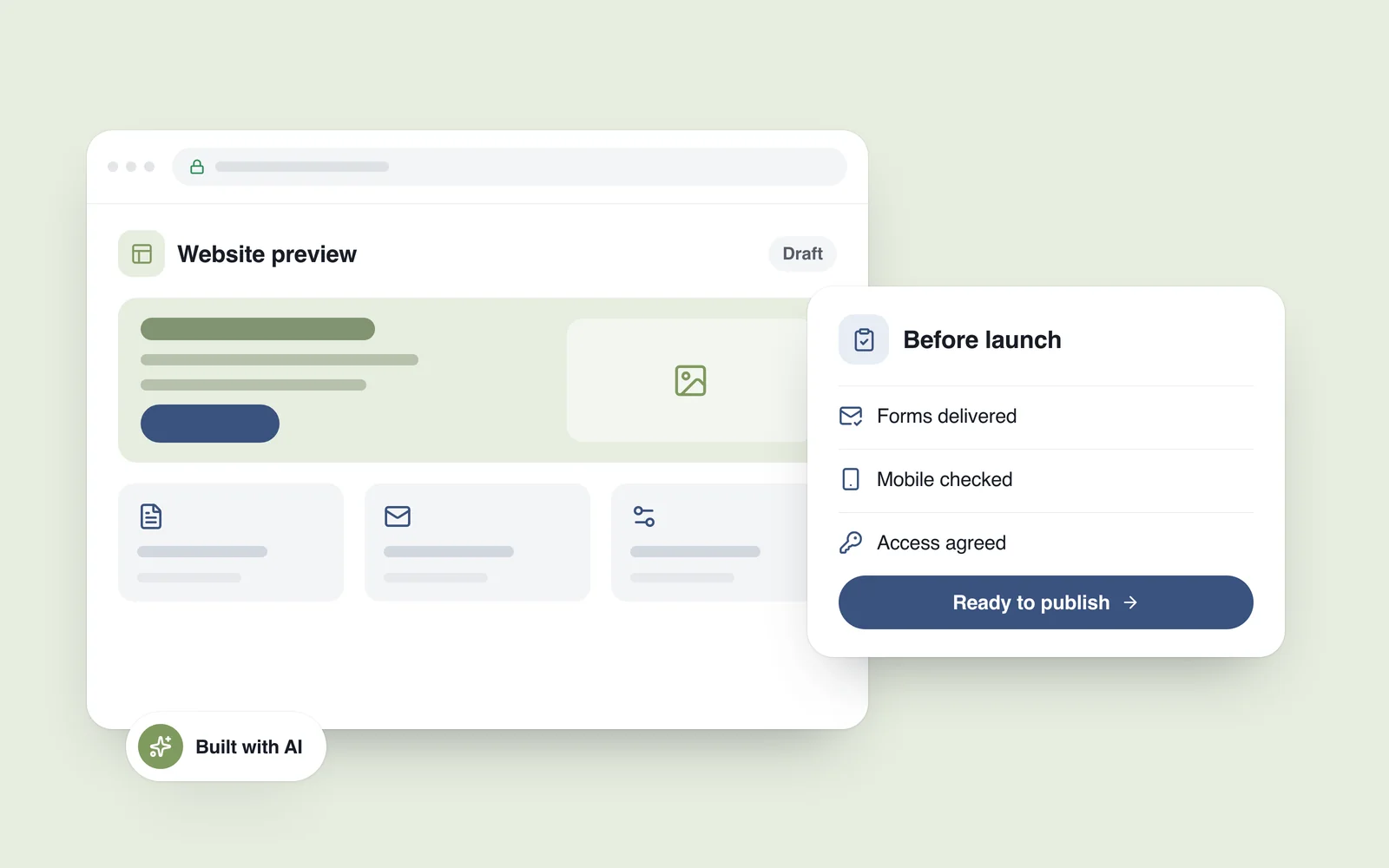
The first preview looks convincing: a homepage, service descriptions, buttons and an enquiry form. You submit the form and a success message appears. There is still an operational question to answer: did the request reach anyone, where was it stored, and what happens if the customer submits it twice?
This hypothetical example is a useful starting point for a launch review. AI tools can help turn an idea into a working first version. A business website also needs a complete journey: a visitor finds the right information, enquires or buys, and the business can process what arrives.
Where AI fits into website development
You can describe a page, ask for an initial implementation and refine its layout or behaviour through further instructions. This approach is often called vibe coding. One practical benefit is that a team can inspect and discuss a tangible version of an idea early in the project.
Vercel's 3 February 2026 v0 update described working with existing codebases and Git-based workflows. These tools can support both new builds and changes to an existing website. Each project still needs an agreed scope, a way to verify the work and a named person responsible for the release.
A brochure website, an online shop and a customer portal have different requirements. Start by deciding what the website must support, then choose the platform and tools around that work.
Define one important customer journey first
A useful brief describes an outcome: “A visitor reads the service conditions, chooses a suitable option and sends a request.” That gives the team something concrete to design and test. It also exposes the pages, data and connections the site will need.
- Informational website: clear services, relevant work, contact details and a functioning enquiry route.
- Online store: products and variants, inventory, payments, delivery and order handling.
- Custom system: user roles, data-access rules, business workflows and the integrations they depend on.
Decide who will change a price, add a product or publish an article after launch. If an employee needs a developer for routine updates, the editing workflow needs attention. Our earlier article on web design and website development explains the different kinds of work involved.
Test the enquiry from submission to receipt
After submitting the contact form, inspect the receiving end. Did the email arrive? Is the request visible in the administration system? Are Georgian characters and telephone numbers preserved correctly? Does returning to the form accidentally send the same request again?
Test failure paths too: a missing required field, an invalid email address and a temporarily unavailable server. The response should explain what happened and what the person can do next. Preserving their input avoids making them start again.
The MDN form-validation guide explains the distinction: browser validation helps people correct mistakes quickly, while server-side validation remains necessary. Correct-looking fields in a preview do not establish that submitted data is being handled securely.
Apply the same review to checkout. Check the hand-off to the payment provider, cancellation, unsuccessful payment and confirmation of a successful order as separate cases. Use the provider's test environment where one is available.
Use a real phone as part of the review
Narrowing a desktop browser is useful, and a complete run on a phone adds another perspective. Open the menu, choose a service, fill in the form and check whether the keyboard covers the next action. Rotate the device, use Back and refresh the page.
Chrome DevTools for agents 1.0, published on 19 May 2026, gives coding assistants ways to inspect behaviour in the browser and emulate device and network conditions. Automated checks can support this review. Validate the result in the browsers and devices your customers actually use as well.
Include a slower connection in the checks. When a large photograph takes time to arrive, visitors should still understand the offer and find the contact route. A strong speed score is useful evidence; completing the main task is another check to perform alongside it.

Make the essential actions accessible
Try navigating the menu and completing the form using only a keyboard. Can you see which control has focus? Are field names understandable? When something goes wrong, does the message identify the field and explain the correction?
The W3C forms tutorial covers clear labels, instructions and notifications about outcomes. Put these requirements into the brief so they can be designed and tested throughout the project. A visual inspection at the end cannot establish all of them.
Repeat the journey in Georgian and English. A button may accommodate its English label while clipping the Georgian text; a language switch may send a visitor from a service detail page back to the homepage. These issues become much easier to spot when the site contains its real content.
Agree ownership and maintenance before launch
Establish which accounts hold the domain and hosting, where the project code lives and who can release an update. The business needs the agreed access and a clear view of recurring costs. List external services as well, including what happens if one becomes unavailable or changes its pricing.
Generated code needs review. GitHub's responsible-use guidance recommends reviewing and testing generated suggestions. For a website, pay particular attention to permissions, secrets that belong on the server and updates to the software components used by the project.
Agree a backup schedule, a recovery procedure and responsibility for updates. Check that a backup can actually be restored. Our website maintenance service describes the ongoing work around keeping a site operational.
A concise website handover checklist
- Outcome: the main customer journey completes, with the result verified at the receiving end.
- Failures: forms, payments and integrations give useful responses when something goes wrong.
- Devices: the site has been checked on phones, tablets and computers in the relevant browsers.
- Content: real copy, images, conditions and both language versions are ready; test data has been removed.
- Editing: employees can make the updates they need, and the business has the agreed access.
- Release: there is a backup, a route back to the previous version and an agreement on ongoing support.
Include this checklist in your website brief, whichever tools the project uses. If you are planning a build, our website development service covers the work from structure and design through functional implementation and launch.