Design5 min read
Website design systems: consistency beyond the homepage
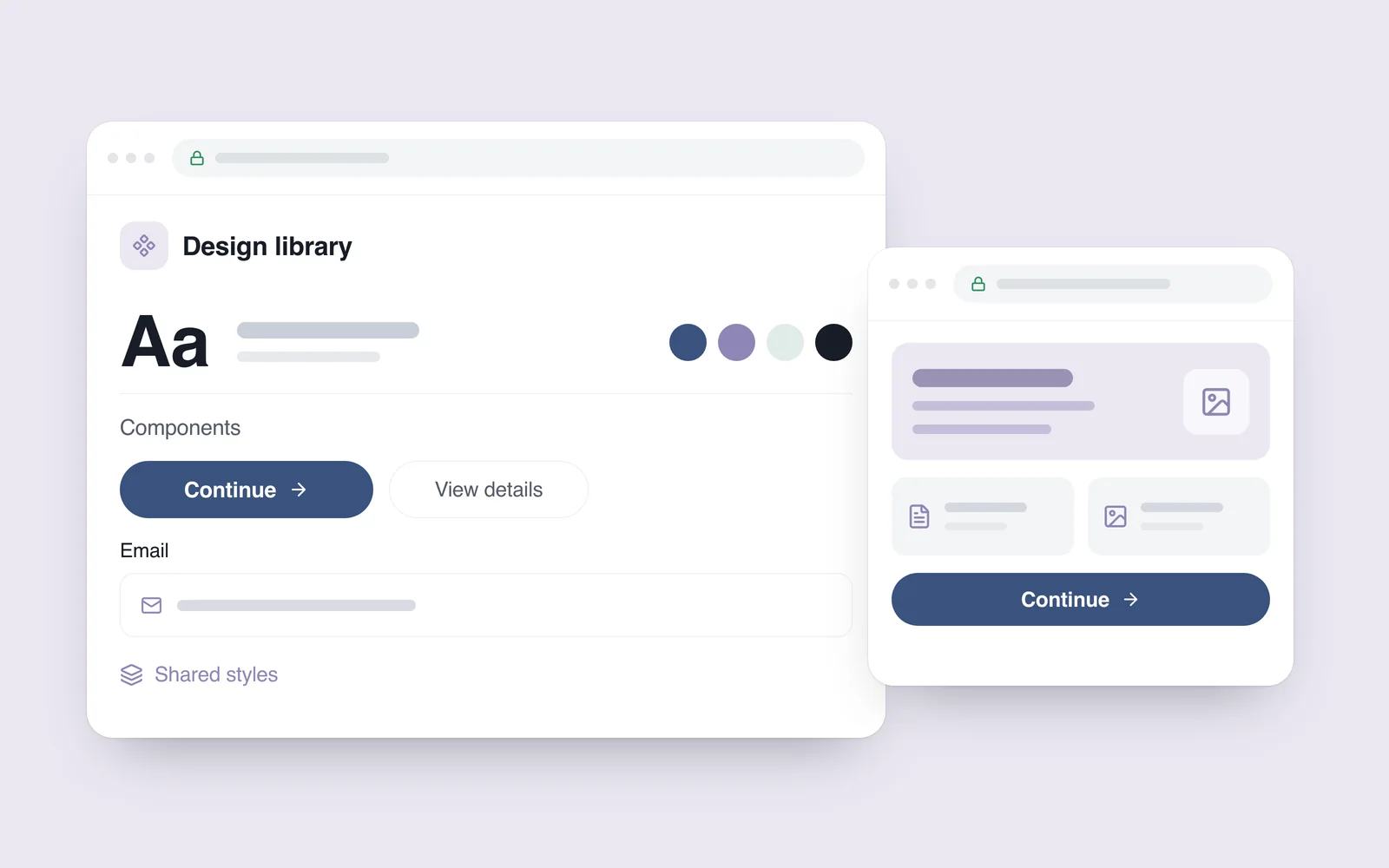
The homepage has a rounded blue button. A service page uses a square purple one, while the contact form introduces a third size. Each page might look attractive on its own. Viewed together, they make the website feel less coherent.
These differences often accumulate as a site grows: another page is added, copy changes or a different developer works on a form. A design system combines shared decisions with reusable interface elements so that a website can maintain a consistent visual language and predictable behaviour. A small business can benefit from that discipline long before it needs a large component library.
Go beyond the logo and colour palette
Brand guidelines establish a visual identity. A working website also needs answers to practical questions: which button represents the main action, how a field displays an error, what changes on mobile and how a component handles a longer label.
The GOV.UK Design System's approach to documentation connects styles, components, guidance and examples. That relationship is useful for a business website too. The team needs to understand both the appearance of an element and the circumstances in which it should be used.
- Foundations: colours, typefaces, text sizes, spacing and corner treatments.
- Components: buttons, fields, cards, language controls and navigation.
- Recurring journeys: sending an enquiry, searching, correcting an error or confirming an order.
- Usage guidance: when to choose an element and what to check when it changes.
Give recurring decisions meaningful names
A design token is a named value. For example, an action-colour token can supply the colour used by primary buttons. When that decision changes, the team can trace its name and the elements that depend on it, rather than hunting for almost identical shades across many separate pages.
The same idea applies to text colours, gaps between fields or card corners. Names should communicate purpose: an error colour and a decorative accent have different jobs, even if their initial values happen to look similar.
On 28 October 2025, the Design Tokens Community Group published its stable 2025.10 format specification. It defines a way to exchange token data. This is a community-group specification, not a W3C Standard, and adopting the format does not automatically synchronise every design and development tool.

A button needs more than its default appearance
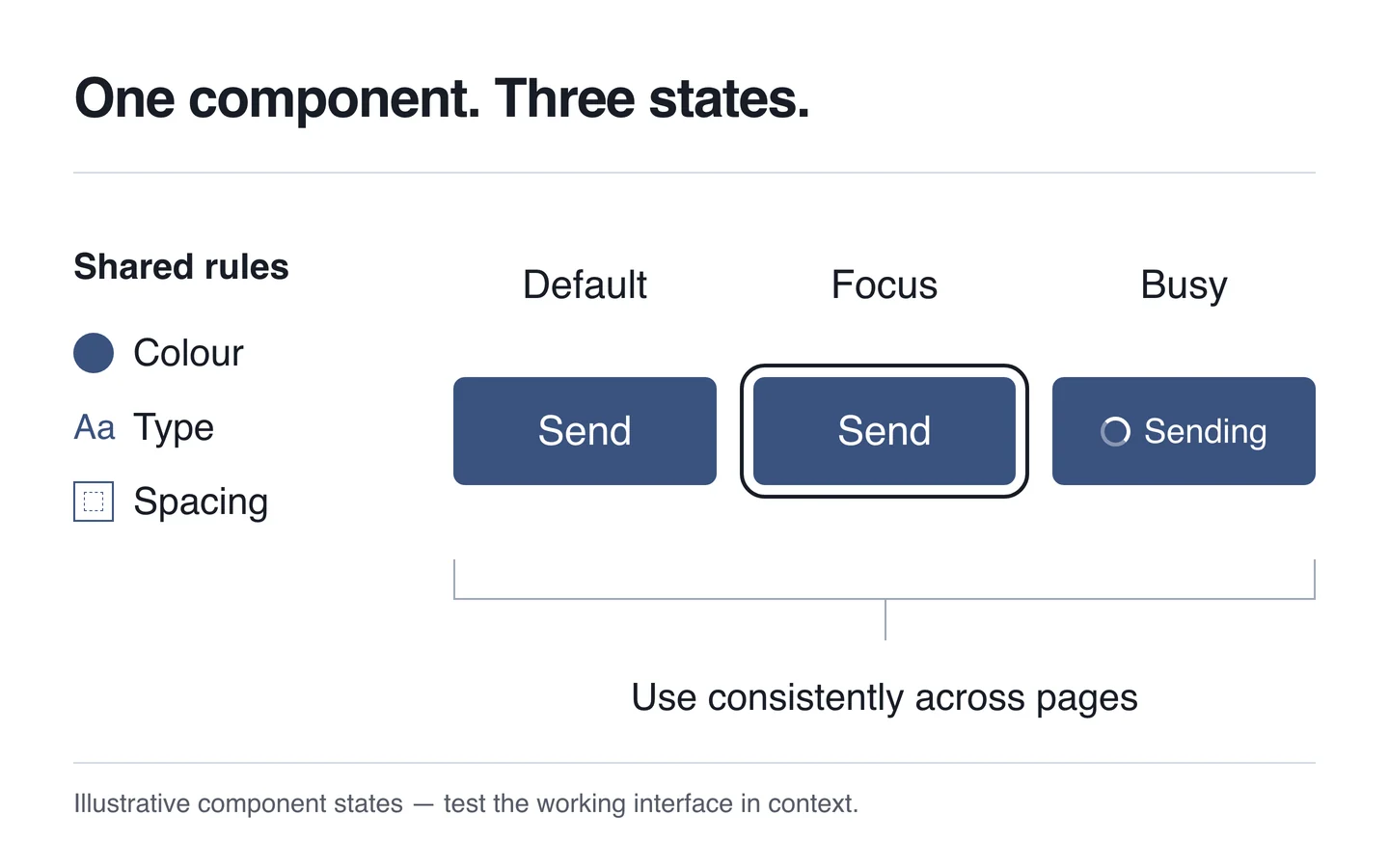
A mockup often shows a button at rest. On the live site, someone may focus it with a keyboard, submit a request or wait for a result. Plan those states before implementation so that developers have more than one static picture to work from.
- Default: the label explains the action.
- Keyboard focus: a visible indicator identifies the selected control.
- Work in progress: the interface communicates that a request is being processed and another tap is unnecessary.
- Result or error: people can understand whether the action completed and what to do next.
Colour needs supporting information. A red field border alone cannot explain how to correct an entry. WCAG 2.2's error-identification criterion requires an automatically detected input error to identify the item concerned and describe the error in text.
Review Georgian and English in the same components
A short English label may need more space in Georgian. That can change line wrapping, card height and button width. A polished layout in one language is therefore only one of the versions that needs review.
Define how a component should adapt: where text can wrap, how neighbouring elements respond and how the layout uses a narrow screen. Titles, prices and essential conditions should not be casually truncated. Test real Georgian and English copy rather than a few convenient placeholder words.
Check contrast as well as text size. Under WCAG 2.2's Level AA contrast criterion, the general minimum is 4.5:1 for ordinary text and 3:1 for large text. The criterion has exceptions; these figures are only one part of assessing accessibility across a website.
Keep the design file and implementation connected
Named decisions need counterparts in the code. Figma introduced variables in 2023, allowing colours and other reusable values to be stored and connected within designs. Creating a variable does not, by itself, update a website's implementation.
Agree where the definitive rule lives, how a design component corresponds to its coded version and who reviews a change. On a small project, a short guide and a few working examples may be sufficient. What matters is that the implemented component matches the version the team is designing with.
The same discipline helps when using AI tools: a new page can be built around existing components and guidance. Review the output nevertheless. Matching names do not prove that appearance and behaviour match too.
Start with the patterns the site actually repeats
A project does not need a complete library of hypothetical components before work can begin. Compare the homepage, a service page, a category page and the contact page. Look for recurring buttons, headings, fields and messages. Consolidate the important repeated elements, then extend the system as genuine needs appear.
Shared rules can support different compositions. A portfolio gallery, an article and an order form each have a distinct task. Keep the visual language and interaction logic coherent while letting the layout respond to the content.
What to include in the handover
- Named colour, typography and spacing decisions, with examples of their use.
- Core components in all relevant states, including errors and keyboard focus.
- Georgian and English examples at phone, tablet and desktop widths.
- Working coded components and instructions for using them on another page.
- A short change history and an owner responsible for checking that design and implementation remain aligned.
When planning a website's UI and UX, ask for the repeated elements and their behaviour to be documented early. Then test them within real pages and user journeys. Our guide to good website design principles covers the wider questions of purpose, hierarchy and usability.