Development3 min read
Building and Managing a Successful Website
Published by Samsiani
You search Google for phrases such as ‘how to create a blog’, ‘what is a blog’ or ‘how to become a blogger’. You read articles but still struggle to find a clear answer.
This guide was written to explain the steps involved in creating a quality blog. It preserves an earlier WordPress.com setup process.

Before looking at the details, here are three popular platforms with free options:
For this guide, we will choose WordPress as a practical way to create and manage a blog.
What is a blog, and how do you create and manage one?
Why choose WordPress rather than another platform?
- It is straightforward to use.
- Its wider ecosystem offers many free plugins.
- There is a wide choice of free, quality themes.
- It supports a secure setup.
- It is well suited to blogging.
First, what is a blog?
A blog is a regularly updated website managed by one or more people. Its writing style is often informal.
How do I create my first blog?
Let us work through the process of creating a first blog.
Note: The blog created through these instructions uses a free plan and an address such as ‘saiti.wordpress.com’.
If you want a professional website on a .ge, .com, .net or .org domain, see these articles:
If your aim is to create a free website, continue below.
First, visit the WordPress website. The screenshot shows the interface used in this guide:
Click ‘Create Website’ to move to the next page.
Next, choose a design to apply to the website.
The system suggests several options. If you are not ready to decide, choose ‘Skip for now’.
Note: You can change the design later. Choosing a theme is not a one-time decision.
For this example, I will choose Penscratch.
The third step is important: choosing the blog's name.
Unlike changing the design, replacing the address in the setup described here would require creating a new blog. The original guide therefore treated the choice as final.
Give this step careful thought. Your preferred name may already be taken.
If you are stuck, a blog name generator can help suggest creative options.
Once you have selected a name — warmatebablog.wordpress.com in this example — move to the next step.
Choose the free plan by clicking ‘Select Free Plan’.
The blog is almost ready. Complete registration by entering your email address, username and password.
Click ‘Create Account’, then check your email to activate the account.
That is it!
Your blog is ready for its first articles.
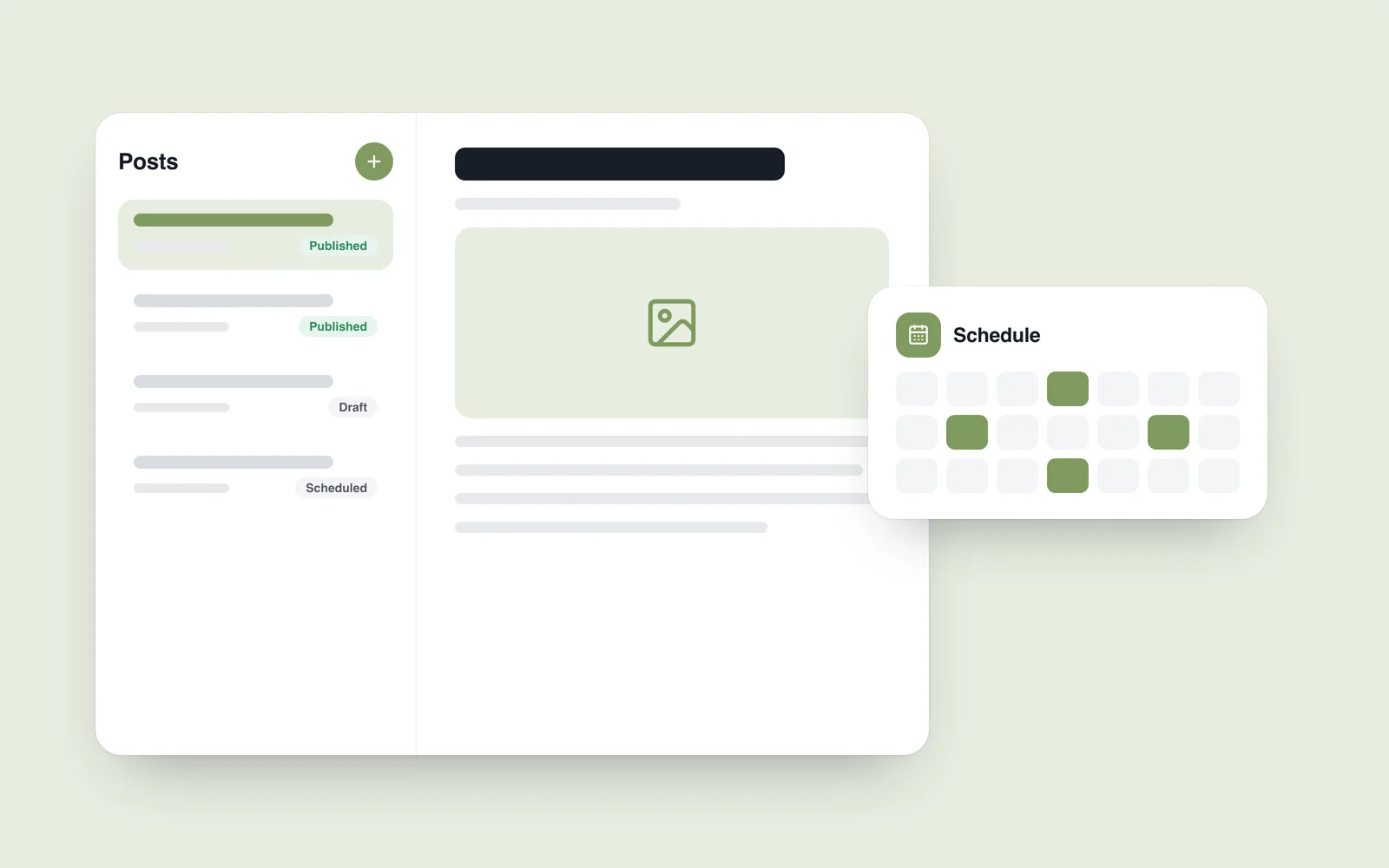
To adjust its appearance, open ‘My Site’ in the dashboard. The interface illustrated here includes sections such as Settings, Plugins and Themes; available options depend on the setup and plan.
How do you manage a successful blog?
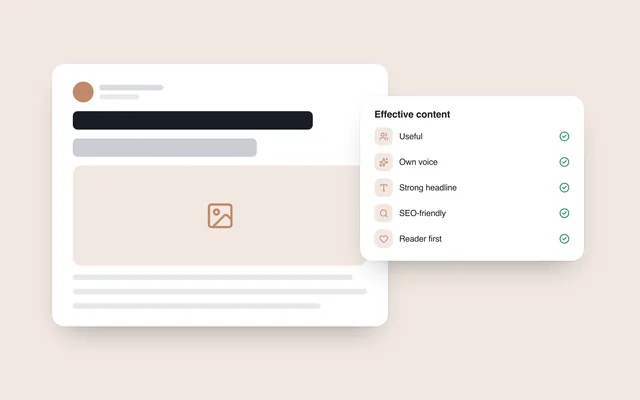
Content is central to a blog's success.
A writing style that interests people helps turn visitors into regular readers.
That is not always easy: writing clearly and engagingly takes practice.
What if writing does not come naturally?
There is a way forward. Our content marketing articles offer practical advice for improving your writing.
Start with these:
These are the basic steps in creating and managing a blog. If you are wondering what it would cost to have someone build it for you, see the linked article.
For more information, explore other subjects on our website, including social media marketing.