TipsUpdated 2 min read
Hand over WordPress administration without sharing one password
A colleague leaves and several people still share the website’s administrator password. Nobody can confidently identify who changed a page or retained access. Passing the same password to a new team simply continues the uncertainty.
A handover should preserve control while allowing useful work to continue. Editing product copy, receiving enquiries and installing plugins are different responsibilities. They do not all require full administration rights.
Use identifiable accounts
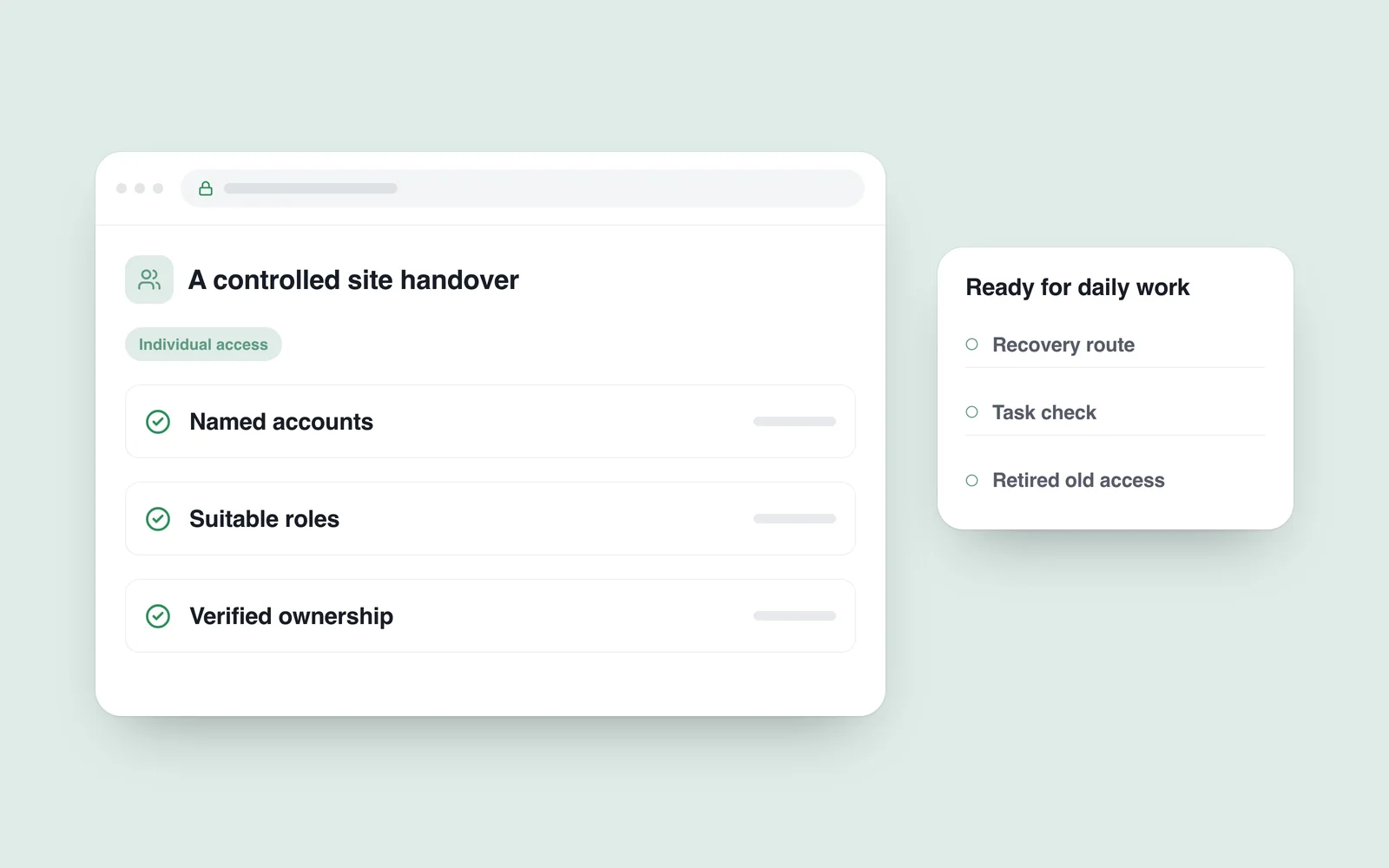
WordPress roles and capabilities distinguish levels of access. Match the role to the actual task. An editor may need content management without permission to administer the entire installation.
Give external specialists individual accounts too. Record the owner, purpose and review date. A shared account is not a dependable handover method merely because everyone already knows its password.

Verify business ownership separately
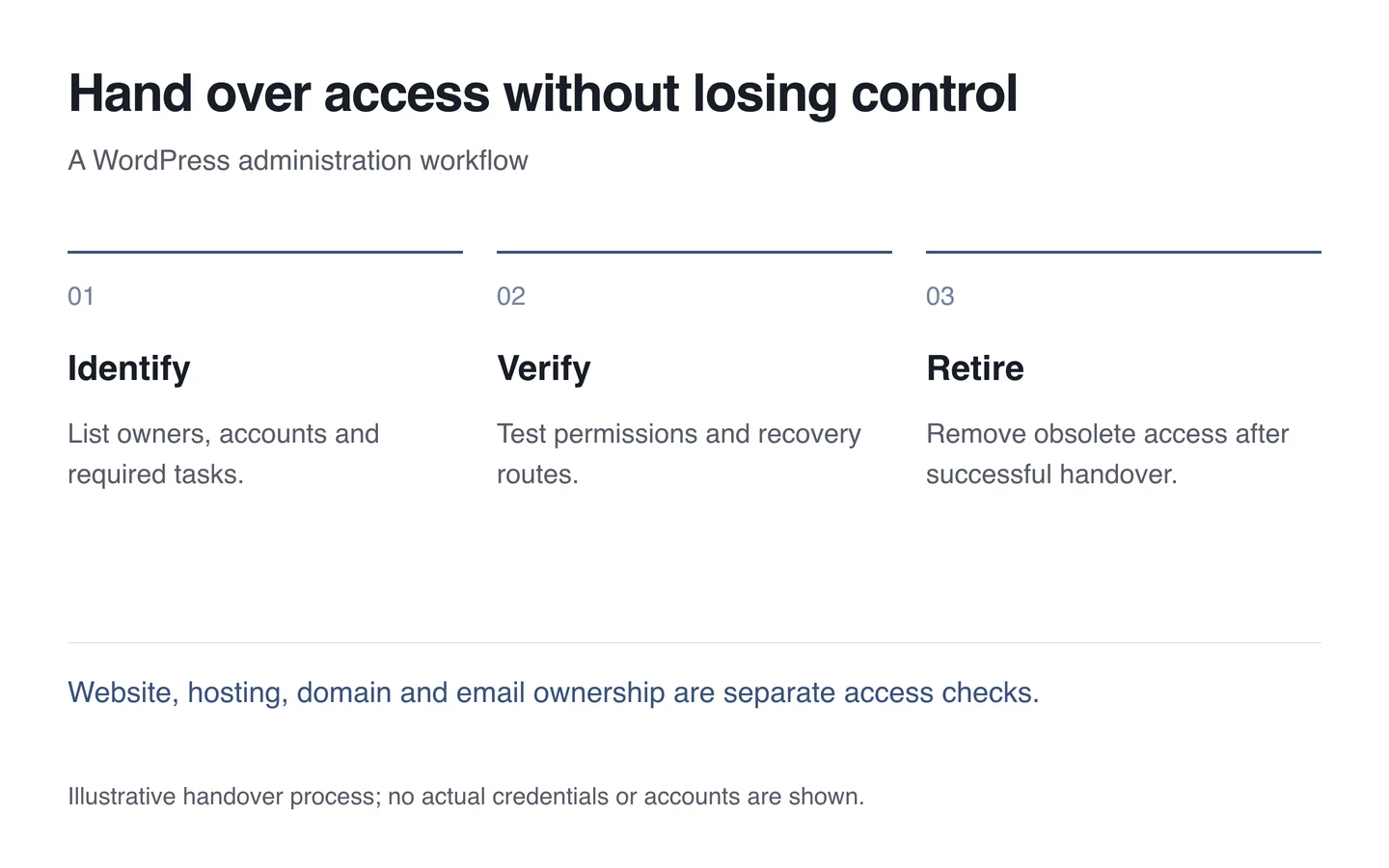
A WordPress login does not provide control of hosting, the domain or company email. Inventory those services and verify that the business owner has the appropriate access and recovery routes. Recovery tied to a departing employee’s personal mailbox can become an obstacle.
Do not place secrets in a public handover document. Transfer required access through an agreed protected route. Before removing an old account, verify the replacement login, permissions and preservation of any associated content.
Test the ordinary work
Sign in as the new user, create a draft and check the relevant media workflow. Investigate a specific missing permission rather than automatically granting administrator access to resolve every difficulty.
- List people and their actual responsibilities.
- Assign the minimum suitable permissions.
- Check ownership and recovery contact details.
- Test everyday work using the replacement account.
- Retire old access after the agreed handover checks.
A short website support document should identify update ownership, assistance and access-change procedures. A password list cannot replace that documentation. A sound handover prepares the website for future staff changes too.