TipsUpdated 2 min read
Website monitoring: check the tasks, not just the homepage
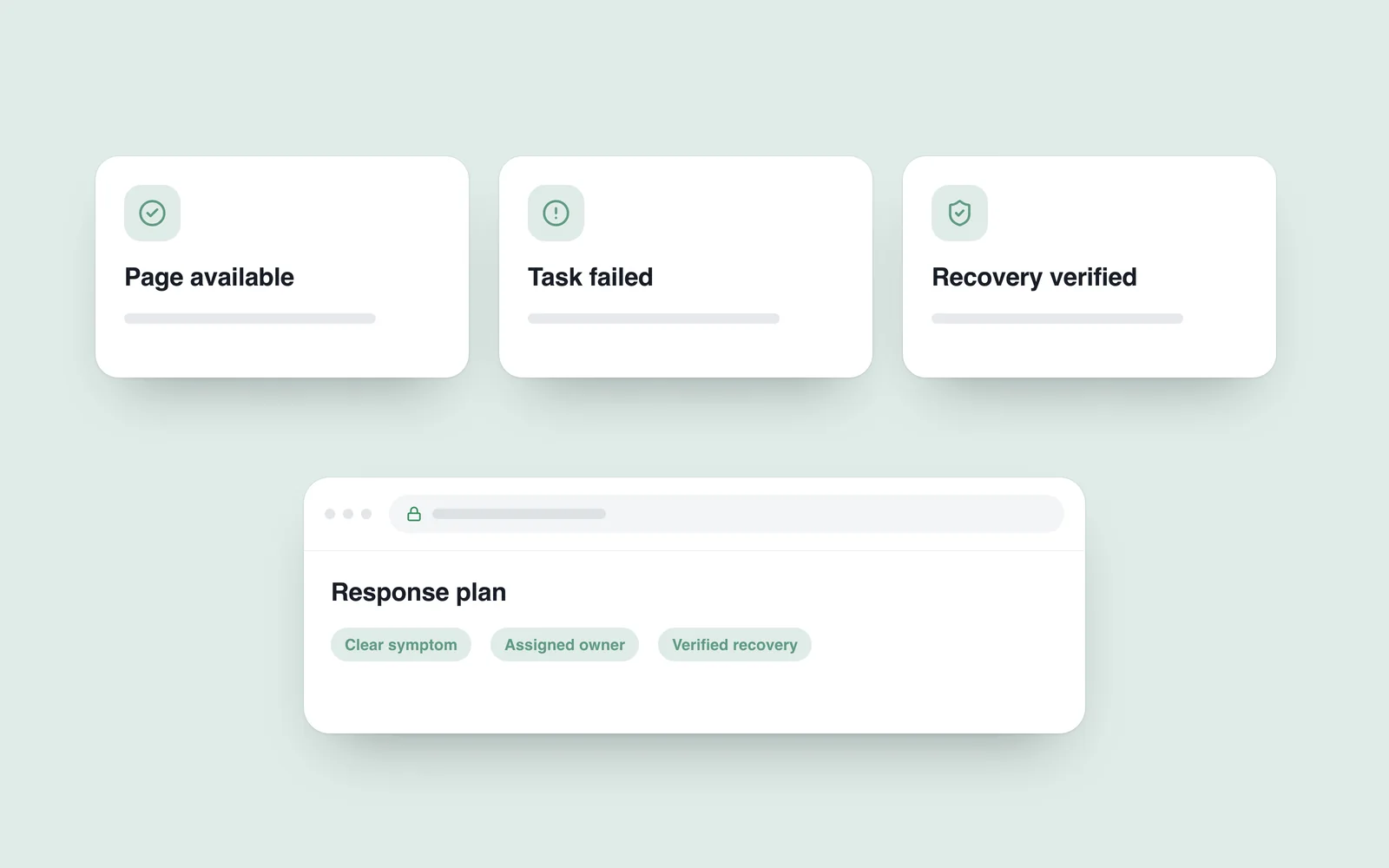
The homepage opens and the monitoring indicator is green, but the enquiry form no longer sends email. The owner learns about it from a caller. The server responds while an important business task fails.
Start by defining working behaviour for this site. An information page and a store need different checks. Cover important tasks without excessive noise or accidental repetition of real operations.
Check availability and function separately
A response from the main address is a useful initial signal. Add checks for expected content and relevant services. A technically successful response can still contain an error or the wrong page.
The monitoring chapter of Google’s SRE book distinguishes externally visible behaviour from internal system evidence. Both views help even a small website: what the customer could not do, and where to investigate the cause.

Keep checks from disrupting operations
Use a dedicated recipient and recognisable test record for form monitoring. Do not use actual customer information or create unintended orders. Agree the impact of checks on payments and notifications beforehand.
Repeating every action every minute is unnecessary. Match frequency to importance and cost. Account for planned releases and maintenance without using exceptions to hide a lasting failure.
Give an alert an owner and a next action
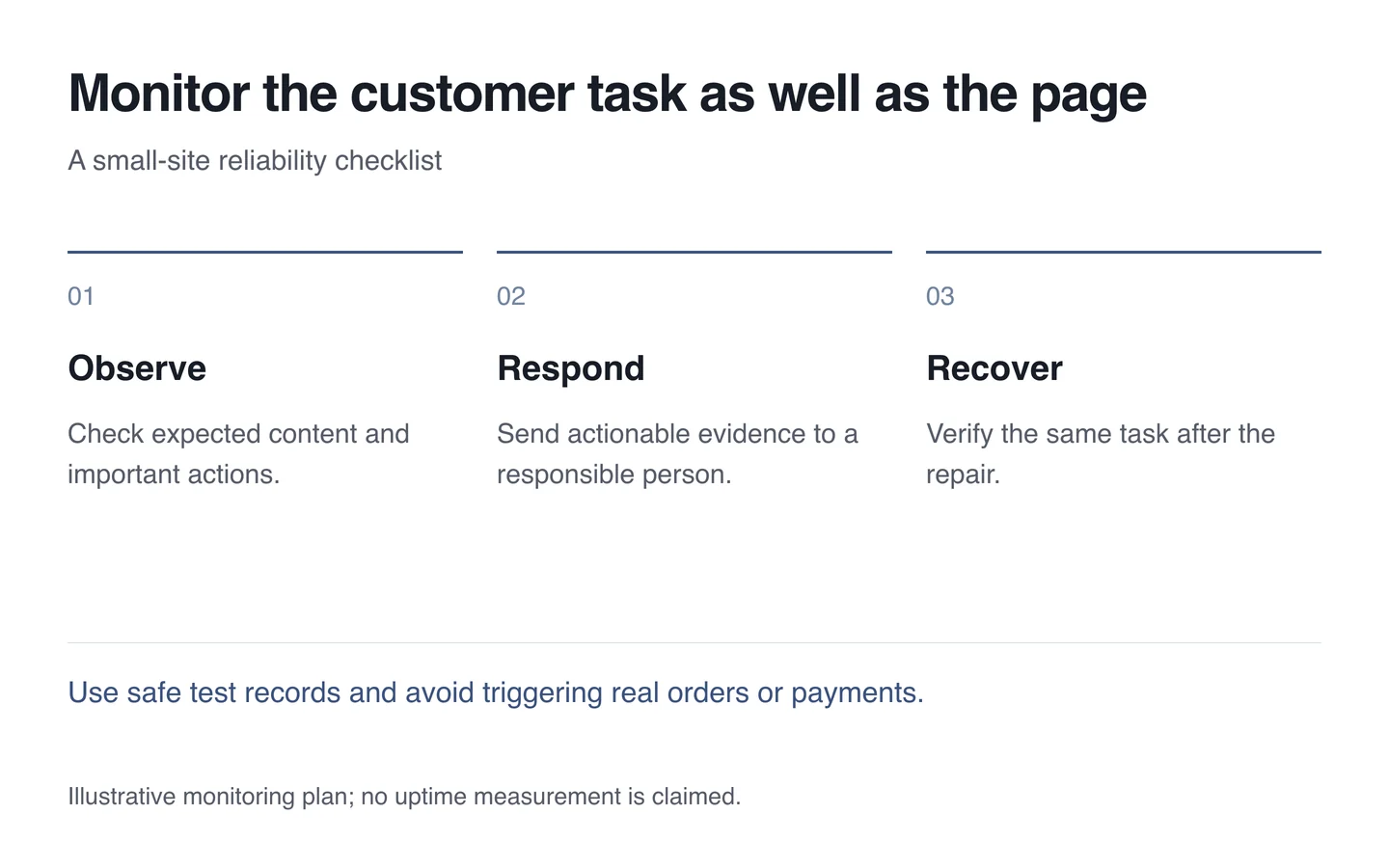
State what failed, when it began and which address is affected. Decide who investigates and what happens when that person is unavailable. Repeated non-actionable warnings can obscure an important signal.
- List three or four critical customer tasks.
- Select safe automated checks and necessary manual reviews.
- Assign the owner, notification route and response condition.
- Test a known failure in an agreed environment.
- Confirm successful completion of the same task after recovery.
Monitoring during technical support should connect to recovery. A useful dashboard leads to action and verification of the repaired outcome.