TipsUpdated 2 min read
A helpful 404 page: give visitors a route forward
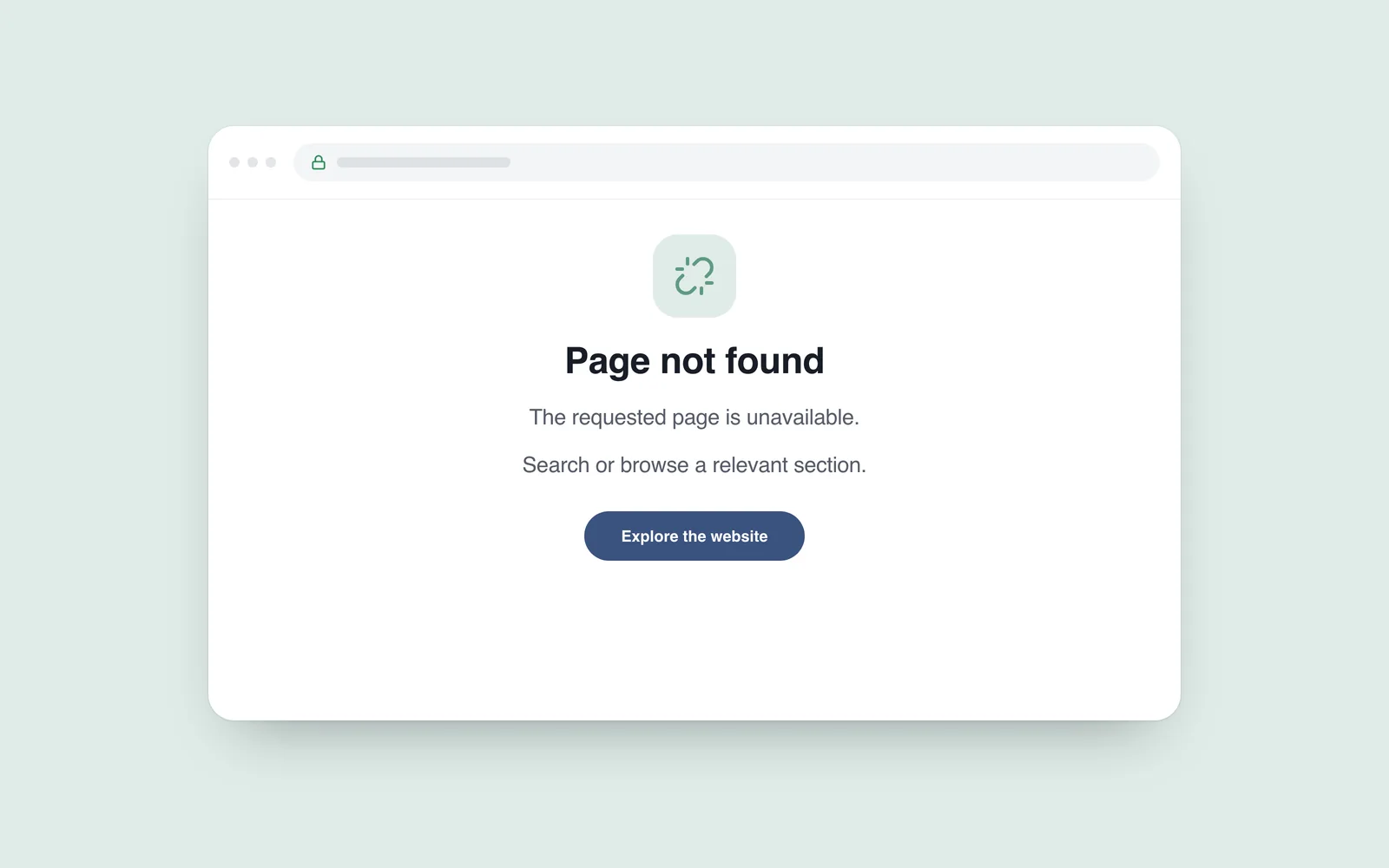
An old link opens a blank screen. Another site sends you to its homepage without explanation. Neither tells you whether the information moved, disappeared or was mistyped. A useful 404 page reduces that uncertainty.
A missing address does not always mean a broken website. It may be an old link or a typing error. Explain the state honestly and provide a relevant way forward.
Explain what was not found
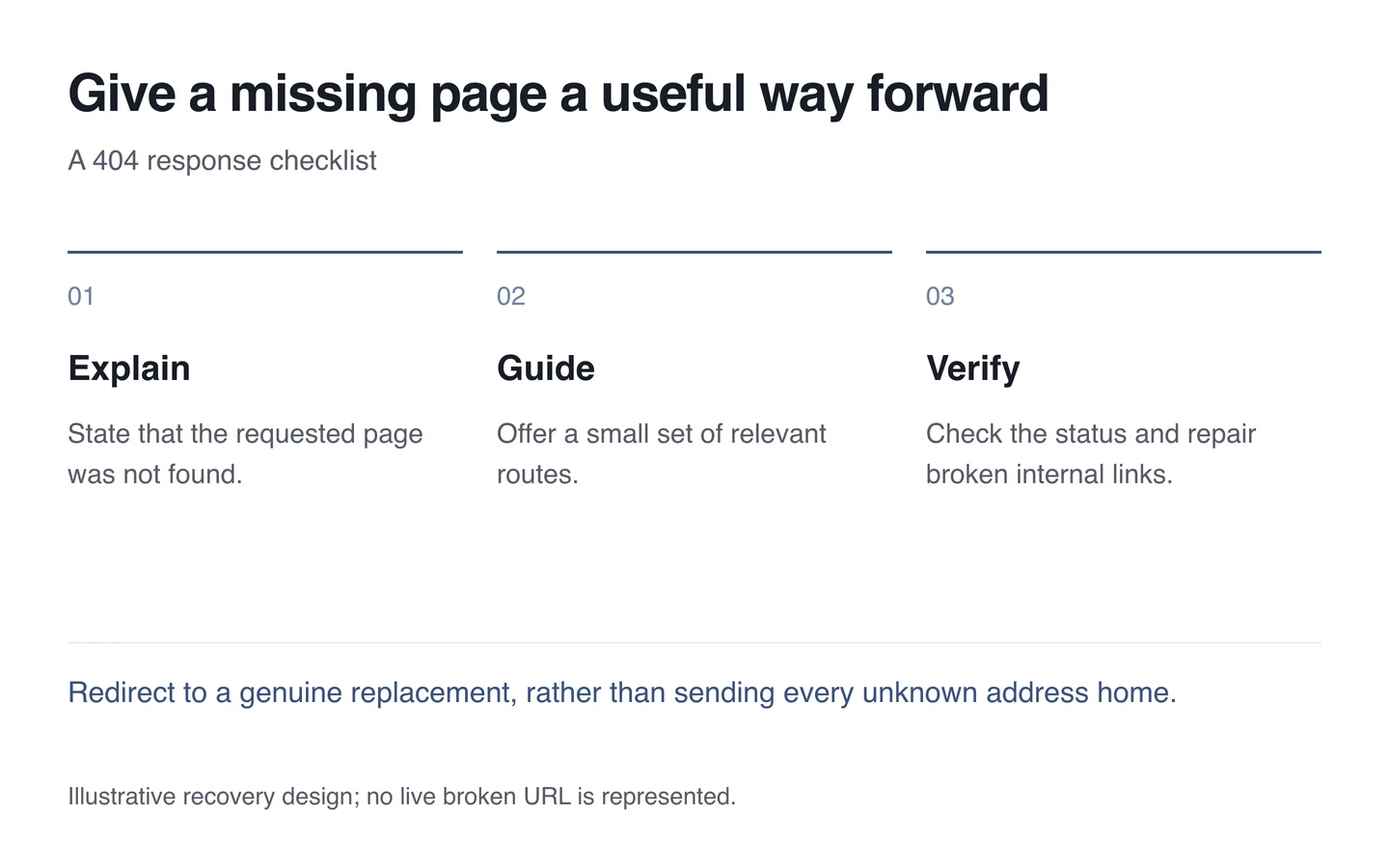
Use a plain heading such as “Page not found”. The number can remain, but should not be the only explanation. Avoid blaming the visitor when the cause is unknown. A long joke or animation cannot replace useful information.
Distinguish one missing page from a temporarily unavailable service. The same response for both confuses users and diagnostics. Retain recognisable navigation and site styling.

Offer relevant routes
Alongside the homepage, consider the catalogue, services or search according to the site’s purpose. Too many arbitrary links create another choice problem. A few clear routes are easier to use.
When content has a genuine replacement address, redirect appropriately. Sending every missing address to the homepage is not a universal fix. It hides the problem without delivering the promised subject.
Pair the explanation with the correct status
Google’s explanation of soft 404s describes the problem of returning a successful 200 response for nonexistent content. Attractive error-page design is insufficient: a genuinely missing page should also return the appropriate 404 status.
Test a unique nonexistent address. Inspect both browser output and the technical response, because visible wording cannot prove the status. Check that working pages are not incorrectly classified as missing.
- Try an unknown address in both language versions.
- Verify the explanation, navigation and response status.
- Open the suggested links and search route.
- Connect important old addresses to genuine replacements.
- Find and repair broken internal links.
During website maintenance, a 404 page supports recovery from a lost route. It does not remove the separate job of repairing incorrect internal links.