Tips4 min read
Website backups: test the recovery, not just the archive
Yesterday's backup is visible in the hosting panel. During recovery, however, the product photographs are missing or the database belongs to a different point in time. Having an archive does not yet answer the important question: how will the working website be recovered?
A useful backup has a known scope, protected access and a recovery process that has been tested. This applies to WordPress, WooCommerce and custom websites. What differs is the data and environment each system needs.
Identify the complete recovery set
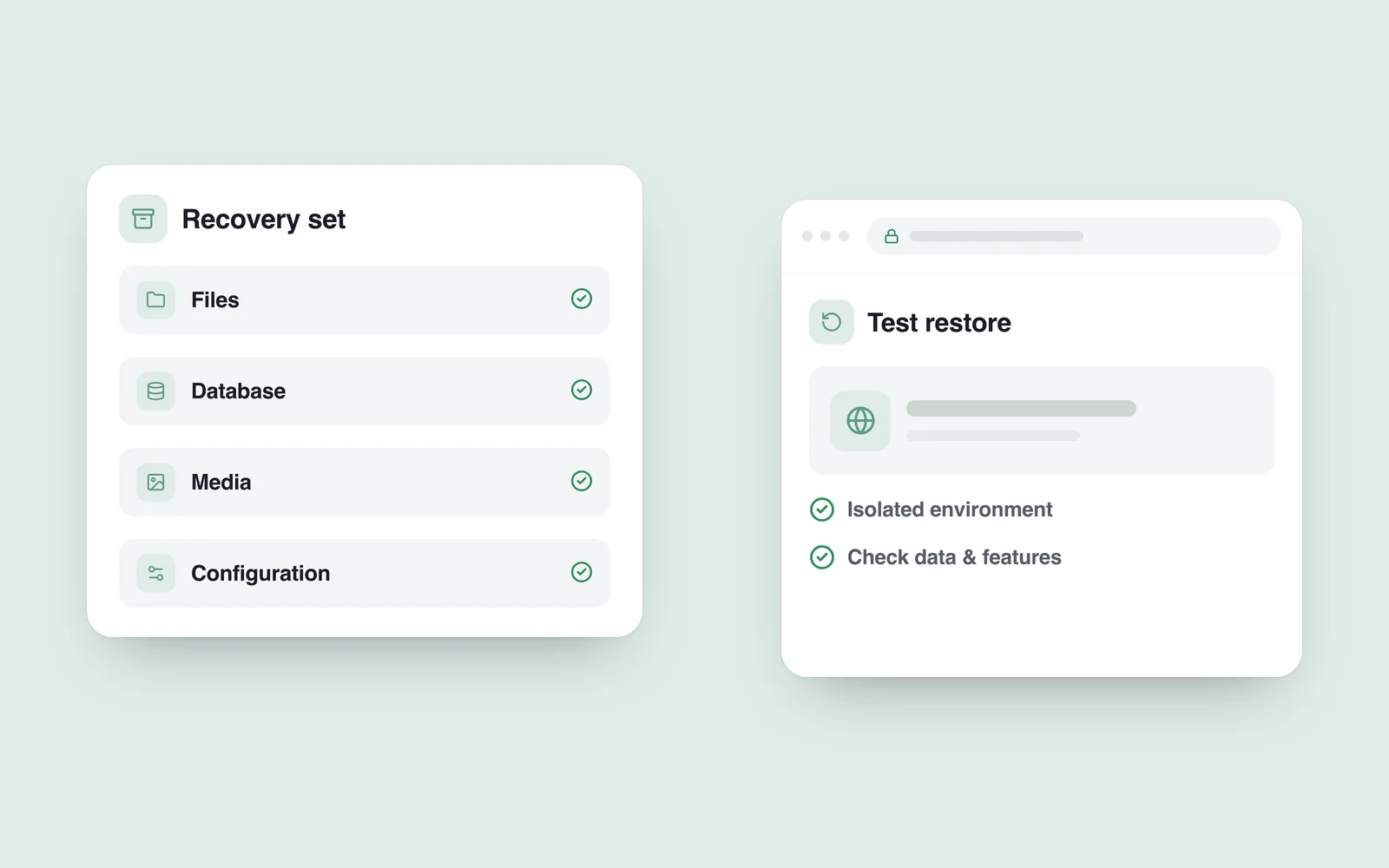
Website files alone are not always sufficient. A dynamic site may also depend on a database containing orders, users and content. Uploaded media, configuration and external services need separate consideration.
The official WordPress backup guide distinguishes site files from the database. Ask the equivalent question for any platform: where is each important part stored, and how will those parts work together after recovery?
Keys and passwords require protected storage with appropriate access controls. You need a way to recover access, but leaving unprotected secrets in a public backup directory is not that solution.

Match the schedule to how the business changes
An information site updated weekly and a store receiving new orders every hour cannot rely on identical plans. Decide how much recent data the business could afford to lose and how long the service could be unavailable.
For example, restoring a daily backup may leave out orders accepted since that copy was taken. Use the example to discuss requirements, rather than treating one interval as right for everyone. Agree frequency, retention and additional recovery measures alongside the workload and cost.
Keep copies from sharing the same failure risk
If the live site and its only backup can both be deleted through the same account, one incident can affect both. Review storage location, access permissions and protection against deletion.
The CISA StopRansomware guide recommends offline, encrypted backups of critical data and regular recovery testing. Have the technical team choose an appropriate separate or isolated copy for the actual environment. “Stored in the cloud” is not a complete security description.
Establish who can delete an archive, how account access can be recovered and who is alerted if backup jobs stop running. An automated success email is not proof that every recovery requirement has been met.
Rehearse recovery in isolation
Do not begin a recovery test by overwriting the live website. Use a separate environment, restrict access and keep it out of search indexes. Disable or safely redirect automatic emails, real payments, inventory synchronisation and other integrations before allowing the restored application to run.
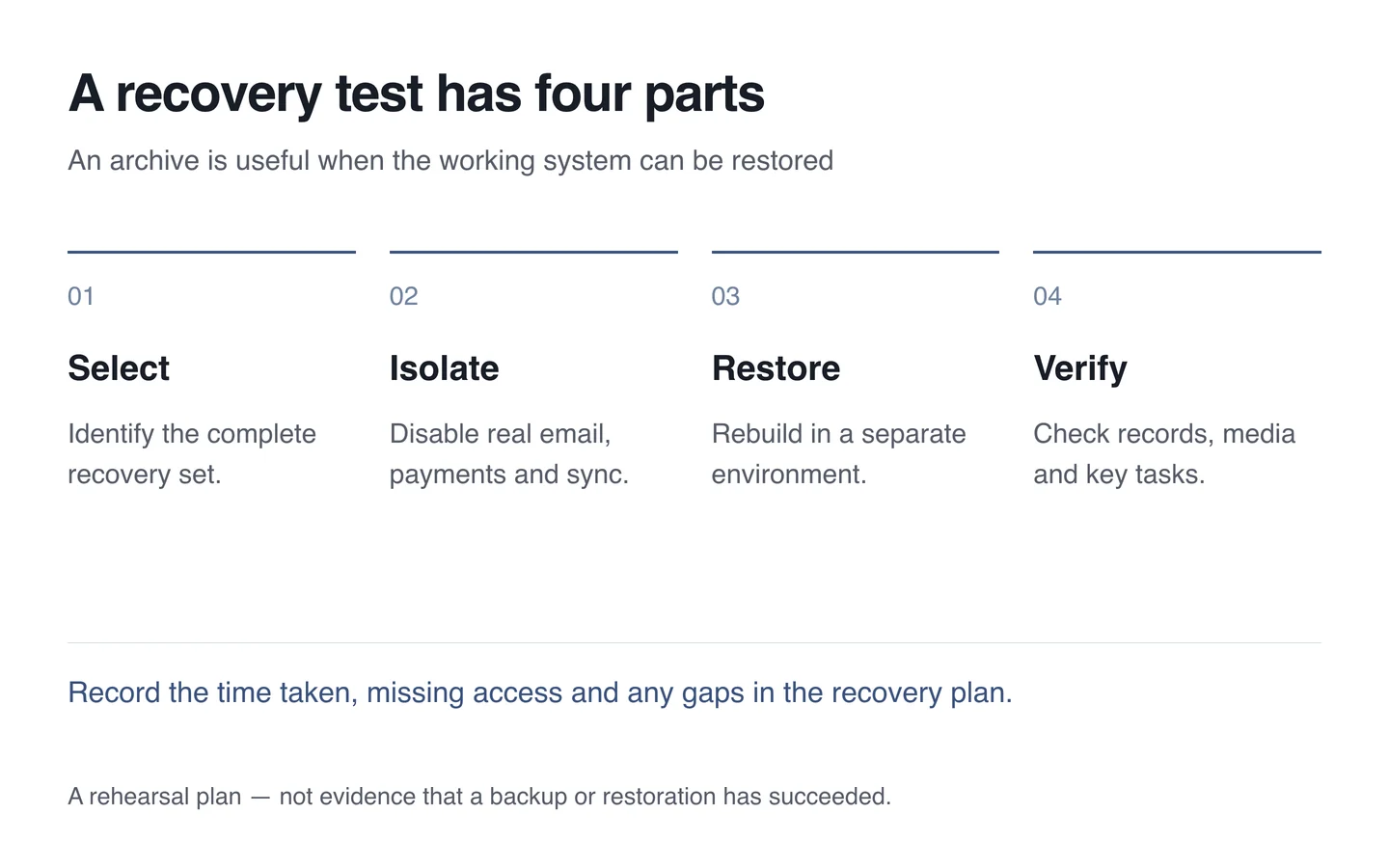
Then inspect the homepage, product images, login, search and relevant records. For an online store, compare order counts and the timestamps of recent entries. Record how long recovery took and which credentials or materials were missing.
A rehearsal is particularly useful after infrastructure changes, major upgrades or new integrations. The aim is to confirm working business tasks, rather than just opening a restored homepage.
Do not restore an old copy blindly during an incident
After a compromise, establish the scope of the problem and a safe recovery route. A backup can contain the same weakness or an already compromised file. Restoring it without addressing the cause leaves the possibility of another incident.
Replacing a database with an older version can lose recent orders; a partial restore can also produce inconsistent records. Preserve a protected copy of the current state and agree the change with the responsible team. Recovery is more than pressing a button.
Questions a recovery plan should answer
- What is included, and how often is a copy created?
- Where is the copy protected, and who can access it?
- Who monitors failures and notifications?
- When was recovery last tested, and what was learned?
- Who makes decisions during a real outage?
Include recovery arrangements as well as backup creation in a technical support agreement. The business should understand what can be recovered, what might be lost and who to contact when something goes wrong.