DesignUpdated 2 min read
WCAG 2.2: practical interface checks for a website
You move through a form with the keyboard and the next field seems to disappear. Focus may still be present, hidden beneath a fixed header. The practical problem is the same: the person cannot see where the next action belongs.
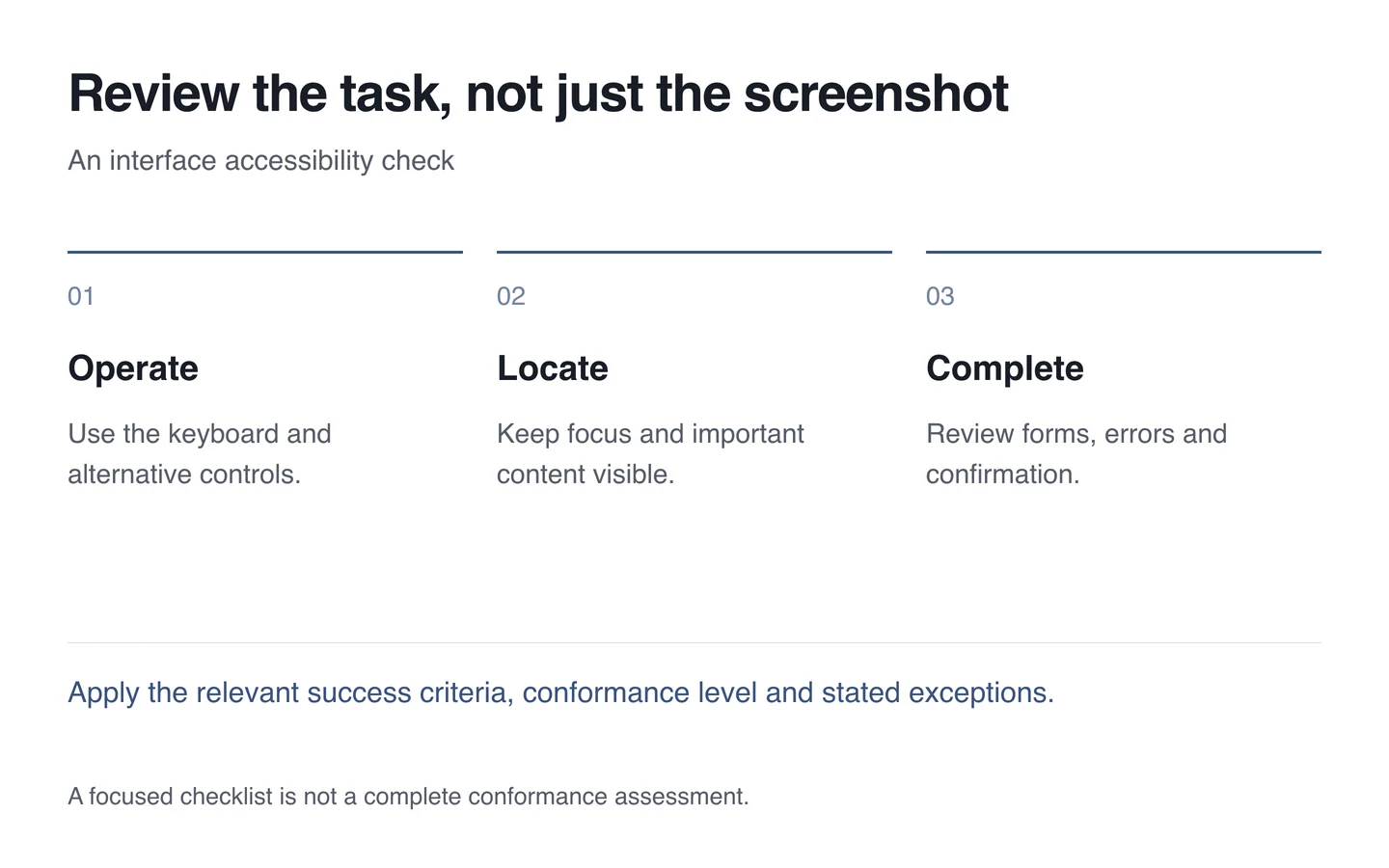
A tidy visual review can miss these barriers. Begin with actual tasks, such as finding information, selecting an option and completing a form, across different input methods and screen sizes.
Understand the new recommendation
WCAG 2.2 was published on 5 October 2023. It adds nine success criteria at different conformance levels. They are not all AA requirements; assess the applicable level and each criterion’s conditions.
A practical review can examine obscured focus, small targets and dragging-only actions. The minimum target-size criterion uses 24 CSS pixels with spacing provisions and exceptions. Measuring the width of a button alone cannot establish the result.

Follow the complete task
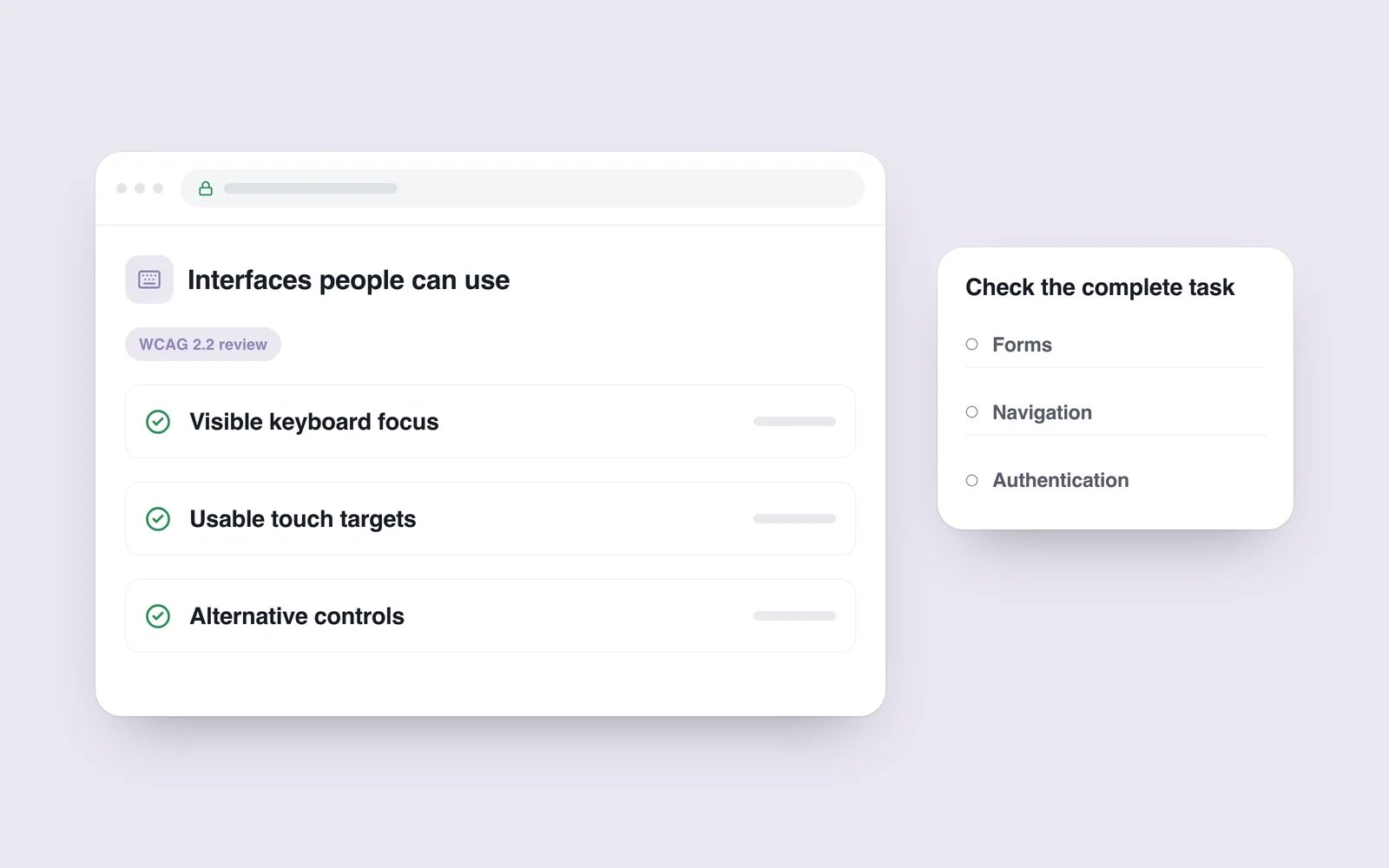
Open menus, forms and dialogs using the keyboard. Check visible focus and interference from fixed elements. Repeat on a small screen. Zooming should not hide the important action or its error message.
If reordering depends on dragging, offer another suitable control, such as move-up and move-down buttons. Keep repeated help in a consistent place. Avoid asking for information again without a valid reason.
A short checklist is not a full audit
Automated tools find some issues but cannot judge every task. A high score does not prove complete conformance. People must also review signing in, correcting an error and reaching a confirmed completion state.
- Define the review’s level and page scope.
- Check keyboard operation, focus and zoom.
- Assess small targets alongside their neighbours.
- Provide alternatives to demanding gestures.
- Repeat the same task after a correction.
Build these checks into interface development. The resulting evidence supports a remediation plan; it does not guarantee legal compliance or an ideal experience for every person.