TechnologyUpdated 2 min read
View Transitions: enhance navigation with a working fallback
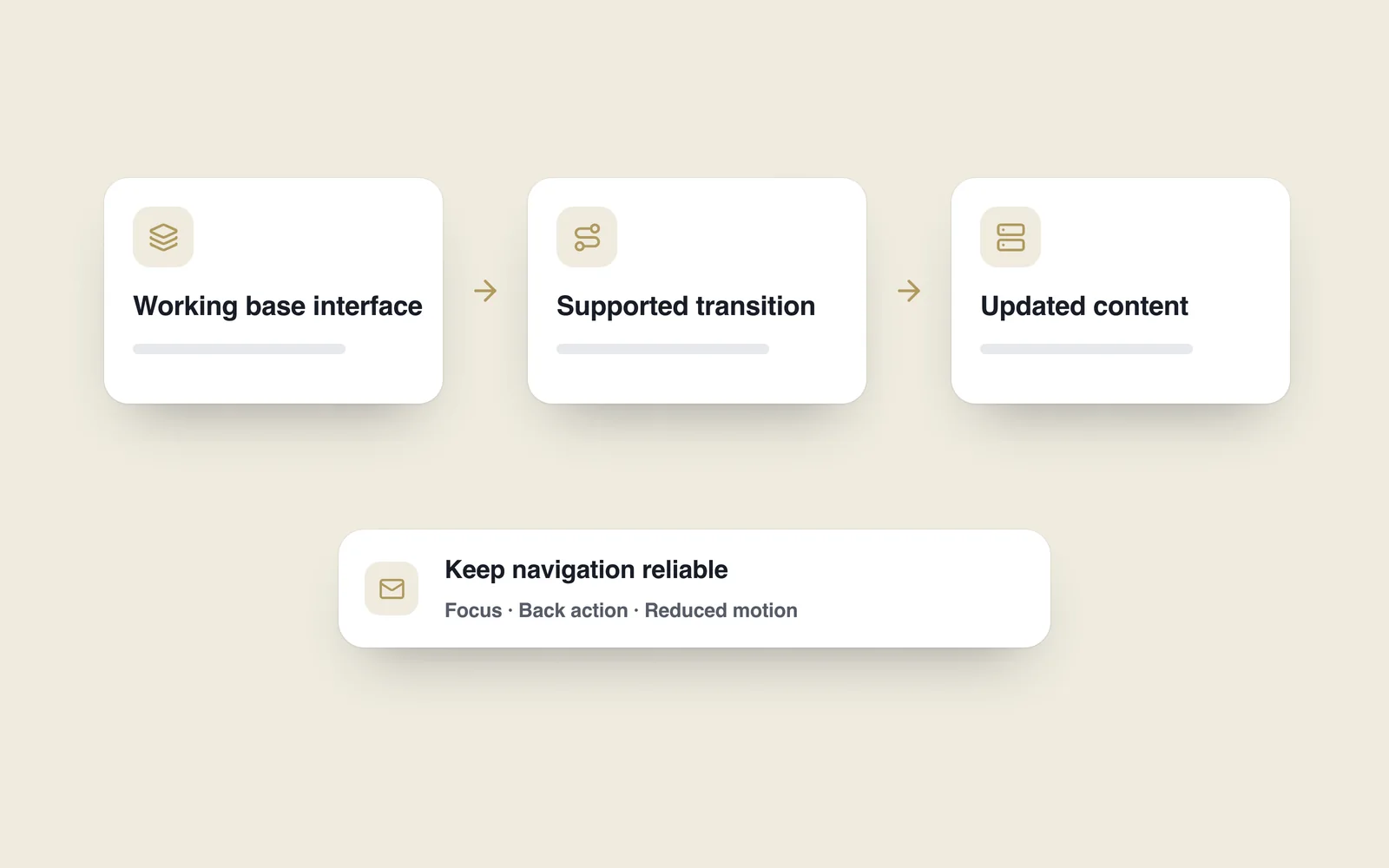
A catalogue card opens into a detail view and the image changes abruptly. A short transition can help someone recognise the connection. A delayed button or broken back action quickly undermines that visual improvement.
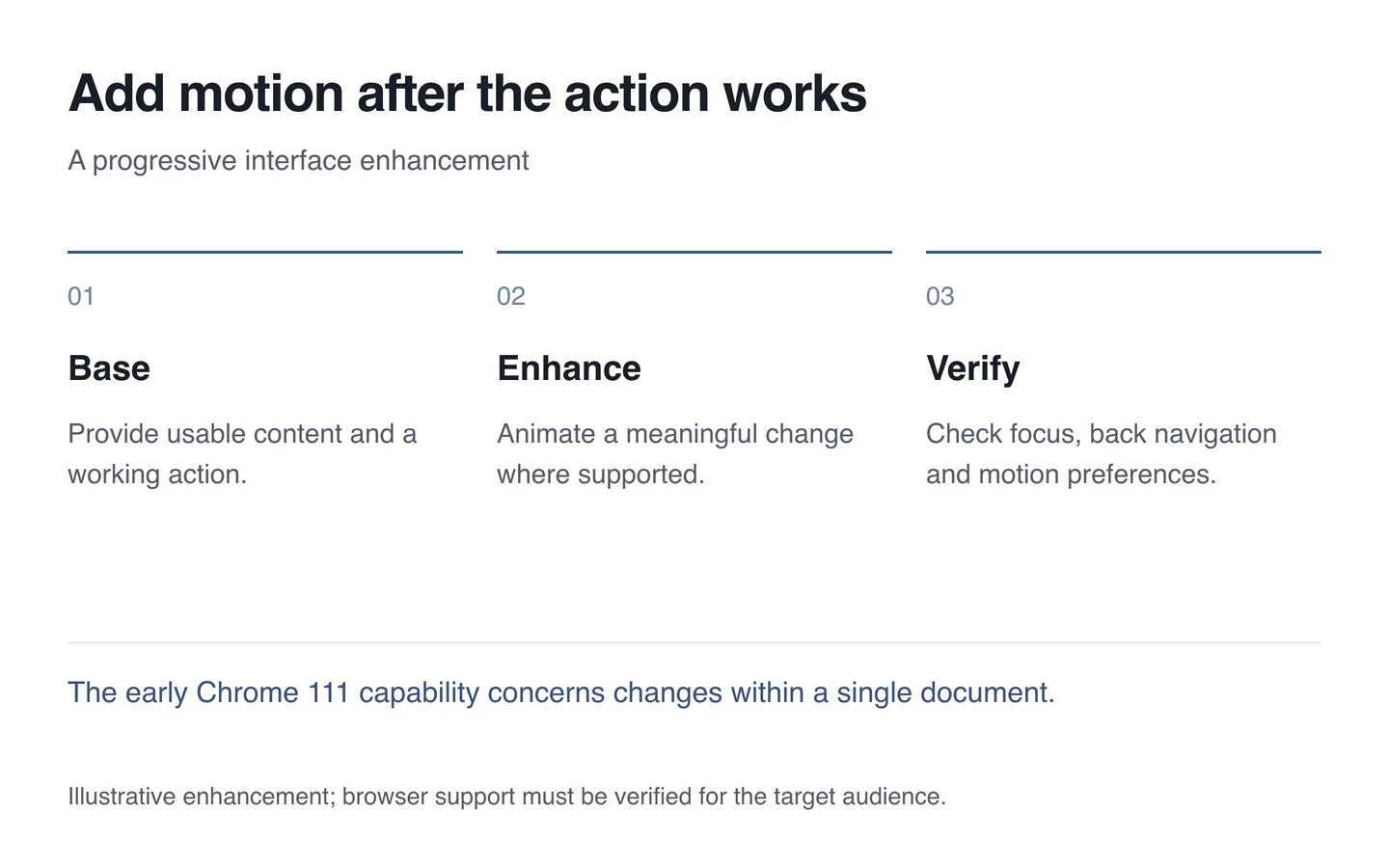
Motion needs a purpose, such as connecting two states or explaining a change. Build reliable navigation first, then identify where a visual transition would clarify the task.
Understand the early API’s scope
View Transitions introduced in Chrome 111 supports transitions for interface changes within one document. That early capability should not be described as automatic animation between arbitrary separate documents.
An application might connect a shared image between list and detail states. The same information and actions must remain available without the effect. Detect support and retain the ordinary update path.

Do not delay the action for decoration
Artificially withholding content for an animation does not improve the task. Prepare the new state and a clear error route. Check repeated clicks, back navigation and overlapping updates: one ideal demonstration cannot reveal every interaction.
Move focus logically with the resulting content. Someone using a keyboard must be able to continue after opening details. Screen readers need meaningful document structure; moving a picture cannot provide that alone.
Respect reduced motion
Honour the system’s reduced-motion preference. Keep the interface fully usable with a shorter effect or none at all. Reduced motion is a valid user preference, rather than a damaged version of the design.
- Verify the underlying action without any effect.
- Identify the change the animation should explain.
- Check browser support and the fallback.
- Test focus, back navigation and repeated actions.
- Compare responsiveness on modest devices and with reduced motion.
In a web interface, success includes clarity and responsiveness. Keep a transition when it explains navigation without adding barriers. A simple update is preferable when the effect obscures the task.