OtherUpdated 2 min read
vCard: save contact details in one file
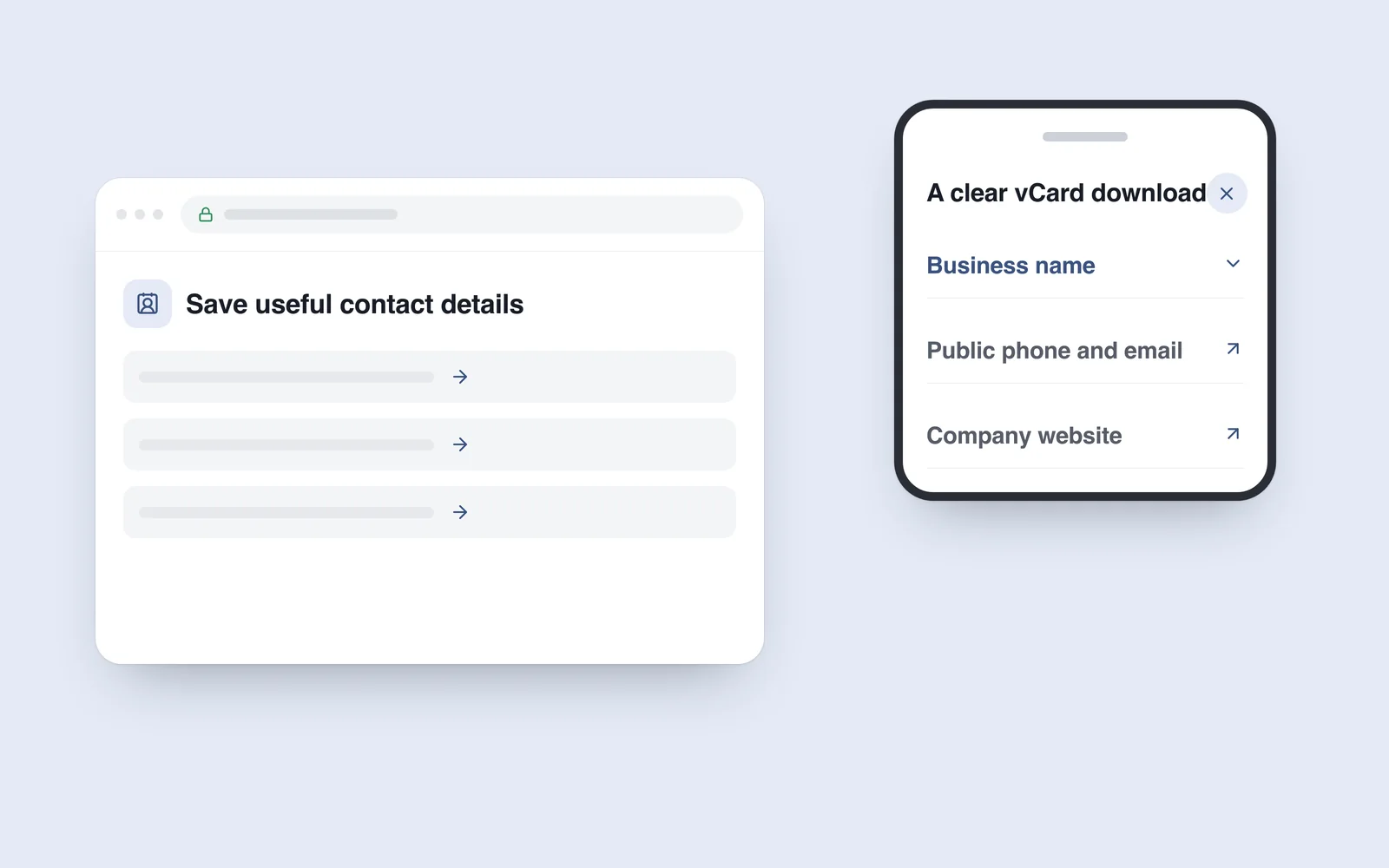
A contact page lists a company’s telephone number, email and address. Someone wants them in their phone and copies each field manually. A small contact file can simplify that task when the data and import behaviour are correct.
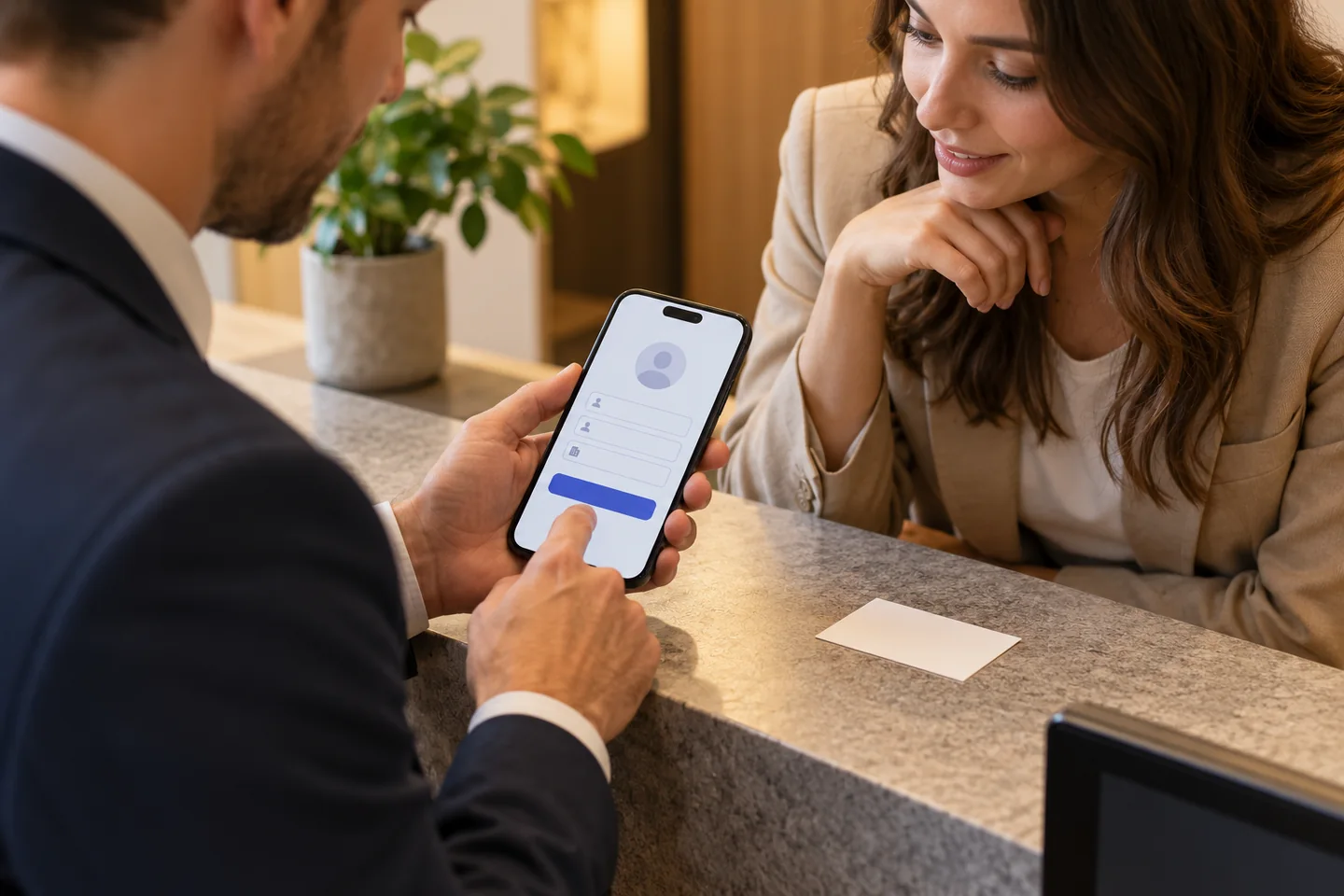
vCard is a contact-exchange format. The user opens the file, reviews the record and confirms saving it. Explain the action clearly rather than creating a surprising download or attempting to add a contact silently.
Use verified, necessary details
A company name, public work number, email and website provide a useful starting point. A branch card should contain that branch’s details. Do not include private numbers or unpublished addresses simply because fields exist for them.
Verify international telephone formatting and the exact email address. Distinguish the organisation from a person. A shared business contact should not accidentally appear to be an employee’s personal profile. Assign ownership of future updates.
Prepare the actual format
RFC 6350 specifies vCard 4.0, including UTF-8 encoding and CRLF line endings. Correct Georgian characters and special-character handling belong in implementation checks.
Do not assume identical imports across applications. Test the chosen version and fields on target devices. Use an appropriate content type and understandable filename. Renaming an arbitrary text file does not make a valid contact card.
Test the saved contact
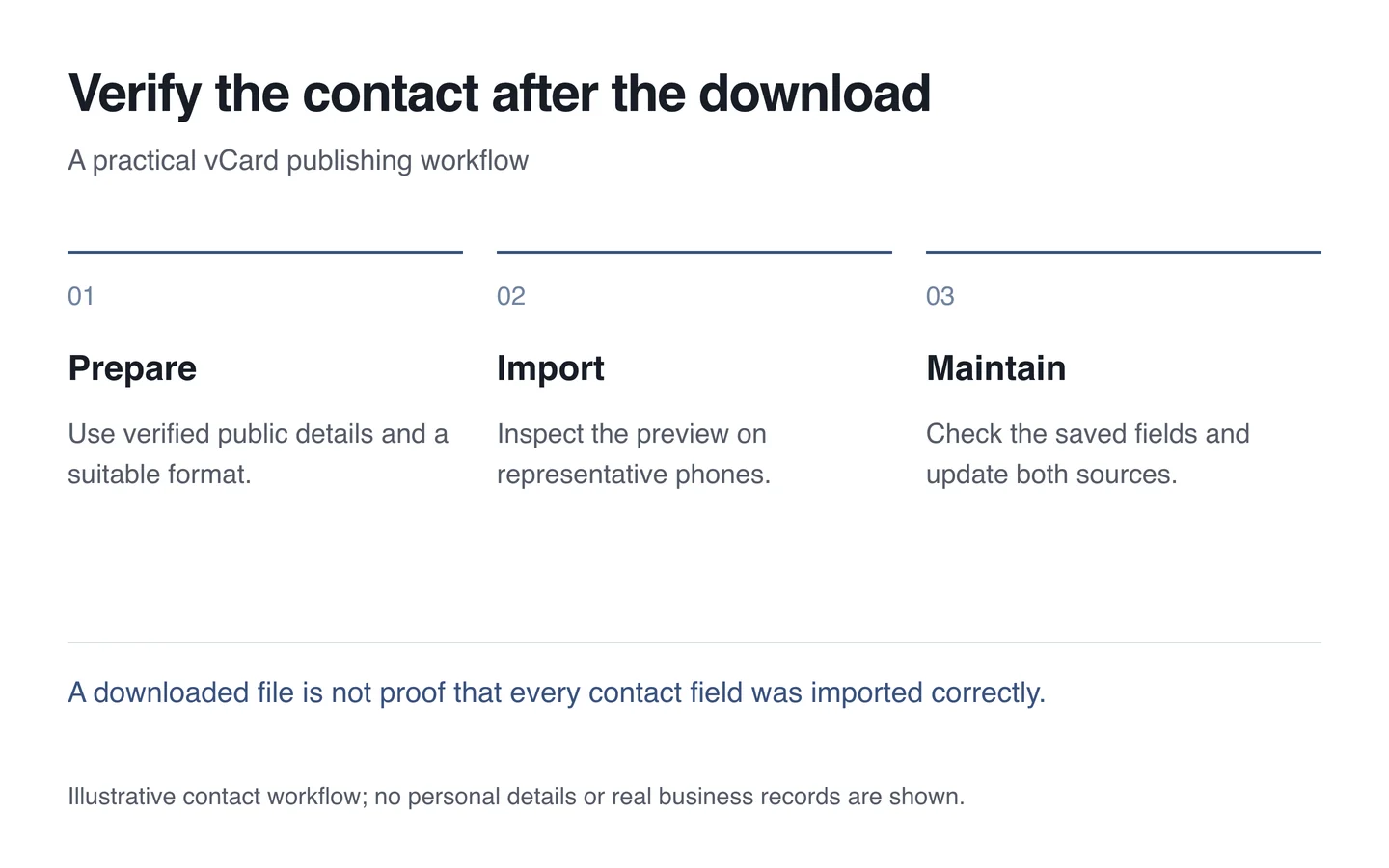
Open the file on a phone, inspect the preview and save a test record. Then verify name, dialling number, email and website. A successful download alone does not prove a correct contact.
- Select necessary public business details.
- Verify number formatting and Georgian text.
- Check preview and saving on different phones.
- Explain the download action beside its link.
- Update the page and file together.
On a contact page, vCard is an additional convenience. Keep ordinary numbers and email addresses readable and usable too. A well-prepared card simplifies later contact without collecting unnecessary information.