OtherUpdated 2 min read
PDF or HTML: publish website documents for the reader
A visitor wants delivery conditions but receives a long PDF. On a phone, the small text requires repeated zooming and sideways movement. A document can print beautifully while making a quick on-screen answer difficult.
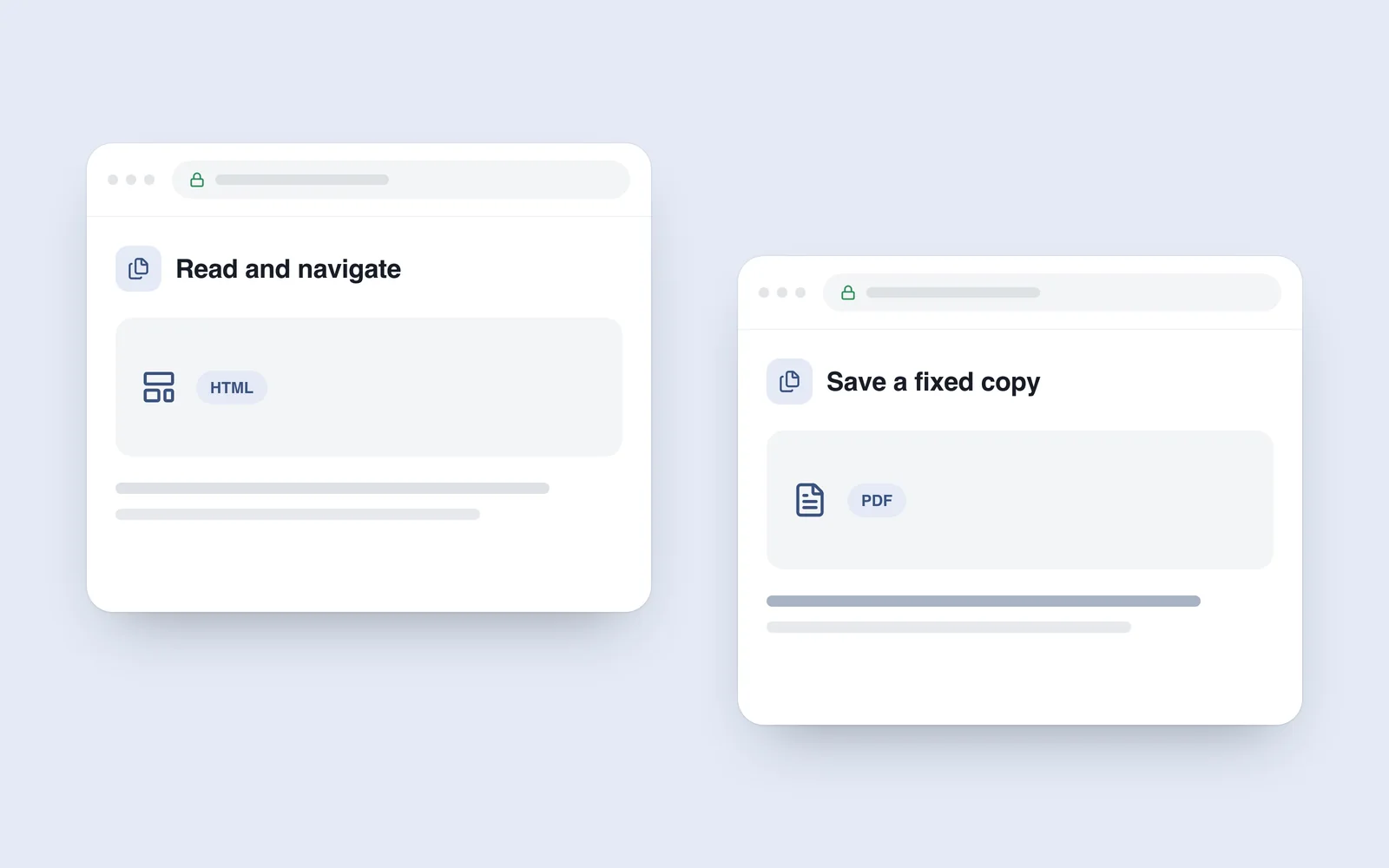
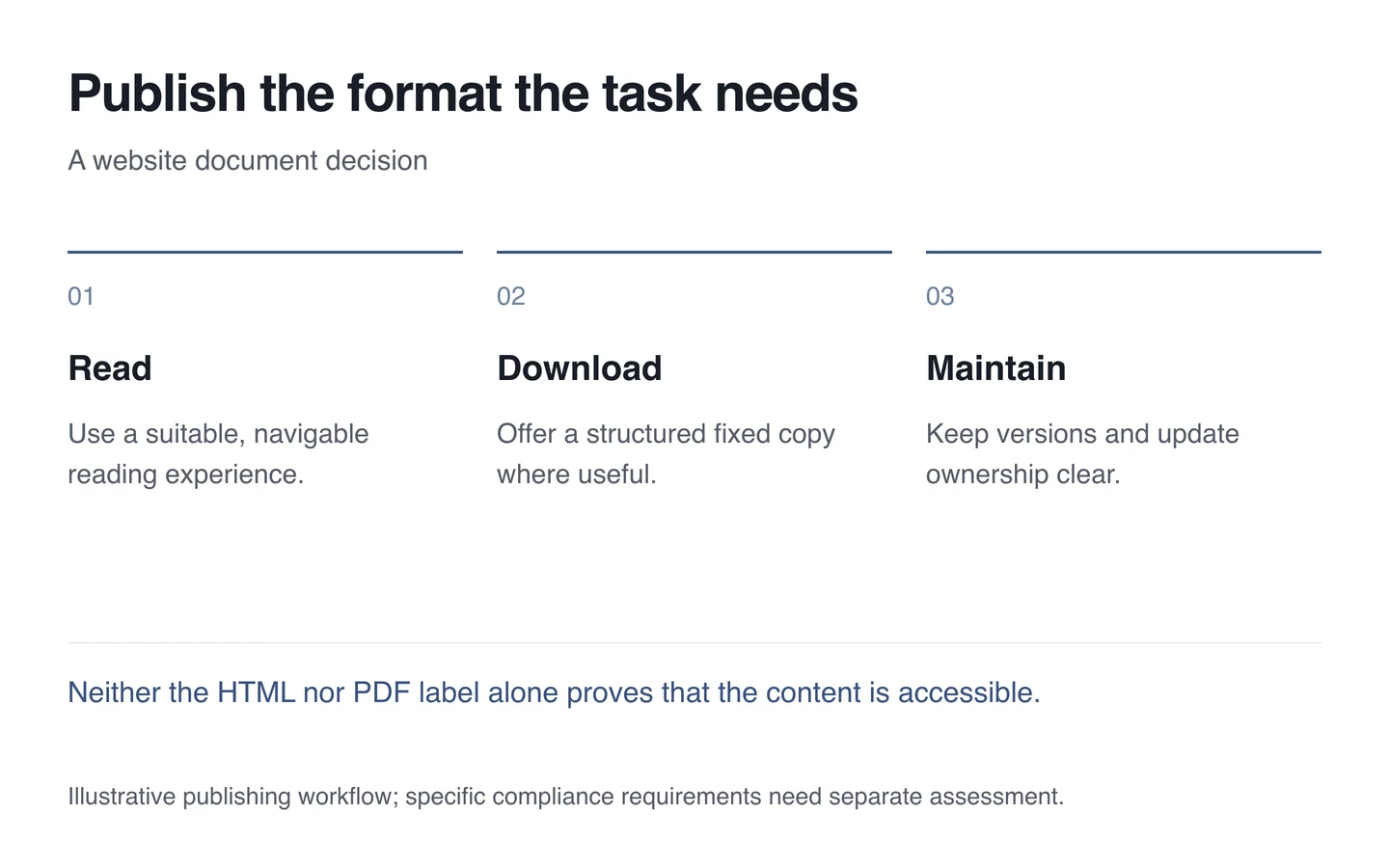
Choose the format for the task. Frequently read instructions, conditions and help often suit HTML. A fixed version intended for downloading or printing may justify PDF. Neither format is best for every situation.
Identify what the reader needs to do
A Government Digital Service discussion describes difficulties with reading and maintaining PDFs. It offers useful design reasoning, rather than automatically establishing a legal requirement for Georgian businesses.
Is someone reading now, saving a copy or printing? A maintained web page can provide a clearer current source for changing conditions. Downloaded files may circulate later, so version and date information matter.
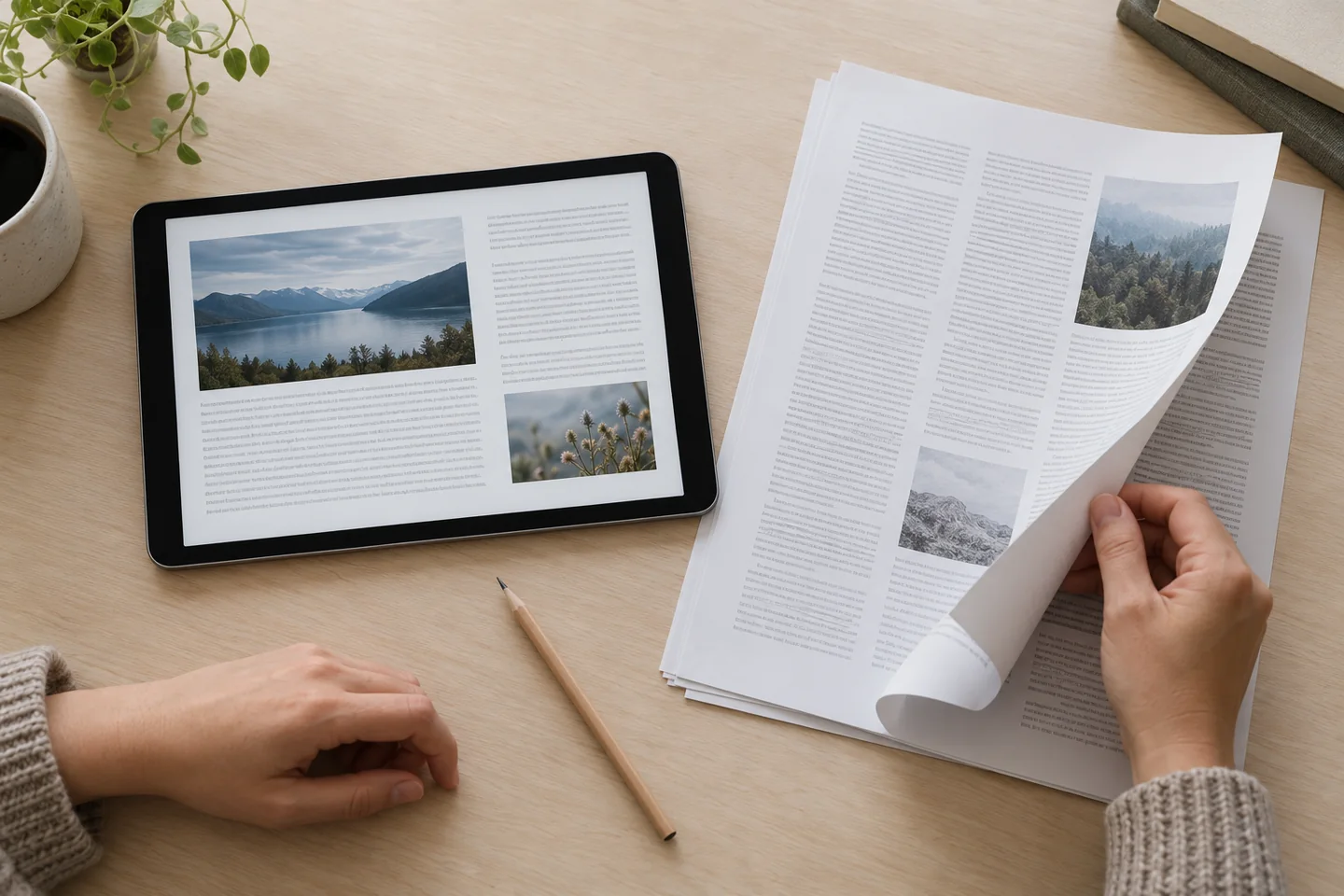
Prepare the PDF deliberately
Text stored only as a scanned picture differs from a structured document. Check text selection, headings, reading order and meaningful tables. Tags and image alternatives can also matter for assistive technology.
A format name cannot guarantee accessibility: poorly structured HTML creates barriers too. Use genuine headings, understandable links and clear information in either format. Plan document-specific verification against the applicable requirements.
Maintain both versions together
If you publish both, define the source of truth and who checks consistency. A changed condition should not appear only on the web page while the supposedly current PDF retains the old value. Give obsolete versions an explicit status.
- Present principal information on the page when appropriate.
- Explain the download’s format and size beside its link.
- Keep names, versions and relevant dates consistent.
- Check phone reading and required accessibility.
- Include both versions in one update process.
During website content planning, treat the document as part of the reader’s journey. Explain what it contains, which version is current and where help is available. The actual task should guide the choice.