OtherUpdated 2 min read
Link previews: what appears when someone shares your page
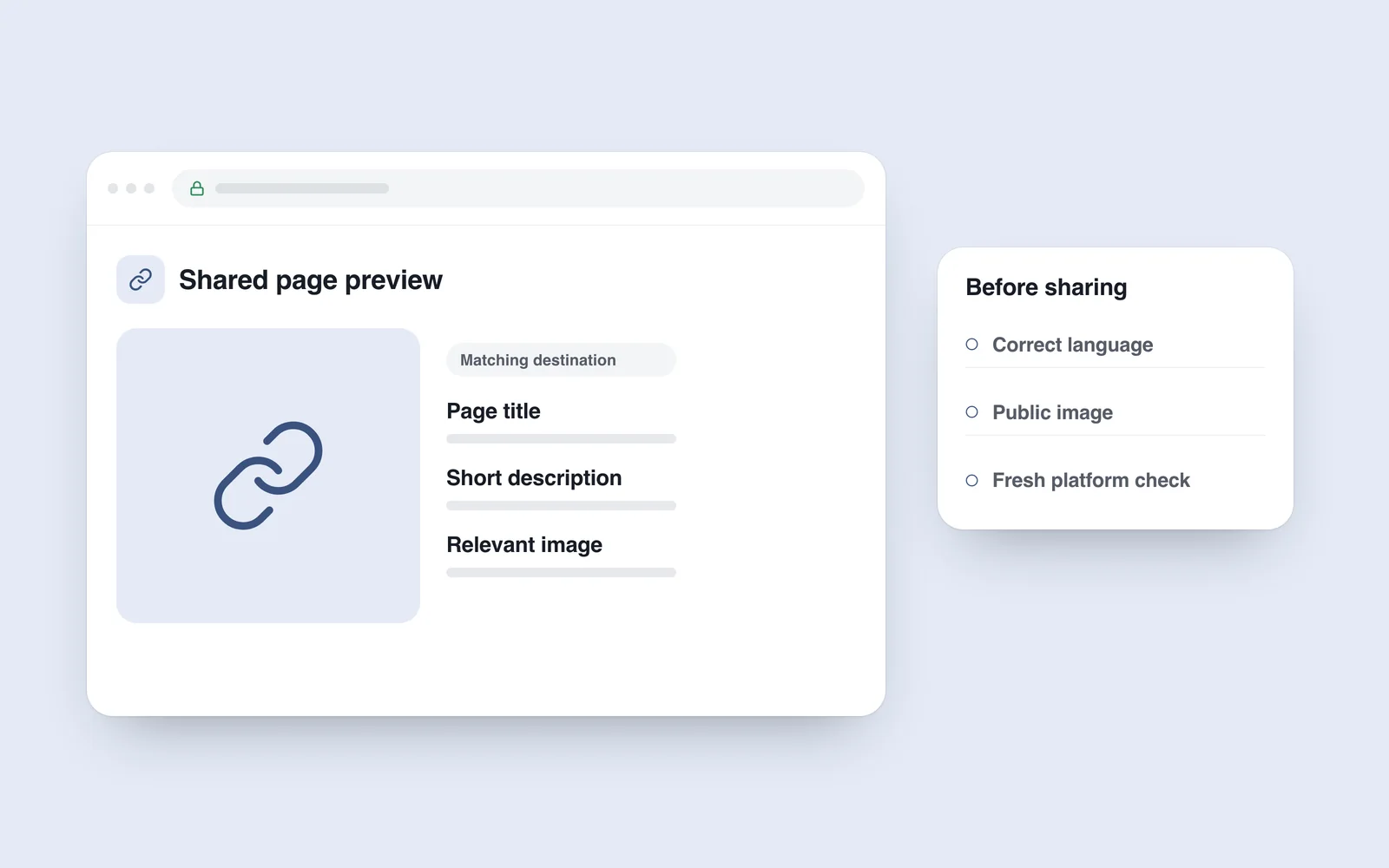
You share an article, but the recipient sees a generic company logo and homepage title. Another link keeps an old picture after the website has changed. A preview represents the page in a small space and needs a deliberate content choice.
A browser page and a message card are prepared differently. The sharing platform reads metadata, requests the image and may cache its result. Checking only your own browser cannot establish the final preview.
Make the preview belong to the page
The Open Graph protocol identifies title, type, image and canonical URL as basic properties, with optional description and language information. Give each page values that match its content.
An article can use a topic photograph or a designed title card. Match the brand while keeping the subject understandable. Tiny text and important details near an edge can disappear in small or differently cropped previews.
Check the resource path
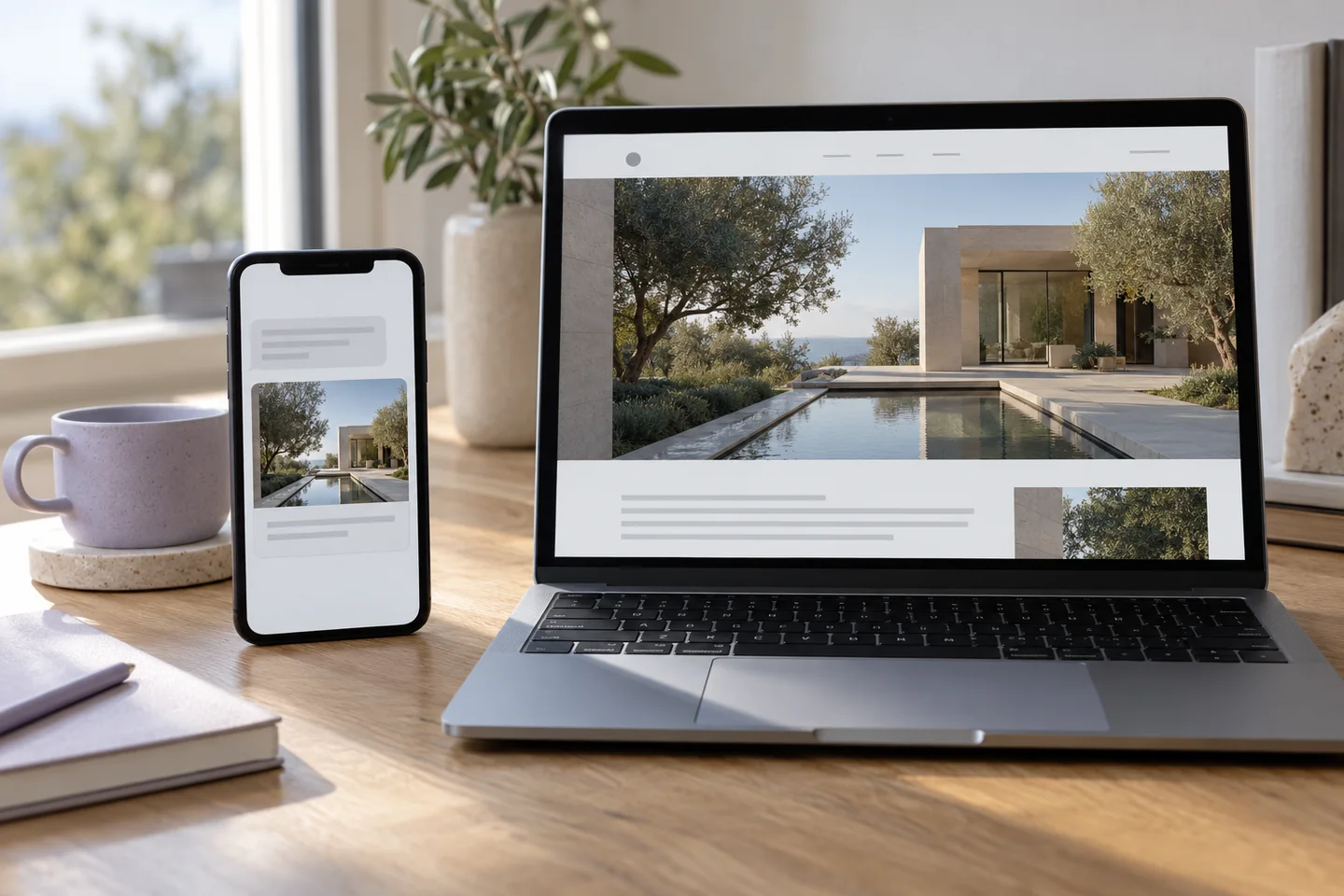
A public page’s preview image needs a complete, accessible address. Check content type, the final response and unnecessary redirects. A file available only through an administrator’s account may be inaccessible elsewhere.
Keep language versions consistent: an English page should not accidentally carry the Georgian title. The canonical address should identify the specific public page being shared. Do not expose private material merely to obtain a preview.
Distinguish an old card from a current error
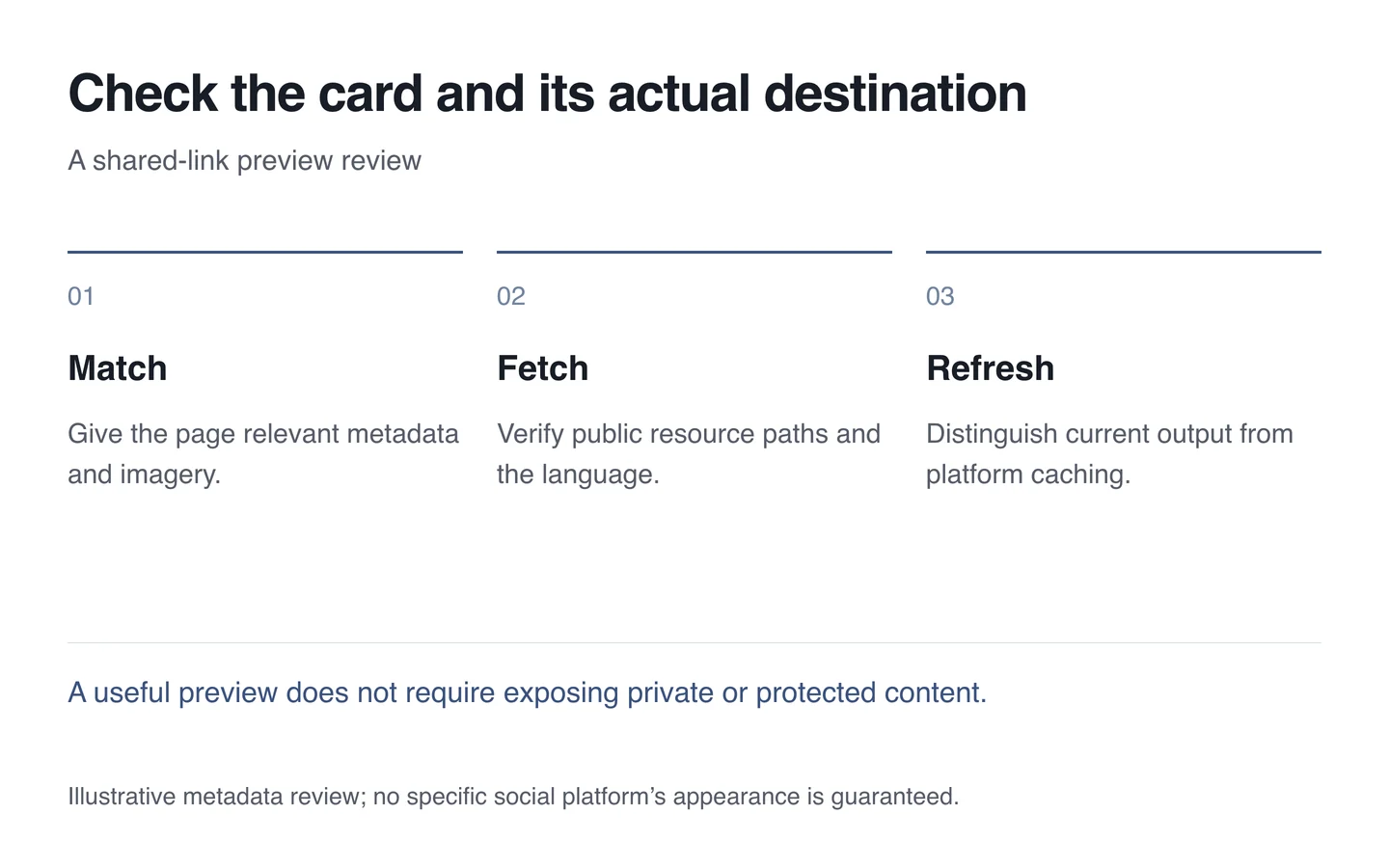
Check the live page and image first. If those are correct, a cached platform response may explain the old card. Use an official inspection or re-fetch tool where available. Exact update timing is not guaranteed.
- Share a particular page and compare its title with the content.
- Open the preview-image address separately.
- Check small-screen crops and readable labels.
- Verify the language and final destination.
- Separate a metadata change from the platform’s cached result.
Include sharing cards in ordinary website launch checks. A suitable preview explains the link to people; it does not guarantee search rankings or identical presentation on every platform.