OtherUpdated 2 min read
AI images on a business website: illustration and real-world evidence

A general working scene can suit a service article. A product page, however, needs to show the item someone will receive. These are different decisions: the second image supports a factual buying choice.
AI tools can create conceptual images and illustrative scenes. They may save production time, but they do not remove editorial responsibility. Establish what the image explains and what it cannot prove.
Keep illustration separate from evidence
Adobe’s 2023 announcement describes generative tools becoming available for commercial creative workflows. Check the particular tool’s terms separately. AI generation is not an automatic guarantee of accuracy or unrestricted use.
Show actual screens for delivered portfolio work. Do not present an invented person as an employee or promise product dimensions and materials from a fabricated photograph. The scenes in this article also explain the topic; they do not document a real client project.

Review the content, not just its appearance
Inspect hands, object relationships, screen details and physically plausible actions. Be especially careful with technical or medical processes that could mislead someone. Visual confidence alone cannot validate an instruction.
Choose imagery directly connected to the text. One generic technology background cannot strengthen every article. Plan a distinct composition and relevant detail for each subject. Review likenesses and unintended brand marks too.
Check context and delivery
Could the layout imply the image shows completed work? Explain its role in the surrounding text or caption when necessary. Alternative text should communicate the image’s meaning rather than repeat artificial keyword lists.
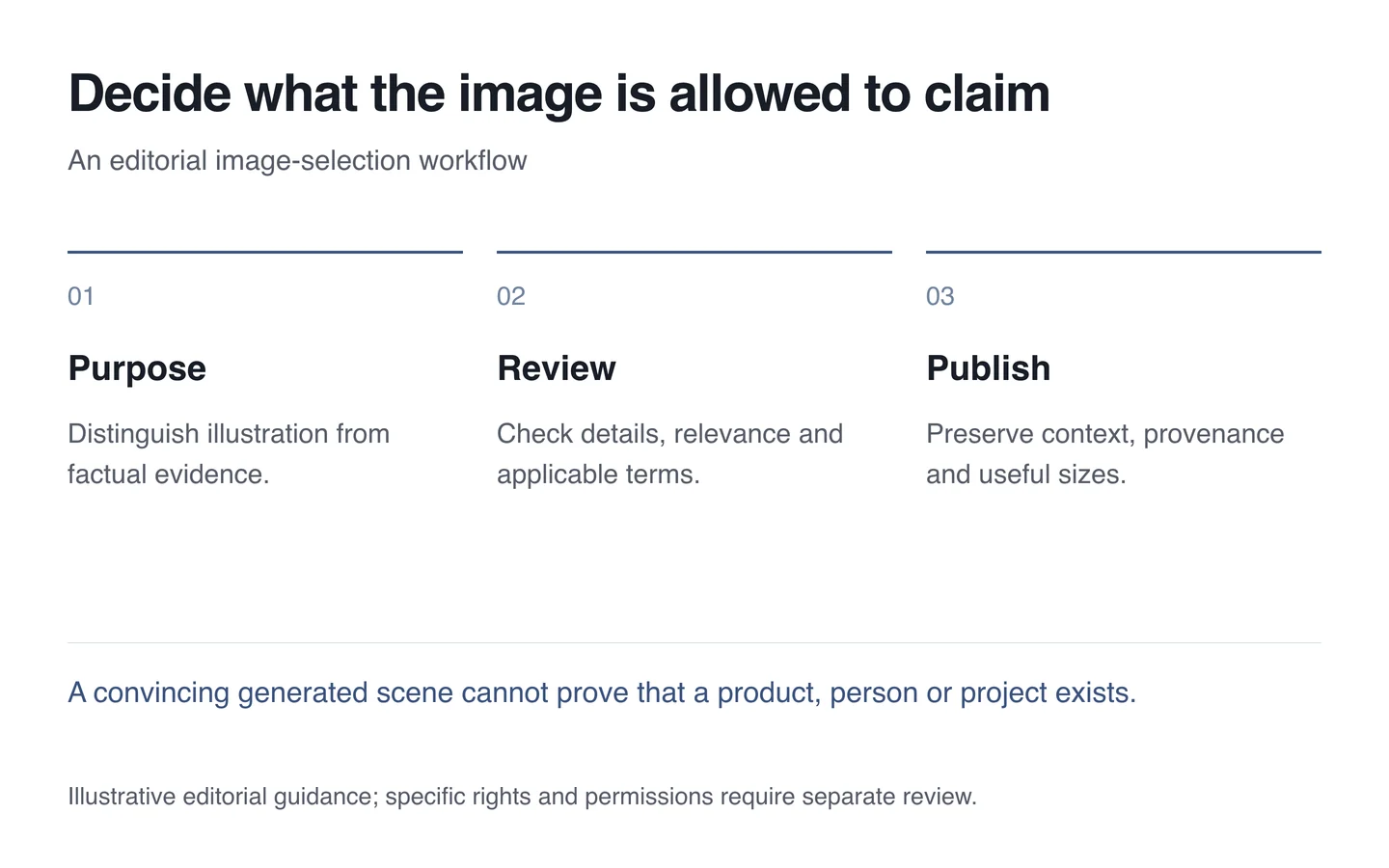
- Distinguish illustration from factual representation.
- Review the tool’s applicable terms and limitations.
- Inspect details, likenesses and relevance.
- Prepare suitable sizes for different screens.
- Retain provenance and the intended editorial context.
In website imagery, photographs, diagrams and generated illustrations can complement each other. Keep their roles clear. A useful visual explains the subject without inventing a business’s real-world experience.