Design3 min read
Product filters that help customers find the right item
A customer needs a dishwasher that fits a 60-centimetre opening. The store offers brand and price filters, but no width filter. The right product may be in stock; finding it still means opening dozens of pages. This is a catalogue problem that a longer list of generic controls will not solve.
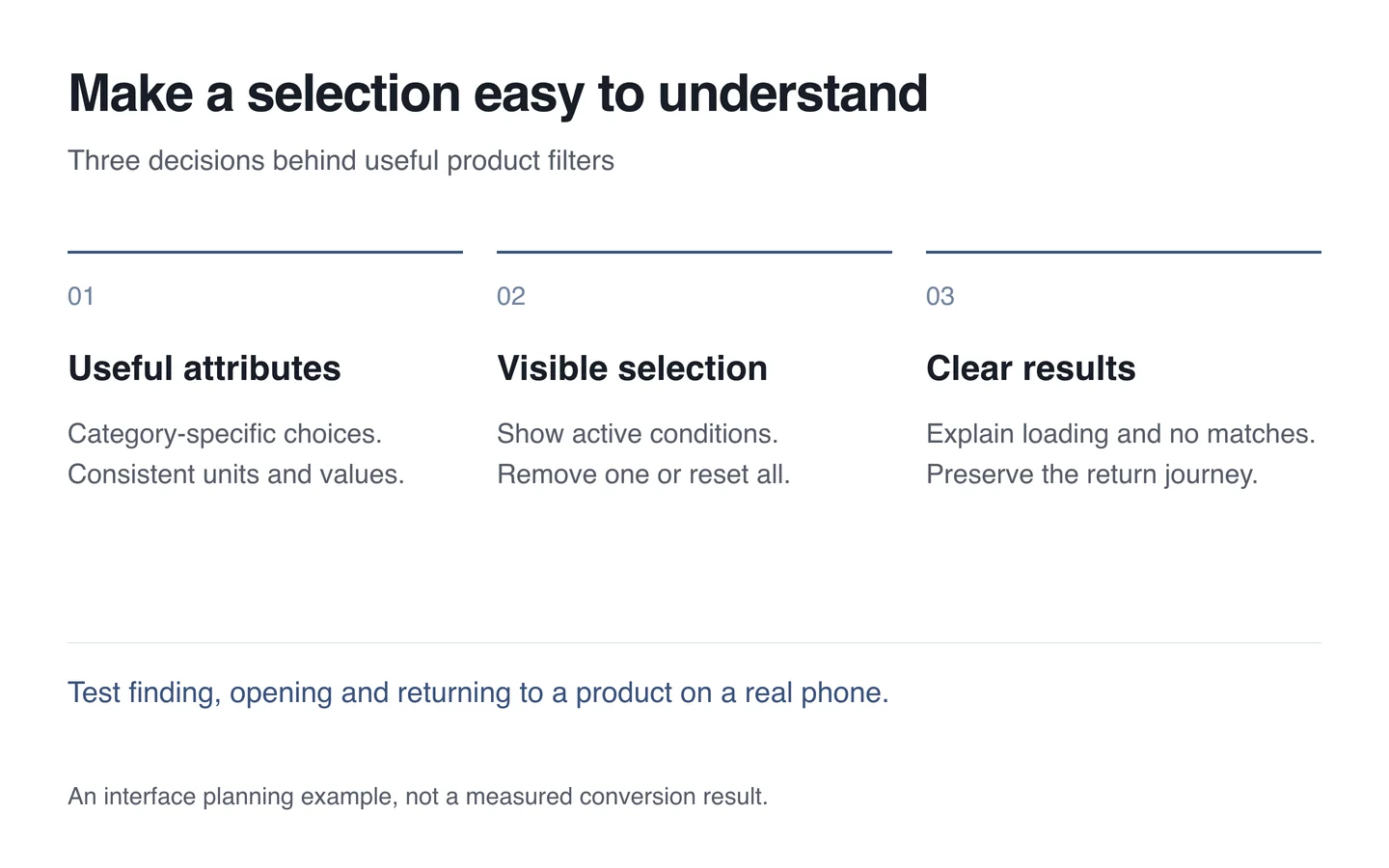
Useful filters reflect a purchasing decision: dimensions, intended use, compatibility or availability. Start with those questions before choosing the shape of a filter drawer.
Fix the attributes before drawing the controls
A width stored as “60 cm” on one item and “600 mm” on another needs a consistent underlying representation. Agree the units, permitted values and attributes that belong to each category before building the interface.
Clothing may need size and material. Equipment may need installation type, capacity or power requirements. Reusing one enormous filter list everywhere asks customers to interpret irrelevant choices. Begin with the attributes that distinguish suitable products, then refine them using actual customer questions and observed use.

Make the current selection visible
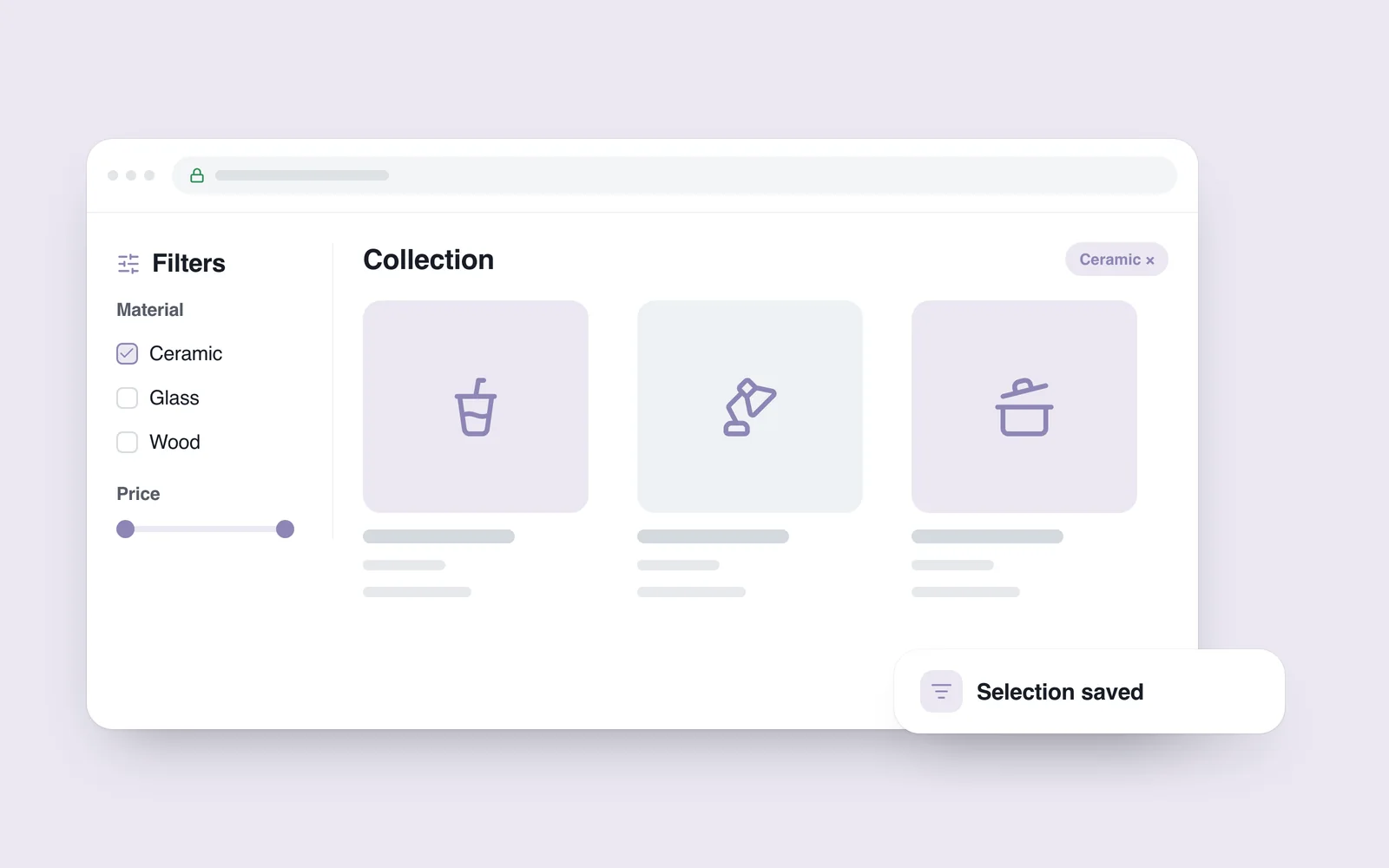
After filtering, customers should be able to identify the active conditions and the number of matching items. Let them remove a single condition without clearing the rest, and distinguish that action from resetting the whole list.
- Names: use familiar terms and show the relevant units.
- Selection rules: make it clear whether several brands or sizes can be selected together.
- Sorting: present price order as a separate decision from filtering.
- Updates: provide loading feedback without unexpectedly moving the customer to the top of the page.
Represent useful selections in the URL when customers need to share or save a shortlist. Returning from a product page should restore both the filters and the list position. A shareable URL does not mean every possible filter combination needs to be indexed by Google; indexing requires its own SEO decision.
Give mobile filtering a clear beginning and end
A separate filter panel can work well on a small screen. Its trigger should indicate active selections, and the panel should offer clear ways to close it and apply changes. If results update only after confirmation, explain that behaviour rather than making customers guess.
Closing the panel should not silently discard conditions already applied. For a modal panel, move keyboard focus inside when it opens and return focus to its trigger when it closes. The W3C modal dialog pattern describes this behaviour. Proper control labels also help identify each option and provide a larger clickable target.
Provide a way out of an empty result
“No products found” reports a state but offers little help. Show the conditions responsible for the current search and let customers loosen one of them or return to the complete list without starting again.
Do not quietly change a selection or present an unsuitable product as an exact match. Alternatives can be helpful when their differences are clearly explained. A customer looking for a specific dimension needs to know when a suggestion will not fit.
Test a complete product-finding task
- Choose a real product and describe the conditions needed to find it.
- Complete the same task on desktop, on a phone and using only a keyboard.
- Open a product and return to check the selection and list position.
- Create an empty result, then recover by removing one condition.
- Open a shared filtered URL in a fresh tab.
These checks reveal whether the catalogue supports a decision. In UI/UX design, the attributes, saved state and return journey deserve the same attention as the appearance of the controls.