DesignUpdated 2 min read
Customer account dashboards: make the first screen useful
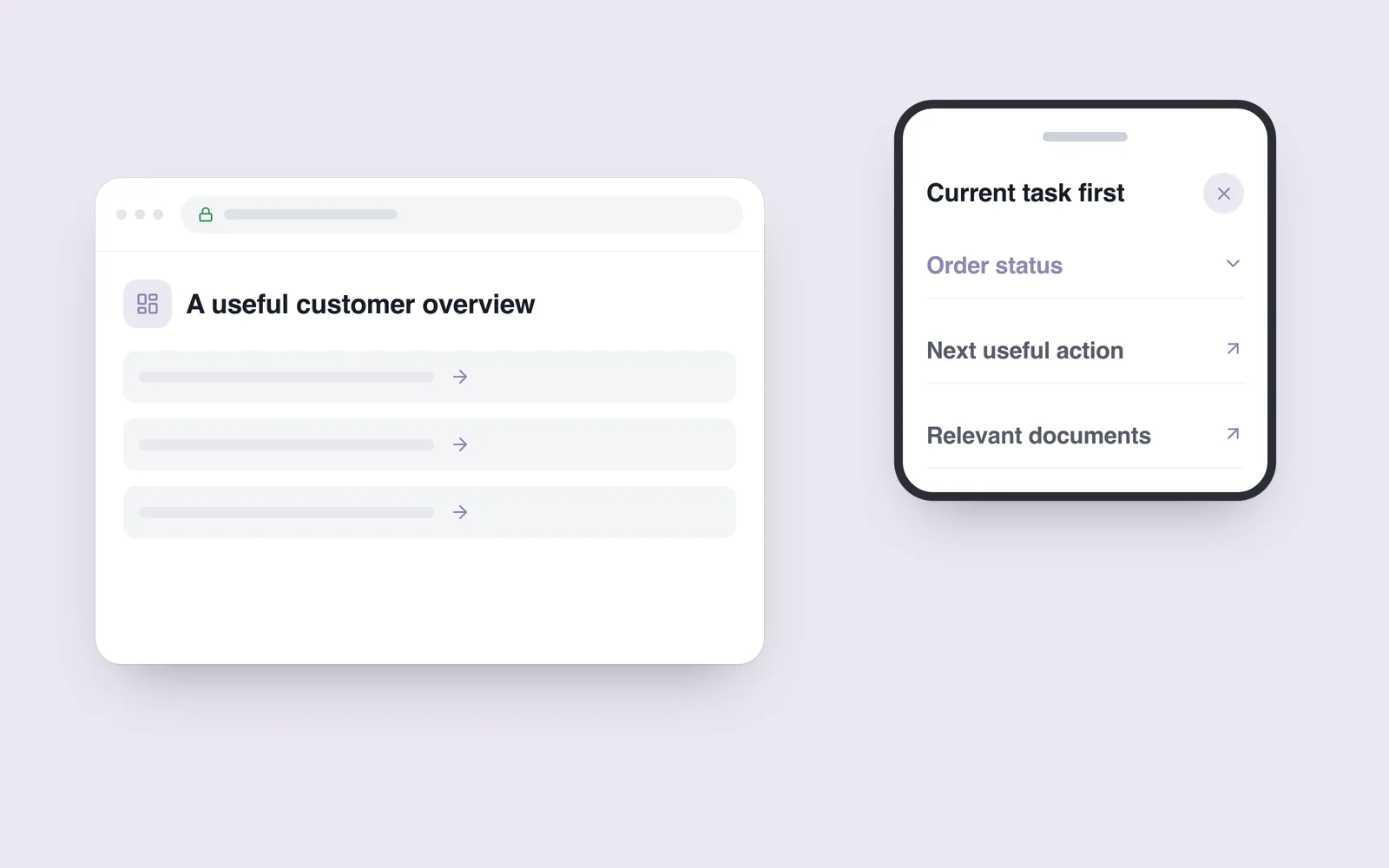
A customer signs in to check an order and finds general statistics, promotions and colourful charts. Their parcel is buried in the menu. Plenty of data is visible, but the first question remains unanswered.
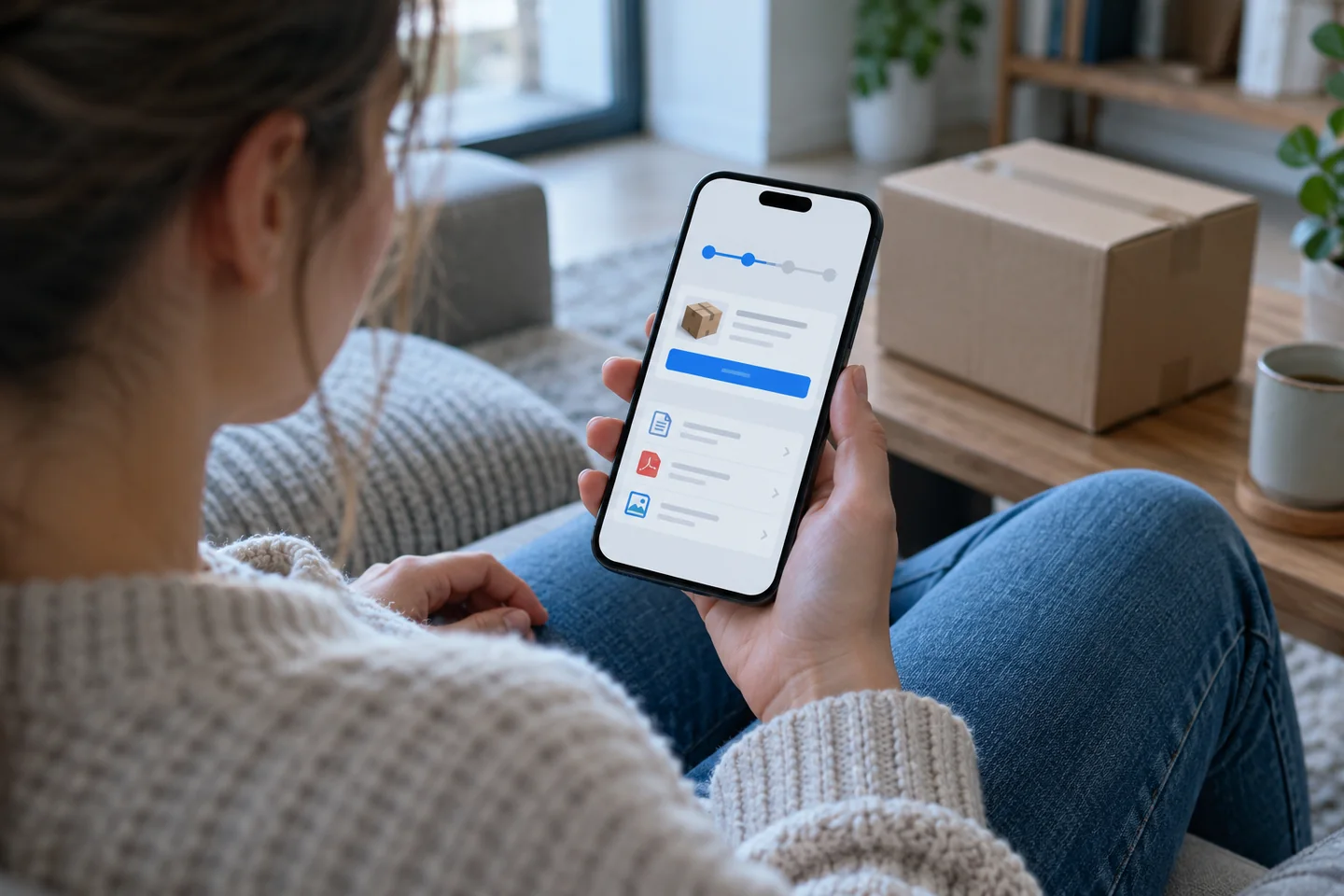
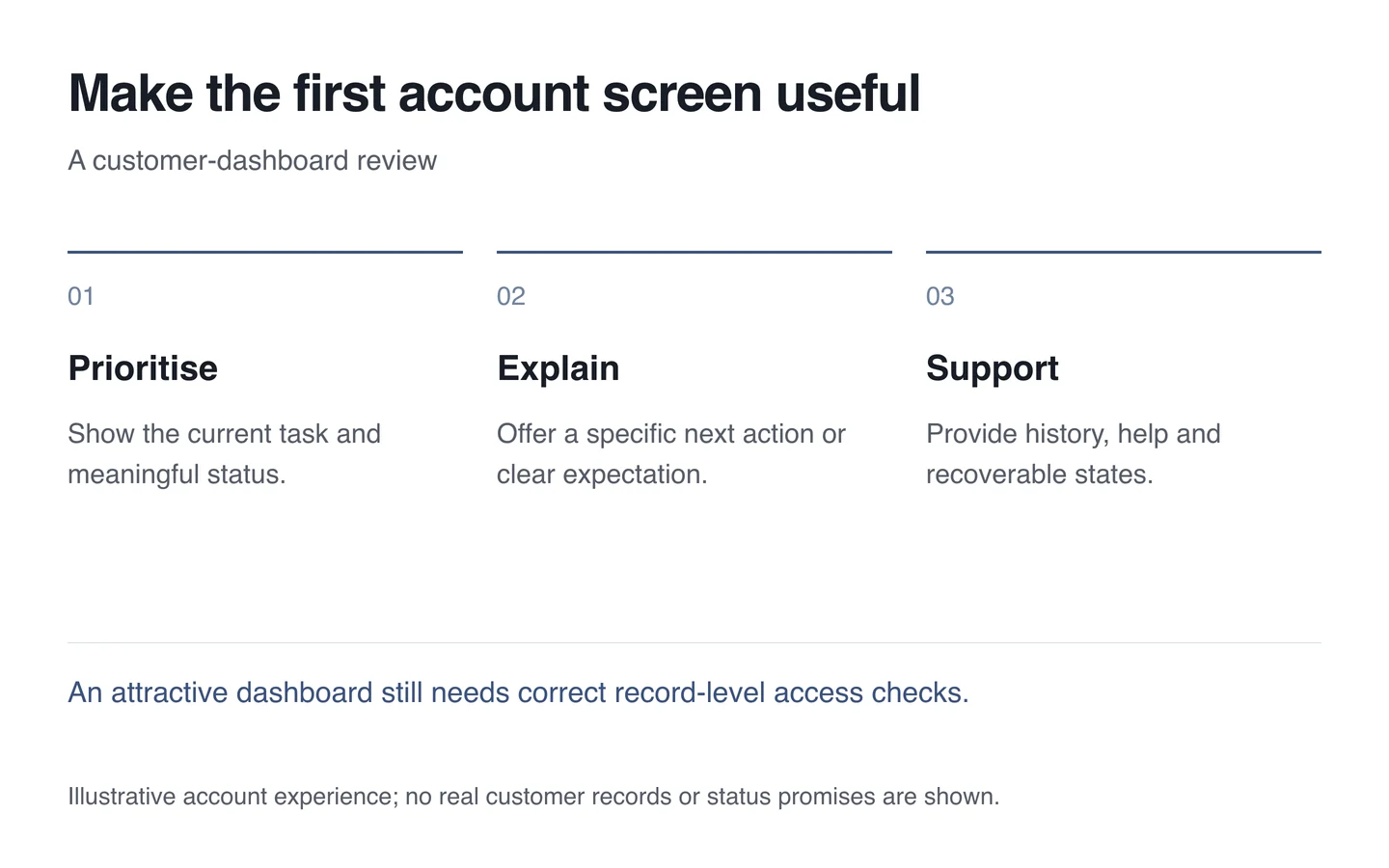
Build the first screen around the customer’s actual task. A shop may prioritise an active order; a service portal may need a document or approval request. Not every figure useful to an administrator belongs in the customer’s overview.
Connect status with the next action
Explain the current stage and what someone can do now. “Processing” is ambiguous: does the team have the task, or is customer input missing? State when no action is needed. Do not present an estimated timeframe as a guaranteed promise.
Prioritise important active items while preserving access to the complete list. Distinguish completed records from ongoing requests. Give each card an understandable name, status and specific action.
Design empty and delayed states
A new customer without orders needs an explanation and a useful starting point. Loading data needs an appropriate indicator, rather than a premature empty-result message. Failure and an empty list are different states.
Show the last update when freshness matters. Offer a retry or help route instead of leaving an indefinite spinner. Preserve the relevant order context when someone contacts support.
Keep the structure understandable
The W3C WAI headings tutorial explains how headings support organisation and navigation. Use meaningful sections in the dashboard too. A large styled label should not replace an actual heading.
- Identify the most common reason for signing in.
- Prioritise current status and the next useful action.
- Distinguish loading, empty and error states.
- Keep history and help easy to locate.
- Test keyboards, phones and long Georgian text.
During customer-portal development, verify record-level access as well. Visually hiding another person’s order does not secure it. Plan interface and permissions checks together.