Business3 min read
Planning a B2B customer portal around repeat business
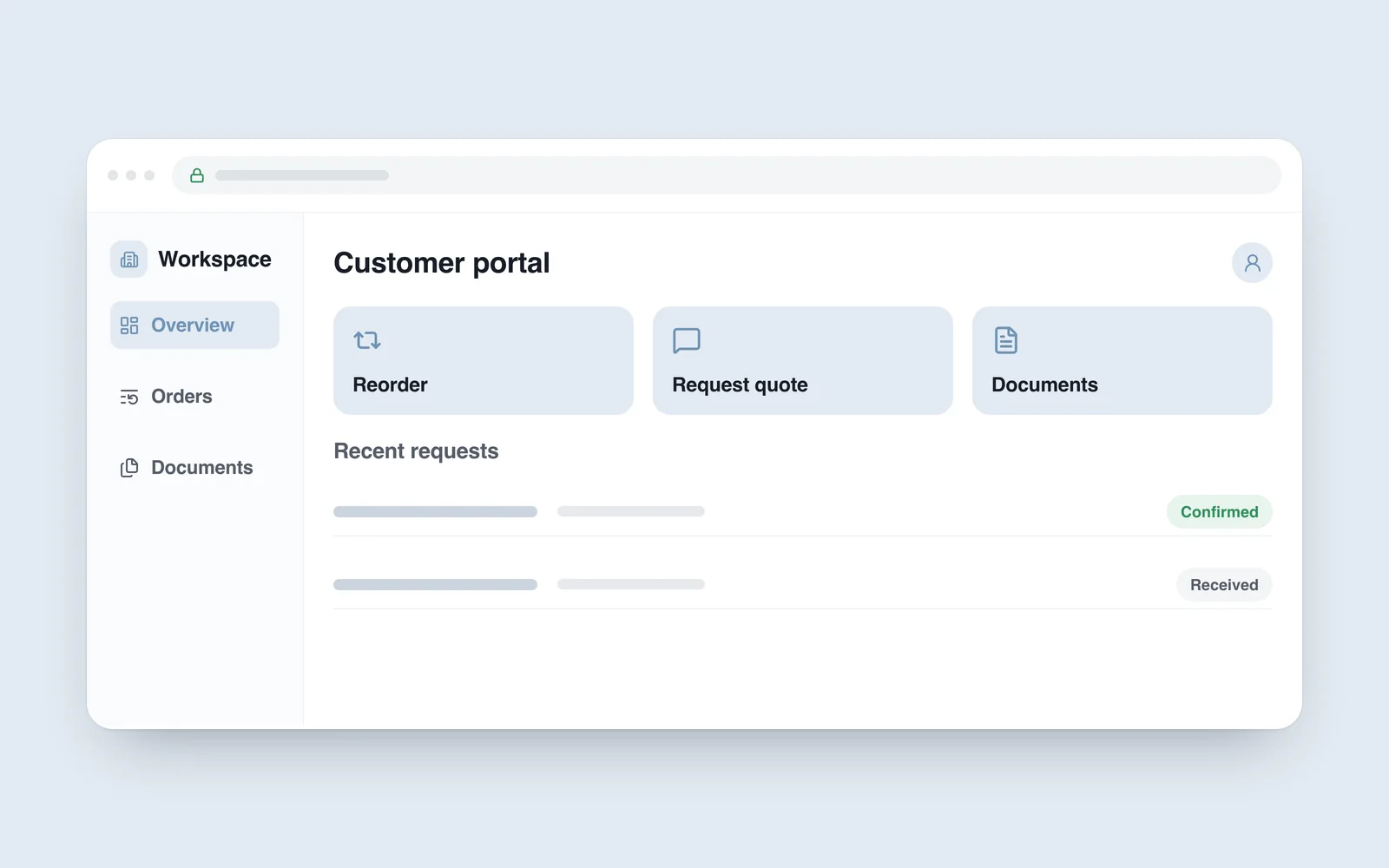
A regular customer places a similar order every month. They search old emails for the previous list, ask a manager to confirm prices and request another copy of a document. When that sequence repeats, a customer portal has a specific job to do.
A B2B portal is a workspace for business customers. Its value is not the length of its feature list. It should make routine work easier while giving staff more time for exceptions and decisions that require a conversation.
Choose one recurring task
Ask sales and support teams which requests keep returning. Speak to customers too: do they need to reorder, check a status, request a quote or retrieve an account document?
Build the first version around a frequent task. Turning a previous order into an editable new list may be more useful than adding ten reporting screens. Recheck current prices, availability and conditions when copying that list; an old order does not guarantee today’s offer.

Distinguish browsing, quotes and confirmed orders
Not every B2B purchase ends with an immediate buy button. Quantity, configuration, delivery timing or another condition may require discussion. Offer a clear route to submit a list for a quote and explain what happens next.
- Repeat list: select previous items and adjust quantities.
- Quote request: specify the requirements, destination and timing.
- Order: review agreed conditions and complete the confirmation step.
- Documents: find records intended for the correct company.
When pricing depends on an agreement, do not present an arbitrary or stale amount as a final price. Status labels need distinct meanings too. Received is not automatically confirmed or dispatched.
A company account is not one shared password
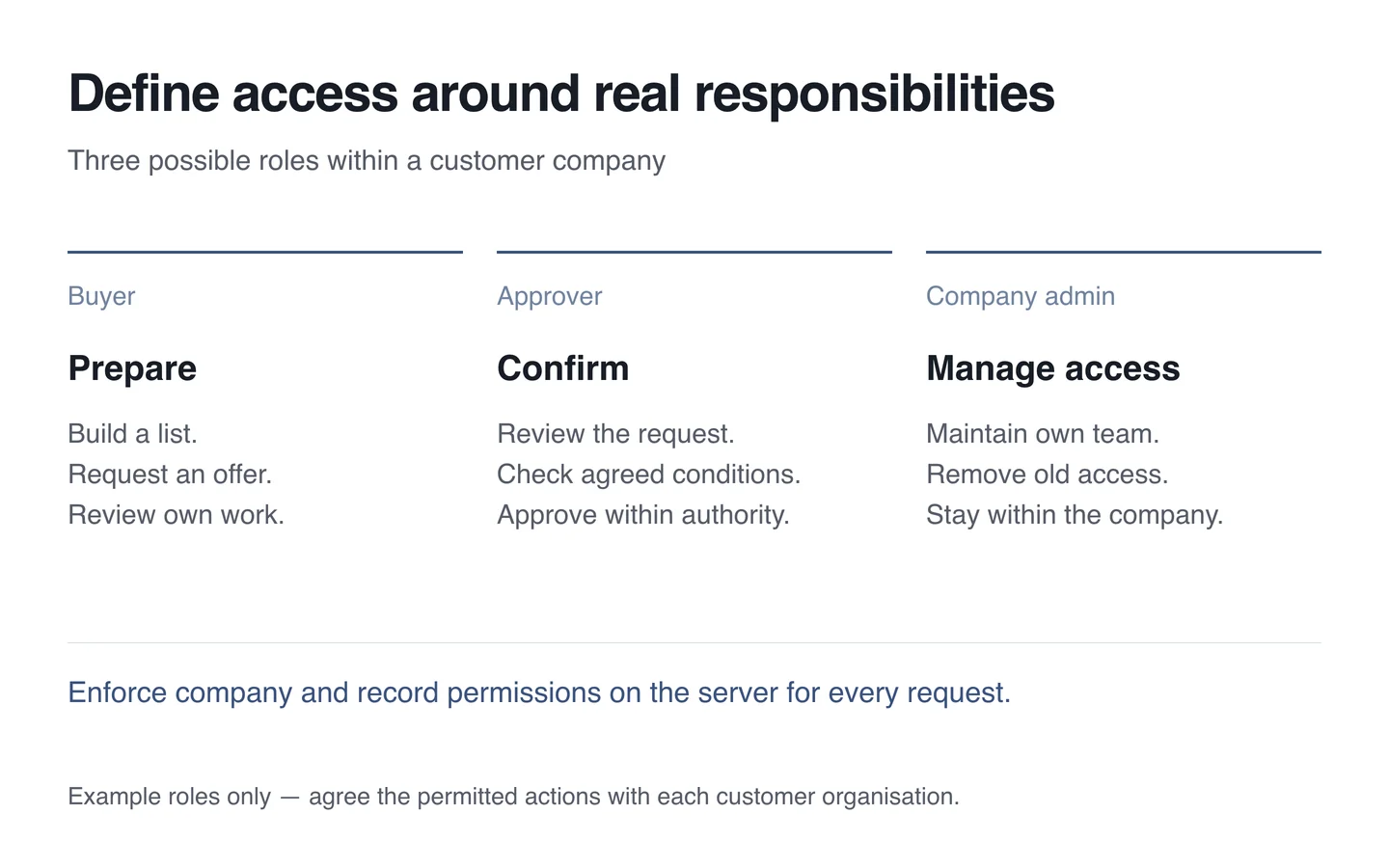
Several people at one customer organisation may have different responsibilities. A buyer might prepare a list, another employee approve it and an administrator manage their team. Those are possible roles, not a template every company must adopt.
Signing in identifies a person; permission to access each record requires another decision. OWASP recommends least privilege, denial by default and permission checks on every request. Hiding another company’s prices or orders in the interface is insufficient. Restrictions must be enforced on the server.
Test direct links and downloadable documents separately. Revoking an employee’s access should also invalidate their existing session according to the agreed policy. A company administrator must not be able to extend permissions beyond their organisation.
Connect the portal to the staff workflow
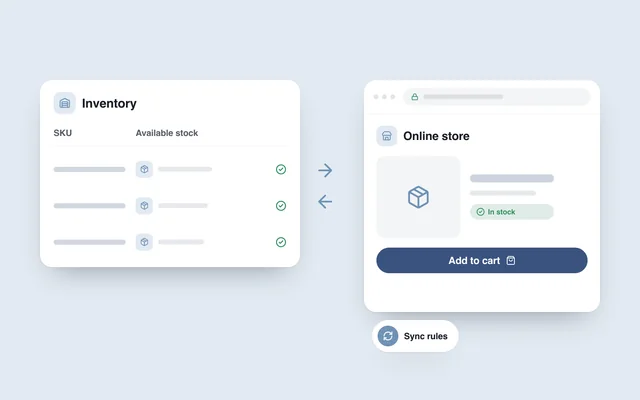
Decide where submissions arrive and who responds. If every submitted list must be retyped into another system, account for that work and the errors it can introduce. Plan ERP integration around fields with an agreed owner and update process.
When information is delayed, explain the state honestly. Do not turn an unconfirmed delivery estimate into a precise commitment. If a manager needs to help, connect that conversation to the relevant request so the customer does not have to start again.
Run a focused pilot and measure completed work
- Choose one customer group and one recurring task.
- Record how that task is completed without the portal.
- Test the full journey with a small set of actual users.
- Check permissions, revoked access and exceptions separately.
- Compare completed tasks, follow-up clarification and staff time.
Registration counts alone cannot establish usefulness. When building a B2B system, define which task should become easier and what evidence will show that it has.