Business4 min read
Online store and ERP: synchronising inventory and orders
The last item sells in the shop, while the website still says it is available. After accepting an online order, a colleague has to call the buyer and offer an alternative. The underlying problem is often disconnected records rather than the storefront design.
Before integrating a website with an accounting or inventory system, decide which system owns prices, available stock and order states. An ERP, or enterprise resource planning system, may be the centre of that process. The same ownership principle applies to a smaller warehouse or accounting application.
Recognise when manual updates stop being enough
A small catalogue that changes infrequently can work perfectly well with manual administration. Integration becomes more useful when products sell through several channels, prices change often or staff repeatedly enter the same information in different places.
Record the actual problem first. How often do incorrect stock figures cause cancellations? Where do updates fall behind? Which details are entered twice? These answers let you automate a specific piece of work without adding complexity for its own sake.

Give each product a consistent identity
A product name is not a reliable matching key: it may be abbreviated in one system and translated in another. Agree a code, such as an SKU or internal identifier, that the integration can use to recognise the same product.
Handle variants explicitly, including sizes, colours, capacities and model options. If each variant has its own stock, linking only the parent product is not enough. Agree units of measurement and responsibility for correcting the underlying records.
Clean the data before automating it. Duplicate codes, empty fields and quantities recorded in different units remain problems after an integration is connected. Automation does not make an incorrect source record accurate.
Specify the direction of each data flow
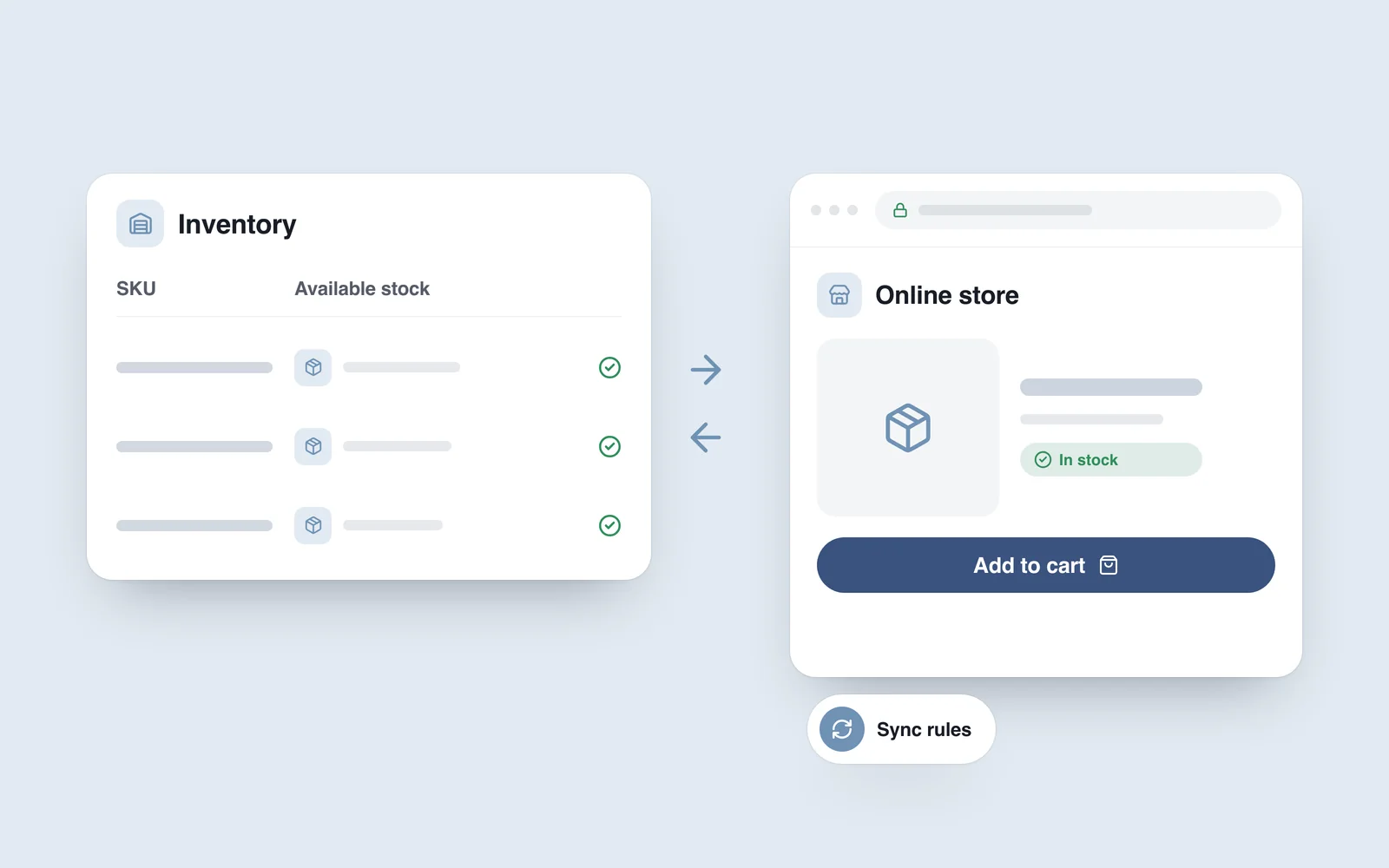
A common arrangement sends prices and available stock from the inventory system to the website, with website orders travelling in the other direction. It is an example rather than a universal model: ownership may differ in your business.
WooCommerce's product settings include stock management, while its official REST API supports reading and changing data programmatically. These provide a foundation for integration, not a promise that every ERP already has a ready-made connection.
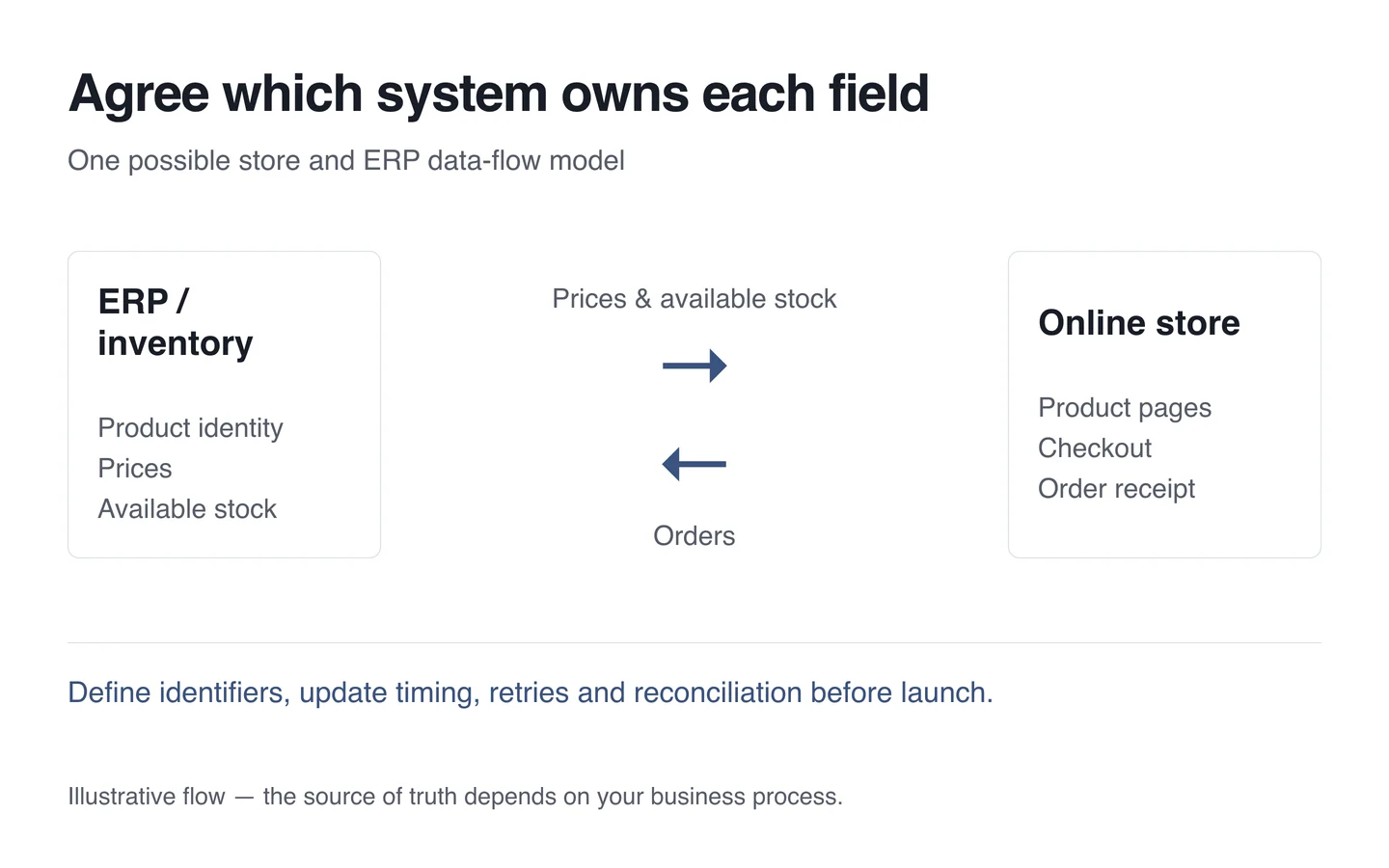
Letting both systems change the same field without a rule creates conflicts. If a price can be edited at both ends, decide which record wins. Write separate ownership rules for prices, quantities, descriptions and order status.
Distinguish physical stock from available stock
Not every item physically in a warehouse is available to sell. Some units may be reserved, damaged or allocated to another order. Agree exactly which quantity appears online and which events change it.
Order stages deserve particular attention: what happens while payment is pending, after cancellation, on a return or during partial fulfilment? Business and technical teams need to agree these rules together. Synchronisation does not automatically remove every delay or risk of simultaneous sales.
Design for interruptions as well as normal operation
If the connection fails temporarily, the responsible person should be able to see the failure and the last successful update. Accepted orders must remain stored, and a retry should not create a second order. Define how records will be reconciled after connectivity returns.
Match update frequency to the actual need and the systems' capabilities. “Real time” is vague without an agreed expectation. Specify acceptable delay, the escalation route and when manual intervention becomes necessary.
Start with a manageable pilot
- Select a small set of representative products, including variants.
- Map their identifiers and assign an owner to each field.
- Test sales, cancellations, returns and connection failures in a test environment.
- Reconcile records at both ends before expanding the scope.
- Agree monitoring, access controls and the team responsible.
Plan integration as a separate part of building an online store. Useful starting information includes your current system, product structure and how an order moves through the business today. Those details establish a basis for the connection, delivery stages and practical limitations.