Development3 min read
Choose a CMS by testing the work your editors actually do
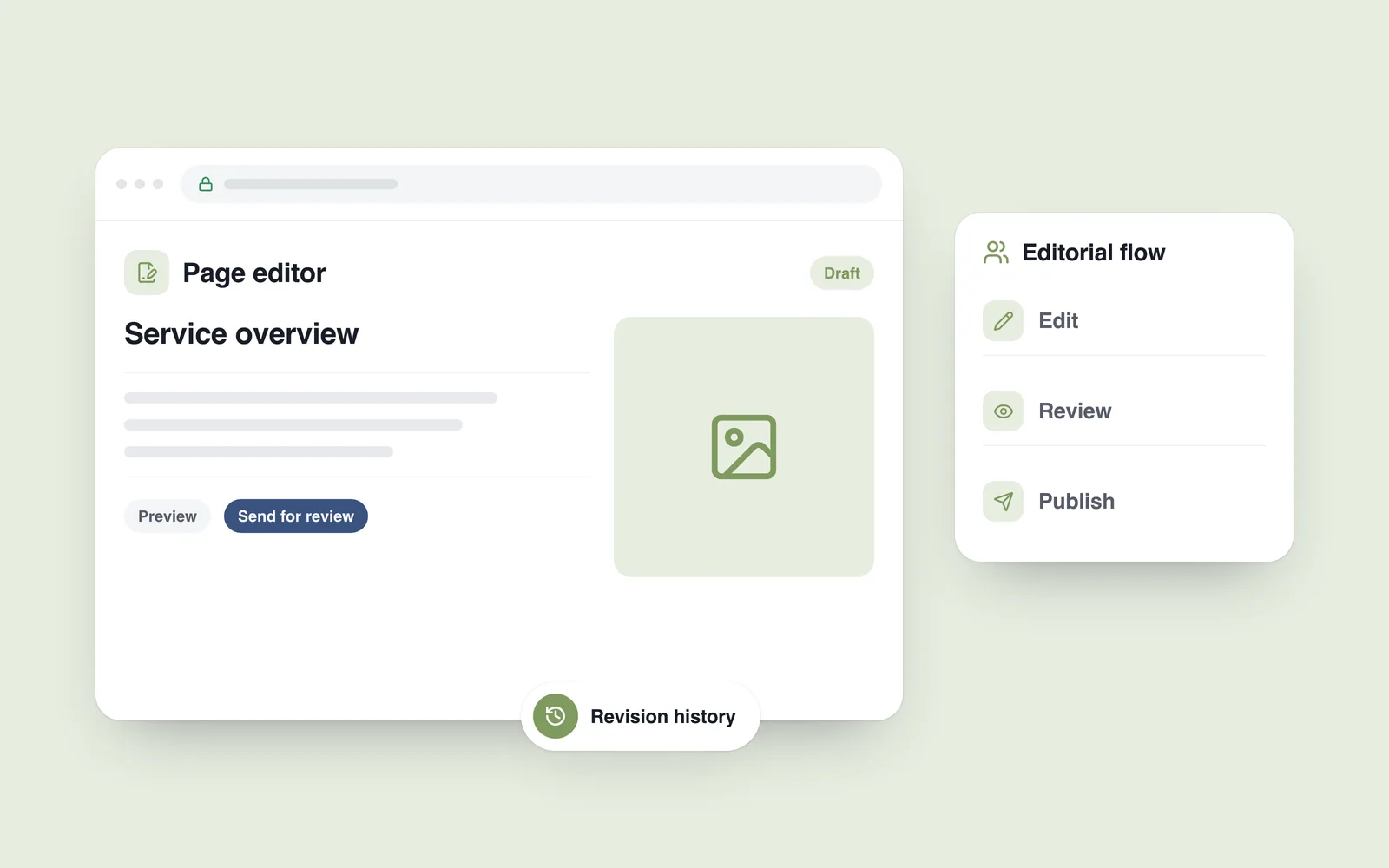
A service condition changes. The editor emails the developer, sends a replacement photo separately and later remembers the English page. A dashboard exists, yet a small correction still depends on several people. The missing piece is an editorial workflow.
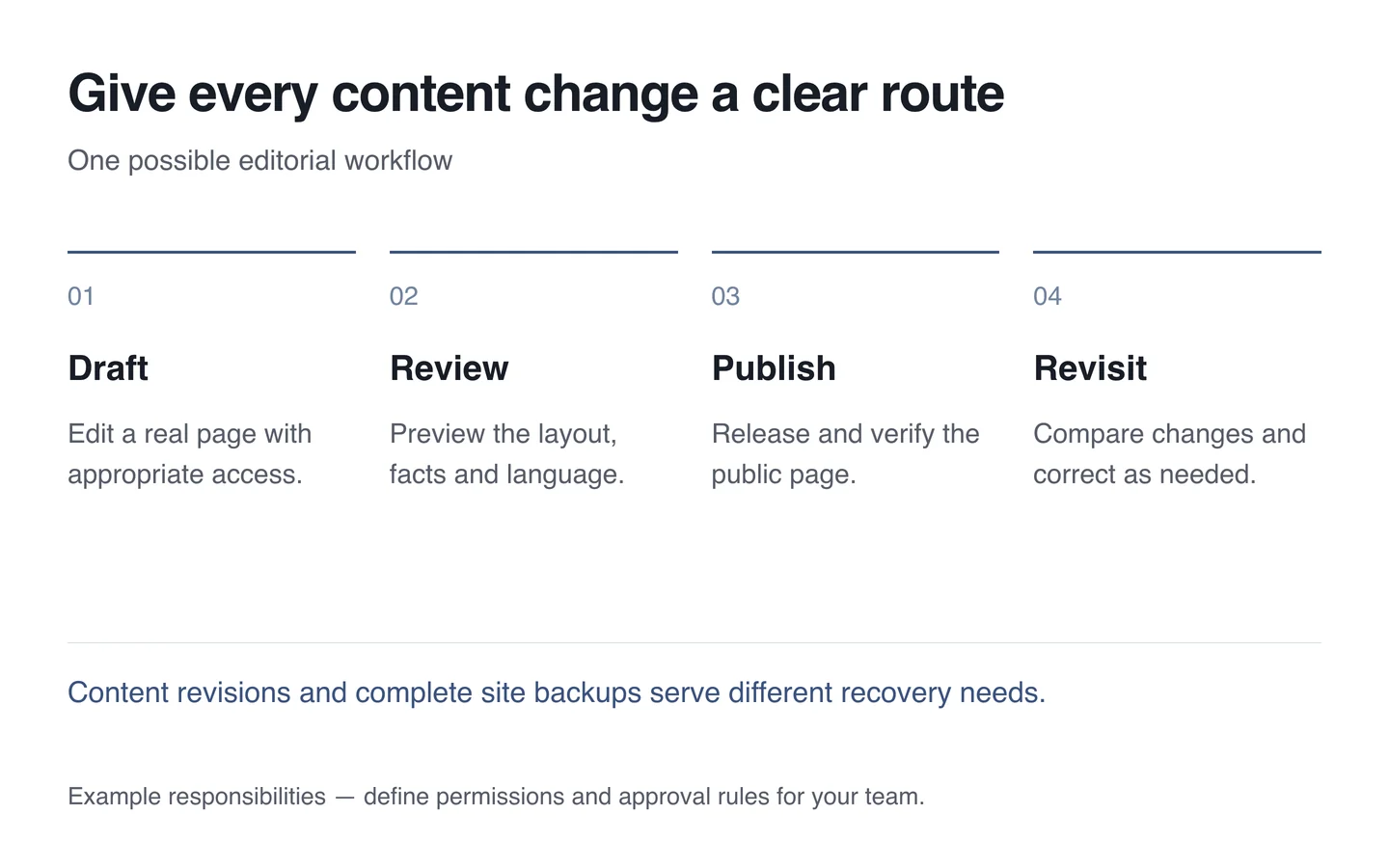
A CMS manages content. Choosing one starts with who changes what, how that change is checked and which actions each person may perform. A platform comparison is more useful once those questions have answers.
List the work your team repeats
Review a handful of recent changes: a new article, an updated price, a project entry or a revised service page. Identify the information required and the person responsible for collecting it. Then decide which changes the team should be able to make without developer help.
A useful dashboard exposes understandable fields: title, summary, image, alternative text and relevant links. Editors should not need to understand page code to update a paragraph. Unlimited layout freedom can also create accidental spacing, typography and structure changes. Give editors the flexibility their actual work requires.

Separate content work from system administration
Someone who publishes news does not necessarily need permission to install extensions, delete users or change site-wide settings. Use individual accounts and grant access according to the task.
The WordPress roles system, for example, distinguishes author, editor and administrator capabilities. Check how those roles operate in the actual project. A familiar role name alone does not prove the permissions are appropriate.
Review access when someone leaves or changes responsibility. Agree who can create drafts, publish new material and alter existing pages. Even a small team benefits from knowing which changes require a second person’s review.
Preview the page customers will receive
A heading that looks short in the editor may wrap across four lines on a phone. Preview should show the actual design with its images, links and correct language. If the content system and public interface are separate, implementing a working preview is part of the project.
Unfinished content should not be discoverable publicly. Control access to draft previews; a search-engine indexing restriction is not an access-control mechanism. After publishing, visit the public page to confirm that the intended change has appeared.
Distinguish revisions from whole-site recovery
WordPress revisions help compare and restore earlier content versions. That is useful for an accidental text edit, but recovering the complete website, media and system configuration requires a separate plan.
Ask what the chosen system retains, for how long and which fields a restoration changes. Restoring old content must not blindly overwrite current orders or other live records. Test recovery rather than accepting the existence of a history screen as proof.
Compare systems with one real editorial task
WordPress may suit a team that wants a familiar editor and site management in one environment. A headless approach separates the content system from the public interface. That separation does not automatically make the website faster or easier to maintain. Include preview, publication, search and support work in the assessment.
- Use a realistic editor account to update a typical page.
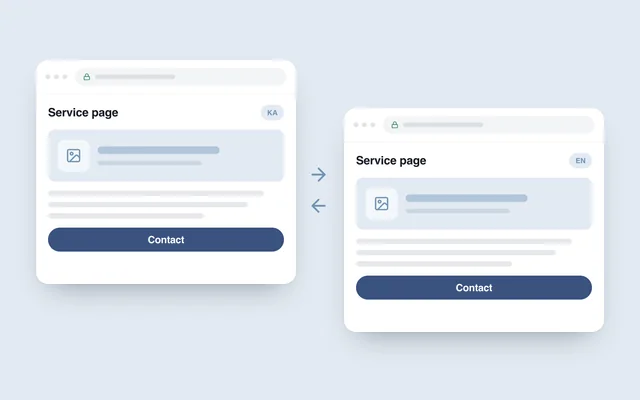
- Update both languages and check their correspondence.
- Try an image replacement, a long title and an incorrectly entered link.
- Test publication, restoring an earlier version and content export.
- Assign responsibility for maintenance and technical problems.
During website development, agreeing this example turns “easy to manage” into something the team can demonstrate. The choice follows the work rather than the platform name.