Tips3 min read
WordPress updates: a practical staging checklist
WordPress 6.5 arrived on 2 April 2024, followed by the 6.5.2 maintenance and security release on 9 April. Releases like these are a reminder that maintaining a website continues after launch.
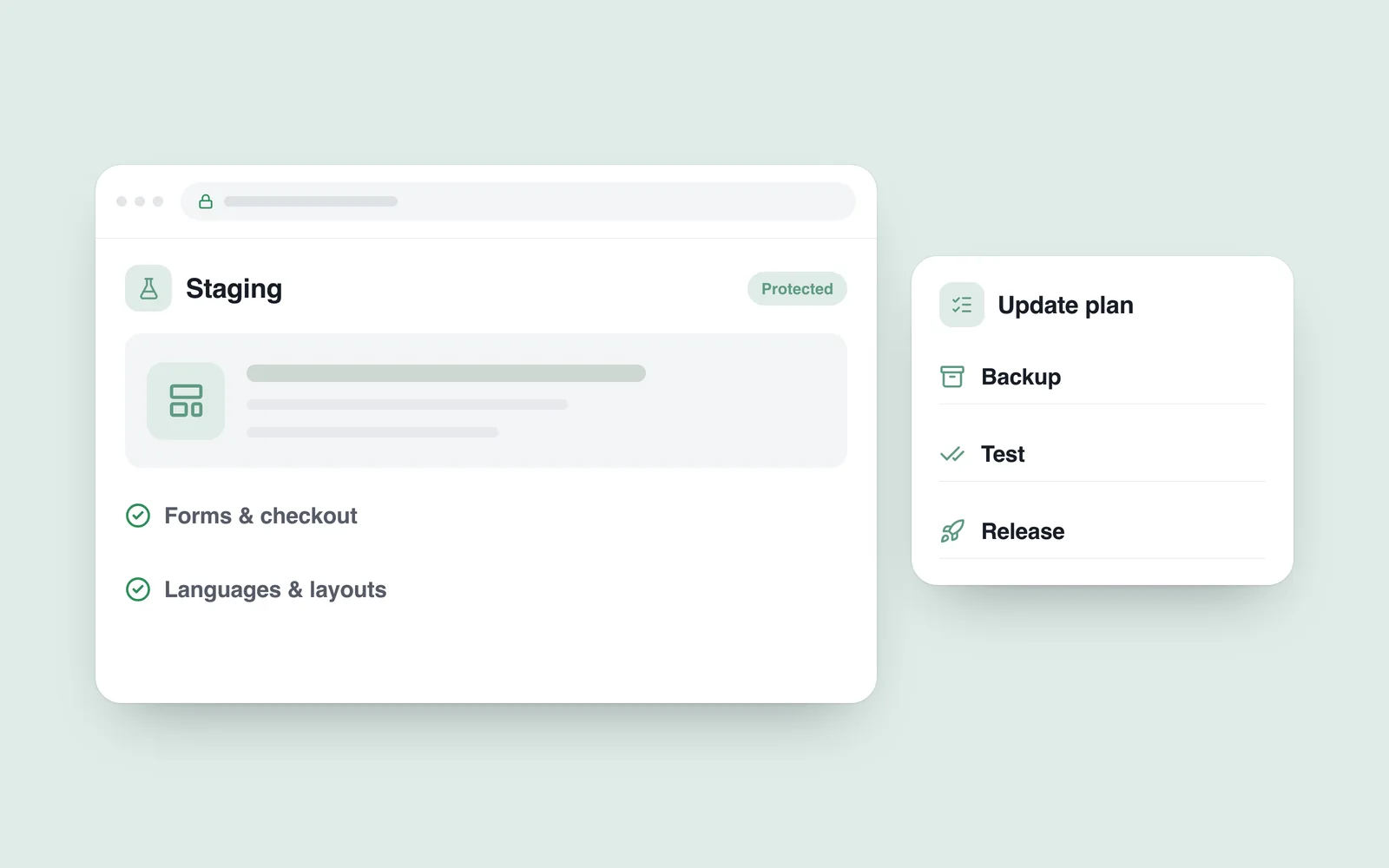
An update plan should explain what will change, how it will be checked and what happens if something fails. The 2024 releases provide context here; this is not advice to remain on an old version.
Know what the website depends on
Alongside WordPress core, a site may depend on a theme, plugins, custom code and external services. A store adds payments, delivery and inventory connections. Check an updated component in the context of those dependencies.
Record versions, important integrations and access arrangements. Identify customised components and the people responsible for them. A plugin name alone is not enough if project-specific modifications are involved.
The official WordPress upgrade guide includes preparing a backup. Pair that copy with an understood recovery process; an untested archive is not complete protection.

Make staging representative of real use
Staging is a test version separate from the live website. It allows an update to be tried without directly changing a customer's current experience. An outdated copy on a different server configuration cannot reveal every problem, however.
Compare the relevant environment, settings and custom code. Restrict access to the test site and keep it out of search indexes. Use copies of customer data only where necessary and properly protected.
Disable real payments, automatic emails and stock synchronisation, or place them in safe test modes. A technical rehearsal should not become an accidental customer email or a real order.
Check the tasks the business relies on
Opening the homepage is only the first check. Choose the functions whose failure would interrupt the business, and record their working baseline before making changes.
- Enquiries: receipt, error handling and storage in the agreed system.
- Commerce: products, variants, cart, delivery and test payments.
- Content: an editor can update a page and add media.
- Languages and screens: navigation, key pages and messages remain usable.
If a problem appears, identify which change is connected to it. Changing many unrelated components at once without a record makes that harder. Routine updates and urgent security fixes also need different timing; match the response to the actual risk.
Treat production release as a separate step
Before release, prepare a fresh backup and a rollback route. Agree the timing, the person responsible and the verification checklist. Where necessary, tell customers about a temporary maintenance period.
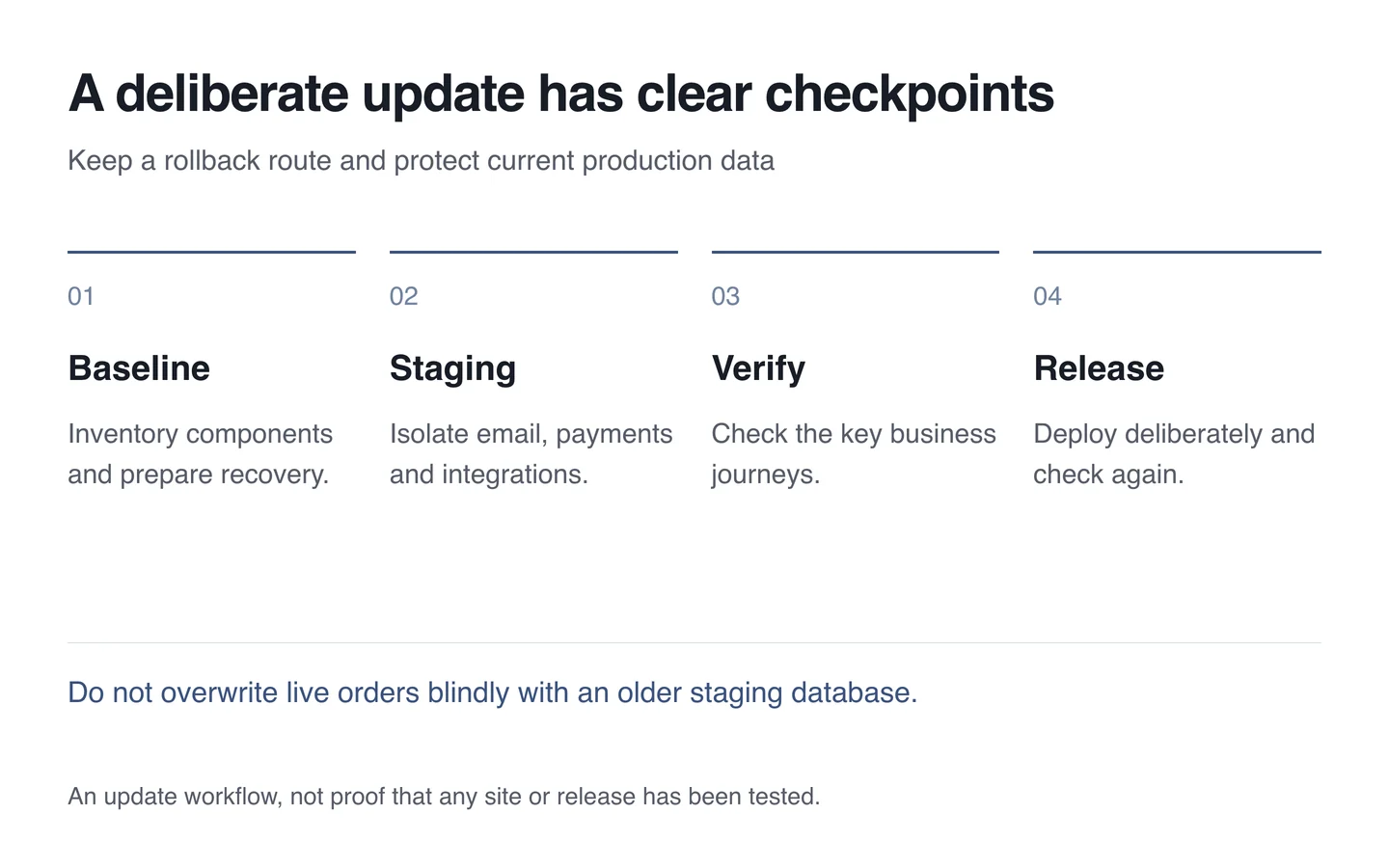
Blindly replacing a live store database with its staging copy can lose orders accepted during testing. Decide whether the release moves code, selected settings or another agreed part. Reconciling data needs its own plan.
Verify after updating
Repeat the important journeys safely on production. Review error logs and reports from the team. After the appropriate cache refresh, check that old files or page versions are not mixed into the release.
Record what changed, when it changed, who checked it and any remaining issue. The next maintenance task can then start from evidence rather than guesswork.
A manageable plan for a small site
- Inventory the components and prepare a recoverable copy.
- Try the change in a protected staging environment.
- Run a short, repeatable functional checklist.
- Release deliberately and verify the live site.
- Save the outcome and the escalation route.
A technical support agreement should establish responsibility for this process, beyond clicking an update button. The purpose is to maintain the site while keeping its important functions working.