BusinessUpdated 2 min read
GA4 reports: measure useful website outcomes
Visits rise, yet the sales team receives no additional enquiries. Another month brings fewer visitors but more requests for a quotation. Session totals alone cannot identify the better business outcome.
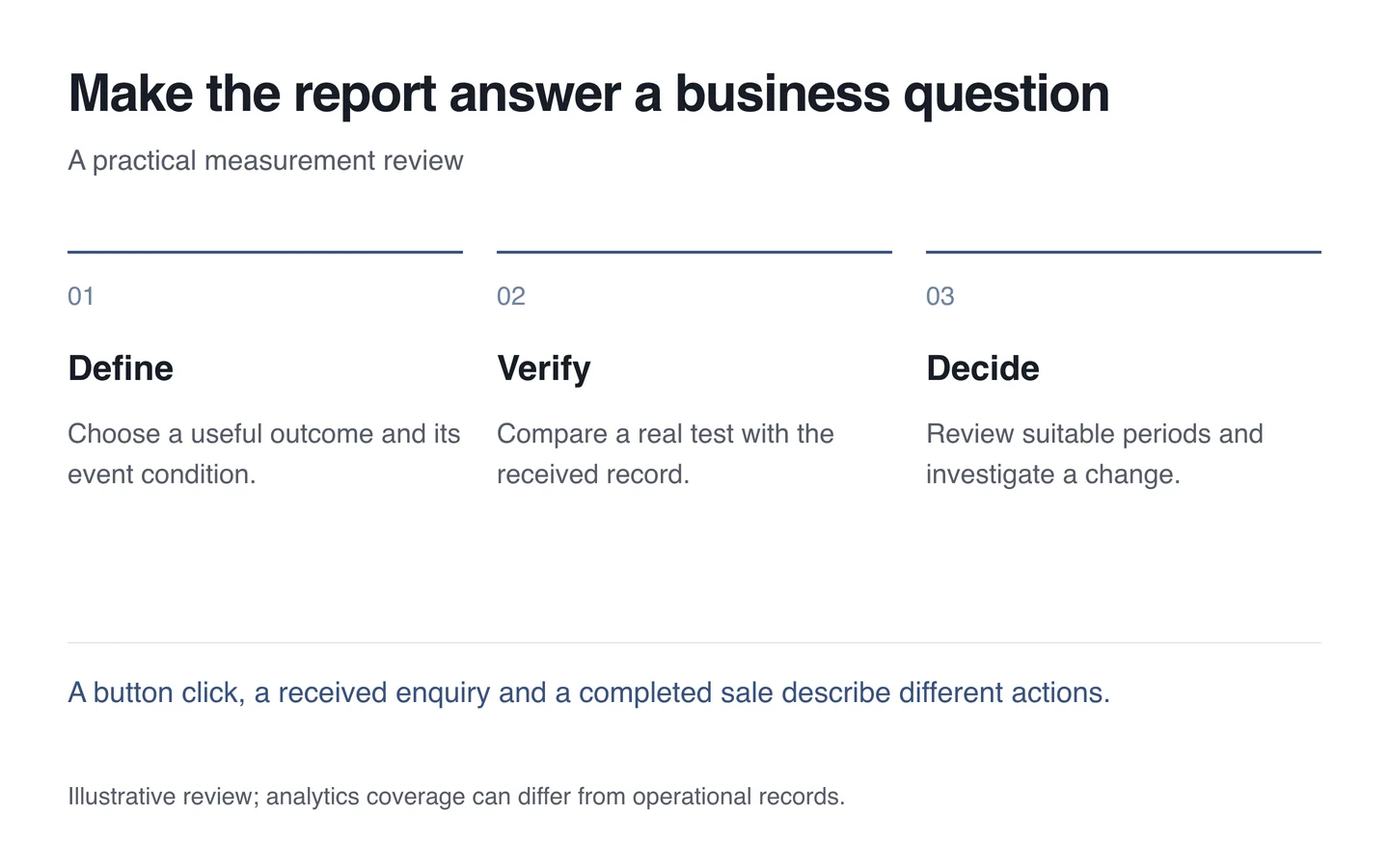
Begin a GA4 review with the purpose of the website. A shop may need completed orders; a service company may need received enquiries. Page views and contact-button clicks can help explain the journey, but they are not automatically completed outcomes.
Define what an event actually means
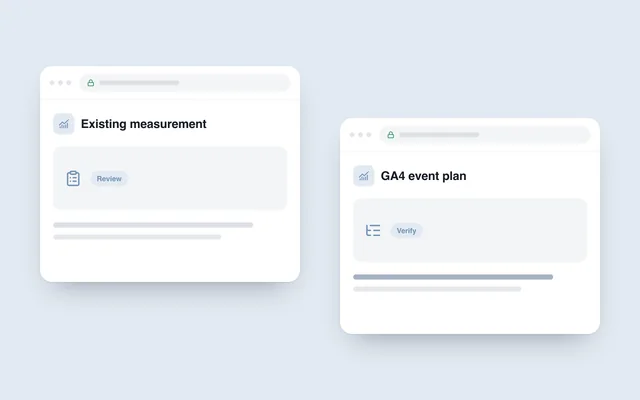
The analytics introduced by Google in 2020 describes interactions through events. Useful reporting still depends on planning and verification. An event name does not establish that the intended action occurred.
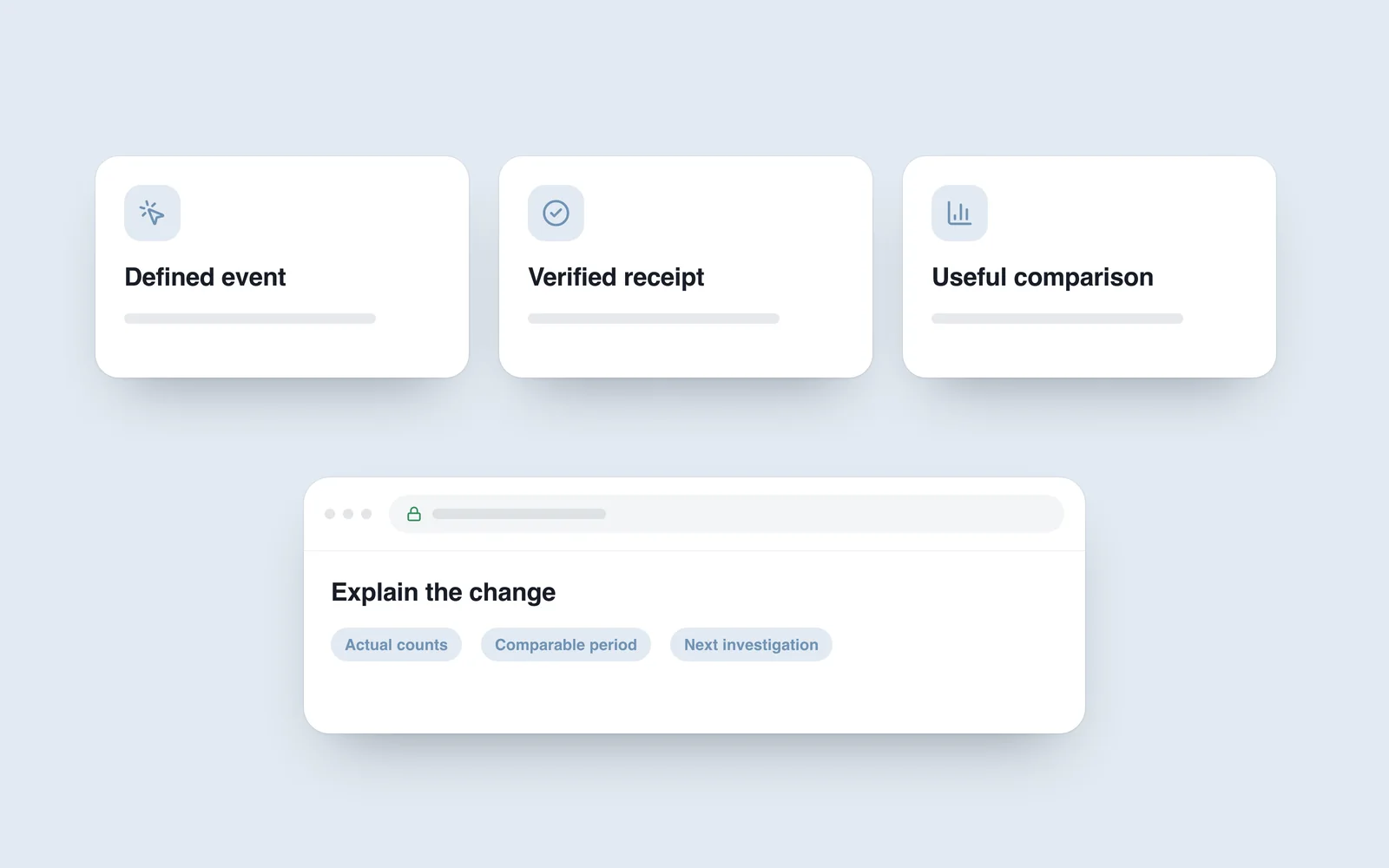
For example, record a successful enquiry after the server accepts the submission, rather than every time someone presses the button. Document the trigger, its page and the conditions that must not count.

Trace one complete test
Submit a test enquiry and compare the received email or stored record with the analytics event. Check repeated clicks, validation errors and refreshes. Two events for one submission can exaggerate apparent success without adding another customer.
Compare purchase totals with the shop’s records too. Differences can reflect consent choices, blocking and measurement coverage as well as implementation errors. Do not use analytics as the sole financial ledger.
Compare suitable periods
Consider working days, seasonality, campaigns and website changes when choosing a comparison. With few enquiries, one additional request can produce a large percentage change. Showing actual counts often explains that situation better.
- Connect the business question to a clearly defined outcome.
- Record precisely when its event is sent.
- Compare acquisition sources, landing pages and meaningful actions separately.
- Distinguish test activity from customer activity where possible.
- Choose the next change to investigate one specific explanation.
A useful website performance review ends with a decision. Note what changed, what might explain it and what evidence would support the next step. Keep a plausible explanation separate from an established fact.