DevelopmentUpdated 2 min read
WordPress 5.8: working with block-based widgets
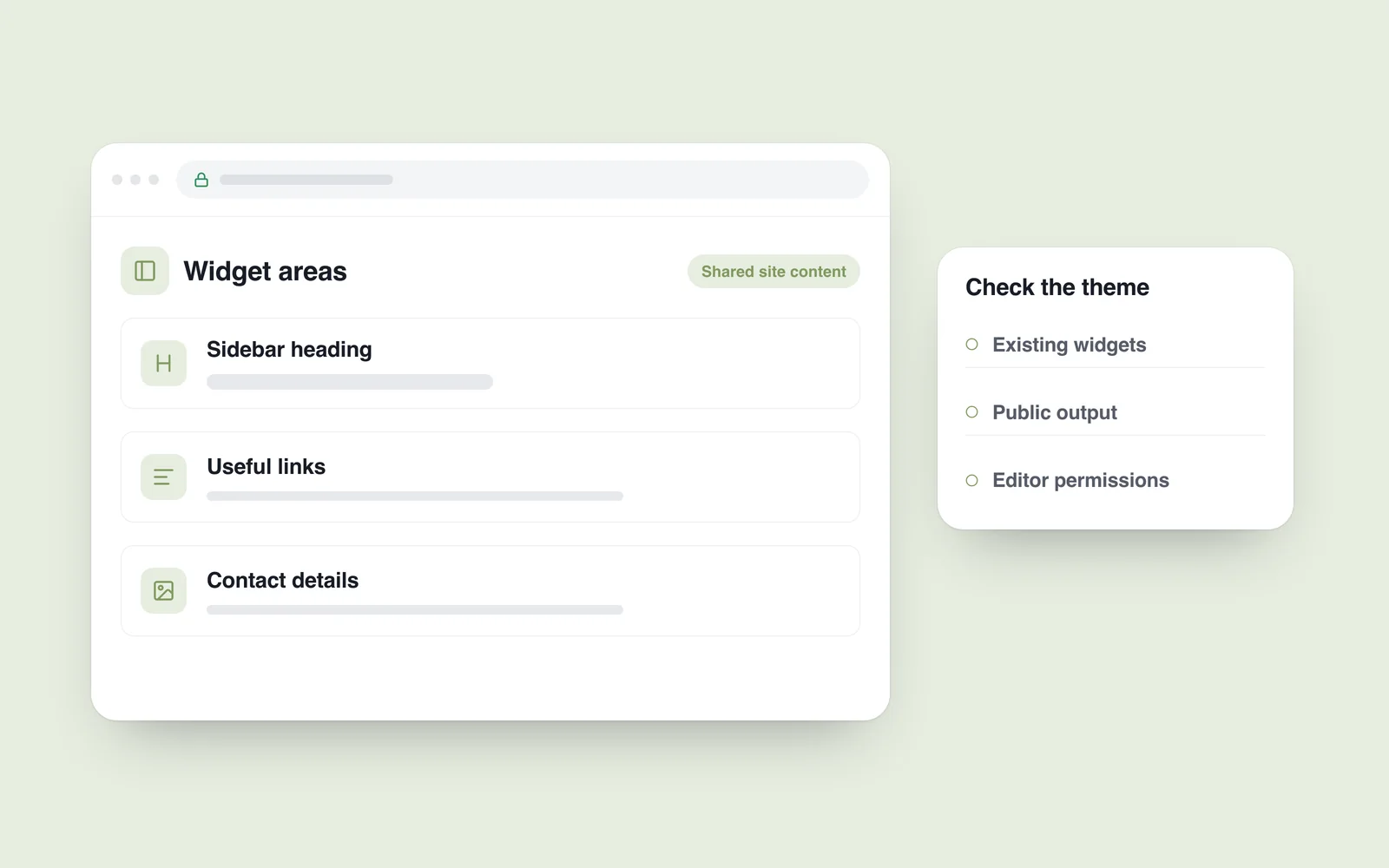
A sidebar contains search, categories and contact information. Staff change those in one interface while editing articles with blocks elsewhere. WordPress 5.8 brought the block approach into widget areas, connecting more of that editing experience.
The official release of 20 July 2021 describes block-based widget management in the editor and Customizer. It did not automatically make every existing widget area correct. Themes, extensions and saved content still affect the outcome.
Inventory the existing areas
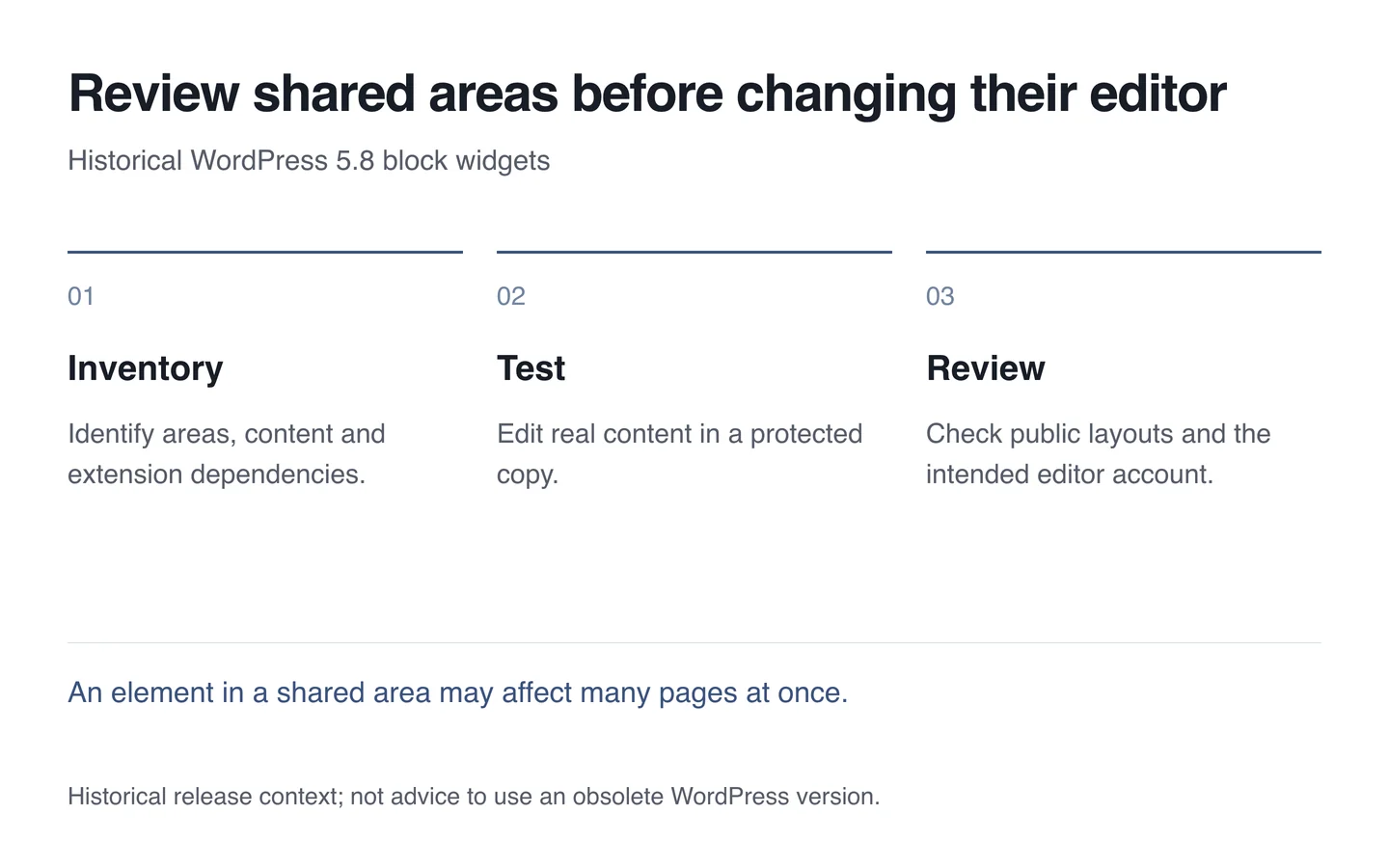
Identify sidebars, footer areas and other widget locations. Record their elements and purpose. A text element and an extension-specific widget may have different dependencies.
Pay attention to repeated information. A shared contact area may appear on many pages. Editors should know whether they are changing one page or a site-wide element.

Test with actual content
Use a protected test copy for ordinary changes: edit copy, add a link and move an element. Inspect both the editor and public output. Compare headings and spacing against the theme’s final styles.
Allow space for Georgian content. Include long category names, phone numbers and narrow sidebars in the test. A correct desktop arrangement does not guarantee a correct phone layout.
Give staff a usable working rule
Match editor permissions to their tasks. Someone publishing news may not need to change every shared area. Offer a short practical example and an agreed set of elements.
- Record active areas and existing elements.
- Prepare a copy and a recovery route.
- Test the theme and necessary extension blocks.
- Check phone and desktop output.
- Repeat the work through the responsible editor’s account.
This is a historical feature review, not a recommendation to run obsolete WordPress 5.8 today. WordPress maintenance should include supported updates, compatibility checks and the team’s everyday editing work.