Development3 min read
Website migration: plan URLs, data and the launch
The new website looks finished, but an old product link now returns a 404. The enquiry form opens, yet its emails no longer arrive. Problems like these arise when migration is treated as little more than uploading files to another host.
A migration plan needs to cover URLs, data, integrations and a rollback route. Changing a domain, platform and hosting provider are different tasks. Establish what is actually changing in your project.
Separate infrastructure changes from URL changes
Google's explanation of site moves distinguishes moves that preserve URLs from those that change them. Moving hosting while keeping addresses needs a different plan from a new domain or product-URL structure.
Several changes may need to happen together, but record their effects separately. If design, copy, platform and every address change at once, diagnosing a later problem becomes harder.
Inventory the pages that matter
Gather existing addresses from the sitemap, content system and other available sources. Identify pages receiving visitors from search, partner links or older campaigns.
Go beyond the homepage and navigation. Products, articles, categories, downloads and language versions may all belong in the list. Decide whether each stays unchanged, moves to an equivalent address or is genuinely removed.

Map an old link to its relevant replacement
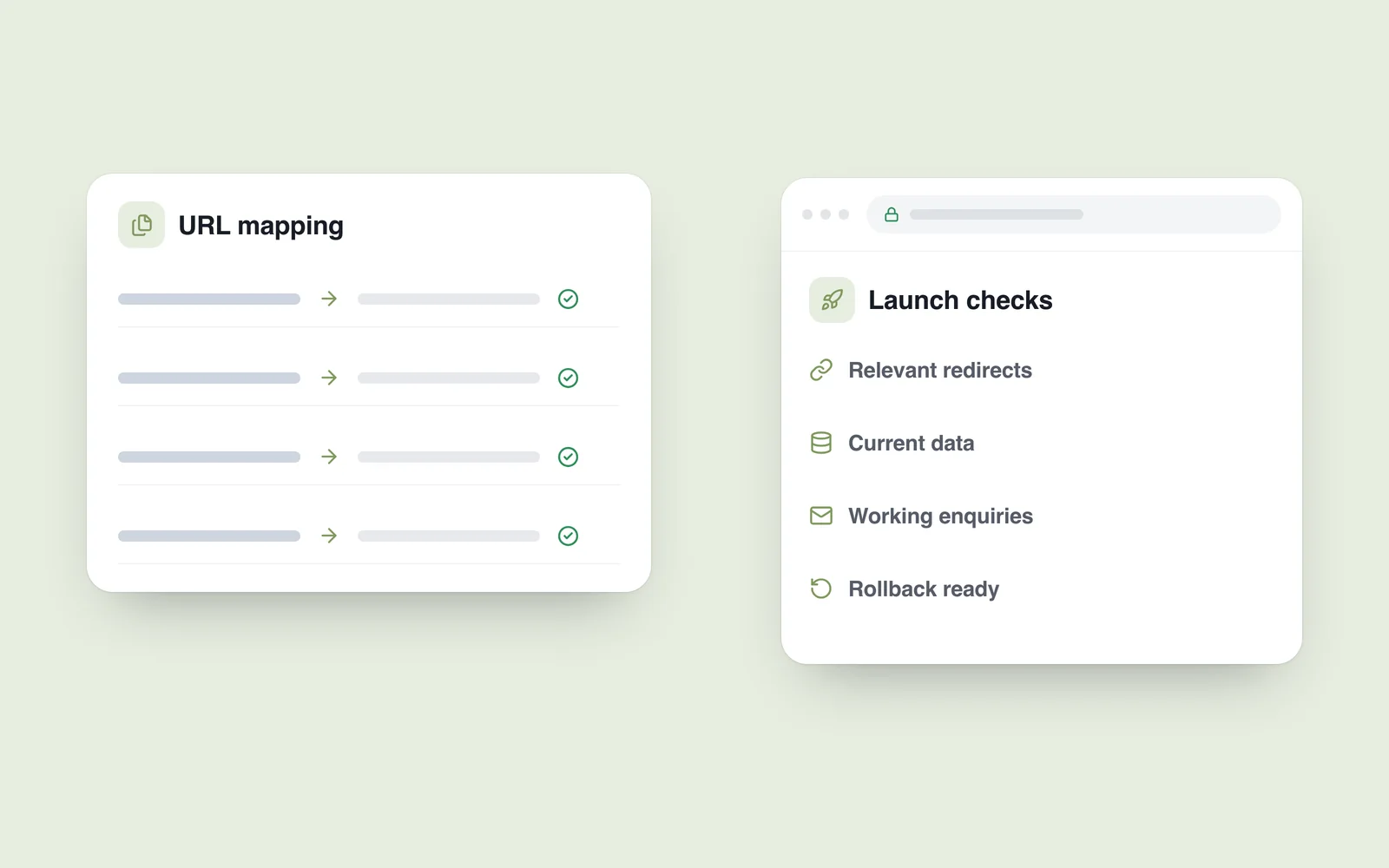
Google's migration guidance describes planning old-to-new URL mappings and permanent server-side redirects. An old product address should reach its equivalent new product where one exists.
Redirecting every removed address to the homepage does not solve the problem: visitors still cannot find what they requested. If no relevant replacement exists, a proper 404 or 410 may be more appropriate than sending people to unrelated content.
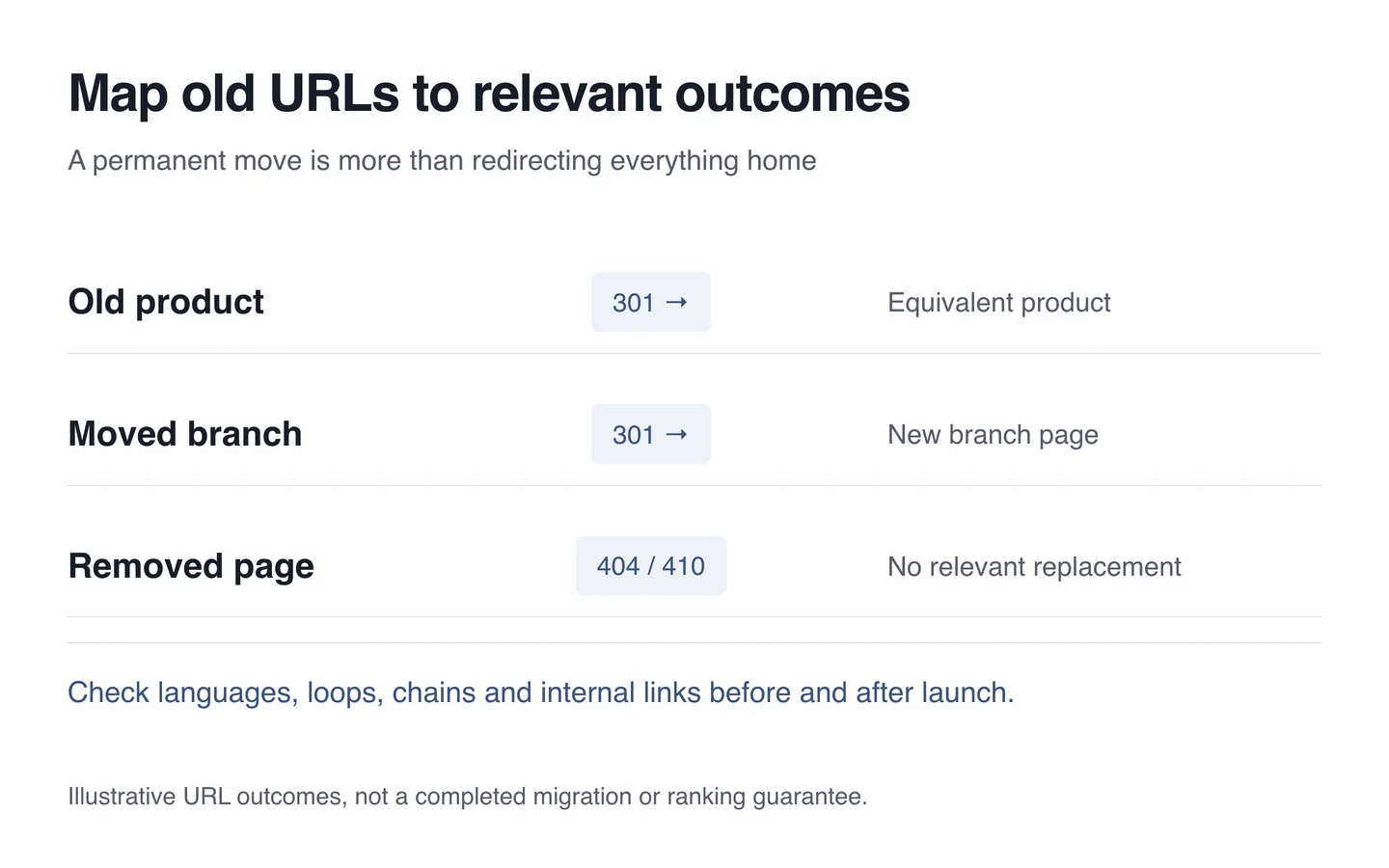
Check redirect chains, loops and languages. An old Georgian page should lead to the corresponding Georgian destination. Update internal links to use new addresses directly where those have changed.
Protect data and business operations
Prepare a recoverable copy and decide how the latest changes will reach the new environment. For a store, orders, payment states and stock changes accepted during testing need particular attention.
Protect the test version and control real email, payments and external synchronisation safely. At launch, check that an accidental staging restriction is not preventing live pages from being indexed.
Review email separately during domain or DNS changes. A working homepage does not establish that mail records, form delivery and every external service remain correct.
Rehearse the release
Agree timing, responsibilities and rollback conditions. Record when changes are frozen and who decides what happens if an important function fails.
Test pages, forms, search, login, languages and the agreed store test journeys. Check HTTPS, canonical URLs and the sitemap. These are not tasks that can be completed by inspecting the first screen.
Verify after switching environments
Recheck important old links and new pages after release. Watch error logs and the data available in Search Console. Submit an updated sitemap where appropriate.
Search systems need time to reprocess a move, and temporary changes may occur. Nobody can responsibly promise zero fluctuation. Keep a baseline and distinguish technical failures from the ordinary processing of the change.
A short migration checklist
- Scope and an inventory of important existing URLs.
- Relevant old-to-new mappings and correct response codes.
- Safe handling of data, email and integrations.
- A rehearsal, a release owner and a rollback route.
- Monitoring of live pages, errors and search data.
Treat migration as its own stage in a website upgrade. A strong design is most useful when visitors arriving through old links can still reach the right page and complete their task.