TechnologyUpdated 2 min read
Video calls in the browser: what WebRTC makes possible
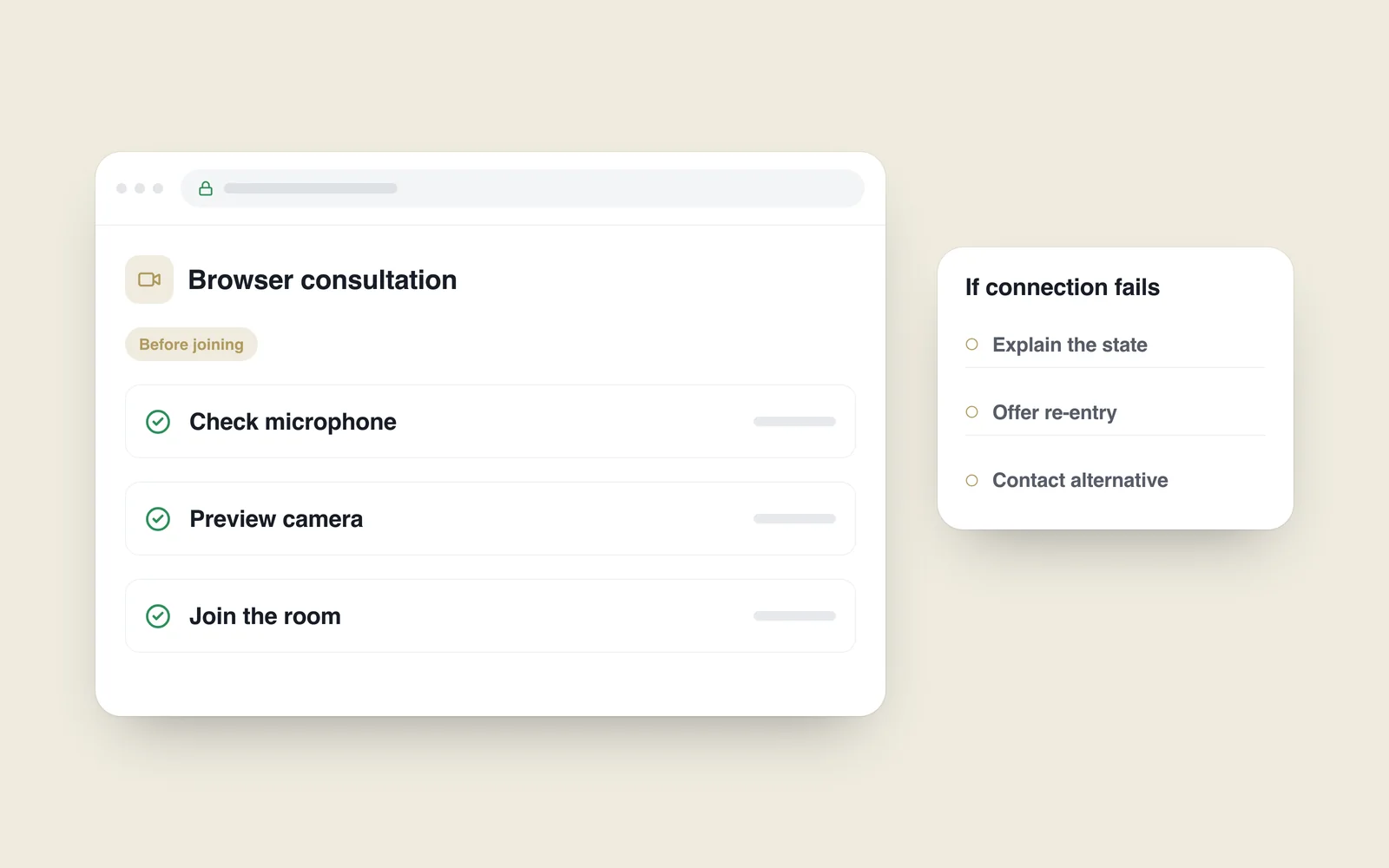
A client opens a link and joins a consultation in the browser. Avoiding a separate installation helps, but opening a call does not establish that both people can hear each other. Devices, permissions, network conditions and interface state form one experience.
WebRTC was an important option when planning remote work in 2020. A 2019 W3C announcement describes real-time audio, video and data communication between browsers and suitable peers. The specification was still a Candidate Recommendation at that point.
Check devices before entry
Explain why the site requests a camera and microphone. Connect permission requests to a deliberate action. If access is denied, explain what is unavailable and how to continue. Lacking a camera need not automatically remove every alternative.
The device-capture API requires a secure context and user permission. Beyond HTTPS, check operating-system settings, another application occupying a device and selection of the wrong microphone.

A browser capability is not the entire service
Connection setup, access control and network infrastructure need their own design. Direct communication does not succeed on every network. Relayed traffic can require additional resources and cost.
Define who may enter a room and when it closes. An easily guessed room address is insufficient protection for a private consultation. If recording is needed, agree its purpose, notice, access and retention separately. Do not assume recording should be enabled by default.
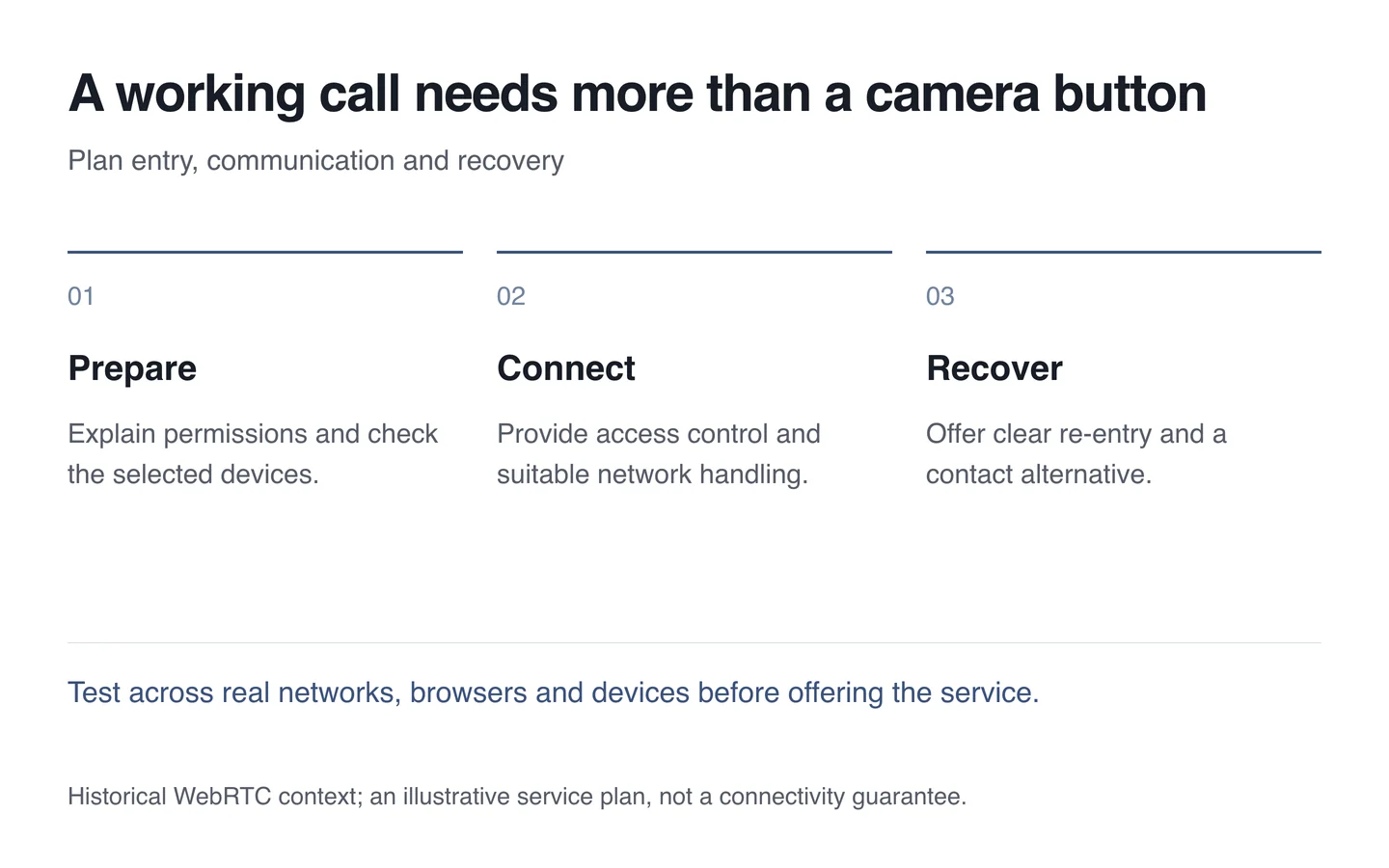
Leave a route through interruptions
- Test refusing camera and microphone permission.
- Check switching headphones and disabling video.
- Connect across different networks and devices.
- Test interruption, rejoining and ending the room.
- Provide an alternative contact route in advance.
Match the technology to the actual task when building a web service. The useful result is a conversation whose participants understand the current state and can continue when the connection is interrupted.