TechnologyUpdated 2 min read
WebP reaches Safari: image formats and a fallback plan
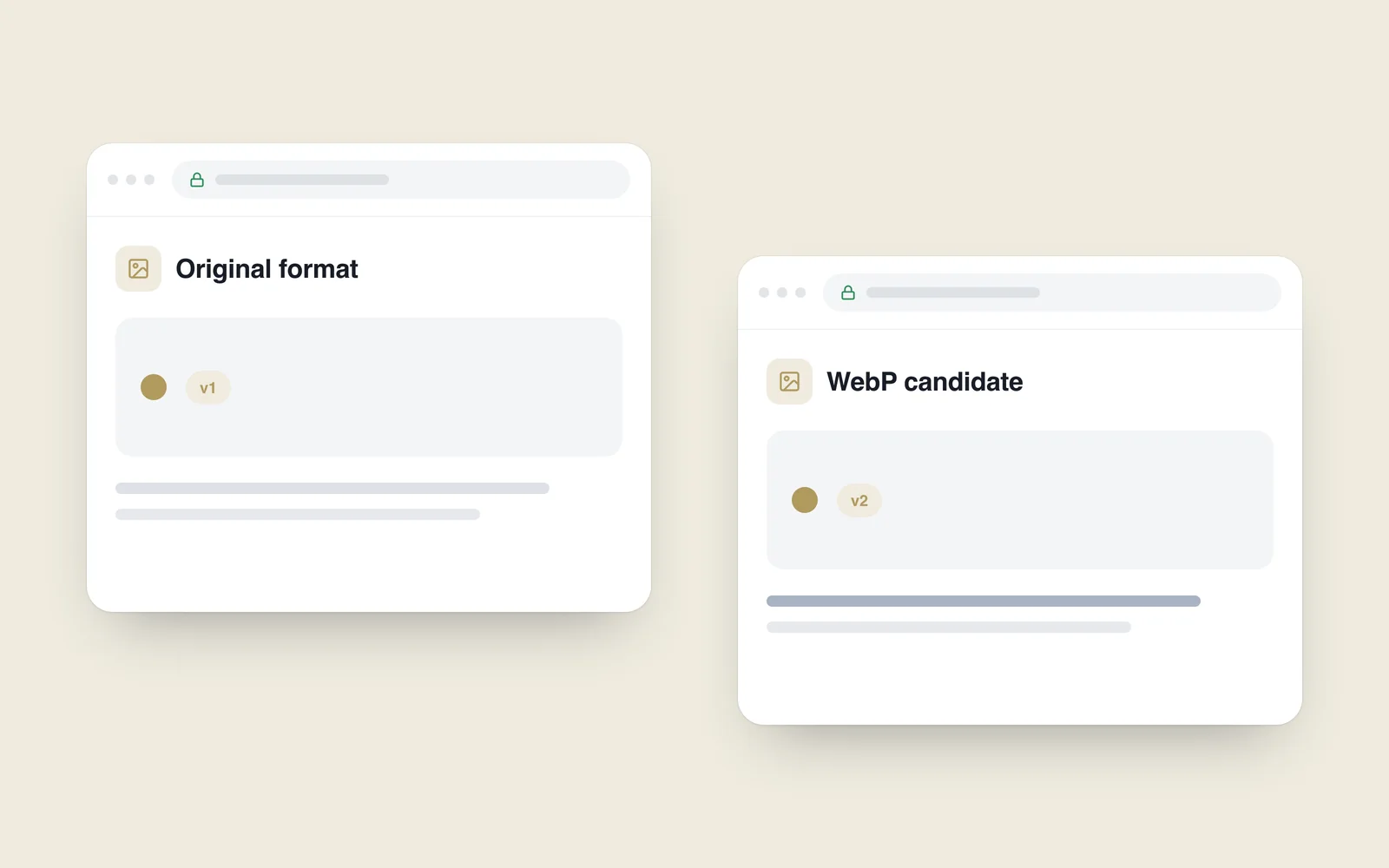
A catalogue looks attractive but opens slowly on a mobile connection. A different image format may help, but changing the extension cannot replace optimisation. File size, dimensions and loading behaviour work together.
The Safari 14 release notes include WebP support. That was an important development in 2020, including for iOS 14 users. It did not make support identical across every device and operating-system combination.
Compare the same photographs first
Select representative pictures: a product on a pale background, a detailed scene and a transparent asset if relevant. Prepare the required formats at matching dimensions and inspect the final files. One favourable example cannot represent an entire catalogue.
Do not assume a fixed percentage saving. Results depend on the image and encoding choices. Check product details, fine edges and backgrounds for damage. The same numeric quality setting in different formats does not imply equivalent visual quality.

Keep suitable dimensions and a fallback
An oversized download remains wasteful after conversion. Prepare sizes appropriate to the display. Let the browser choose a suitable variant and declare dimensions so content does not jump during loading.
Visitors without support need a usable fallback. Apple’s WWDC 2020 web presentation discusses WebP delivery using the picture element with another format. Verify the selection on actual devices rather than relying on opening a local file.
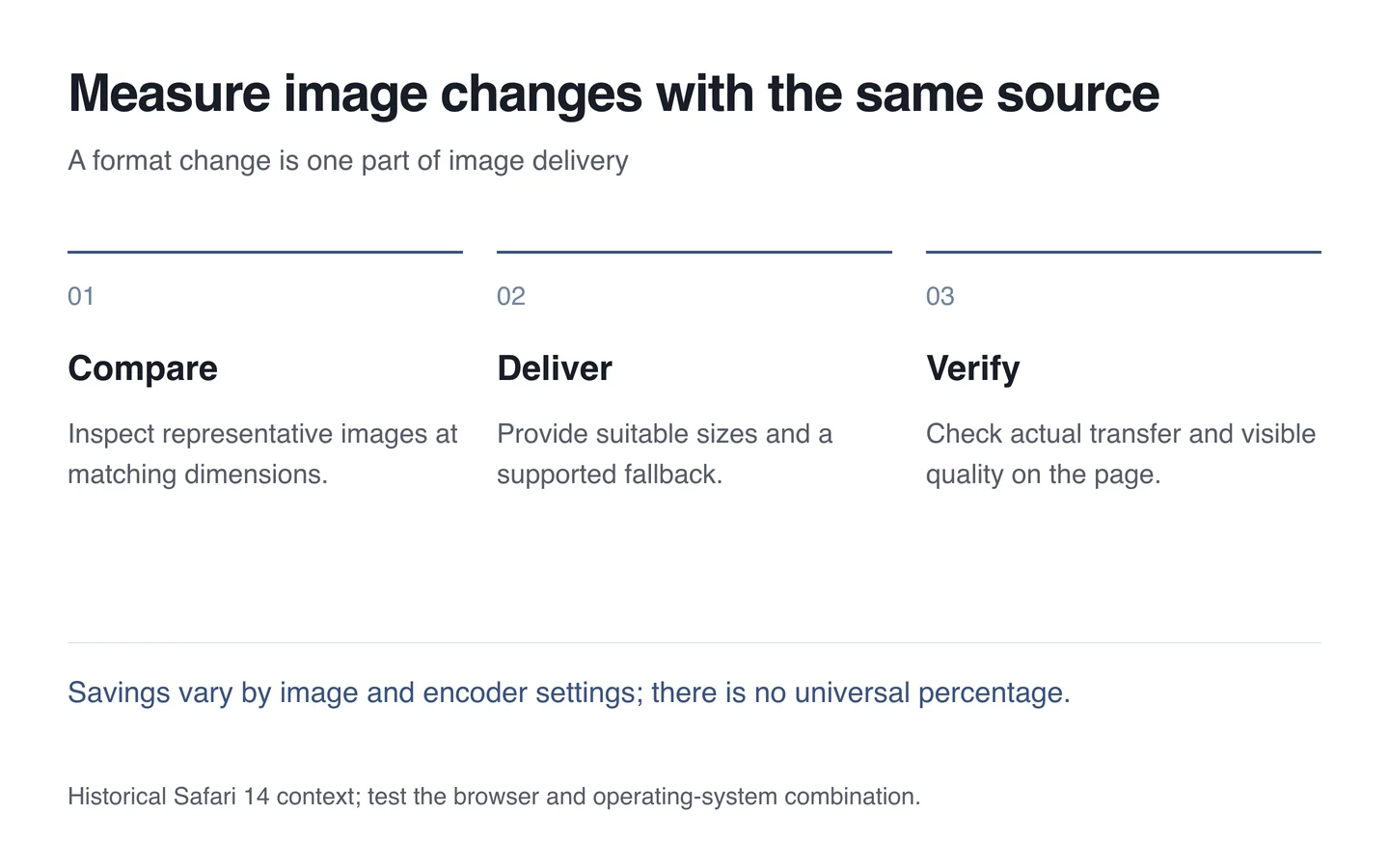
Check the result within a page
- Record image and page transfer sizes before the change.
- Compare the same photographs at the new settings.
- Verify both supported and fallback delivery.
- Test the main image and catalogue cards farther down.
- Check caching, content type and changed-file versioning.
Choose formats through measurement during website maintenance. A useful result is less unnecessary data with a clear image. A modern format name alone does not demonstrate that result.