OtherUpdated 2 min read
QR menus and catalogues: design what happens after the scan
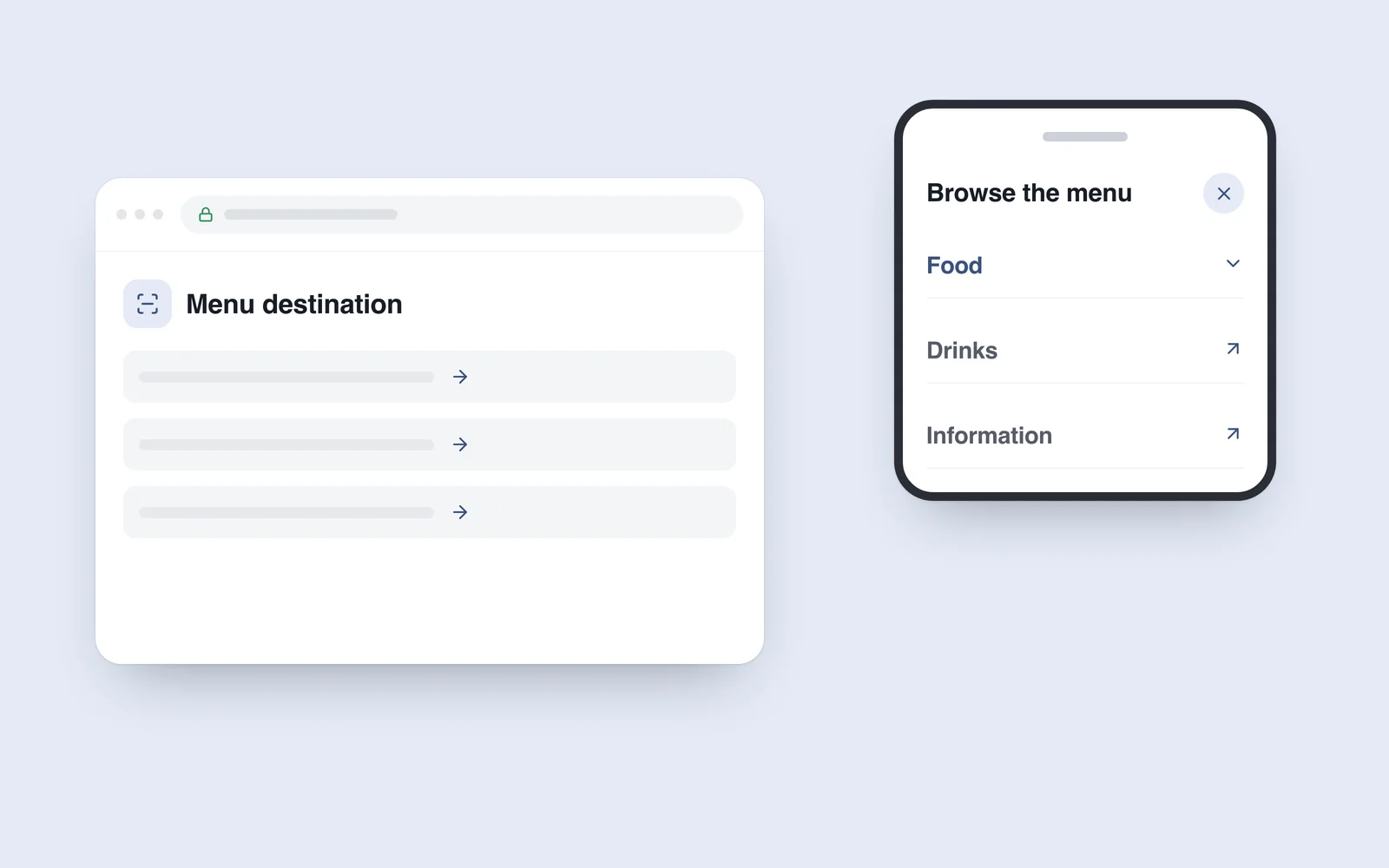
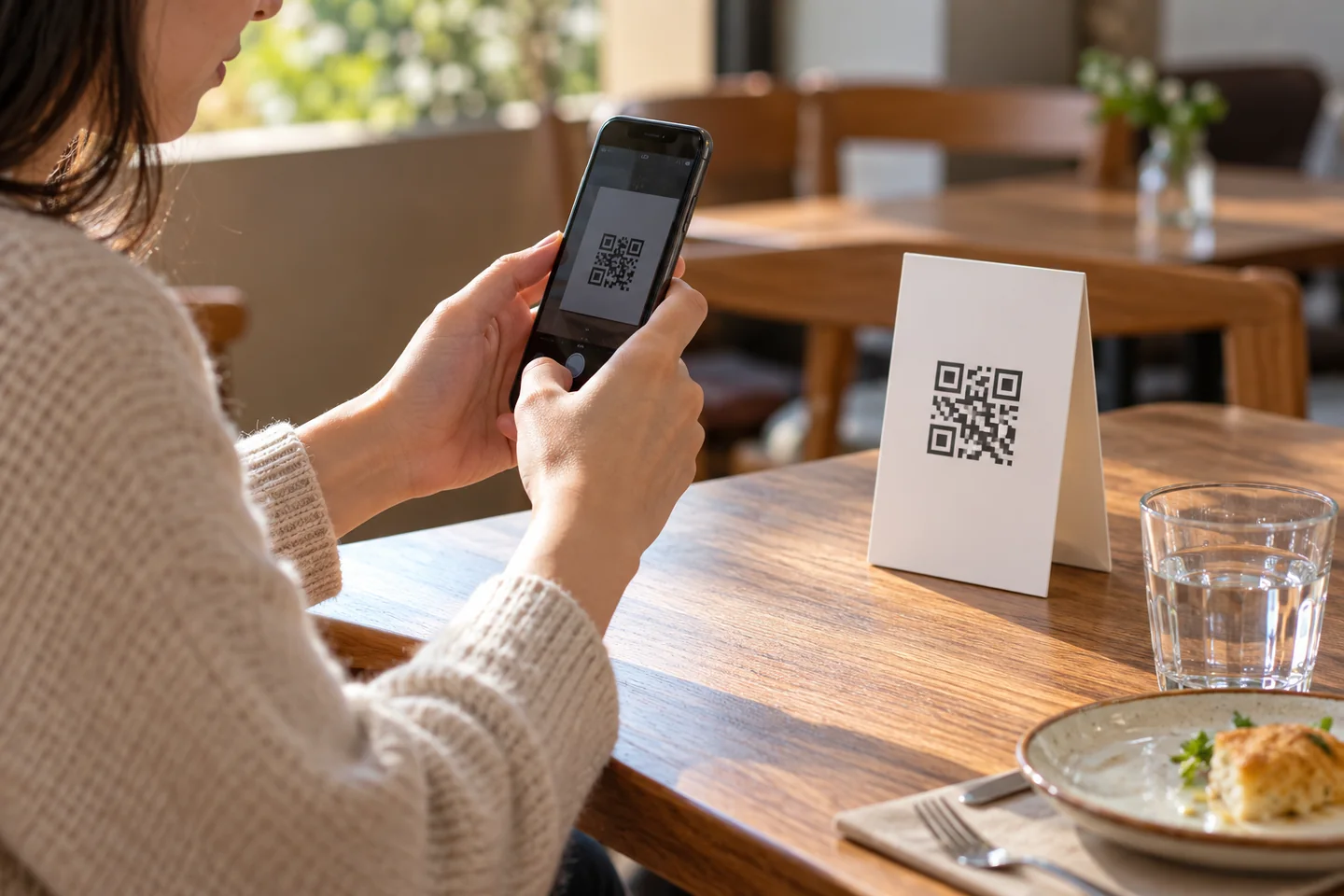
A customer scans the card on a table and opens a large PDF. The text is tiny, each section needs zooming and the price requires sideways movement. Scanning succeeded; using the menu remains awkward.
Interest in QR menus during 2020 made the task broader than drawing a symbol. The code is a route to an address. The destination deserves the same care as another important website page.
Prepare a page that reads well on a phone
Structure categories, names, descriptions and prices as page content. A photographed menu makes text selection and resizing harder. Offer a PDF as an additional download when needed, while keeping the main information convenient to read.
Avoid making the first visit heavy with large pictures. Guests often need a particular item or price quickly. Make language selection, necessary explanations and a route to staff easy to find. Do not distinguish important information by colour alone.
Separate the address from its content
The DENSO WAVE FAQ explains that a code can contain a web address. Pointing to your stable page lets the content change without reprinting the card each time. An external redirect service introduces another dependency.
Check who controls the destination domain and maintains the material. A free generator does not guarantee that its intermediary link will remain available indefinitely on the same terms. The content owner needs a route to maintain the menu.
Test the printed result at an actual table
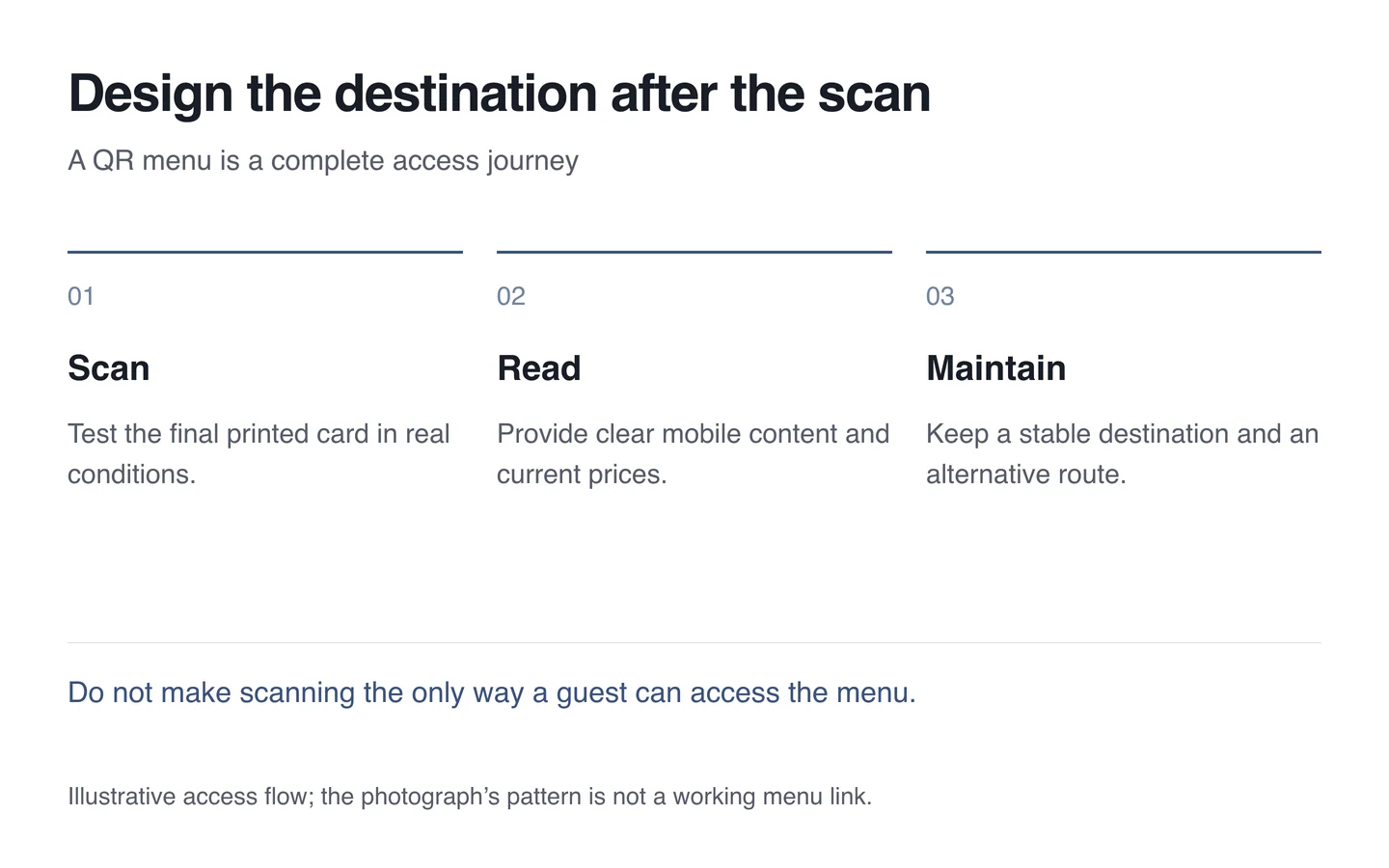
Contrast, clear surrounding space, size and reflections affect scanning. Do not cover important parts with decoration. Reading a mockup on a screen is not a substitute for testing the final printed card.
- Print at the intended size and scan with different phones.
- Check the actual lighting and normal viewing distance.
- Open the page on a slow connection without signing in.
- Update a price and check the same code again.
- Offer a short address or a conventional menu as an alternative.
When building a digital menu, a successful scan is only the entry point. The guest needs to understand the choices and continue receiving service.